
gyha
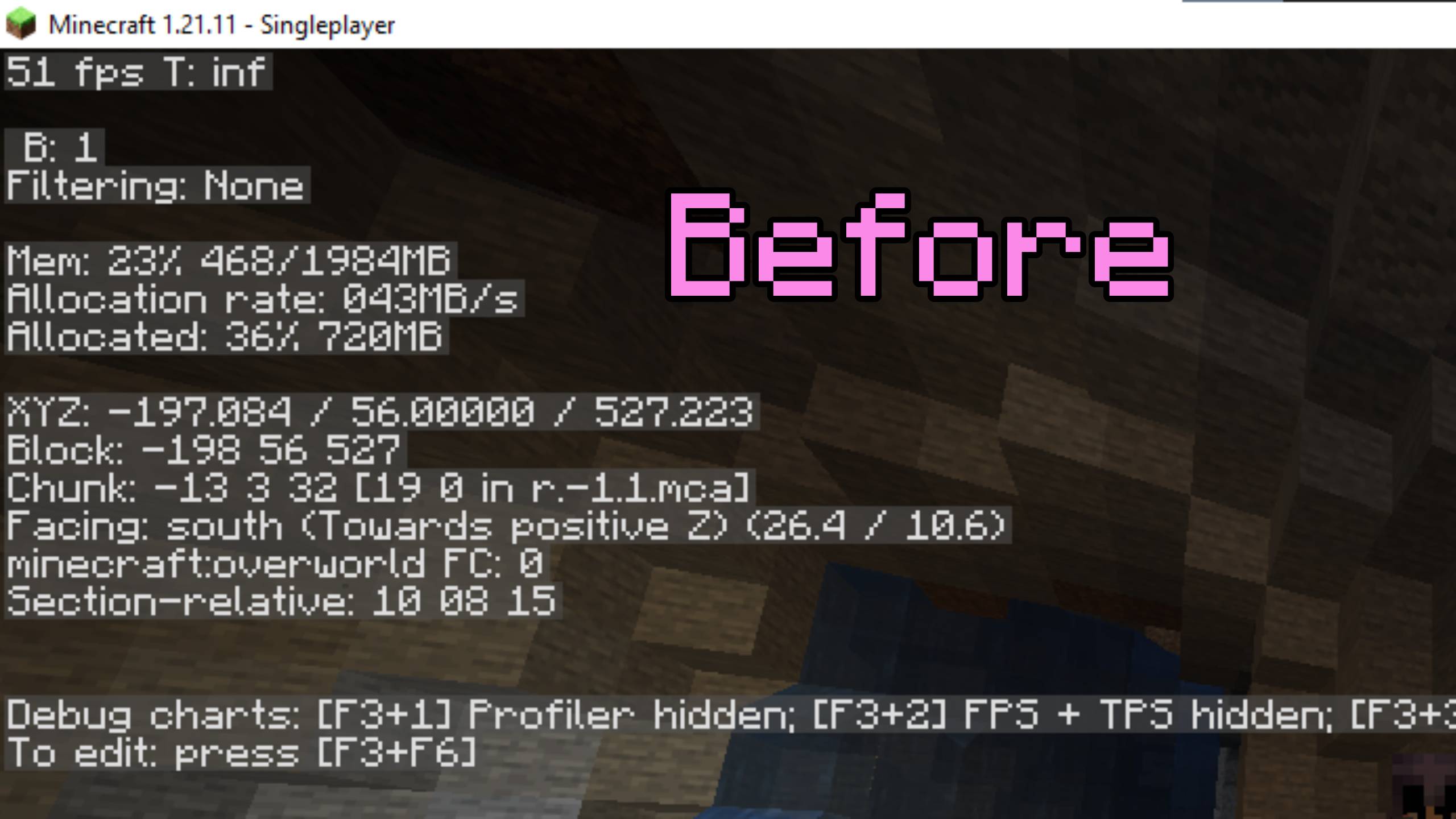
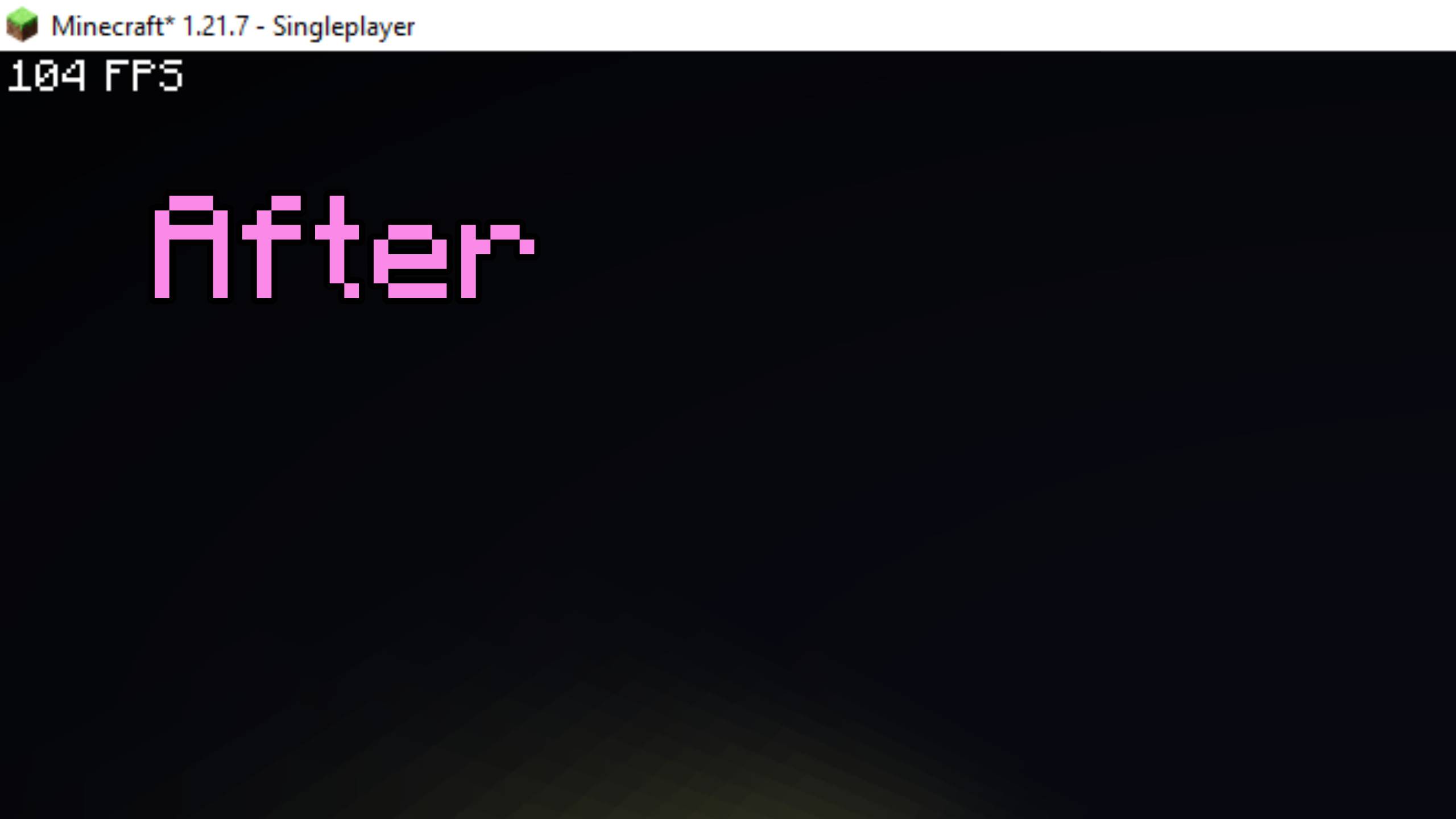
Gyha is a type of mod that boost your fps amizingly, figure it out by using it.
Screenshots
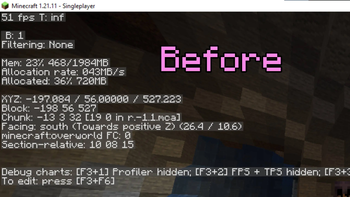
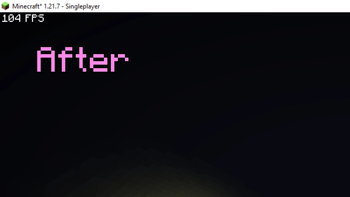
About this Modpack
Are you tired of lag in Minecraft but still want the full OptiFine experience? Meet OptiFPS — an optimization-focused modpack designed to give you the best performance, smooth FPS, and visual enhancements without relying on OptiFine. Built around the Sodium rendering engine, this modpack combines the power of cutting-edge performance mods with the quality-of-life features you love.
🌿 Key Features of OptiFPS
✅ OptiFine-Like Features, Sodium-Powered ✅ High FPS Boost for low-end and high-end PCs ✅ Performance Tweaks with mods like Lithium, FerriteCore, and Starlight ✅ Visual Enhancements like shader support (Iris), custom sky, better grass, and dynamic lighting ✅ No Telemetry for maximum privacy ✅ Seamless Gameplay with no unnecessary bloat
🚀 Core Mods in OptiFPS
Here’s a breakdown of the key mods included in the pack (as seen in the images):
🔧 Category 🧩 Mods Included
🏎️ Performance Sodium, Lithium, FerriteCore, Starlight, Dynamic FPS, C2ME, Lazy Language Loader
🎨 Visuals Iris Shaders, Continuity, Entity Texture Features, Entity Culling, Puzzle, Capes, Optigui, ModelFix
🌲 World Optimization Clumps, BetterGrassify, MoreCulling, ImmediatelyFast, Krypton, CleanF3, Fabric API, Cloth Config
🛡️ Utility No Telemetry, Zoomify, ModMenu, MidnightLib, Krypton, Placeholder API, YetAnotherConfigLib
⚙️ Libraries Fabric Language Kotlin, Fabric API, Fabric Loader, Modrinth API
These mods work together to deliver a smooth, stutter-free experience, while also allowing for beautiful visuals like custom skies, dynamic lighting, and shaders.
💻 Why Choose OptiFPS?
No OptiFine Needed: Get all the features you love (zoom, dynamic lights, connected textures, etc.) in a fully compatible Fabric ecosystem.
Better FPS on All Systems: Optimized for both low-end and high-end machines.
Privacy-Focused: No telemetry or data collection—just pure Minecraft.
Modular & Flexible: Add your favorite Fabric mods or tweak settings to your liking.
Easy to Use: Just install Fabric Loader, add the OptiFPS mods to your mods folder, and enjoy!
mrpack to zip
🌟 Final Thoughts
OptiFPS brings you the best of both worlds: the smooth performance of Sodium and the visual magic of OptiFine, without the drawbacks. Whether you're building, exploring, or fighting mobs, this modpack ensures you get the best FPS and a gorgeous experience every time you play Minecraft.
 !
!
 !
!
Available Versions
How to Set Up a gyha Server
Order Server
Choose at least 4 GB RAM (6 GB recommended for gyha). Based on player count: per 8 players.
Install Modpack in Dashboard
Open the modpack browser in the dashboard, search for "gyha" and click "Install". The fabric loader and Minecraft 1.21.7 are configured automatically.
Start Server & Play
Start the server – all mods are loaded automatically. Share the server IP with friends and play together!
Frequently Asked Questions
gyha server crashes or won't start – what to do?
Most common causes: insufficient RAM or wrong fabric loader. Check latest.log for "OutOfMemoryError" → increase RAM to at least 6 GB. For "Mixin" or "ClassNotFoundException" errors: modpack version and loader don't match. With Mado Hosting, loader and Minecraft version are auto-configured on modpack install – preventing most startup issues.
How much RAM does a gyha server really need?
Minimum 4 GB, recommended 6 GB for stable performance. per 8 players. Important: Minecraft modpacks need more RAM than vanilla – plan extra per additional player. With Mado Hosting, you can scale RAM up live at any time without data loss (from €8/month).
Can I add custom mods to gyha without conflicts?
Yes, but check compatibility: only use mods for the same loader (fabric) and same Minecraft version (1.21.7). Common issues: ID conflicts with recipe mods and incompatible coremod versions. The Mado dashboard mod browser only shows compatible mods and warns about known conflicts.
gyha server lagging – performance tips
1) Increase RAM to 6 GB+. 2) Reduce server view-distance to 8 (server.properties). 3) Pre-generate chunks with the "Chunky" plugin. 4) Use /spark profiler to check which mods consume the most tick time. With Mado Hosting, all servers run on NVMe SSDs with dedicated CPU cores – eliminating hardware as a bottleneck.
Similar Modpacks

![Better MC [FABRIC] - BMC2](https://cdn.modrinth.com/data/shFhR8Vx/a19c2bcb51d38f32f138d3607e91cb2b7b8e387f_96.webp)
![Better MC [FORGE] - BMC4](https://cdn.modrinth.com/data/4BV47HRn/7f5ef7cc61b2593609aabef3ed07a866a4f11b73_96.webp)


Rent gyha Server
Start your own server with automatic modpack installation.
Supported Versions
Start your gyha Server now
From €8.00/month with 6 GB RAM for the best performance.
Configure Server →