
GZLZ
Modpack to enter the No.6 association minecraft server. 六中神人会服务器客户端整合包
Screenshots
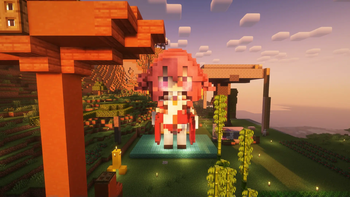
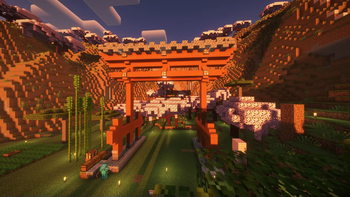
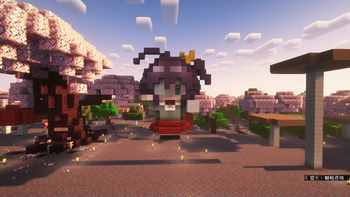
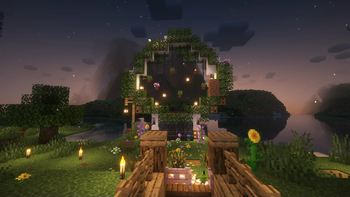
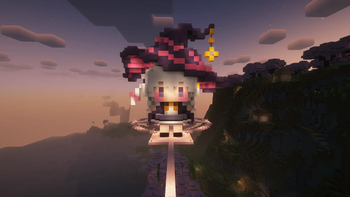
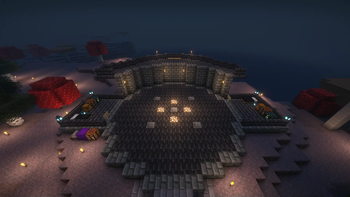
About this Modpack
English
This package is designed to help newcomers quickly join the server without having to worry about mods, mod loaders, and game versions
The integration package automatically adds the entry method of the six servers, so there is no need to add it manually
The integration package comes pre-installed with Sodium, its extensions, and Iris, and supports loading light and shadow
Information display mods such as apple peel and jade are also installed
Bobby cache server blocks are pre-installed to increase render distance
Full list of mods at here
At present, the original version 1.21.6 and above can still join the server, if you are familiar with the installation of mods and have your own mods and configurations can not use this integrated package,
But installing Bobby is highly recommended to improve the server experience
Chinese
加入六中神人会(?)的最佳方式
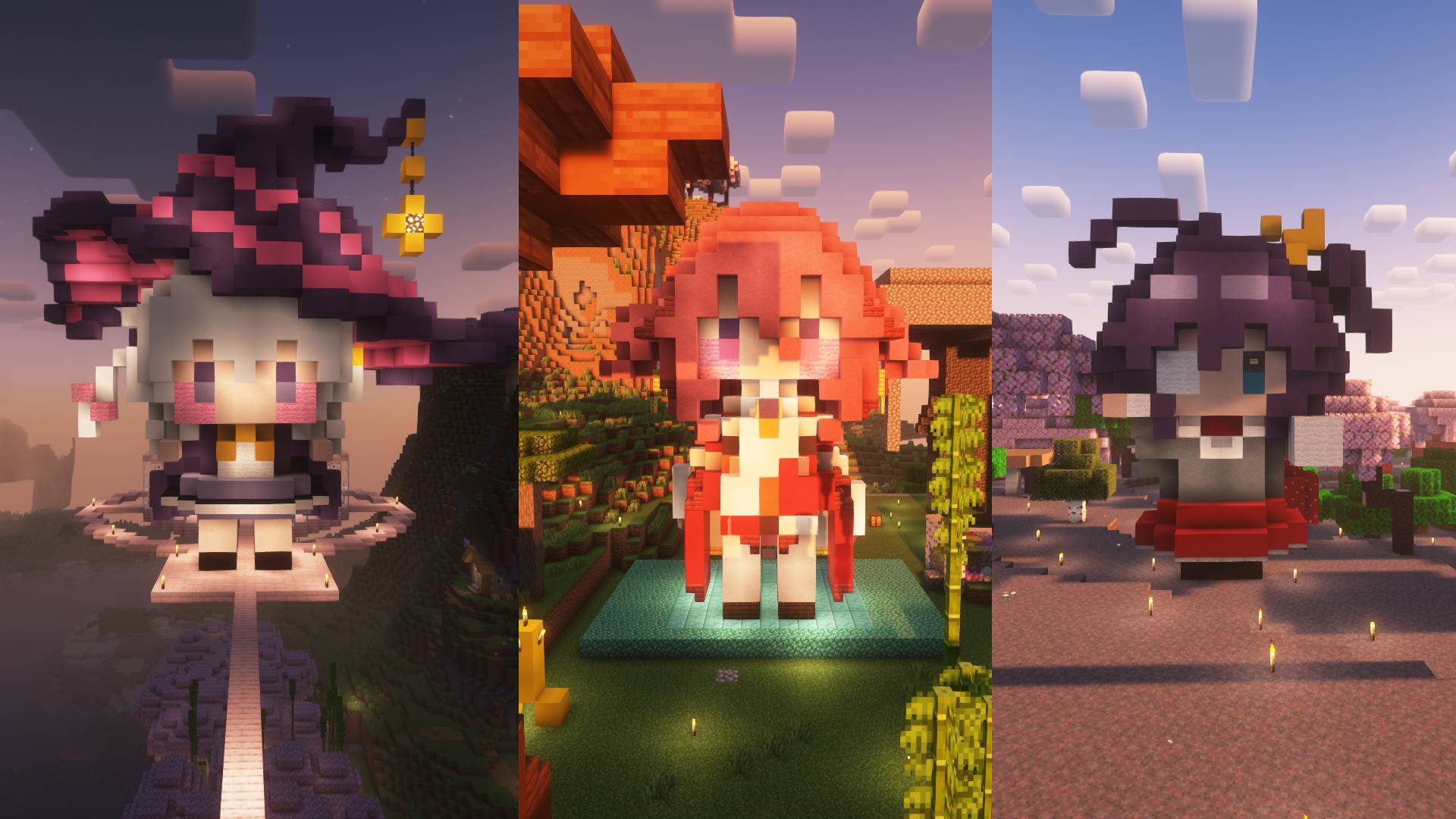
此整合包目的是帮助新手快速加入服务器,而无须纠结于mod,mod loader,和游戏版本
整合包自动添加了六中服务器的进入方式,无须手动添加
整合包预装了Sodium及其拓展和Iris,支持加载光影
还安装了苹果皮和玉等信息显示类mod
预装了Bobby缓存服务器区块以提高渲染距离
完整mod列表在这里
目前原版1.21.6及以上仍然可以加入服务器,如果你熟悉mod的安装并且有自己的mod和配置可以不使用此整合包,
但是强烈推荐安装Bobby以改善服务器体验
Available Versions
How to Set Up a GZLZ Server
Order Server
Choose at least 4 GB RAM (6 GB recommended for GZLZ). Based on player count: per 8 players.
Install Modpack in Dashboard
Open the modpack browser in the dashboard, search for "GZLZ" and click "Install". The fabric loader and Minecraft 1.21.10 are configured automatically.
Start Server & Play
Start the server – all mods are loaded automatically. Share the server IP with friends and play together!
Frequently Asked Questions
GZLZ server crashes or won't start – what to do?
Most common causes: insufficient RAM or wrong fabric loader. Check latest.log for "OutOfMemoryError" → increase RAM to at least 6 GB. For "Mixin" or "ClassNotFoundException" errors: modpack version and loader don't match. With Mado Hosting, loader and Minecraft version are auto-configured on modpack install – preventing most startup issues.
How much RAM does a GZLZ server really need?
Minimum 4 GB, recommended 6 GB for stable performance. per 8 players. Important: Minecraft modpacks need more RAM than vanilla – plan extra per additional player. With Mado Hosting, you can scale RAM up live at any time without data loss (from €8/month).
Can I add custom mods to GZLZ without conflicts?
Yes, but check compatibility: only use mods for the same loader (fabric) and same Minecraft version (1.21.10). Common issues: ID conflicts with recipe mods and incompatible coremod versions. The Mado dashboard mod browser only shows compatible mods and warns about known conflicts.
GZLZ server lagging – performance tips
1) Increase RAM to 6 GB+. 2) Reduce server view-distance to 8 (server.properties). 3) Pre-generate chunks with the "Chunky" plugin. 4) Use /spark profiler to check which mods consume the most tick time. With Mado Hosting, all servers run on NVMe SSDs with dedicated CPU cores – eliminating hardware as a bottleneck.
Similar Modpacks

![Cobblemon Official Modpack [Fabric]](https://cdn.modrinth.com/data/5FFgwNNP/e7f9ee2e9d361623847853fe2ddce42f519ee64f.png)
![COBBLEVERSE - Pokemon Adventure [Cobblemon]](https://cdn.modrinth.com/data/Jkb29YJU/581ecf54530972afb18a04660afd820f2f24f6c7.png)
![Better MC [FABRIC] - BMC2](https://cdn.modrinth.com/data/shFhR8Vx/a19c2bcb51d38f32f138d3607e91cb2b7b8e387f_96.webp)


Rent GZLZ Server
Start your own server with automatic modpack installation.
Supported Versions
Start your GZLZ Server now
From €8.00/month with 6 GB RAM for the best performance.
Configure Server →