
Hypixel Skyblock - Vulkan
a Hypixel Skyblock Modpack Based On Vulkan
Screenshots
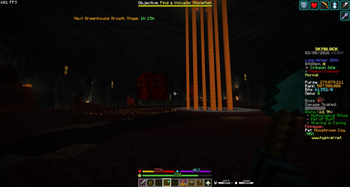
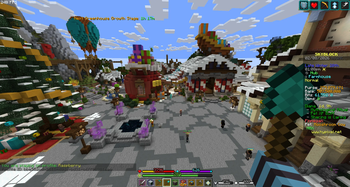
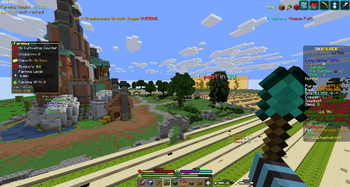
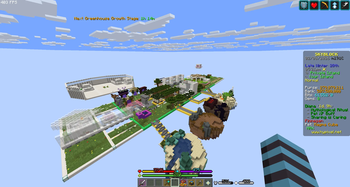
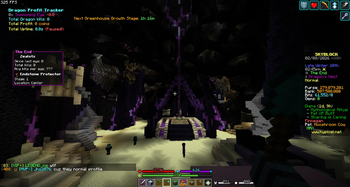
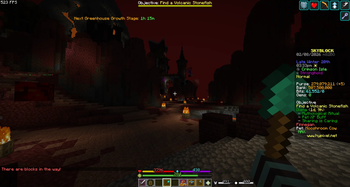
About this Modpack
Hypixel Skyblock - Vulkan
A lightweight performance-focused modpack specially built for Hypixel Skyblock, powered by the Vulkan rendering engine for dramatically better FPS and smoother gameplay!
What does this modpack add?
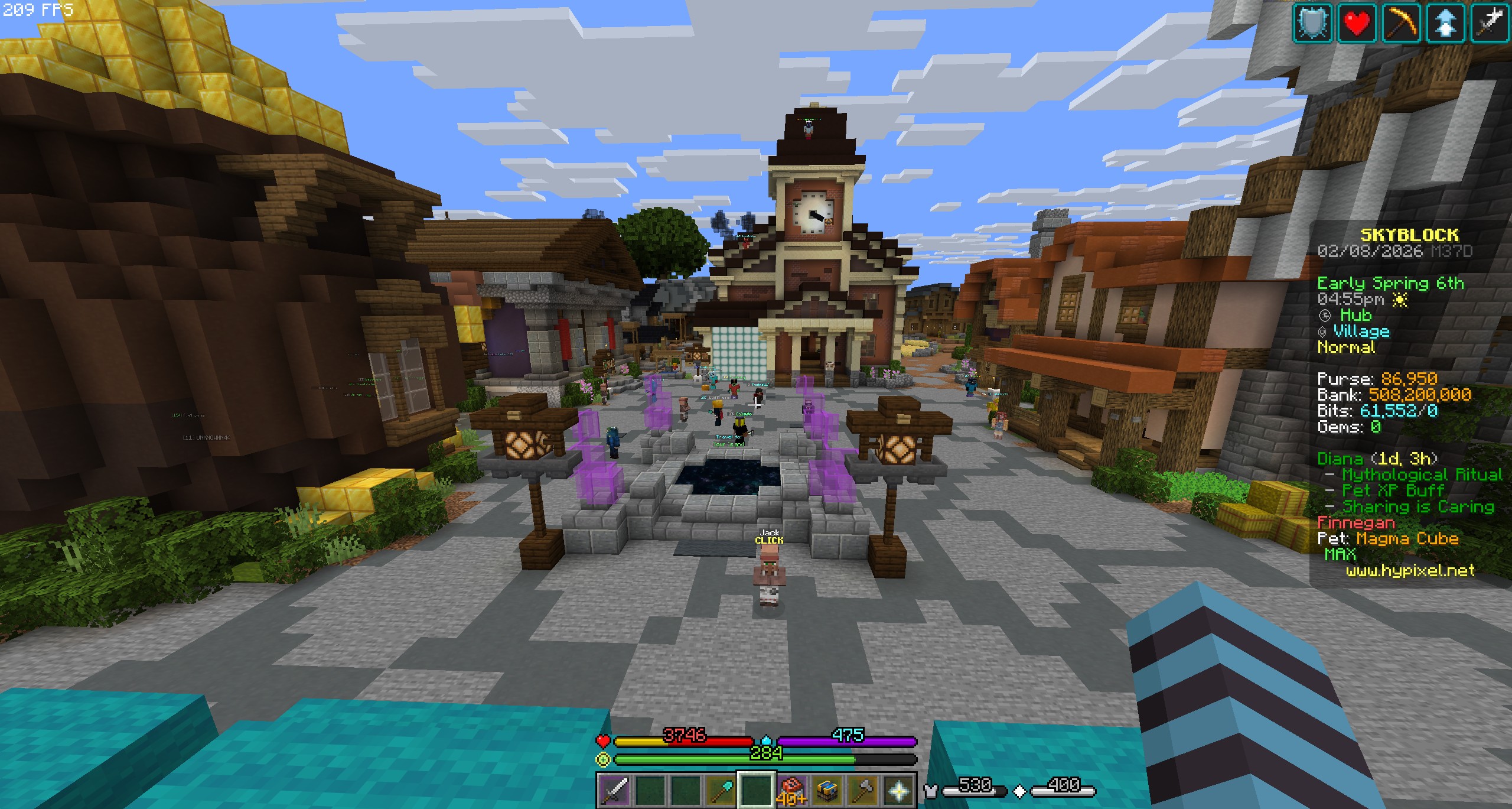
This modpack replaces Minecraft's default OpenGL renderer with VulkanMod, a modern graphics API that rewrites rendering from the ground up. Combined with essential Skyblock utility mods, it delivers:
- Much higher and more stable FPS — especially during intense moments like boss fights (e.g., Kuudra, Dungeons, Blazing Fortress), large Jerry islands, or crowded hubs
- Better compatibility and performance with popular Hypixel Skyblock mods such as SkyHanni, Skyblocker, NotEnoughUpdates (NEU) / NoFrills, Skytils (or similar), and others
- Lightweight overall — no heavy shaders, no unnecessary content mods, just pure optimization for Skyblock players
- All the core quality-of-life features Skyblock players need without sacrificing speed
Key Features
- Vulkan Rendering — Significantly faster than vanilla OpenGL, with lower input lag and better GPU utilization (great for mid/low-end PCs or laptops)
- Hypixel Skyblock compatibility — Tested to work smoothly on Hypixel servers with major Skyblock mods
- FPS boost in demanding situations — Say goodbye to lag spikes during zealot hunting, mining large veins, or end-game grinding
- Minimal & clean — Only performance + essential Skyblock utilities, no bloat
Why download this modpack?
If you're playing Hypixel Skyblock and suffering from:
- Low FPS in crowded areas or during big fights
- Stutters/frame drops when using feature-rich mods like SkyHanni
- Heat/lag on laptops while grinding for hours
...then this pack is for you. It keeps your game fast and responsive so you can focus on farming minions, flipping items, dungeon carries, or maxing skills — not staring at 20 FPS slideshows.
Perfect for players who want maximum performance on Hypixel without switching to completely vanilla or shader-heavy packs.
Important notes:
- Requires a GPU that supports Vulkan 1.2+ (most modern GPUs do — check VulkanMod page if unsure)
- Install via Modrinth App or your preferred launcher
- Always use the latest versions of included mods for best Hypixel compatibility
Enjoy smoother Skyblock — get blazing fast FPS today!
Available Versions
How to Set Up a Hypixel Skyblock - Vulkan Server
Order Server
Choose at least 6 GB RAM (10 GB recommended for Hypixel Skyblock - Vulkan). Based on player count: per 4 players.
Install Modpack in Dashboard
Open the modpack browser in the dashboard, search for "Hypixel Skyblock - Vulkan" and click "Install". The fabric loader and Minecraft 1.21.11 are configured automatically.
Start Server & Play
Start the server – all mods are loaded automatically. Share the server IP with friends and play together!
Frequently Asked Questions
Hypixel Skyblock - Vulkan server crashes or won't start – what to do?
Most common causes: insufficient RAM or wrong fabric loader. Check latest.log for "OutOfMemoryError" → increase RAM to at least 10 GB. For "Mixin" or "ClassNotFoundException" errors: modpack version and loader don't match. With Mado Hosting, loader and Minecraft version are auto-configured on modpack install – preventing most startup issues.
How much RAM does a Hypixel Skyblock - Vulkan server really need?
Minimum 6 GB, recommended 10 GB for stable performance. per 4 players. Important: Minecraft modpacks need more RAM than vanilla – plan extra per additional player. With Mado Hosting, you can scale RAM up live at any time without data loss (from €12/month).
Can I add custom mods to Hypixel Skyblock - Vulkan without conflicts?
Yes, but check compatibility: only use mods for the same loader (fabric) and same Minecraft version (1.21.11). Common issues: ID conflicts with recipe mods and incompatible coremod versions. The Mado dashboard mod browser only shows compatible mods and warns about known conflicts.
Hypixel Skyblock - Vulkan server lagging – performance tips
1) Increase RAM to 10 GB+. 2) Reduce server view-distance to 8 (server.properties). 3) Pre-generate chunks with the "Chunky" plugin. 4) Use /spark profiler to check which mods consume the most tick time. With Mado Hosting, all servers run on NVMe SSDs with dedicated CPU cores – eliminating hardware as a bottleneck.
Similar Modpacks

![Cobblemon Official Modpack [Fabric]](https://cdn.modrinth.com/data/5FFgwNNP/e7f9ee2e9d361623847853fe2ddce42f519ee64f.png)
![COBBLEVERSE - Pokemon Adventure [Cobblemon]](https://cdn.modrinth.com/data/Jkb29YJU/581ecf54530972afb18a04660afd820f2f24f6c7.png)
![Better MC [FABRIC] - BMC2](https://cdn.modrinth.com/data/shFhR8Vx/a19c2bcb51d38f32f138d3607e91cb2b7b8e387f_96.webp)


Rent Hypixel Skyblock - Vulkan Server
Start your own server with automatic modpack installation.
Details
- License
- LicenseRef-All-Rights-Reserved
- Server-side
- Unsupported
- Client-side
- Required
Supported Versions
Start your Hypixel Skyblock - Vulkan Server now
From €12.00/month with 10 GB RAM for the best performance.
Configure Server →