
Immersia
Highly optimized immersive modpack for Minecraft, focused on smooth performance, atmospheric immersion, and a completely overhauled world.
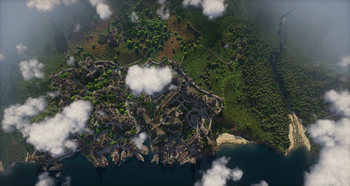
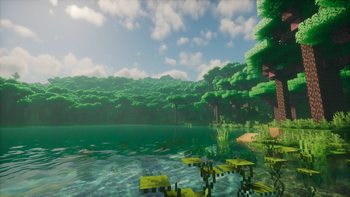
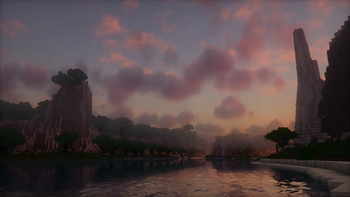
Screenshots
About this Modpack
Immersia
Minecraft, but calmer, smoother, deeper, and more alive.
Immersia is a Vanilla+ Fabric modpack for Minecraft 1.21.10 focused on atmosphere, performance, immersive sound, subtle visuals, animations, and survival exploration.
It keeps Minecraft familiar, but makes the world feel more polished, atmospheric, and alive.
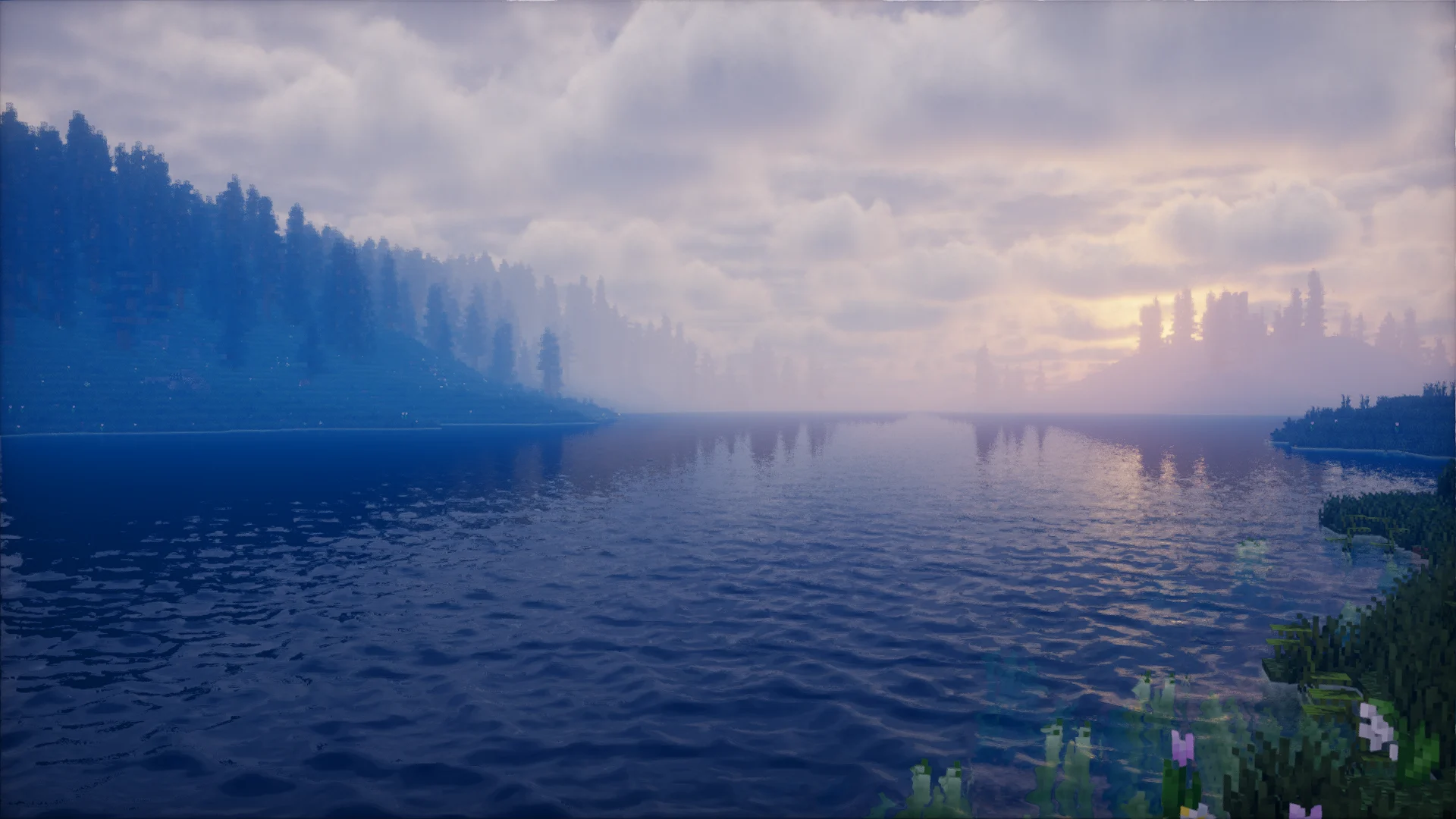
Trailer
Why play Immersia?
- Vanilla+ survival without turning Minecraft into a tech or RPG pack
- Smooth Fabric optimization stack
- Immersive ambient sounds, footsteps, wind, thunder, and sound physics
- Improved player and mob animations
- Subtle world generation improvements
- Better structures, ruins, towers, dungeons, mineshafts, and strongholds
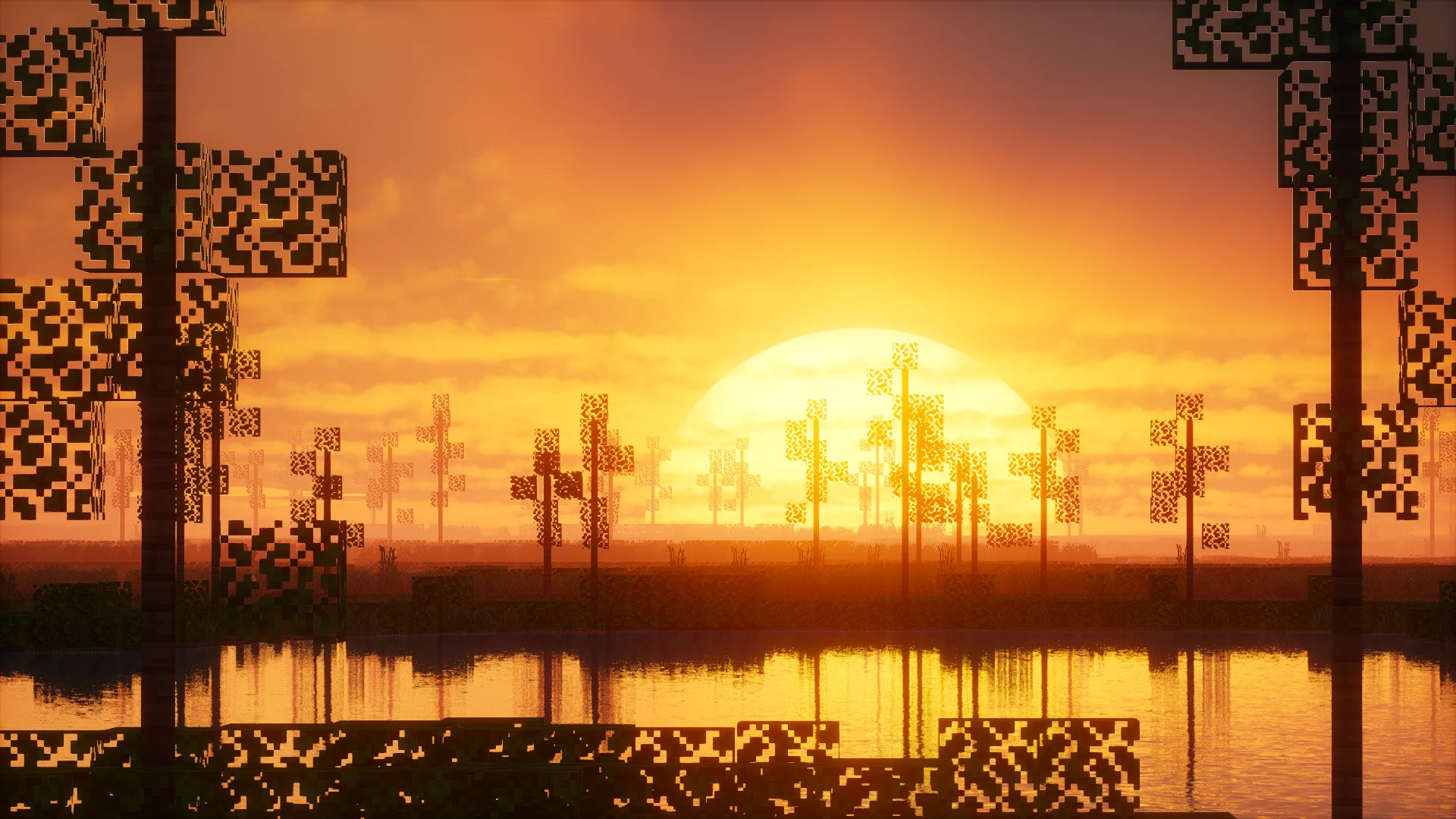
- Shader-friendly visuals
- A familiar Minecraft world that feels more alive
Performance
Immersia uses a modern optimization stack designed for smooth survival gameplay and long play sessions.
- Modern rendering powered by Sodium
- Improved memory usage and chunk loading
- Reduced micro-stutters and lag
- Faster world generation
- Better performance on mid-range PCs
- Stable gameplay without unnecessary mod overlap
World Generation
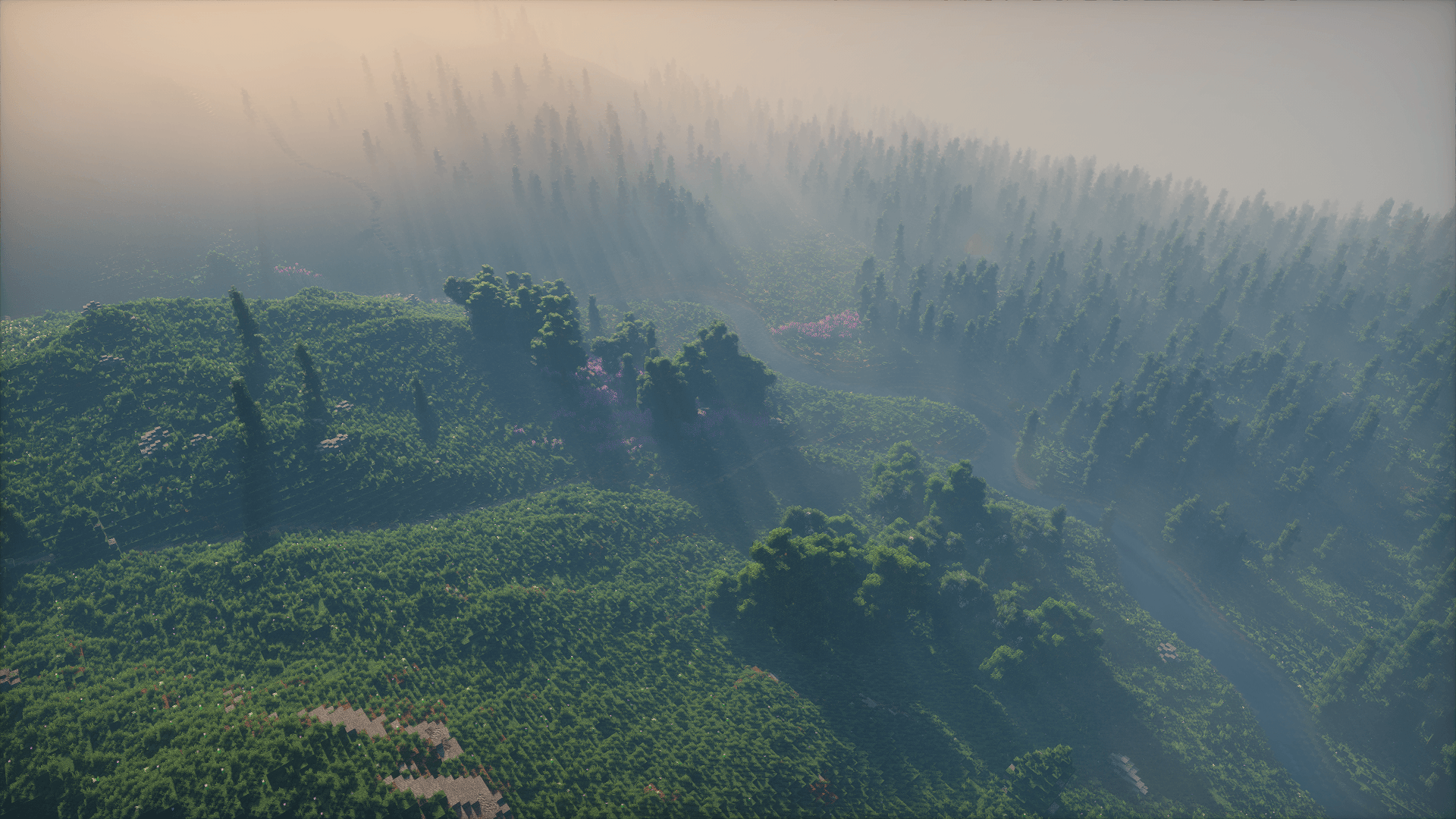
Immersia keeps Minecraft’s world generation close to vanilla, but improves it with subtle terrain changes and better exploration points.
- More natural terrain shape powered by Tectonic
- Improved mountains, hills, valleys, and landscapes without adding dozens of new biomes
- Additional ruins, towers, camps, and small structures from Structory
- Reworked vanilla structures with YUNG’s Better series
- Improved dungeons, mineshafts, strongholds, and other exploration locations
- More interesting exploration while keeping the original Minecraft world identity
The world still feels like Minecraft — just more polished, atmospheric, and rewarding to explore.
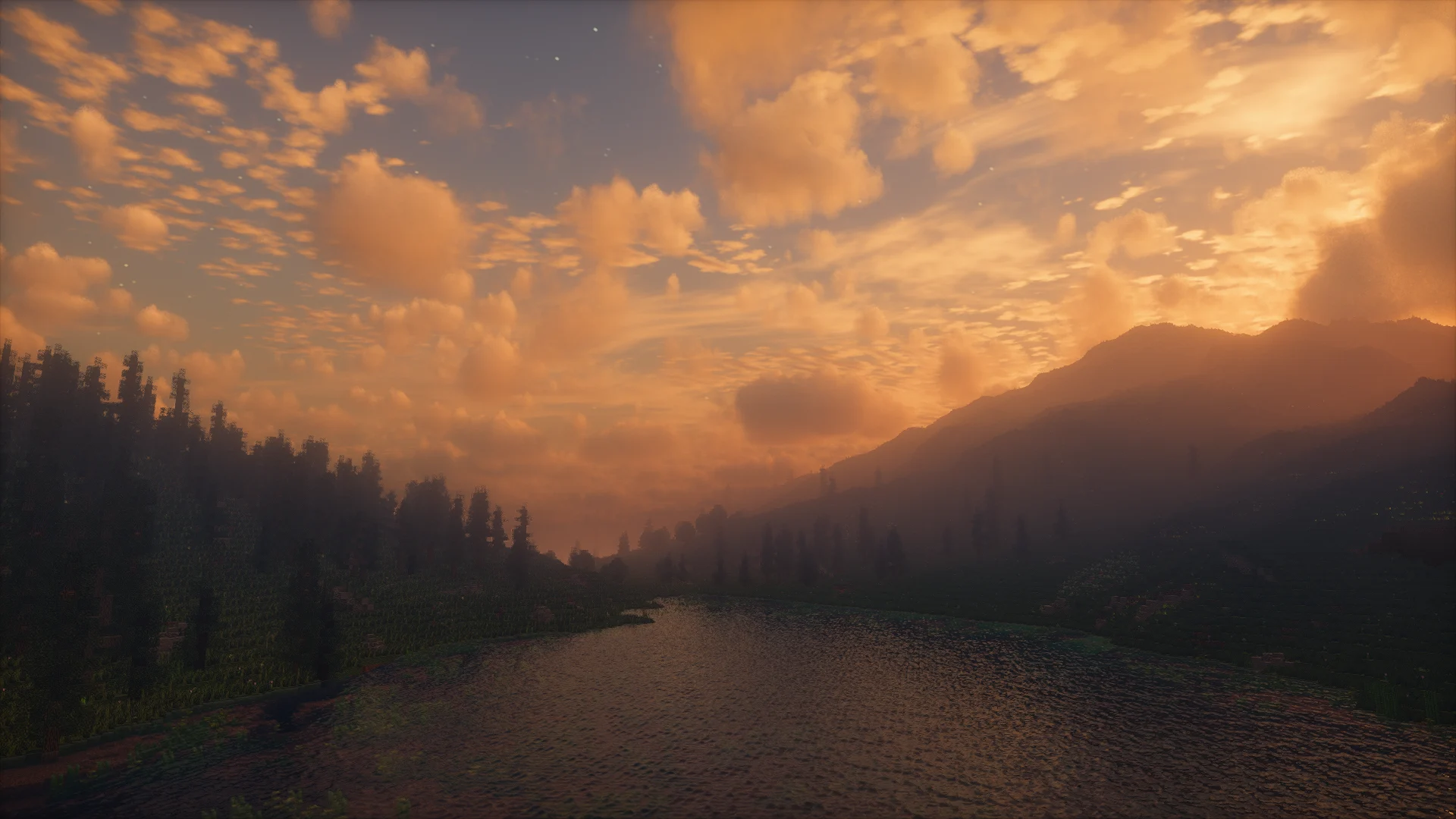
Atmosphere & Visuals
- Immersive environmental audio and acoustics
- Wind, thunder, weather, and particle effects
- Realistic footsteps and surface interaction
- Improved player and mob animations
- Better visual details and small atmospheric effects
- Shader-friendly presentation
The goal is to make Minecraft feel calmer, deeper, and more physically present without changing its identity.
Gameplay
Immersia improves survival and exploration while keeping the vanilla balance intact.
- Familiar Vanilla+ survival
- More rewarding exploration
- Improved structures and points of interest
- Small quality-of-life improvements
- No heavy tech progression
- No overwhelming RPG systems
Who is this modpack for?
Immersia is made for players who want:
- A vanilla-like experience with modern quality
- Better atmosphere and immersion
- Smooth performance
- Shader-ready visuals
- Atmospheric singleplayer survival
- Exploration without huge gameplay overhauls
Recommended settings
- Minecraft 1.21.10
- Fabric Loader
- 4–6 GB RAM recommended
- Render Distance: 12–16
- Simulation Distance: 5–6
- Shaders are optional
Development Approach
Each mod in the pack:
- Serves a specific purpose
- Is tested for compatibility
- Does not introduce unnecessary overhead
Outdated and conflicting components have been removed. Stability, atmosphere, and performance are the top priorities.
Summary
Immersia is a refined Vanilla+ Minecraft modpack built around smooth performance, atmosphere, subtle visuals, immersive sound, and exploration.
It feels like Minecraft — just calmer, smoother, deeper, and more alive.
Credits
Stay True resource pack used in the modpack:
https://www.curseforge.com/minecraft/texture-packs/stay-true
Author: haimcyfly
Available Versions
How to Set Up a Immersia Server
Order Server
Choose at least 6 GB RAM (8 GB recommended for Immersia). Based on player count: per 5 players.
Install Modpack in Dashboard
Open the modpack browser in the dashboard, search for "Immersia" and click "Install". The fabric loader and Minecraft 1.21.10 are configured automatically.
Start Server & Play
Start the server – all mods are loaded automatically. Share the server IP with friends and play together!
Frequently Asked Questions
Immersia server crashes or won't start – what to do?
Most common causes: insufficient RAM or wrong fabric loader. Check latest.log for "OutOfMemoryError" → increase RAM to at least 8 GB. For "Mixin" or "ClassNotFoundException" errors: modpack version and loader don't match. With Mado Hosting, loader and Minecraft version are auto-configured on modpack install – preventing most startup issues.
How much RAM does a Immersia server really need?
Minimum 6 GB, recommended 8 GB for stable performance. per 5 players. Important: Minecraft modpacks need more RAM than vanilla – plan extra per additional player. With Mado Hosting, you can scale RAM up live at any time without data loss (from €12/month).
Can I add custom mods to Immersia without conflicts?
Yes, but check compatibility: only use mods for the same loader (fabric) and same Minecraft version (1.21.10). Common issues: ID conflicts with recipe mods and incompatible coremod versions. The Mado dashboard mod browser only shows compatible mods and warns about known conflicts.
Immersia server lagging – performance tips
1) Increase RAM to 8 GB+. 2) Reduce server view-distance to 8 (server.properties). 3) Pre-generate chunks with the "Chunky" plugin. 4) Use /spark profiler to check which mods consume the most tick time. With Mado Hosting, all servers run on NVMe SSDs with dedicated CPU cores – eliminating hardware as a bottleneck.
Similar Modpacks
![Cobblemon Official Modpack [Fabric]](https://cdn.modrinth.com/data/5FFgwNNP/e7f9ee2e9d361623847853fe2ddce42f519ee64f.png)
![COBBLEVERSE - Pokemon Adventure [Cobblemon]](https://cdn.modrinth.com/data/Jkb29YJU/581ecf54530972afb18a04660afd820f2f24f6c7.png)
![Better MC [FABRIC] - BMC2](https://cdn.modrinth.com/data/shFhR8Vx/a19c2bcb51d38f32f138d3607e91cb2b7b8e387f_96.webp)


![Better MC [FORGE] - BMC4](https://cdn.modrinth.com/data/4BV47HRn/7f5ef7cc61b2593609aabef3ed07a866a4f11b73_96.webp)
Rent Immersia Server
Start your own server with automatic modpack installation.
Supported Versions
Start your Immersia Server now
From €12.00/month with 8 GB RAM for the best performance.
Configure Server →