
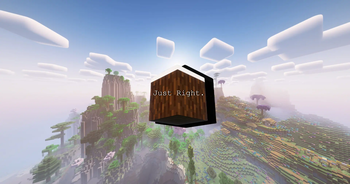
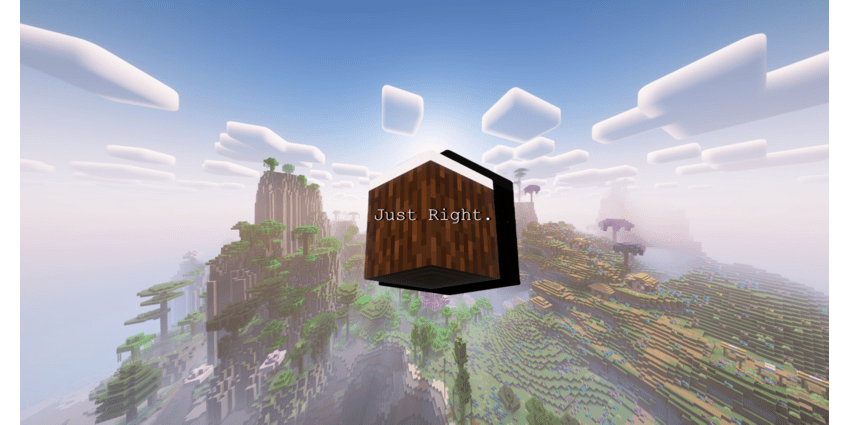
Just Right.
Enhance Minecraft with 100+ mods and the perfect configs without having it feel like a different game. Enjoy smooth gameplay with performance mods and shader support. Discover stunning landscapes, adventurous dungeons, and improved QoL features.
Screenshots

About this Modpack

'Just Right' - A Perfectly Balanced Minecraft Overhaul
Dive into a Minecraft experience that feels just right! With over 100 mods and counting plus the perfect configs for them. Just Right enhances your game, adding adventure and excitement with the countless mods featured in this modpack, minecraft will seem much more immersive and enjoyable.
🥇 Enhanced Performance
Smooth and optimized gameplay thanks to modern performance mods like Embeddium, Saturn, Canary and more without sacrificing visuals, being fully optimized and has shader support
🗺️ World Generation
Discover breathtaking landscapes, with mods like Terralith, Biomes O' Plenty and Amplified Nether!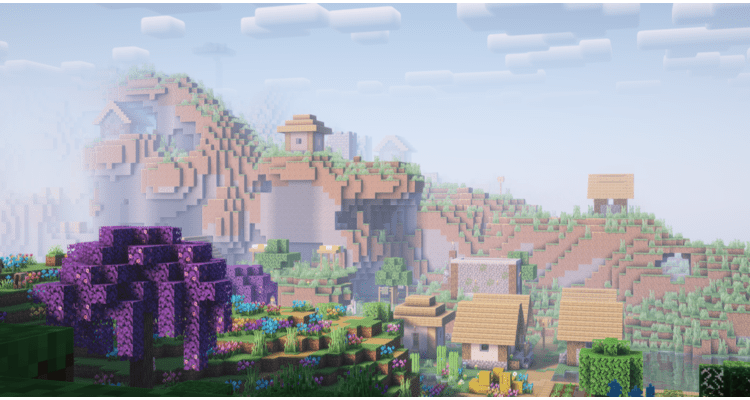
⚔️ Adventure
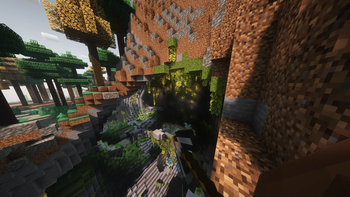
Dive into dungeons, temples, and other structures! With mods like Dungeon Crawl allowing you to fight for loot in roguelike dungeons with multiple levels, or even Structory, adding atmospheric structures!
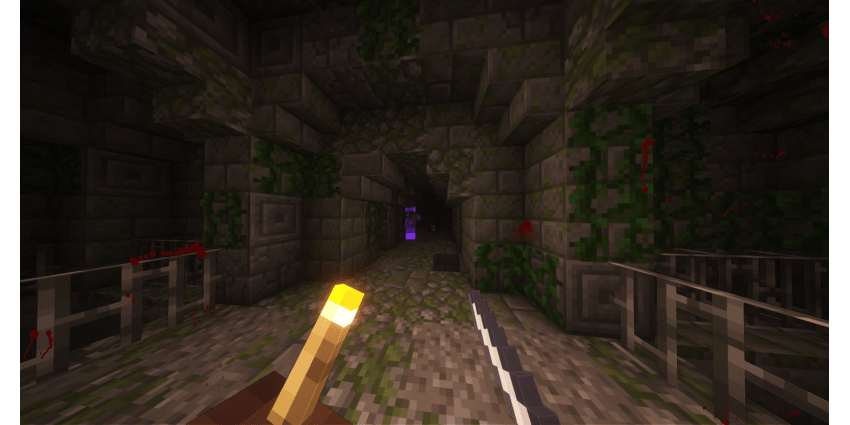
💡 QoL Improvements
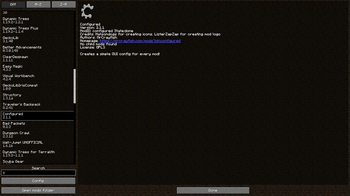
Enjoy a more satisfying experience with countless mods like Blur, Mouse Tweaks, Areas, Traveler's Titles and much more! With mods like Legendary Tooltips your more rare items would feel much more special, as well as Advancement Plaques making it much more exciting to get an advancement!
*changing gui scale may break some visuals as I have set the configs while on the current gui scale
🏞️ Included Shaders
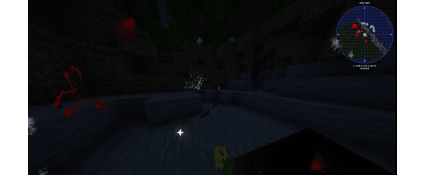
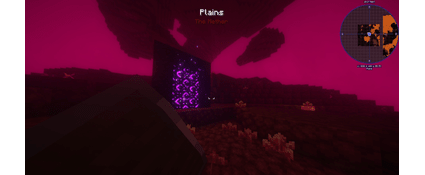
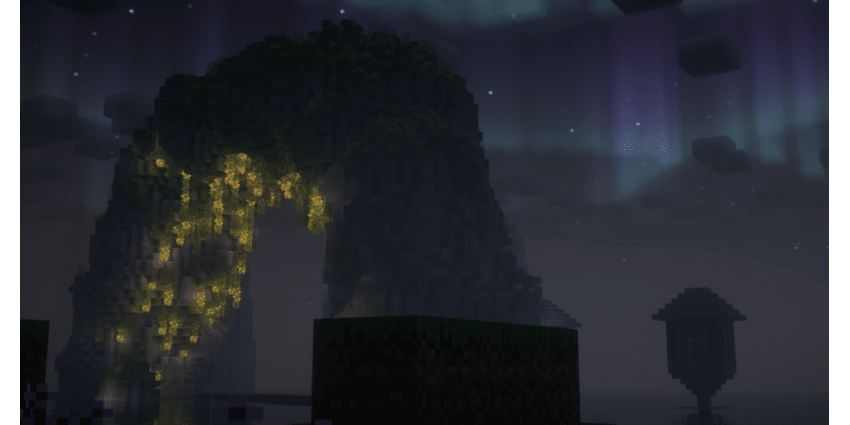
With Complimentary Reimagined, enjoy beautiful scenery, with tons of high quality effects and wonderful optimization. Allowing you to choose between 2 styles! (unbound, reimagined) one being a more vanilla like look and the other a more realistic look! Paired the Euphoria Patches you can get even more out of Complimentary!
*If you have performance issues with the shaders, you can choose from presets in shader settings instead of mine or just dont use them. Another note, beams that shoot up from dropped items dont really work well with shaders and dissapear when turning shaders on
If you run into any issues or have suggestions or questions message me on discord at:
njfsmiley
⚠️By default the modpack is set at 8GB of ram. I recommend at minimum 6GB of available ram or 8GB if possible. If you dont have 8GB available you can lower the ammount.
Aquaculture 2: https://www.curseforge.com/minecraft/mc-mods/aquaculture
More Villagers: https://www.curseforge.com/minecraft/mc-mods/more-villagers
Dynamic Trees - Terralith: https://www.curseforge.com/minecraft/mc-mods/dynamic-trees-terralith
Quark Programmer Art: https://www.curseforge.com/minecraft/mc-mods/quark
Amplified Nether: https://www.curseforge.com/minecraft/mc-mods/amplified-nether
Available Versions
How to Set Up a Just Right. Server
Order Server
Choose at least 6 GB RAM (8 GB recommended for Just Right.). Based on player count: per 5 players.
Install Modpack in Dashboard
Open the modpack browser in the dashboard, search for "Just Right." and click "Install". The forge loader and Minecraft 1.19.2 are configured automatically.
Start Server & Play
Start the server – all mods are loaded automatically. Share the server IP with friends and play together!
Frequently Asked Questions
Just Right. server crashes or won't start – what to do?
Most common causes: insufficient RAM or wrong forge loader. Check latest.log for "OutOfMemoryError" → increase RAM to at least 8 GB. For "Mixin" or "ClassNotFoundException" errors: modpack version and loader don't match. With Mado Hosting, loader and Minecraft version are auto-configured on modpack install – preventing most startup issues.
How much RAM does a Just Right. server really need?
Minimum 6 GB, recommended 8 GB for stable performance. per 5 players. Important: Minecraft modpacks need more RAM than vanilla – plan extra per additional player. With Mado Hosting, you can scale RAM up live at any time without data loss (from €12/month).
Can I add custom mods to Just Right. without conflicts?
Yes, but check compatibility: only use mods for the same loader (forge) and same Minecraft version (1.19.2). Common issues: ID conflicts with recipe mods and incompatible coremod versions. The Mado dashboard mod browser only shows compatible mods and warns about known conflicts.
Just Right. server lagging – performance tips
1) Increase RAM to 8 GB+. 2) Reduce server view-distance to 8 (server.properties). 3) Pre-generate chunks with the "Chunky" plugin. 4) Use /spark profiler to check which mods consume the most tick time. With Mado Hosting, all servers run on NVMe SSDs with dedicated CPU cores – eliminating hardware as a bottleneck.
Similar Modpacks
![Cobblemon Official Modpack [Fabric]](https://cdn.modrinth.com/data/5FFgwNNP/e7f9ee2e9d361623847853fe2ddce42f519ee64f.png)
![COBBLEVERSE - Pokemon Adventure [Cobblemon]](https://cdn.modrinth.com/data/Jkb29YJU/581ecf54530972afb18a04660afd820f2f24f6c7.png)
![Better MC [FABRIC] - BMC2](https://cdn.modrinth.com/data/shFhR8Vx/a19c2bcb51d38f32f138d3607e91cb2b7b8e387f_96.webp)


![Better MC [FORGE] - BMC4](https://cdn.modrinth.com/data/4BV47HRn/7f5ef7cc61b2593609aabef3ed07a866a4f11b73_96.webp)
Rent Just Right. Server
Start your own server with automatic modpack installation.
Supported Versions
Start your Just Right. Server now
From €12.00/month with 8 GB RAM for the best performance.
Configure Server →