
Kuvankaunis
A more polished, beautiful, and modern Minecraft experience.
Screenshots
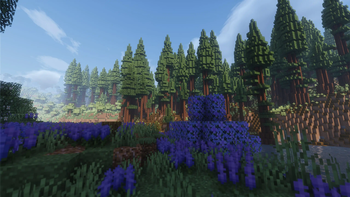
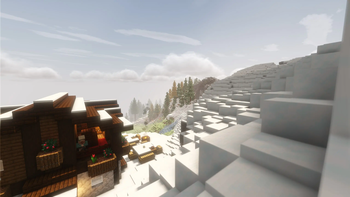
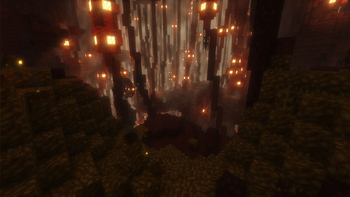
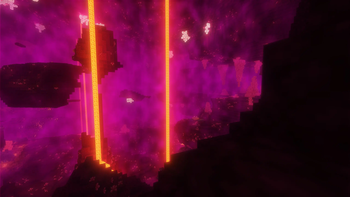
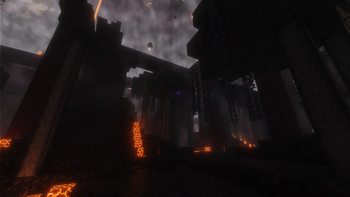
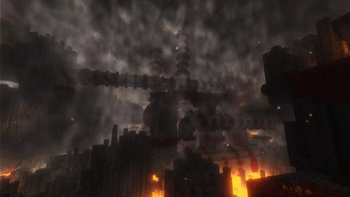
About this Modpack

Kuvankaunis is a modern modpack focused on visuals and exploration. It's optimized, heavily customizable, and offers a considerable upgrade to the vanilla Minecraft experience.
Features
Graphics
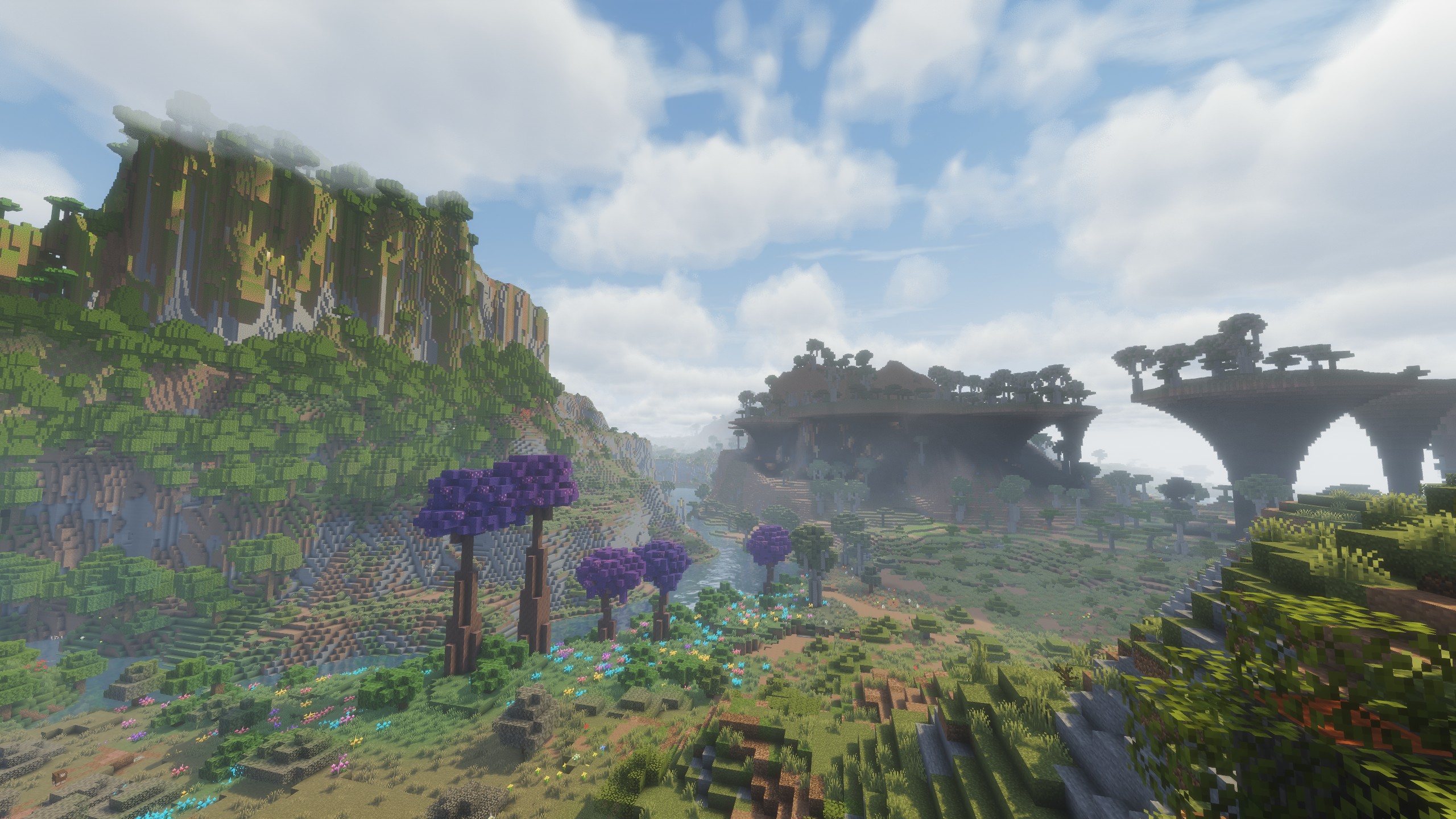
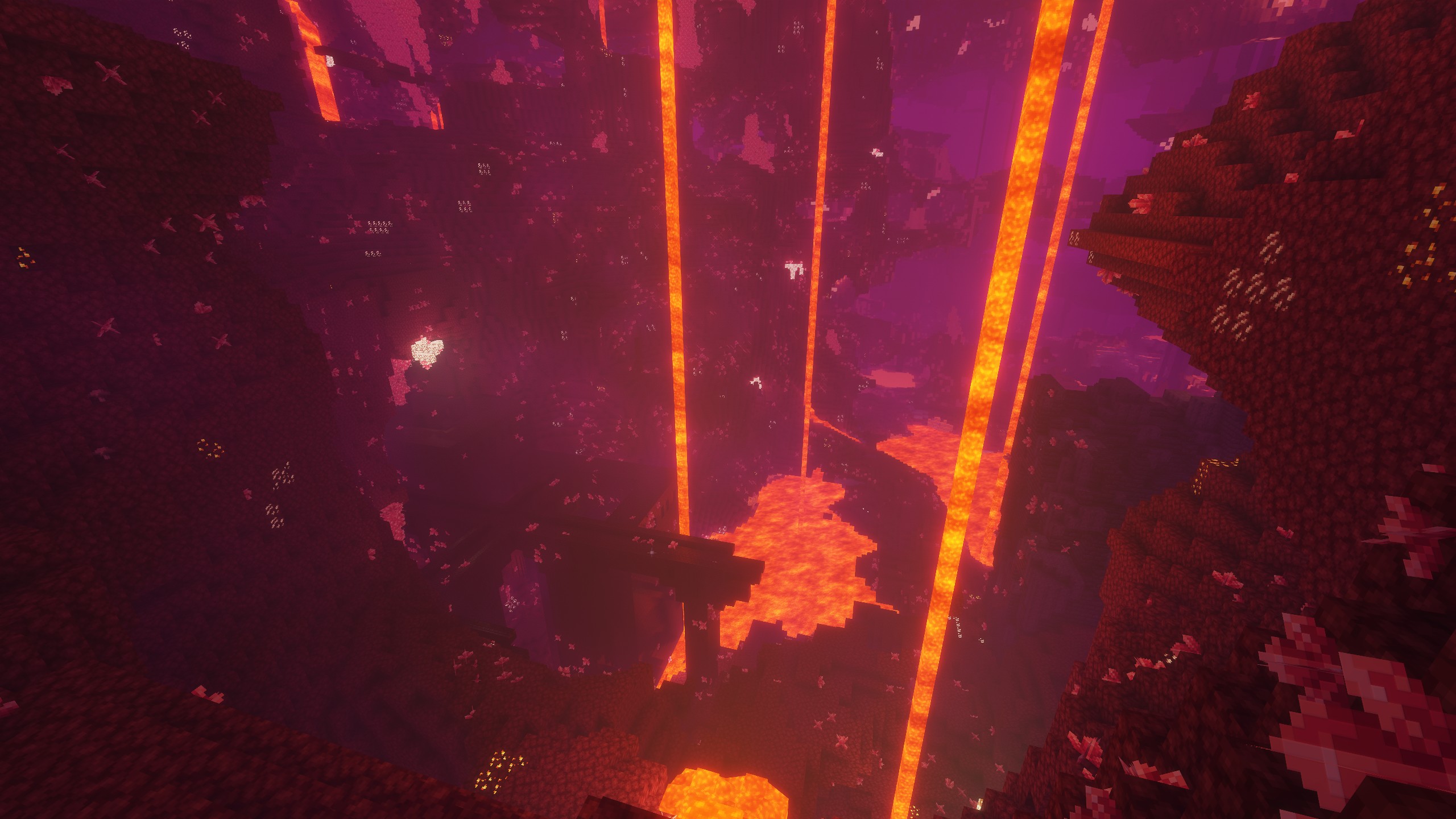
The modpack employs Solas Shader by default to provide stunning graphical fidelity, though still maintaining the Minecraft asthetic. It also makes use of Distant Horizons to allow you to appreciate the vastness of your world, while the framerate remains smooth.
World
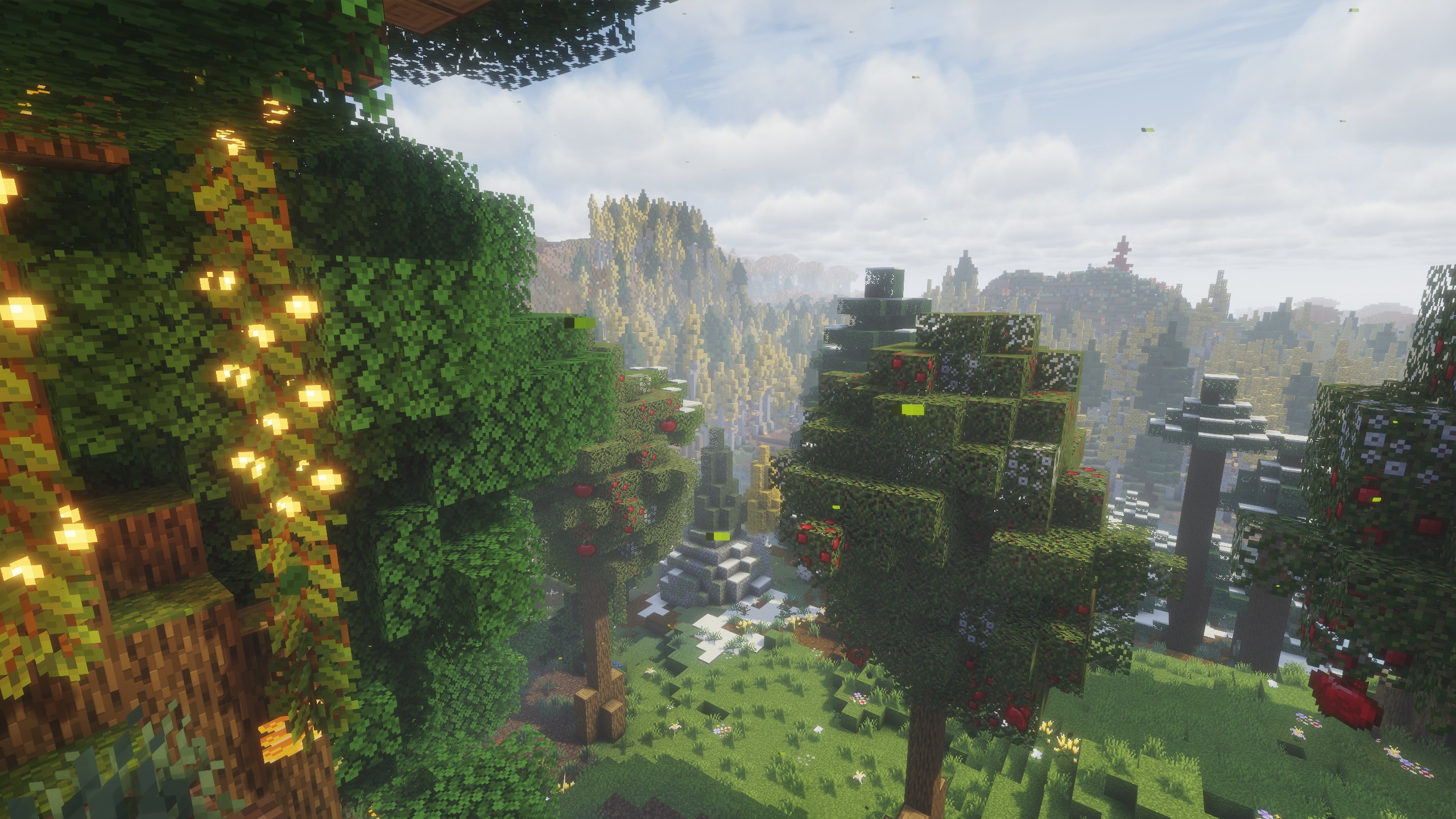
The world in Kuvankaunis is vibrant and refreshing, with all three dimesions getting a new coat of paint. Terrain generation is much more complex and interesting, and there are many new materials and wood types to be harvested and used in your builds. It also adds seasons, and each one brings it's own advantages and challenges.
Quality of Life
There are many Quality of Life features included in Kuvankaunis, such as teleportation waystones, full controller support, container sorting, and character customization, just to name a few.
Performance
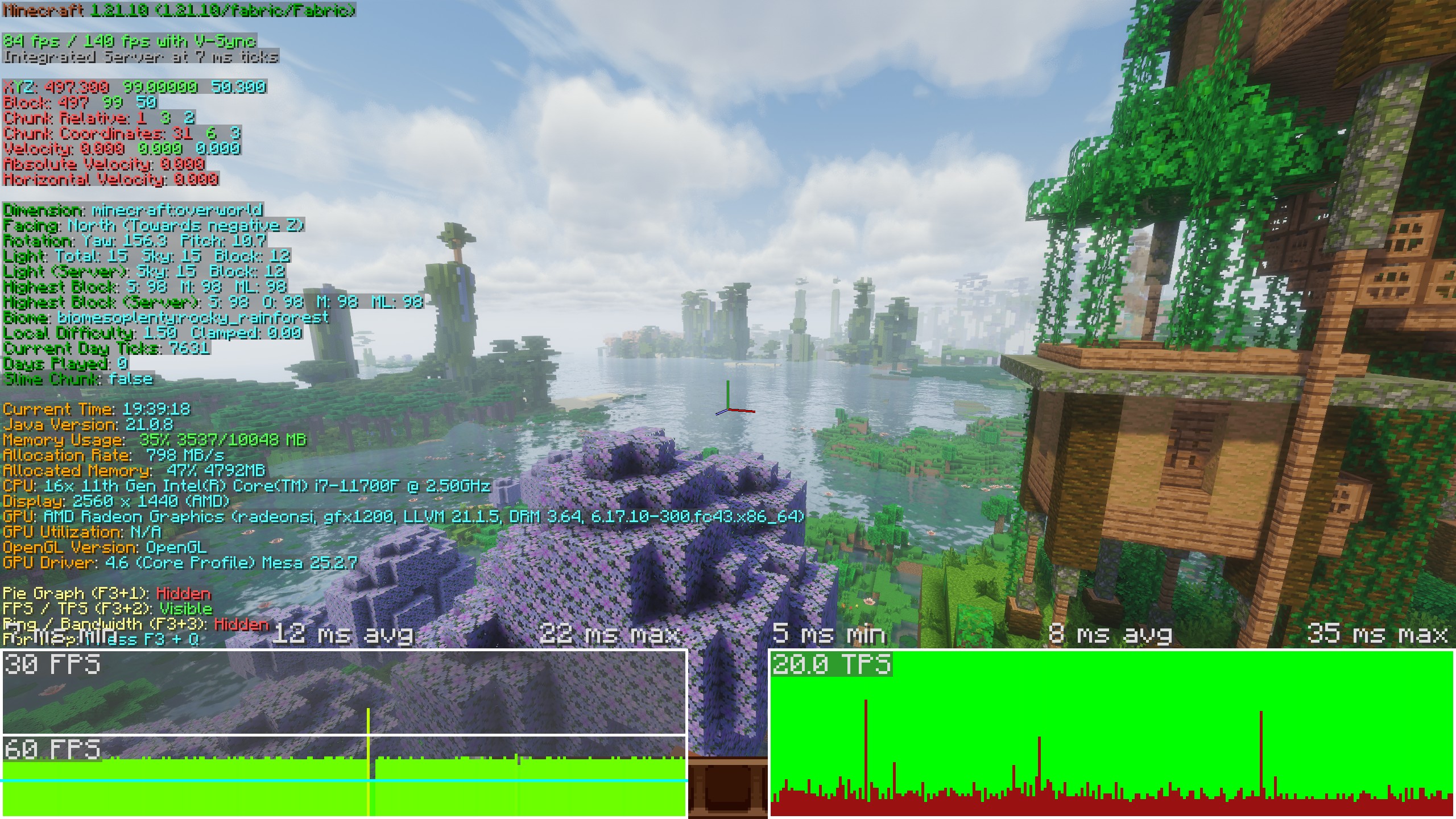
Out of the box, the modpack should perform well on an NVIDIA RTX 4060 or AMD Radeon 7600 XT or better. If you have a less powerful system, you can turn the Solas Shader preset to a lower setting in the Iris menu.
You may also want to allocate 8 GB or more of RAM for the best experience.
For reference, I use an Intel i7-11700F CPU, and an AMD Radeon 9060 XT 16GB GPU and I get between 80-100 Avg. FPS in most situations with the default settings on Fedora Linux 43.
Controller/Steam Deck Support
Controller support is included out of the box, including for Steam Deck and other handhelds.
Multiplayer
Kuvankaunis has full multiplayer support, provided you install also it on the server and all clients.
Need a server to play on?
Get help
If you encounter an issue or have a suggestion, you can make a post on our Discord community.
https://discord.gg/tgNjem4bjU
Modlist
- 3D Skin Layers
- [EMF] Entity Model Features
- [ETF] Entity Texture Features
- Almanac
- AmbientSounds
- AppleSkin
- Architectury API
- BadOptimizations
- Balm
- Better Animations
- Better Statistics Screen
- BetterF3
- Biomes O' Plenty
- Blur+
- Camera Overhaul
- Chat Animation [Smooth Chat]
- Chat Heads
- ChoiceTheorem's Overhauled Village
- CICADA
- Cloth Config API
- Collective
- Complementary Shaders - Reimagined
- Concurrent Chunk Management Engine (Fabric)
- Controlify (Controller support)
- CorgiLib
- Crash Assistant
- CreativeCore
- Cristel Lib
- Cubes Without Borders
- Debugify
- Distant Horizons
- Do a Barrel Roll
- Dynamic Crosshair
- Dynamic Crosshair Compat
- Dynamic FPS
- Entity Culling
- Even Better Enchants
- Explosive Enhancement
- Fabric API
- Fabric Language Kotlin
- Fadeless
- Fast IP Ping
- FastQuit
- Female Gender Mod
- FerriteCore
- Flashback
- Forge Config API Port
- Fresh Animations
- Fusion (Connected Textures)
- Fusion 3D Items
- Fusion Block Transitions
- Fusion Connected Blocks
- Fusion Connected Glass
- Fusion Emissive Ores
- Fusion Stacking Items
- Geckolib
- GlitchCore
- ImmediatelyFast
- Immersive Interfaces
- Immersive UI
- Incendium
- Iris Shaders
- Jade 🔍
- JamLib
- Konkrete
- LambdaBetterGrass
- Let Me Despawn
- Lithium
- Lithostitched
- Make Bubbles Pop
- MakeUp - Ultra Fast
- MES - Moog's End Structures
- MNS - Moog's Nether Structures
- Mod Loading Screen
- Mod Menu
- More Culling
- Movement In GUI
- No Chat Reports
- No Realms Button
- No Telemetry
- Not Enough Animations
- Nullscape
- OctoLib
- Oh The Biomes We've Gone
- Oh The Trees You'll Grow
- Paper Doll
- Puzzles Lib
- Reese's Sodium Options
- Remove Terralith Intro Message
- ScalableLux
- Serene Seasons
- Smooth Gui
- Smooth Scrolling
- Sodium
- Solas Shader
- Sort It Out!
- Sound Physics Remastered
- Spawn Animations
- Spawn Animations Compats
- Spellbound Weapons
- TaskbarIconChanger
- TCDCommons API
- Technopig
- TerraBlender
- Terralith
- Text Placeholder API
- Towns and Towers
- Unique Dark
- Waystones
- Xaero's Minimap
- Xaero's World Map
- YetAnotherConfigLib (YACL)
- Your Options Shall Be Respected (YOSBR)
- Zoomify
P.S.
"Kuvankaunis" is the Finnish word for "Picturesque", which I thought was fitting for this modpack :D

Available Versions
How to Set Up a Kuvankaunis Server
Order Server
Choose at least 6 GB RAM (8 GB recommended for Kuvankaunis). Based on player count: per 5 players.
Install Modpack in Dashboard
Open the modpack browser in the dashboard, search for "Kuvankaunis" and click "Install". The fabric loader and Minecraft 1.21.10 are configured automatically.
Start Server & Play
Start the server – all mods are loaded automatically. Share the server IP with friends and play together!
Frequently Asked Questions
Kuvankaunis server crashes or won't start – what to do?
Most common causes: insufficient RAM or wrong fabric loader. Check latest.log for "OutOfMemoryError" → increase RAM to at least 8 GB. For "Mixin" or "ClassNotFoundException" errors: modpack version and loader don't match. With Mado Hosting, loader and Minecraft version are auto-configured on modpack install – preventing most startup issues.
How much RAM does a Kuvankaunis server really need?
Minimum 6 GB, recommended 8 GB for stable performance. per 5 players. Important: Minecraft modpacks need more RAM than vanilla – plan extra per additional player. With Mado Hosting, you can scale RAM up live at any time without data loss (from €12/month).
Can I add custom mods to Kuvankaunis without conflicts?
Yes, but check compatibility: only use mods for the same loader (fabric) and same Minecraft version (1.21.10). Common issues: ID conflicts with recipe mods and incompatible coremod versions. The Mado dashboard mod browser only shows compatible mods and warns about known conflicts.
Kuvankaunis server lagging – performance tips
1) Increase RAM to 8 GB+. 2) Reduce server view-distance to 8 (server.properties). 3) Pre-generate chunks with the "Chunky" plugin. 4) Use /spark profiler to check which mods consume the most tick time. With Mado Hosting, all servers run on NVMe SSDs with dedicated CPU cores – eliminating hardware as a bottleneck.
Similar Modpacks
![Cobblemon Official Modpack [Fabric]](https://cdn.modrinth.com/data/5FFgwNNP/e7f9ee2e9d361623847853fe2ddce42f519ee64f.png)
![COBBLEVERSE - Pokemon Adventure [Cobblemon]](https://cdn.modrinth.com/data/Jkb29YJU/581ecf54530972afb18a04660afd820f2f24f6c7.png)
![Better MC [FABRIC] - BMC2](https://cdn.modrinth.com/data/shFhR8Vx/a19c2bcb51d38f32f138d3607e91cb2b7b8e387f_96.webp)


![Better MC [FORGE] - BMC4](https://cdn.modrinth.com/data/4BV47HRn/7f5ef7cc61b2593609aabef3ed07a866a4f11b73_96.webp)
Rent Kuvankaunis Server
Start your own server with automatic modpack installation.
Details
- License
- GNU General Public License v3.0 only
- Server-side
- Required
- Client-side
- Required
Supported Versions
Start your Kuvankaunis Server now
From €12.00/month with 8 GB RAM for the best performance.
Configure Server →