
LCLP's Mini Game Pack
A modpack for playing mini games on LCLPNetwork servers. Adds classic PvP, note block music, performance mods and other quality of life features.
Screenshots
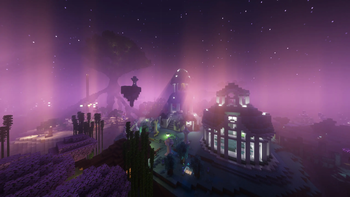
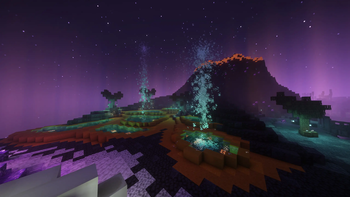
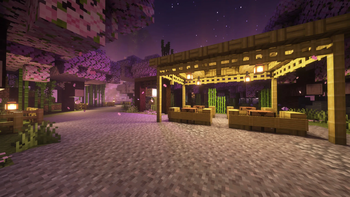
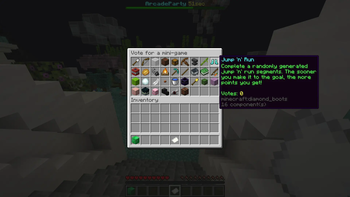
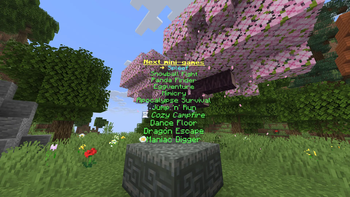
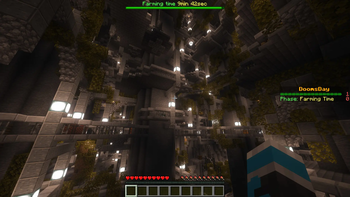
About this Modpack
LCLP's Mini Game Pack
A modpack for playing mini games on LCLPNetwork Minecraft servers.
It adds the common performance mods, as well as enhanced client integration features that improves the user experience on LCLPNetwork Minecraft servers.
Most notably, this modpack allows for the best user experience in Arcade Party 2, which is the biggest game mode on LCLPNetwork servers currently.
Please note that the game modes and the client improvements are under development currently.
ℹ️ Important:
Mini games and game modes showcased here are still under development, but will be released when out of the alpha phase in the near future.
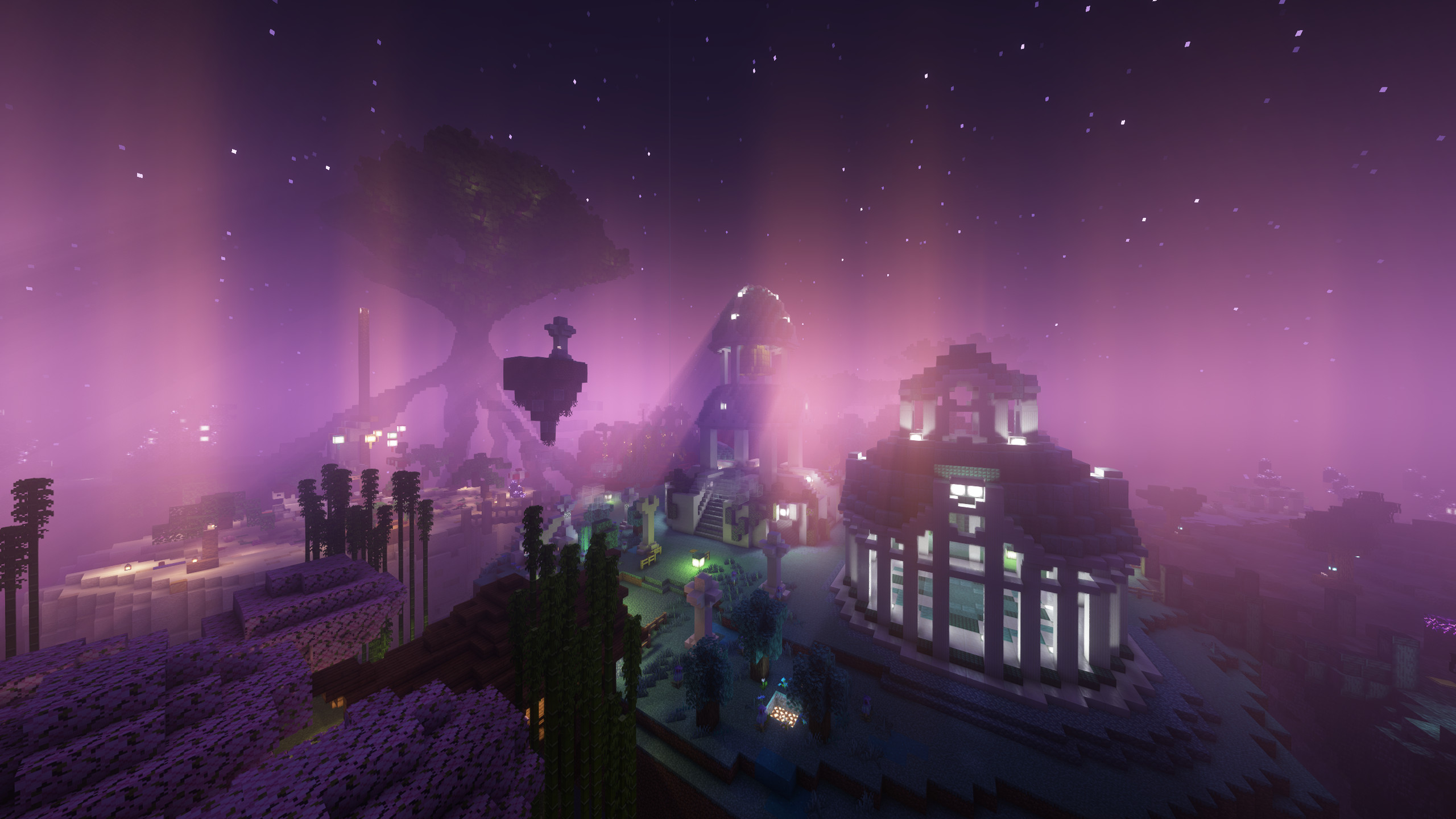
Included Mods
Mini game enhancements
- Combat Control: Adds support for classic PvP from Minecraft 1.8 and earlier (no hit cooldown, classic hunger, fishing rod mechanics etc.)
- Notica: Plays note block music in high quality, processed directly on the client.
- mc-option-sync: Synchronizes user settings and configured files across game instances with the mod installed.
- Zoomify: Zoom the camera when pressing 'C'.
- Simple Voice Chat: Adds proximity voice chat to Minecraft. Completely optional, but a nice gimmick in some game modes, such as Hide and Seek.
Performance optimizations
- Sodium: The must-have rendering optimization mod, providing massive performance boosts.
- Krypton: Optimizes networking between the client and the server, decreasing the amount of packets sent. Especially effective for players with weaker internet connections.
- ImmediatelyFast: Optimizes rendering of various things, such as GUIs.
- FerriteCore: Optimizes memory usage while playing.
- Entity Culling: Skips the rendering of entities that are behind walls.
- Dynamic FPS: Reduces resource usage when the game is running in the background.
Visual / cosmetic
- Iris: The best shader mod, with good performance. Press 'O' to to select your favorite shader.
- LambDynamicLights: Performant dynamic lights mod, lighting up the world with held or dropped light items. No shaders needed.
- Cool Rain: Adds dynamic rain sounds.
- Sound Physics Remastered: Adds dynamic audio effects, such as reverb and sound muffling behind walls. Feel free to disable this mod if you don't like it.
- Particle Rain: Improves rain and atmospheric visuals.
- Visuality: Adds small visual improvements by adding new particles.
Miscellaneous
- MidnightControls: Controller support in Java edition.
- some more mods, providing small fixes, improvements or library functions for other mods
Included Shaders
- Complementary Shaders: Unbound: High performance shader with great visuals
- Complementary Shaders: Reimagined: Like the unbound version, but more like the vanilla style.
- Rethinking Voxels: Ray-tracing shader with sharp shadows, colored light and overall great visuals, but a little performance heavy. Based on Complementary Shaders: Reimagined.
- BSL Shaders: Bright and colorful shaders with good performance.
- Shrimple: A simple shader with great performance, attempting to maintain vanilla style.
Included Resource Packs
- Programmer Art Fix: An addon to the "Programmer Art" resource pack, bundled with Minecraft that comes with the classic Minecraft textures from before 1.14.
Images
Minigames from Arcade Party 2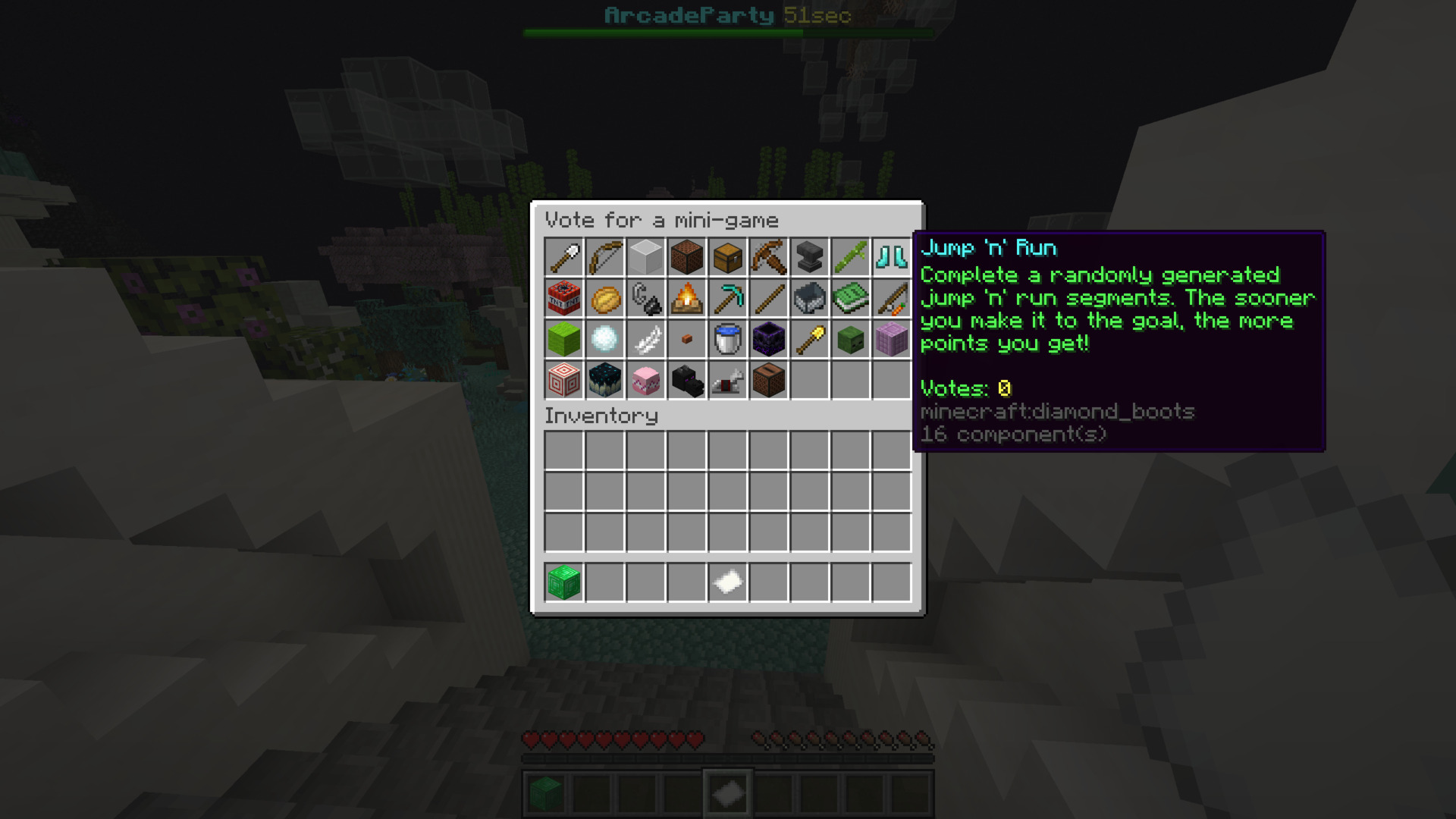
"Dance Floor" mini game from Arcade Party 2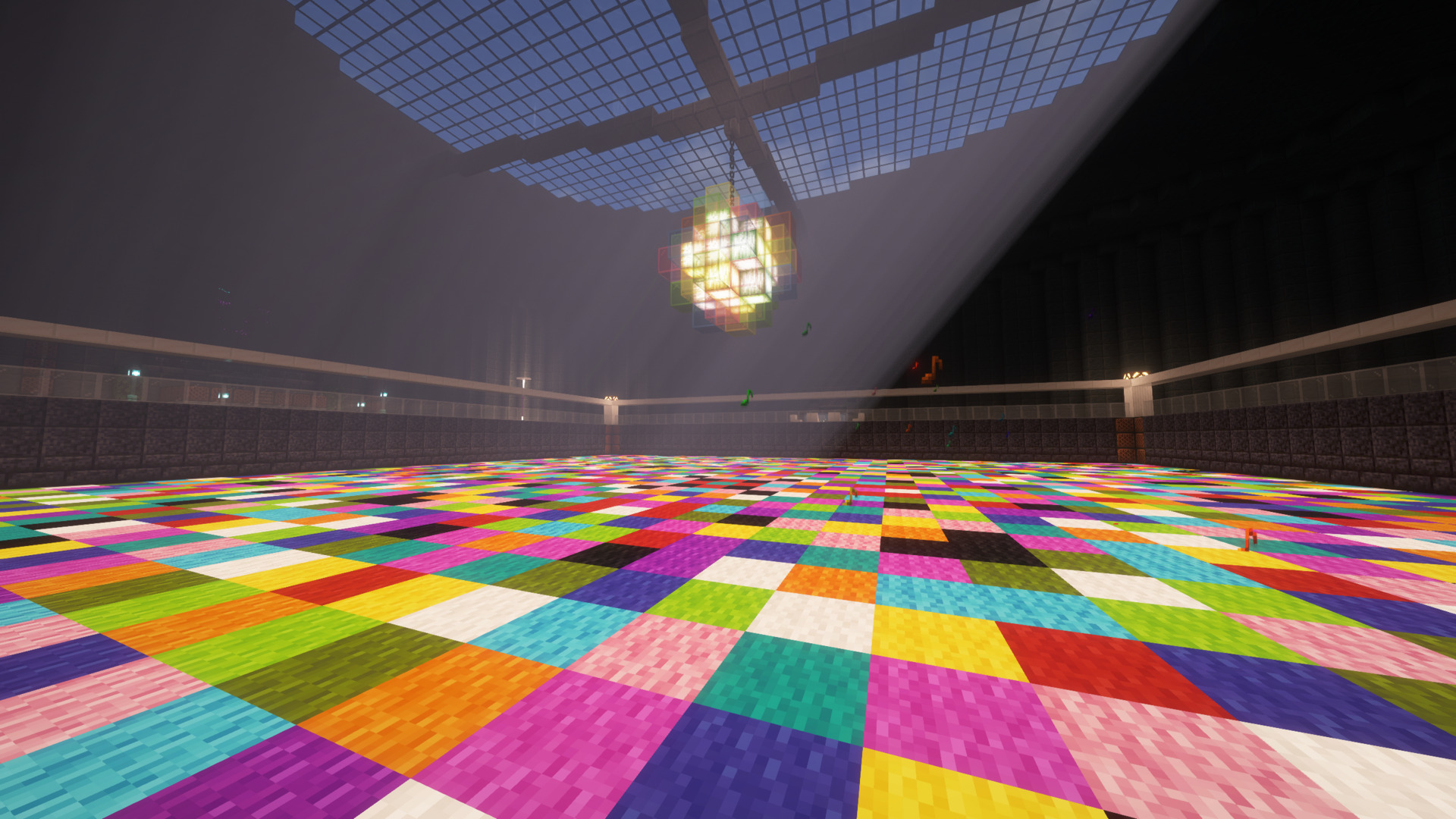
"MazeScape" mini game from Arcade Party 2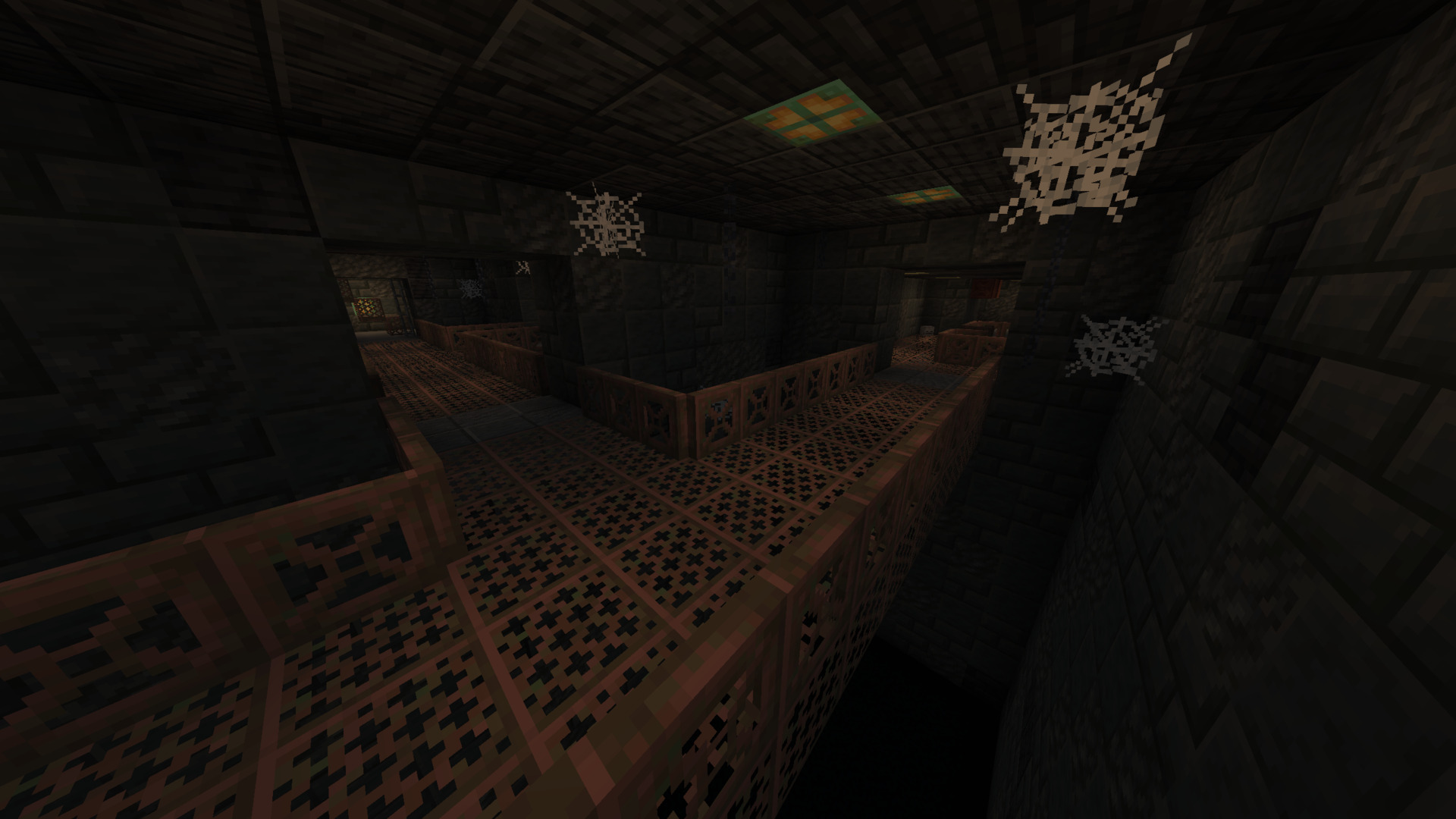
"One in the chamber" mini game from Arcade Party 2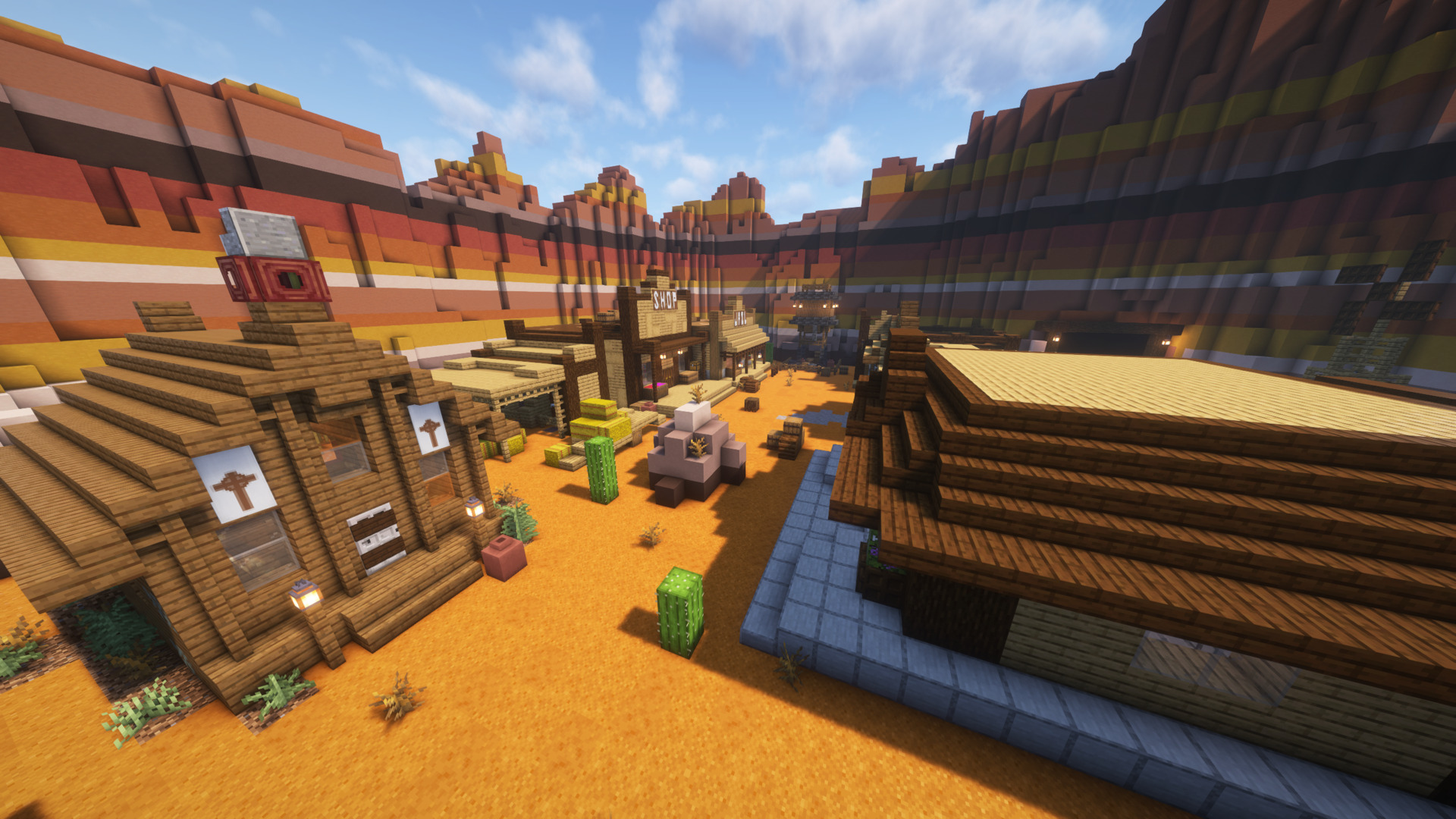
The "DoomsDay" game mode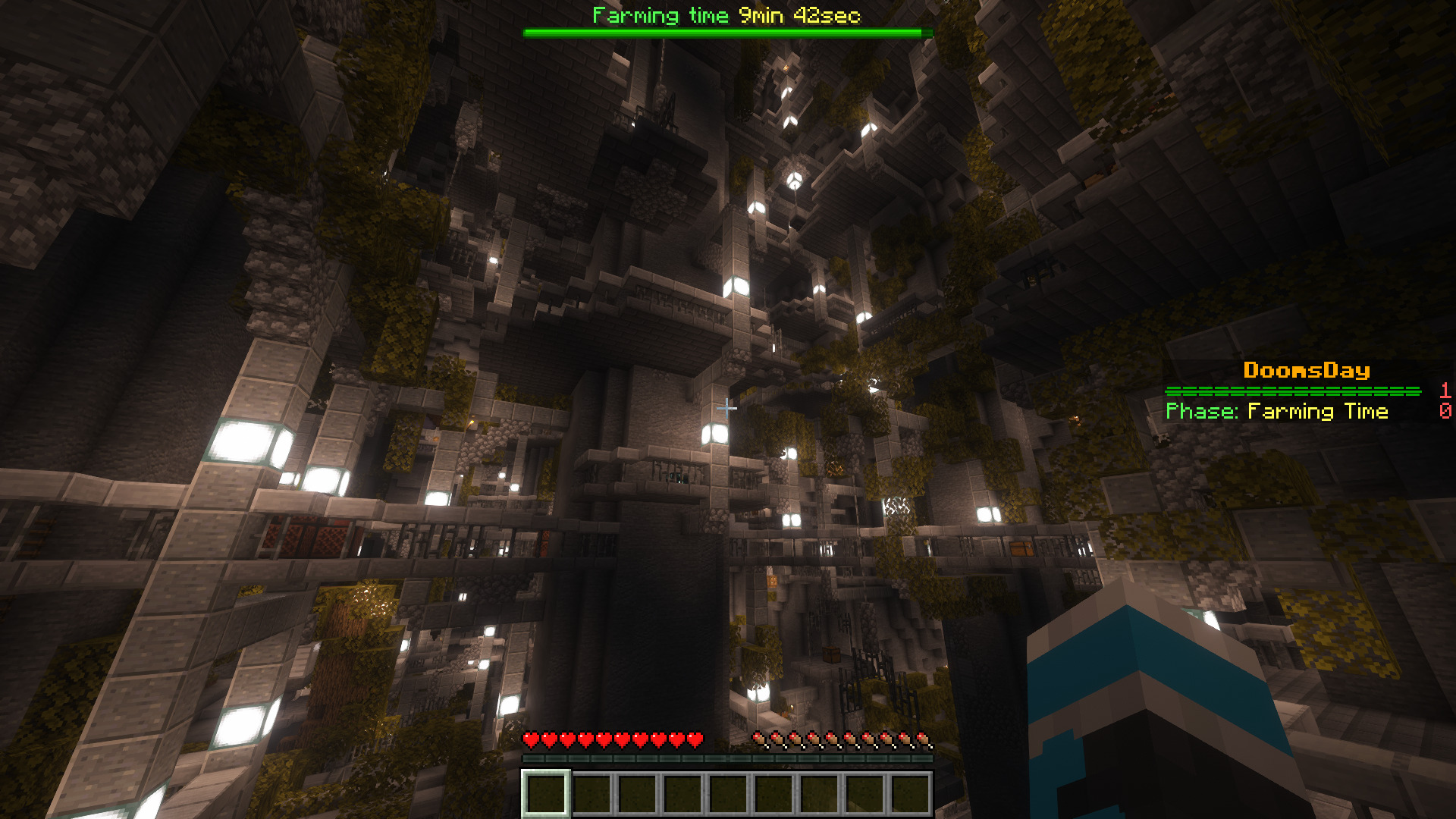
View more at the gallery and find much more in game!
For reporting issues or similar, please use GitHub
Pack icon based on "Arcade icons" created by Freepik - Flaticon: https://www.flaticon.com/free-icons/arcade
Available Versions
How to Set Up a LCLP's Mini Game Pack Server
Order Server
Choose at least 4 GB RAM (6 GB recommended for LCLP's Mini Game Pack). Based on player count: per 8 players.
Install Modpack in Dashboard
Open the modpack browser in the dashboard, search for "LCLP's Mini Game Pack" and click "Install". The fabric loader and Minecraft 26.1.2 are configured automatically.
Start Server & Play
Start the server – all mods are loaded automatically. Share the server IP with friends and play together!
Frequently Asked Questions
LCLP's Mini Game Pack server crashes or won't start – what to do?
Most common causes: insufficient RAM or wrong fabric loader. Check latest.log for "OutOfMemoryError" → increase RAM to at least 6 GB. For "Mixin" or "ClassNotFoundException" errors: modpack version and loader don't match. With Mado Hosting, loader and Minecraft version are auto-configured on modpack install – preventing most startup issues.
How much RAM does a LCLP's Mini Game Pack server really need?
Minimum 4 GB, recommended 6 GB for stable performance. per 8 players. Important: Minecraft modpacks need more RAM than vanilla – plan extra per additional player. With Mado Hosting, you can scale RAM up live at any time without data loss (from €8/month).
Can I add custom mods to LCLP's Mini Game Pack without conflicts?
Yes, but check compatibility: only use mods for the same loader (fabric) and same Minecraft version (26.1.2). Common issues: ID conflicts with recipe mods and incompatible coremod versions. The Mado dashboard mod browser only shows compatible mods and warns about known conflicts.
LCLP's Mini Game Pack server lagging – performance tips
1) Increase RAM to 6 GB+. 2) Reduce server view-distance to 8 (server.properties). 3) Pre-generate chunks with the "Chunky" plugin. 4) Use /spark profiler to check which mods consume the most tick time. With Mado Hosting, all servers run on NVMe SSDs with dedicated CPU cores – eliminating hardware as a bottleneck.
Similar Modpacks

![Better MC [FABRIC] - BMC2](https://cdn.modrinth.com/data/shFhR8Vx/a19c2bcb51d38f32f138d3607e91cb2b7b8e387f_96.webp)
![Better MC [FORGE] - BMC4](https://cdn.modrinth.com/data/4BV47HRn/7f5ef7cc61b2593609aabef3ed07a866a4f11b73_96.webp)


Rent LCLP's Mini Game Pack Server
Start your own server with automatic modpack installation.
Supported Versions
Start your LCLP's Mini Game Pack Server now
From €8.00/month with 6 GB RAM for the best performance.
Configure Server →