
Legend's Optimized
Performance, experience and optimization. That's Legend's Optimized
Screenshots
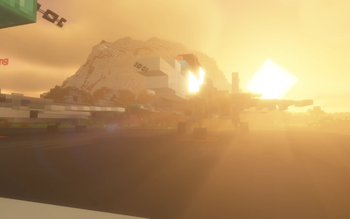
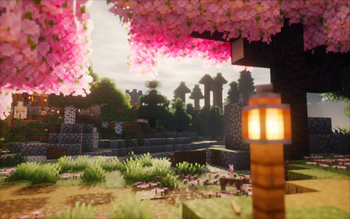
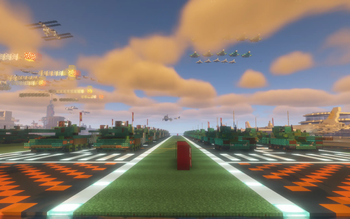


About this Modpack
WELCOME TO LEGEND'S OPTIMIZED PROJECT!
OFFICIAL SUPPORT: Choose your favorite version! We now have a support version for SURVIVAL and BUILDER!
Through a top selection of performance mod experts, we have compiled them to provide the most optimal performance and the best experience when playing Minecraft.
A NEW GENERATION, ENHANCED EXPERIENCE WITH MAXIMUM PERFORMANCE
In version 1.1, Macbook Air 2018 received up to 300FPS at 6 Chunks rendering distance - something that seemed impossible for Intel Macbook Air
ENHANCE YOUR EXPERIENCE WITH AMBIENT SOUNDS WITH ULTIMATE PERFORMANCE
Play Minecraft with 360° Ambient Audio and Sound Physic Remastered. Experience the realism, down to the finest detail. Everything is beautifully remastered, from plains to mountains, from the ground to caves.
With Legend Optimized Modpack, Macbook Air 2018 with Intel UHD Graphics 617 (An extremely weak built-in GPU is featured on the Intel i5 8210Y) achieved 190-300FPS at 6 CHUNKS rendering distance, THREE times higher than Minecraft Vanilla (Only 90-100FPS at 6 CHUNKS rendering distance)
But that's not all...
Tested by us on Macbook Air 2018 (Intel Core i5 8210Y with Intel UHD Graphics 617)
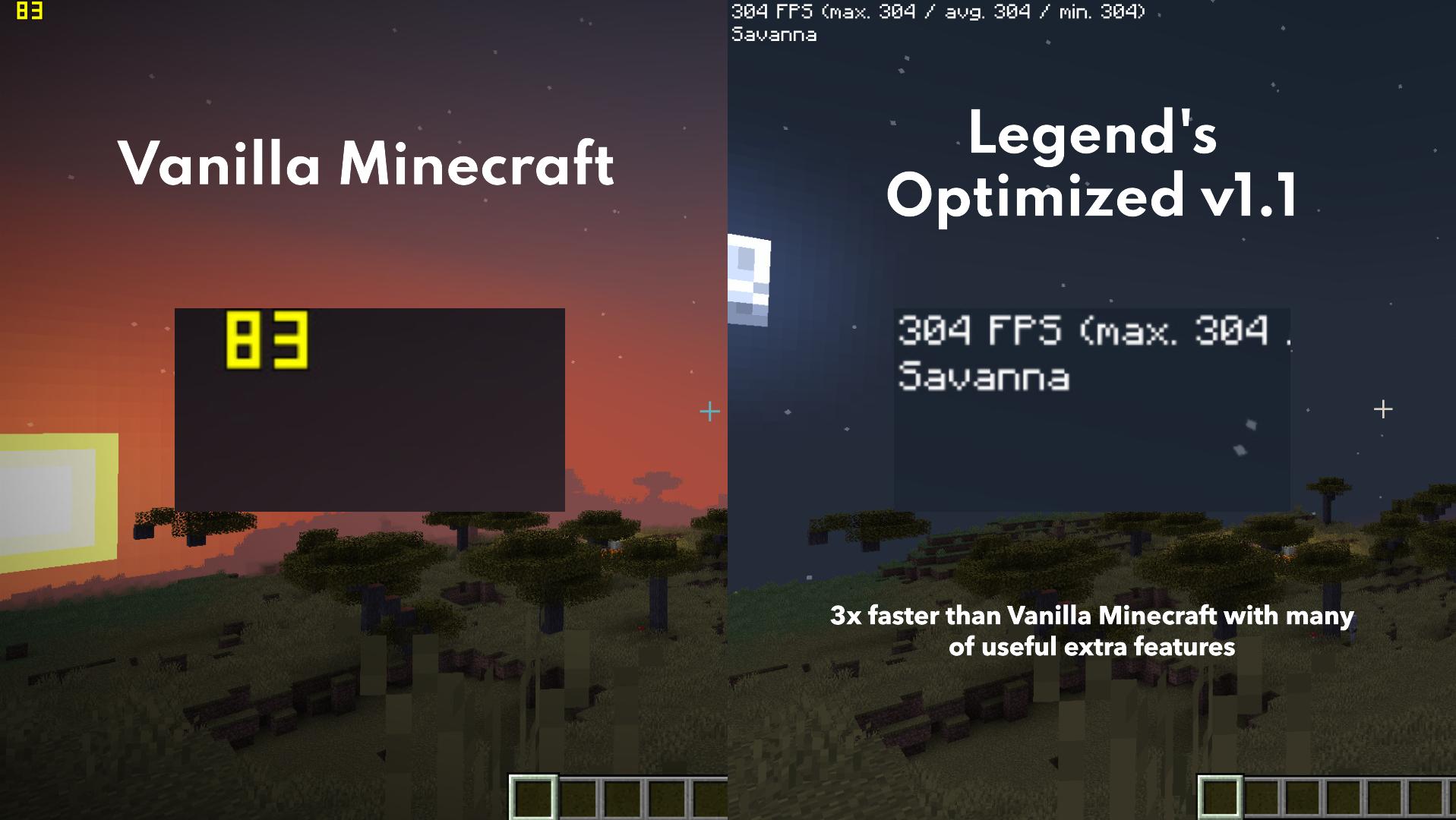
The performance difference is so great that even we had to say "WAIT, WHAT?". Shows how much better optimized version 1.1 and above is than all previous versions!
OPTIMIZE PERFORMANCE AND EXPERIENCE WITH SHADERS!
With Photon Shader (Max Settings) and the UltimaCraft Resource Packs, the Macbook Air 2018, even though the CPU/GPU temperature is very hot, shows that this Macbook can still run shaders at 2.5K resolution and handle heavy graphics tasks with PBR.
Photon Shader + UltimaCraft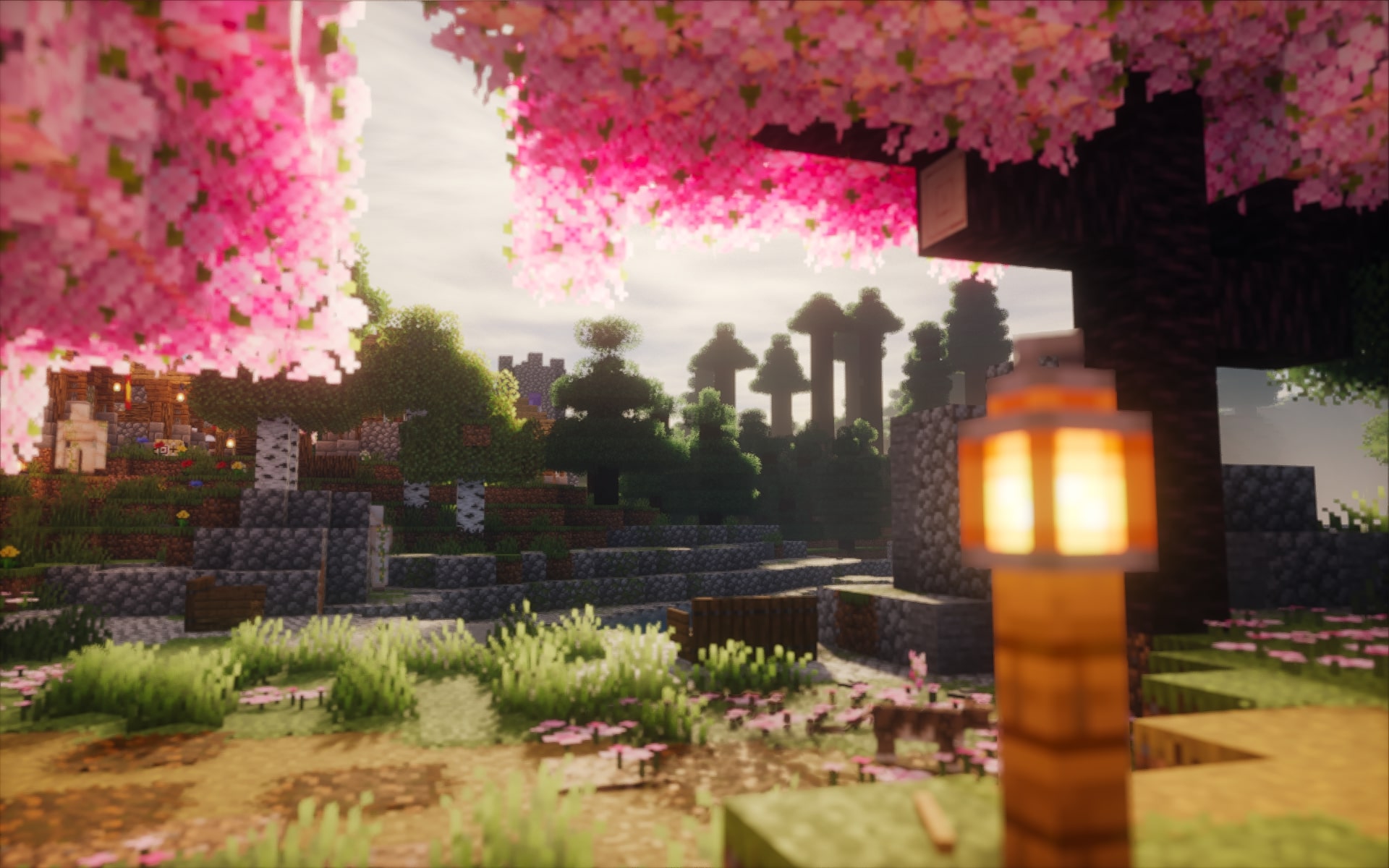

DO YOU WANT TO RECORD MINECRAFT'S MOST BEAUTIFUL MOMENTS? THIS MODPACK IS EQUIPPED WITH REPLAY MOD!
Capture your most beautiful, perfect, and awesome moments in Minecraft with Replay Mod! Use it to create epic videos, creations, builds, or tutorials; we are sure it will not disappoint you!
If there are any problems with this modpack, please report to us here
or you can donate us through Github Sponsors
Note: Legend's Optimized version 1.0.7 is not equipped with AmbientSounds and Sound Physics Remastered due to a conflict that causes Minecraft to crash.
Temporarily removed Replay Mod due to performance issues from below 1.1 version (Legend's Optimize Standard)
Legend Victory TEAM sincerely thanks the mods authors and other modpack creators who inspired this modpack.
- Fabric Language Kotlin by modmuss50
- Dynamic FPS by LostLuma
- BadOptimization by thosea
- Continuity by PepperCode1
- Lithium by 2No2Name
- Enhanced Block Entities by FoundationGames
- Concurrent Chunk Management Engine (Fabric) by ishland
- Replay Mod by Johni0702 (Builder Version + 1.0.7 and below)
- Sodium Extra by FlashyReese
- Zoomify by isxander
- Iris Shaders by IMS
- Noisium by Steveplays
- Reese's Sodium Options by FlashyReese
- ImmediatelyFast by RaphiMC
- Cloth Config API by shedaniel
- ResolutionControl 3 by bgp
- Indium by comp500
- ModernFix by embeddedt
- [ETF] Entity Texture Features by Traben
- Krypton by astei
- Sodium Extra Information by anvian
- Sodium by jellyquid3, IMS
- Entity Culling by tr7zw
- Fabric API modmuss50, sfPlayer1
- Mod Menu by Terraformers (Organization), Prospector, modmuss50
- [EMF] Entity Model Features by Traben
- FerriteCore by malte0811
- AmbientSounds by creativemd
- YetAnotherConfigLib isxander
- ThreadTweak by getchoo, devin
- CreativeCore by creativemd
- More Culling by FX
- Very Many Player (Fabric) by ishland
- AppleSkin by squeek502
- Sound Physics Remastered by henkelmax
- Axiom by Moulberry (Builder Version)
- Worldedit (Builder Version) by EngineHub (Organization)
- Xaero's Minimap by thexaero (Survival Version)
- Xaero's World Map by thexaero (Survival Version)
- Better Third Person (Survival Version)
- Clumps (Survival Version)
- Dynamic Lights (Survival Version)
- First-person Model (Survival Version)
- Not Enough Animations (Survival Version)
Legend's Optimized Project Creator
- ZinnMC
- creeperVN
- Thanks, from Vietnam
Available Versions
How to Set Up a Legend's Optimized Server
Order Server
Choose at least 6 GB RAM (8 GB recommended for Legend's Optimized). Based on player count: per 5 players.
Install Modpack in Dashboard
Open the modpack browser in the dashboard, search for "Legend's Optimized" and click "Install". The fabric loader and Minecraft 26.1.2 are configured automatically.
Start Server & Play
Start the server – all mods are loaded automatically. Share the server IP with friends and play together!
Frequently Asked Questions
Legend's Optimized server crashes or won't start – what to do?
Most common causes: insufficient RAM or wrong fabric loader. Check latest.log for "OutOfMemoryError" → increase RAM to at least 8 GB. For "Mixin" or "ClassNotFoundException" errors: modpack version and loader don't match. With Mado Hosting, loader and Minecraft version are auto-configured on modpack install – preventing most startup issues.
How much RAM does a Legend's Optimized server really need?
Minimum 6 GB, recommended 8 GB for stable performance. per 5 players. Important: Minecraft modpacks need more RAM than vanilla – plan extra per additional player. With Mado Hosting, you can scale RAM up live at any time without data loss (from €12/month).
Can I add custom mods to Legend's Optimized without conflicts?
Yes, but check compatibility: only use mods for the same loader (fabric) and same Minecraft version (26.1.2). Common issues: ID conflicts with recipe mods and incompatible coremod versions. The Mado dashboard mod browser only shows compatible mods and warns about known conflicts.
Legend's Optimized server lagging – performance tips
1) Increase RAM to 8 GB+. 2) Reduce server view-distance to 8 (server.properties). 3) Pre-generate chunks with the "Chunky" plugin. 4) Use /spark profiler to check which mods consume the most tick time. With Mado Hosting, all servers run on NVMe SSDs with dedicated CPU cores – eliminating hardware as a bottleneck.
Similar Modpacks

![Cobblemon Official Modpack [Fabric]](https://cdn.modrinth.com/data/5FFgwNNP/e7f9ee2e9d361623847853fe2ddce42f519ee64f.png)
![COBBLEVERSE - Pokemon Adventure [Cobblemon]](https://cdn.modrinth.com/data/Jkb29YJU/581ecf54530972afb18a04660afd820f2f24f6c7.png)
![Better MC [FABRIC] - BMC2](https://cdn.modrinth.com/data/shFhR8Vx/a19c2bcb51d38f32f138d3607e91cb2b7b8e387f_96.webp)


Rent Legend's Optimized Server
Start your own server with automatic modpack installation.
Supported Versions
Start your Legend's Optimized Server now
From €12.00/month with 8 GB RAM for the best performance.
Configure Server →