
LOTR Survival
Official Mod Pack for the LOTR Survival server!
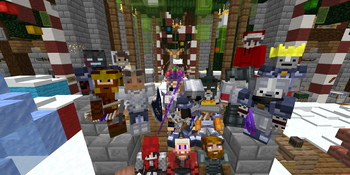
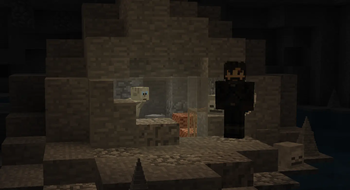
Screenshots
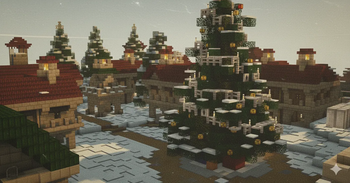
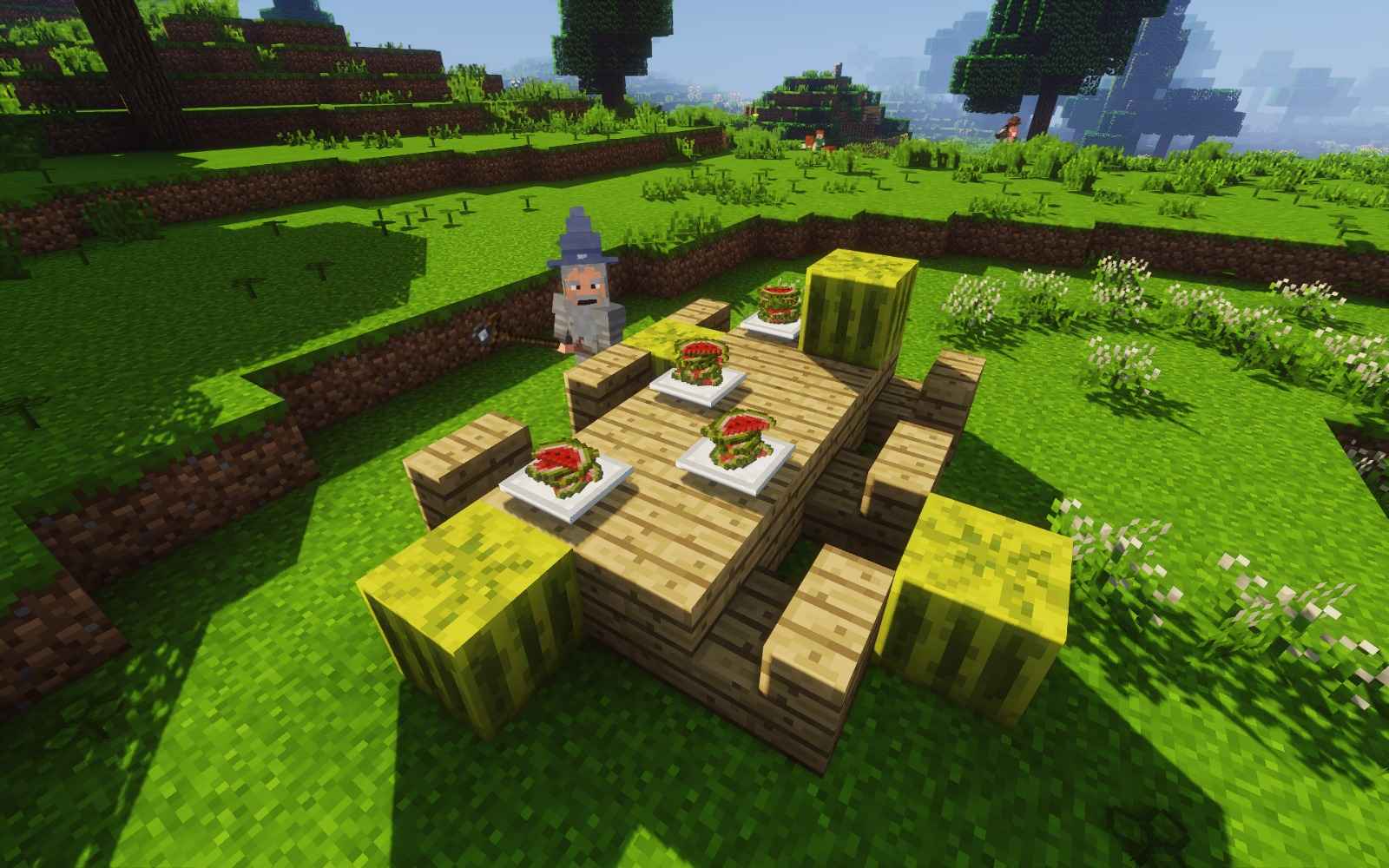
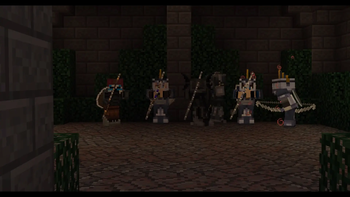
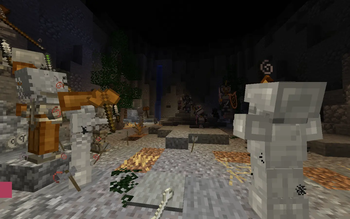
About this Modpack
LOTR Survival - Official Modpack
The official recommended modpack for LOTR Survival, one of the most popular and stable Legacy LOTR Mod servers — serving the Middle-earth community since 2017.

About LOTR Survival
LOTR Survival combines the power of the Legacy LOTR Mod with custom mechanics carefully tailored for an engaging multiplayer experience. Whether you're a casual explorer or a dedicated conqueror, there's something for everyone in Middle-earth.
When you join, the choice is yours: explore the vast landscapes of Middle-earth, battle NPCs and players, design stunning builds, or dive into our flagship territory conquest system.
Server IP: lotrmc.net
Version: Minecraft 1.7.10 with Legacy LOTR Mod (Latest Version)
Server Features
All custom features are coded from scratch — no extra mods required on the server side.
Conquest System
Our flagship territory warfare system where factions battle for control of the realm:
- Territory Sieges — Functioning battering rams and war machines
- Territory Claiming — Automated system, no forms needed
- Interactive Conquest Map — View territories live online at lotrmc.net/map
- Spontaneous Raids — Fully automated raiding system
- Factions & Wars — Full-scale organized PvP warfare with up to 50 players per side
War Machines
Deploy devastating siege equipment in battle:
- Catapults
- Ballistas
- Hwachas
- Cannons
- Oil Cauldrons
- Battering Rams
Dungeons
Challenge yourself in custom-designed dungeons filled with unique bosses, puzzles, and rare loot:
- Paths of the Dead — Face the cursed army of the mountain
- Shelob's Lair — Confront the ancient spider of Cirith Ungol
- Interactive and re-playable encounters
- Earn unique loot including coins, scrolls, and abilities
LSX (LOTR Survival Experience)
Exclusive custom content unavailable anywhere else:
- Custom weapons and armor
- Unique abilities system
- Character progression systems
- Middle-earth themed content
Additional Features
- LSC (LOTR Survival Coins) — Server economy system
- Daily Challenges — Fresh objectives every day
- Lore Items — Collectible artifacts from Middle-earth's history
- Duels — 1v1 combat system
- Parties — Team up with friends
- Happy Hour — Bonus events
- Juggernaut — Special game mode
- Raven Messages — In-game mail system
- Creative Plotworld — Build freely in protected plots
- Player Protection — Safeguard your builds and items
- Custom Crafting Recipes — Server-exclusive recipes
- Custom Paintings — Unique decorations
What's Included
This modpack contains all the recommended client-side mods for the best LOTR Survival experience, including:
- The Lord of the Rings Mod (Legacy)
- Performance optimization mods
- Quality-of-life improvements
- Compatible utility mods
Simply install and connect to lotrmc.net to begin your adventure.
Getting Started
- Download and install this modpack
- Launch Minecraft through your preferred launcher
- Connect to
lotrmc.net - Choose your faction and begin your journey
New to the LOTR Mod? Check out our Quick Start Guide and the LOTR Mod Wiki.
Community & Support
Join our active community of thousands of players from around the world.
Useful Links:
- Help Center — Comprehensive guides and documentation
- Discord Server — Community chat and support
- Conquest Map — Live territory map
- Player Stats — Track your progress
- Store — Support the server
Server Statistics
- Serving Middle-earth since 2017
- ~7,000 unique players
- 80,000+ lines of custom code
- Active development and regular updates
LOTR Survival is not affiliated with Mojang Studios or the Tolkien Estate. The Lord of the Rings and all related content are property of their respective owners.
Mod Credits
The following mods are included with attribution to their original authors:
- Emmaitar by TheChildWalrus
- LunatriusCore by Lunatrius
- Inventory Tweaks by
Inventory-Tweaks

Available Versions
How to Set Up a LOTR Survival Server
Order Server
Choose at least 6 GB RAM (8 GB recommended for LOTR Survival). Based on player count: per 5 players.
Install Modpack in Dashboard
Open the modpack browser in the dashboard, search for "LOTR Survival" and click "Install". The forge loader and Minecraft 1.7.10 are configured automatically.
Start Server & Play
Start the server – all mods are loaded automatically. Share the server IP with friends and play together!
Frequently Asked Questions
LOTR Survival server crashes or won't start – what to do?
Most common causes: insufficient RAM or wrong forge loader. Check latest.log for "OutOfMemoryError" → increase RAM to at least 8 GB. For "Mixin" or "ClassNotFoundException" errors: modpack version and loader don't match. With Mado Hosting, loader and Minecraft version are auto-configured on modpack install – preventing most startup issues.
How much RAM does a LOTR Survival server really need?
Minimum 6 GB, recommended 8 GB for stable performance. per 5 players. Important: Minecraft modpacks need more RAM than vanilla – plan extra per additional player. With Mado Hosting, you can scale RAM up live at any time without data loss (from €12/month).
Can I add custom mods to LOTR Survival without conflicts?
Yes, but check compatibility: only use mods for the same loader (forge) and same Minecraft version (1.7.10). Common issues: ID conflicts with recipe mods and incompatible coremod versions. The Mado dashboard mod browser only shows compatible mods and warns about known conflicts.
LOTR Survival server lagging – performance tips
1) Increase RAM to 8 GB+. 2) Reduce server view-distance to 8 (server.properties). 3) Pre-generate chunks with the "Chunky" plugin. 4) Use /spark profiler to check which mods consume the most tick time. With Mado Hosting, all servers run on NVMe SSDs with dedicated CPU cores – eliminating hardware as a bottleneck.
Similar Modpacks
![Cobblemon Official Modpack [Fabric]](https://cdn.modrinth.com/data/5FFgwNNP/e7f9ee2e9d361623847853fe2ddce42f519ee64f.png)
![COBBLEVERSE - Pokemon Adventure [Cobblemon]](https://cdn.modrinth.com/data/Jkb29YJU/581ecf54530972afb18a04660afd820f2f24f6c7.png)
![Better MC [FABRIC] - BMC2](https://cdn.modrinth.com/data/shFhR8Vx/a19c2bcb51d38f32f138d3607e91cb2b7b8e387f_96.webp)


![Better MC [FORGE] - BMC4](https://cdn.modrinth.com/data/4BV47HRn/7f5ef7cc61b2593609aabef3ed07a866a4f11b73_96.webp)
Rent LOTR Survival Server
Start your own server with automatic modpack installation.
Supported Versions
Start your LOTR Survival Server now
From €12.00/month with 8 GB RAM for the best performance.
Configure Server →