
Lumora Caves
A unique spin on the Minecraft x Core Keeper cave world experience.
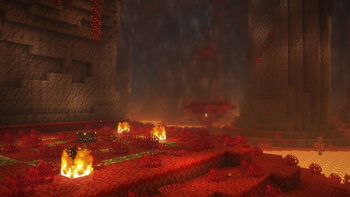
Screenshots

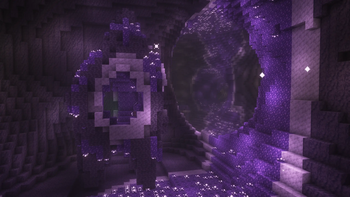
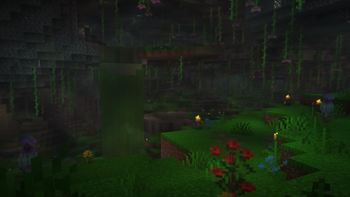
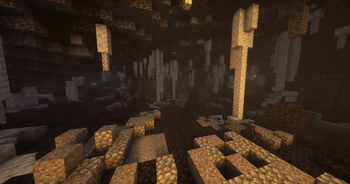
About this Modpack
Lumora Caves
Everything that a Minecraft has & more, but in a cave world. Can you beat it?
Lumora Caves aims to deliver an experience of spawning in an Overworld that consists entirely of interconnected cave systems.
There is no surface, no oceans, no forests. You start with a small starter kit in a village and have to figure out rest for yourself.
This modpack is carefully balanced and aims to bring both the thrill of exploring the unknown and make the player enjoy exploration and combat elements on par with Minecraft Dungeons.
Features
- 🪨 Caves - entire Overworld is an enclosed cave world, now extending from y320 to y-128
- 🌍 New Biomes - explore infinite caves with new dangerous mobs in the bellows of the world
- 🎤 Proximity Chat - a tip, do NOT speak loud near the Warden, you've been warned
- 🛠️ Optimization - all of your favorite optimizations mods, each preconfigured for you
- 🔨 New Items - including hammers with 3x3 digging, new armors and brand new artifacts
- 🏡 Settle - spawn in an underground village for trading and an easy kickstart
- ⚔️ Trial Chambers - now featuring a lot of on-surface content, bigger & better than ever
- 🔥 Nether Rework - bigger and scarier than ever with lots of new content and loot
- 🎇 End Update - now featuring replenishible elytras, new biomes, mobs, items & more
- 🧮 75+ New Structures - in all 3 dimensions, now denser and more fun to explore
- 🔨 Convenience - a lot of QoL mods to simplify the tedious parts of gameplay
- 🍲 Food & Potions - easily accessible, yet diversified, actually fun to acquire
- 🚀 Mob Vote Backport - several new cave mobs and content to fill up the gaps
- 📦 Balanced - removes tedious grind and makes combat and exploration more challenging
- ♟️ Loot - all loottables in chests reworked, now more rewarding than ever before
- 🪑 Visuals - preconfigured shaders, loaded in resourcepack with all mod patches
- 🎉 Rewarding - exploration feels like a challenge and your progress is well earned
Why Choose Lumora Caves?
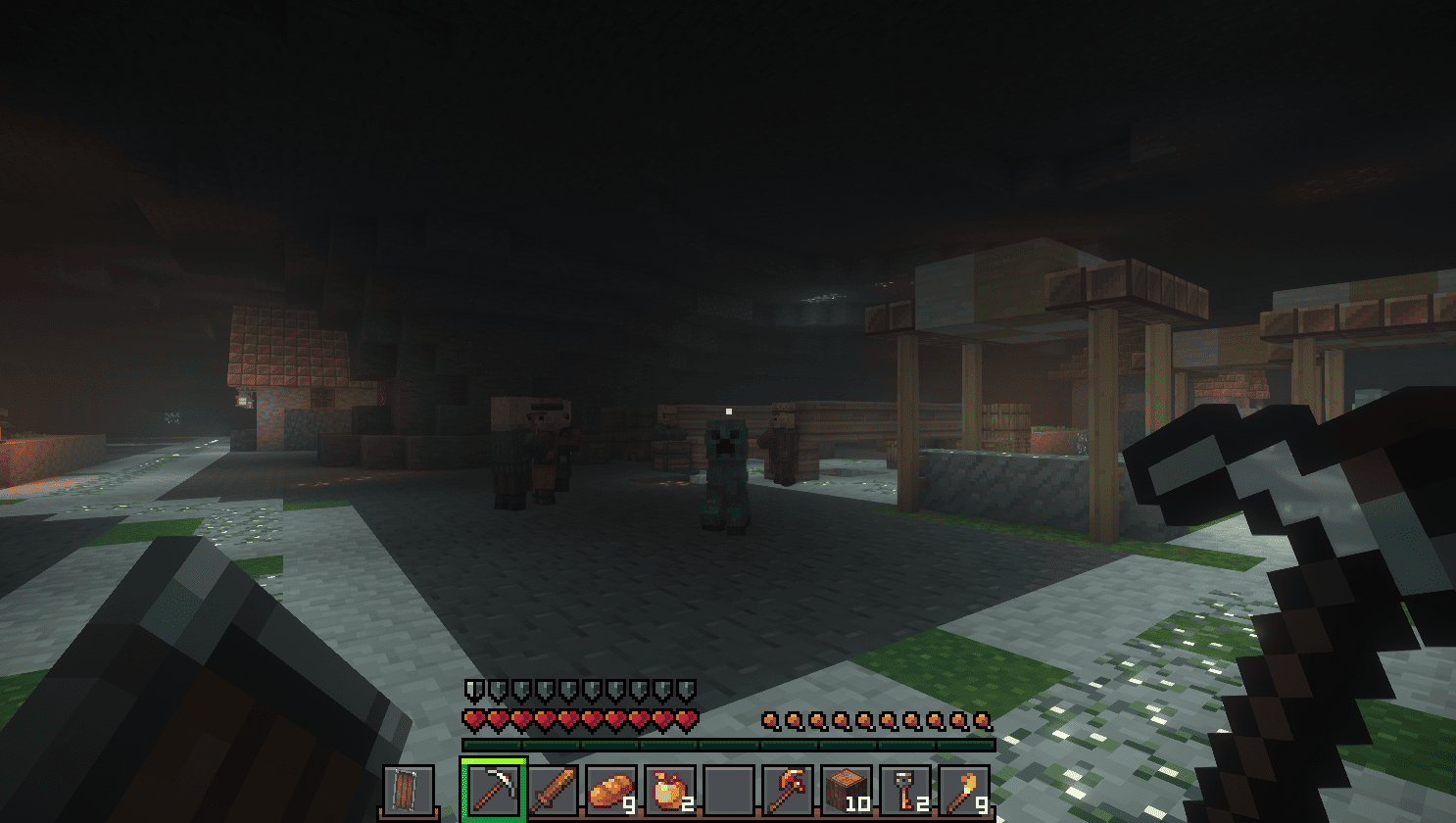
This modpack is carefully thought out, specifically finetuned for playing on a small server in a group of 4 people in total. However it brings challenging, yet oddly rewarding gameplay even to a singleplayer playthrough.
I carefully handpicked the mods I enjoyed and then customcoded a datapack to patch in the gaps for items, blocks, mobs and things that weren't achievable.
In Version 1.0, all things necessary to beat the game are achievable, however some advancements and rarely, singular items are not. This will be patched in future updates but it does NOT impact the experience.
If you're searching for an up-to date cave world experience, you won't find a better modpack than this one.
Check out the gallery to see more!
Known Issues
Due to how Complimentary Shaders calculates sunlight, you will find bright patches in very tall caves. If this bothers you, turn off the shaders or search for a replacement.
Nether worldgen is somewhat laggy. I am considering adding world pre-generation mods or optimizing the datapacks themselves in close future.
There are a few unachievable advancements and unobtainable items - but these amount to 1-2% of all total items. There will be follow-up patches to balance, remove or add new ones.
Some modded blocks do not have a patch for the core texturepack. In time some of them will get patched.
Endermans have broken texture.
Quick Start
- Download the Modrinth App.
- Install Lumora Caves via "Browse" in the app.
- Play and enjoy your cave world playthrough!
More info in the Modrinth Modpack Guide.
Available Versions
How to Set Up a Lumora Caves Server
Order Server
Choose at least 6 GB RAM (8 GB recommended for Lumora Caves). Based on player count: per 5 players.
Install Modpack in Dashboard
Open the modpack browser in the dashboard, search for "Lumora Caves" and click "Install". The fabric loader and Minecraft 1.21.11 are configured automatically.
Start Server & Play
Start the server – all mods are loaded automatically. Share the server IP with friends and play together!
Frequently Asked Questions
Lumora Caves server crashes or won't start – what to do?
Most common causes: insufficient RAM or wrong fabric loader. Check latest.log for "OutOfMemoryError" → increase RAM to at least 8 GB. For "Mixin" or "ClassNotFoundException" errors: modpack version and loader don't match. With Mado Hosting, loader and Minecraft version are auto-configured on modpack install – preventing most startup issues.
How much RAM does a Lumora Caves server really need?
Minimum 6 GB, recommended 8 GB for stable performance. per 5 players. Important: Minecraft modpacks need more RAM than vanilla – plan extra per additional player. With Mado Hosting, you can scale RAM up live at any time without data loss (from €12/month).
Can I add custom mods to Lumora Caves without conflicts?
Yes, but check compatibility: only use mods for the same loader (fabric) and same Minecraft version (1.21.11). Common issues: ID conflicts with recipe mods and incompatible coremod versions. The Mado dashboard mod browser only shows compatible mods and warns about known conflicts.
Lumora Caves server lagging – performance tips
1) Increase RAM to 8 GB+. 2) Reduce server view-distance to 8 (server.properties). 3) Pre-generate chunks with the "Chunky" plugin. 4) Use /spark profiler to check which mods consume the most tick time. With Mado Hosting, all servers run on NVMe SSDs with dedicated CPU cores – eliminating hardware as a bottleneck.
Similar Modpacks
![Cobblemon Official Modpack [Fabric]](https://cdn.modrinth.com/data/5FFgwNNP/e7f9ee2e9d361623847853fe2ddce42f519ee64f.png)
![COBBLEVERSE - Pokemon Adventure [Cobblemon]](https://cdn.modrinth.com/data/Jkb29YJU/581ecf54530972afb18a04660afd820f2f24f6c7.png)
![Better MC [FABRIC] - BMC2](https://cdn.modrinth.com/data/shFhR8Vx/a19c2bcb51d38f32f138d3607e91cb2b7b8e387f_96.webp)


![Better MC [FORGE] - BMC4](https://cdn.modrinth.com/data/4BV47HRn/7f5ef7cc61b2593609aabef3ed07a866a4f11b73_96.webp)
Rent Lumora Caves Server
Start your own server with automatic modpack installation.
Details
- License
- Creative Commons Attribution Non Commercial Share Alike 4.0 International
- Server-side
- Required
- Client-side
- Required
Supported Versions
Start your Lumora Caves Server now
From €12.00/month with 8 GB RAM for the best performance.
Configure Server →