
M.A.E.S.T.R.O.
Everything you need to test with the redstone music machine!
Screenshots


About this Modpack
M.A.E.S.T.R.O. Mod Pack
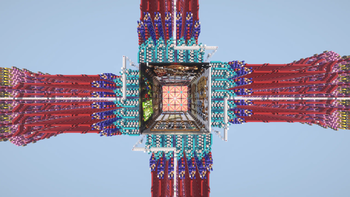
A lightweight pack designed to provide you with the tools to test creations for M.A.E.S.T.R.O., an incredible redstone machine that lets you play Note Block Songs (created with Note Block Studio) in vanilla Minecraft, and everything you'd want while attending the Maestro's Musical Masterpieces live event.
Everything is stripped down to its bare minimum, utilities and optimizations are baked-in for the smoothest experience, and the required world is provided and ready to use!
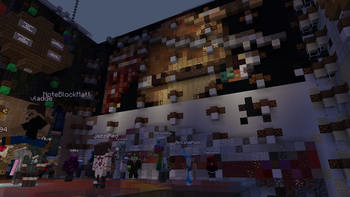
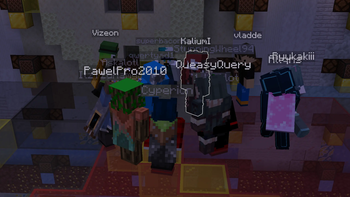
Now that the event has been concluded, this pack can be used to hear all of the songs that were played live (listen to them here), and will continue to function as a great testing and listening ground for future M.A.E.S.T.R.O. creations.
Using the MAESTRO converter
Head to the converter website and drag in your saved NBS file to convert it to a WorldEdit-compatible schematic file. Copy this file to the config/WorldEdit/schematics folder, found within the Minecraft profile's folder. In the M.A.E.S.T.R.O. world, run //schem list to display the available schematics, then click on the [L] icon to load it onto your clipboard. Run tp 0 130 0, followed by //paste -a, and the machine is ready to play!
In the future, this process should be automated.
Playing the event submissions
Use the hanging button to teleport to the world's credits and control hallway. Here you'll find all of the submissions in order, which when pressed, will present you with three commands to run. Teleport back to the listening platform (using the button on the floor of the hallway), don't move, and execute them (click on them in chat) from left to right. Once they've been executed, the machine is ready to play!
Server Pack
The server is designed to be stateless, everything that defines the event server is contained within this pack as well! Thanks to Modrinth Servers, who provided the event server, for implementing an easy way to install and update server mod packs.
Credits
- C.O.N.D.U.C.T.O.R. is a server-side utility mod to tweak a few features.
- N.O.T.A.T.I.O.N. is a data pack used to display song titles.
- Mojang's note block sounds are included in stereo to achieve positionless playback.
The included world containing the redstone machine, decorations, and event assets are the culmination of work from:
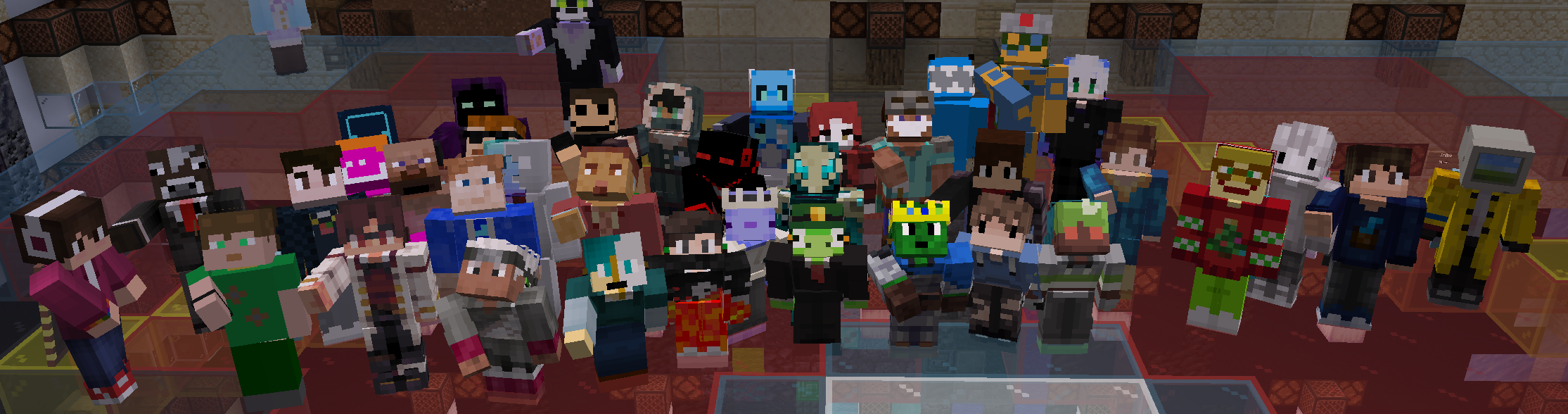
Bentroen, encode42, jazziiRed, mooncatcher, Vizeon, vladde, and Xoliks with additional contributions from Askalotl, Ceziu, flyingdean699, SerPelitos, and teddias1467.
To those who submitted songs during the jam period, thank you!
Allqns, Askalotl, Bélodie, Bentroen, Bizzo713, control467, CubixL, Daitsuki, Dino, encode42, flyingdean699, General635(-_-), hemidemisemipresent, k_lemon, KaliumI, MC LEGEND 552, Monkeylordz88, NoteBlock_Covers, OctoFlare, Philosophy_3, QueasyQuery, Raphael Bertges, rodiroditrulala, Seb, StunningWheel94, superbaconbro, Techity, Vizeon, VoidDonpig, and VulkanRafar.
Available Versions
How to Set Up a M.A.E.S.T.R.O. Server
Order Server
Choose at least 6 GB RAM (8 GB recommended for M.A.E.S.T.R.O.). Based on player count: per 5 players.
Install Modpack in Dashboard
Open the modpack browser in the dashboard, search for "M.A.E.S.T.R.O." and click "Install". The fabric loader and Minecraft 1.21.8 are configured automatically.
Start Server & Play
Start the server – all mods are loaded automatically. Share the server IP with friends and play together!
Frequently Asked Questions
M.A.E.S.T.R.O. server crashes or won't start – what to do?
Most common causes: insufficient RAM or wrong fabric loader. Check latest.log for "OutOfMemoryError" → increase RAM to at least 8 GB. For "Mixin" or "ClassNotFoundException" errors: modpack version and loader don't match. With Mado Hosting, loader and Minecraft version are auto-configured on modpack install – preventing most startup issues.
How much RAM does a M.A.E.S.T.R.O. server really need?
Minimum 6 GB, recommended 8 GB for stable performance. per 5 players. Important: Minecraft modpacks need more RAM than vanilla – plan extra per additional player. With Mado Hosting, you can scale RAM up live at any time without data loss (from €12/month).
Can I add custom mods to M.A.E.S.T.R.O. without conflicts?
Yes, but check compatibility: only use mods for the same loader (fabric) and same Minecraft version (1.21.8). Common issues: ID conflicts with recipe mods and incompatible coremod versions. The Mado dashboard mod browser only shows compatible mods and warns about known conflicts.
M.A.E.S.T.R.O. server lagging – performance tips
1) Increase RAM to 8 GB+. 2) Reduce server view-distance to 8 (server.properties). 3) Pre-generate chunks with the "Chunky" plugin. 4) Use /spark profiler to check which mods consume the most tick time. With Mado Hosting, all servers run on NVMe SSDs with dedicated CPU cores – eliminating hardware as a bottleneck.
Rent M.A.E.S.T.R.O. Server
Start your own server with automatic modpack installation.
Supported Versions
Start your M.A.E.S.T.R.O. Server now
From €12.00/month with 8 GB RAM for the best performance.
Configure Server →