
vanilla experience : the best client-side modpack
the best modpack for multiplayer which brings together all the best optimization, utility and decoration mods for a maximum Minecraft experience.
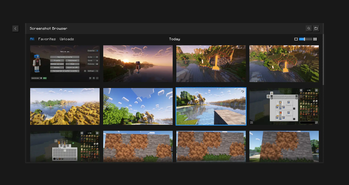
Screenshots
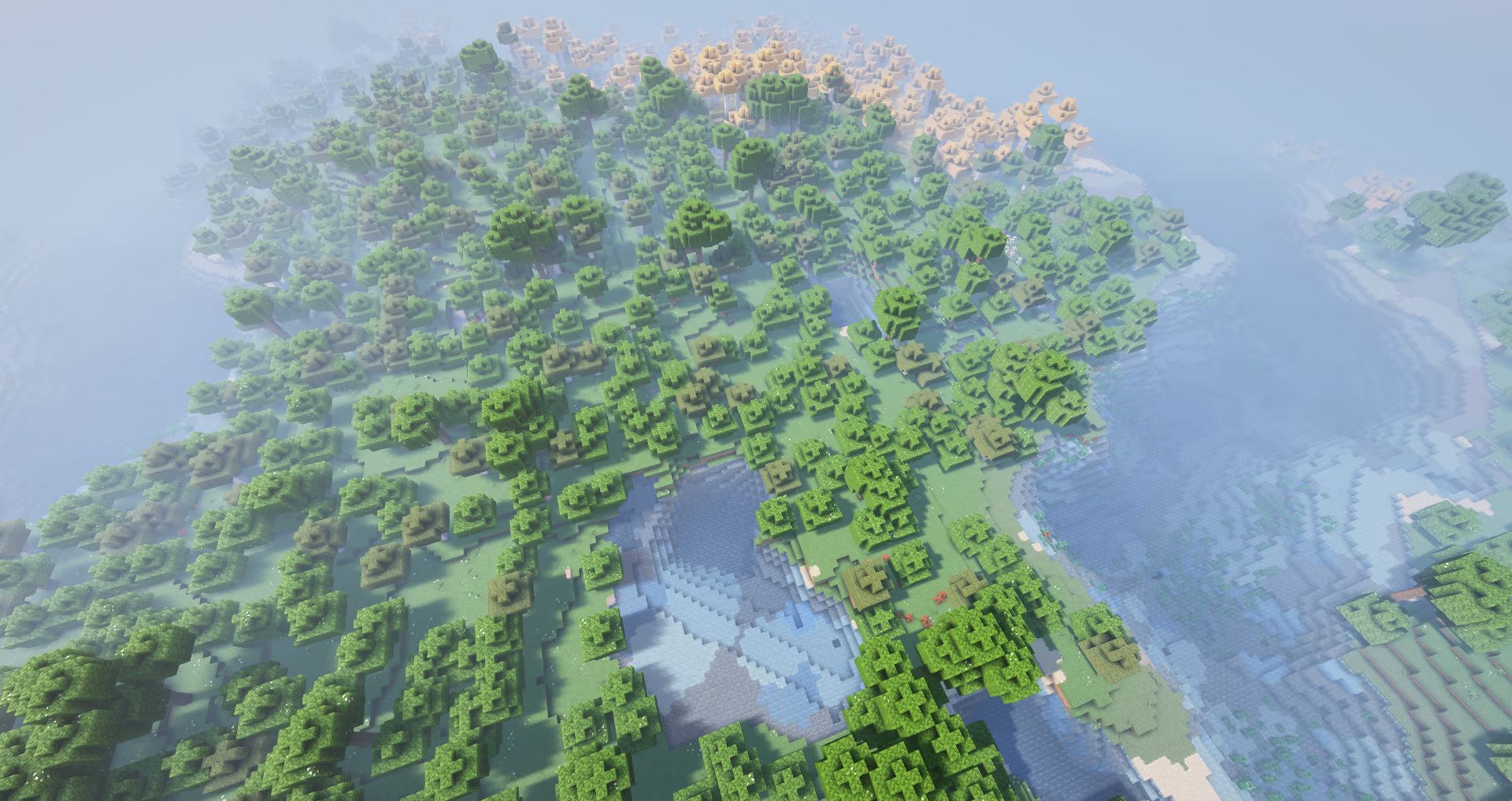

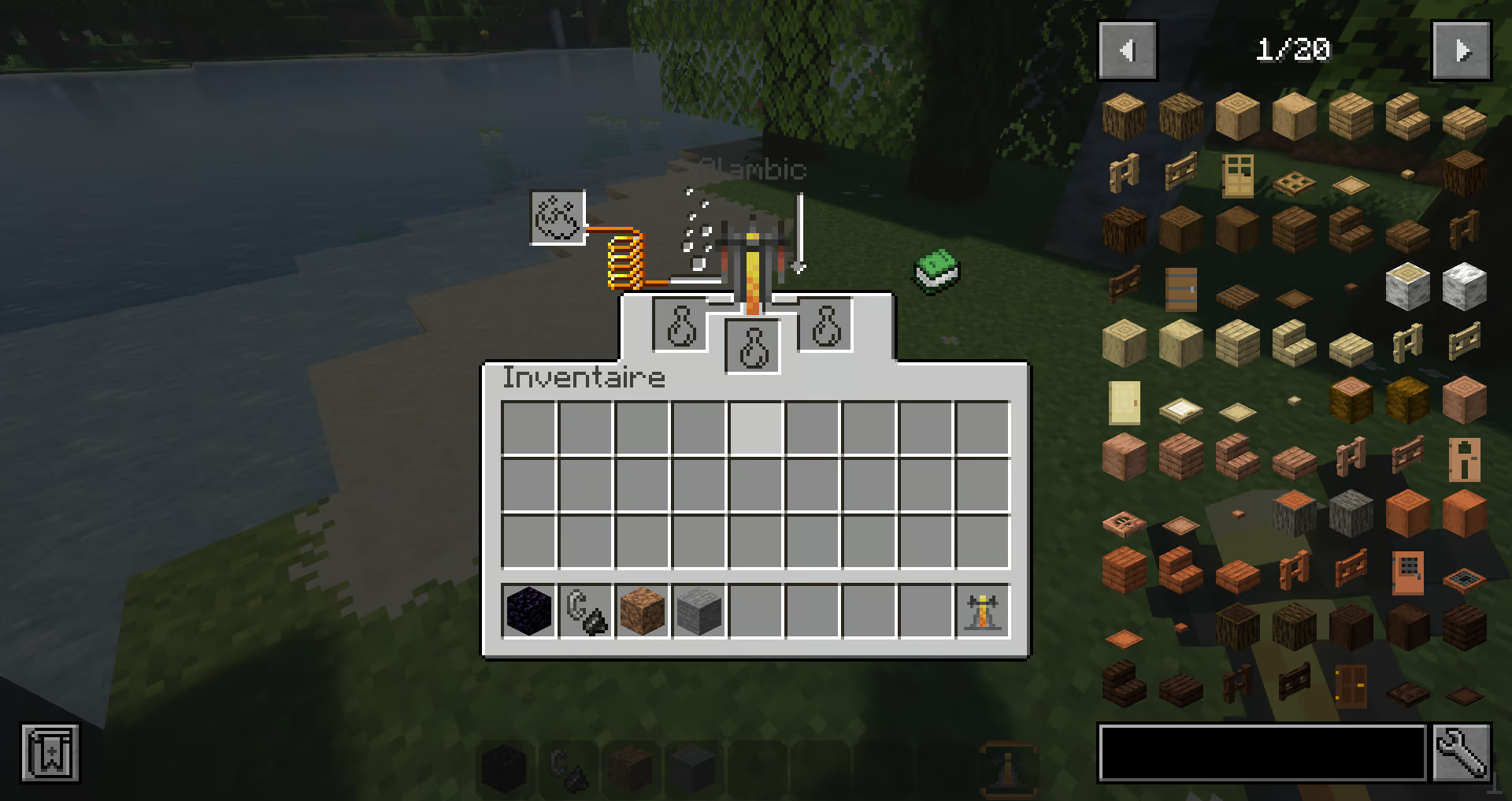
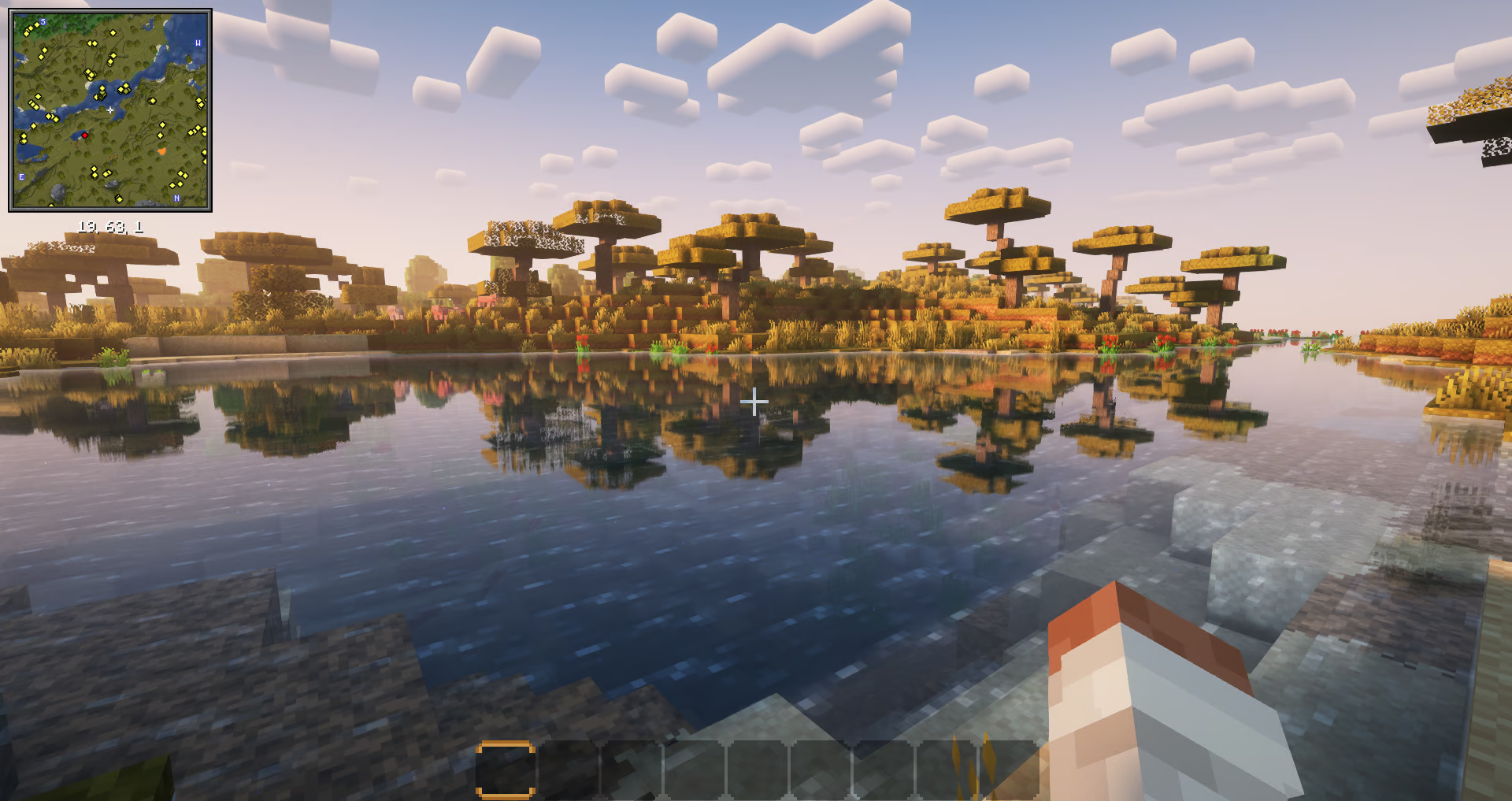
About this Modpack

What is vanilla experience ❓
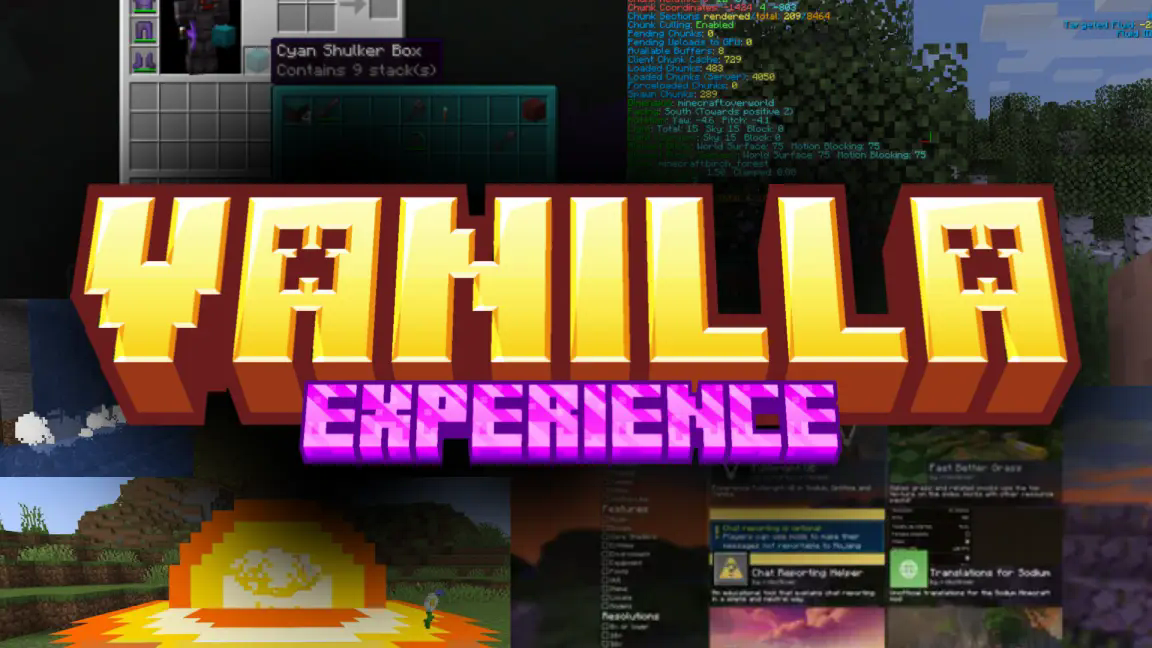
Vanilla experience is a client-side modpack for Minecraft that add quality of life features and graphique, particules and effect, while keeping the game relatively stable for the performance.
what does it add to Minecraft ? (Features) ➕
glade you ask !
just check by yourself !
- bars for effect duration
- custom chunk loading animation
- connect t oany server version
- immersive thunder storm
- new satistique screen
- selection with your mouse
do you want more ???
chat animation
new particles
customazibles and clean F3 screen
better explosions animation armor indictor
litematica
falling leaves
see item components
proximity chat
download shaders, datapacks, ressourcepacks and maps directly in Minecraft
see all of the recipes in your inventory
building software directly in Minecraft
hum... zoom and... shader
a free third person view
connected texture
better blur for GUI backrounds
flashback
see wich and how each pieace of armor is protecting you
chat with your friend and invite them in your world
see your weapons on your body
no loading wile changing language
better looking cloud
weavy capes
sound physique
mouse tweaks
MORE ANIMATION
step sounds
see the inside of shulker box
custom model/texture for entity
NBT auto complete
minimap and a map
smart block placement
dynamic light
controler compatibility
better scoreboard that hide when don't need
does Vanilla experience have cheat 🚔?
No, Vanilla Experience doesn't have cheat, BUT ❗❗❗NOTICE❗❗❗ that if you are using a controller, you can be ban for invalid movement that can be refer to cheat, so be aware.
Available Versions
How to Set Up a vanilla experience : the best client-side modpack Server
Order Server
Choose at least 6 GB RAM (8 GB recommended for vanilla experience : the best client-side modpack). Based on player count: per 5 players.
Install Modpack in Dashboard
Open the modpack browser in the dashboard, search for "vanilla experience : the best client-side modpack" and click "Install". The fabric loader and Minecraft 1.21.11 are configured automatically.
Start Server & Play
Start the server – all mods are loaded automatically. Share the server IP with friends and play together!
Frequently Asked Questions
vanilla experience : the best client-side modpack server crashes or won't start – what to do?
Most common causes: insufficient RAM or wrong fabric loader. Check latest.log for "OutOfMemoryError" → increase RAM to at least 8 GB. For "Mixin" or "ClassNotFoundException" errors: modpack version and loader don't match. With Mado Hosting, loader and Minecraft version are auto-configured on modpack install – preventing most startup issues.
How much RAM does a vanilla experience : the best client-side modpack server really need?
Minimum 6 GB, recommended 8 GB for stable performance. per 5 players. Important: Minecraft modpacks need more RAM than vanilla – plan extra per additional player. With Mado Hosting, you can scale RAM up live at any time without data loss (from €12/month).
Can I add custom mods to vanilla experience : the best client-side modpack without conflicts?
Yes, but check compatibility: only use mods for the same loader (fabric) and same Minecraft version (1.21.11). Common issues: ID conflicts with recipe mods and incompatible coremod versions. The Mado dashboard mod browser only shows compatible mods and warns about known conflicts.
vanilla experience : the best client-side modpack server lagging – performance tips
1) Increase RAM to 8 GB+. 2) Reduce server view-distance to 8 (server.properties). 3) Pre-generate chunks with the "Chunky" plugin. 4) Use /spark profiler to check which mods consume the most tick time. With Mado Hosting, all servers run on NVMe SSDs with dedicated CPU cores – eliminating hardware as a bottleneck.
Similar Modpacks
![Cobblemon Official Modpack [Fabric]](https://cdn.modrinth.com/data/5FFgwNNP/e7f9ee2e9d361623847853fe2ddce42f519ee64f.png)
![COBBLEVERSE - Pokemon Adventure [Cobblemon]](https://cdn.modrinth.com/data/Jkb29YJU/581ecf54530972afb18a04660afd820f2f24f6c7.png)
![Better MC [FABRIC] - BMC2](https://cdn.modrinth.com/data/shFhR8Vx/a19c2bcb51d38f32f138d3607e91cb2b7b8e387f_96.webp)


![Better MC [FORGE] - BMC4](https://cdn.modrinth.com/data/4BV47HRn/7f5ef7cc61b2593609aabef3ed07a866a4f11b73_96.webp)
Rent vanilla experience : the best client-side modpack Server
Start your own server with automatic modpack installation.
Details
- License
- LicenseRef-All-Rights-Reserved
- Server-side
- Unsupported
- Client-side
- Required
Supported Versions
Start your vanilla experience : the best client-side modpack Server now
From €12.00/month with 8 GB RAM for the best performance.
Configure Server →