
Minecraft Rainbow
This modpack is a must-use modpack for playing with Rainbow's server, and it contains some mods with technical elements and better visuals mods.
Screenshots
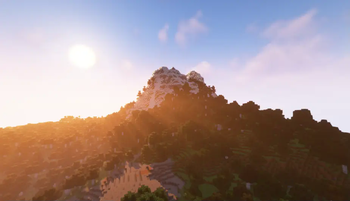
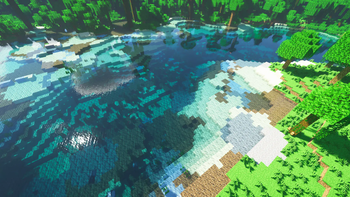
About this Modpack
Minecraft Rainbow整合包
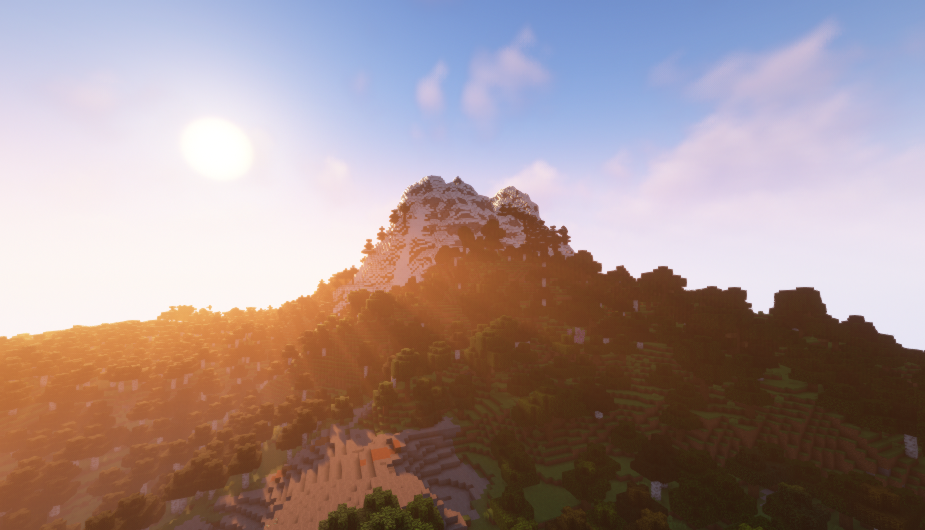
描述
此整合包是游玩Rainbow服务器必须使用的整合包,它在单人游戏中是可选的,所以您可根据个人喜好下载此整合包。
摘要
整合包中添加了一些可以提升画质的光影、一些使游戏体验增加的模组(详见最新版本中的模组列表)以及最主要的科技模组“机械动力”,关于“机械动力”模组,请看机械动力
如何安装?
您可以在此页面下载整合包并上传至我的世界启动器安装,也可以直接在第三方启动器上下载安装整合包。
启动器?
问题?
如果您有任何问题,请发送邮件到[email protected]或[email protected]!
关于Rainbow服务器?
抱歉,Rainbow服务器暂时不对外开放。
Description
This modpack is a must-use modpack for playing Rainbow's server and is optional for single player games, so you can download this modpack as you like.
The modpack adds some light and shaders to improve the picture quality, some mods to increase the game experience(See the list of mods in the latest version), and the main technology mod“Create”, about the “Create” mod, see Create
How To Install?
You can download the modpack and upload it to minecraft launcher installation from this page, or you can download and install the modpack directly from a third-party launcher.
Launcher?
Questions?
If you have any questions, please send an email to [email protected] and [email protected]!
About Rainbow's Server?
Sorry,The Rainbow's server is Closed to the public for the time being.
Available Versions
How to Set Up a Minecraft Rainbow Server
Order Server
Choose at least 6 GB RAM (8 GB recommended for Minecraft Rainbow). Based on player count: per 5 players.
Install Modpack in Dashboard
Open the modpack browser in the dashboard, search for "Minecraft Rainbow" and click "Install". The forge loader and Minecraft 1.20.1 are configured automatically.
Start Server & Play
Start the server – all mods are loaded automatically. Share the server IP with friends and play together!
Frequently Asked Questions
Minecraft Rainbow server crashes or won't start – what to do?
Most common causes: insufficient RAM or wrong forge loader. Check latest.log for "OutOfMemoryError" → increase RAM to at least 8 GB. For "Mixin" or "ClassNotFoundException" errors: modpack version and loader don't match. With Mado Hosting, loader and Minecraft version are auto-configured on modpack install – preventing most startup issues.
How much RAM does a Minecraft Rainbow server really need?
Minimum 6 GB, recommended 8 GB for stable performance. per 5 players. Important: Minecraft modpacks need more RAM than vanilla – plan extra per additional player. With Mado Hosting, you can scale RAM up live at any time without data loss (from €12/month).
Can I add custom mods to Minecraft Rainbow without conflicts?
Yes, but check compatibility: only use mods for the same loader (forge) and same Minecraft version (1.20.1). Common issues: ID conflicts with recipe mods and incompatible coremod versions. The Mado dashboard mod browser only shows compatible mods and warns about known conflicts.
Minecraft Rainbow server lagging – performance tips
1) Increase RAM to 8 GB+. 2) Reduce server view-distance to 8 (server.properties). 3) Pre-generate chunks with the "Chunky" plugin. 4) Use /spark profiler to check which mods consume the most tick time. With Mado Hosting, all servers run on NVMe SSDs with dedicated CPU cores – eliminating hardware as a bottleneck.
Similar Modpacks

![Cobblemon Official Modpack [Fabric]](https://cdn.modrinth.com/data/5FFgwNNP/e7f9ee2e9d361623847853fe2ddce42f519ee64f.png)
![COBBLEVERSE - Pokemon Adventure [Cobblemon]](https://cdn.modrinth.com/data/Jkb29YJU/581ecf54530972afb18a04660afd820f2f24f6c7.png)
![Better MC [FABRIC] - BMC2](https://cdn.modrinth.com/data/shFhR8Vx/a19c2bcb51d38f32f138d3607e91cb2b7b8e387f_96.webp)


Rent Minecraft Rainbow Server
Start your own server with automatic modpack installation.
Supported Versions
Start your Minecraft Rainbow Server now
From €12.00/month with 8 GB RAM for the best performance.
Configure Server →