
MinecraftWoow Modpack
A simple optimized Modpack for Vanilla survival.
Screenshots
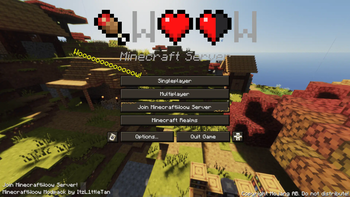
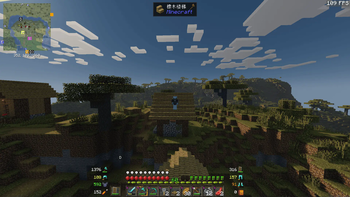
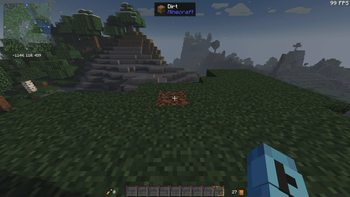
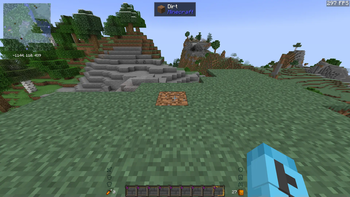
About this Modpack
This is a simple optimized Modpack for vanilla survival. We have optimized and streamlined it like never before. With the optimization mods, We also added Jade, Xaero Maps, InventoryHUD, Freecam and Zume to ensure the necessary auxiliary mods for survival.
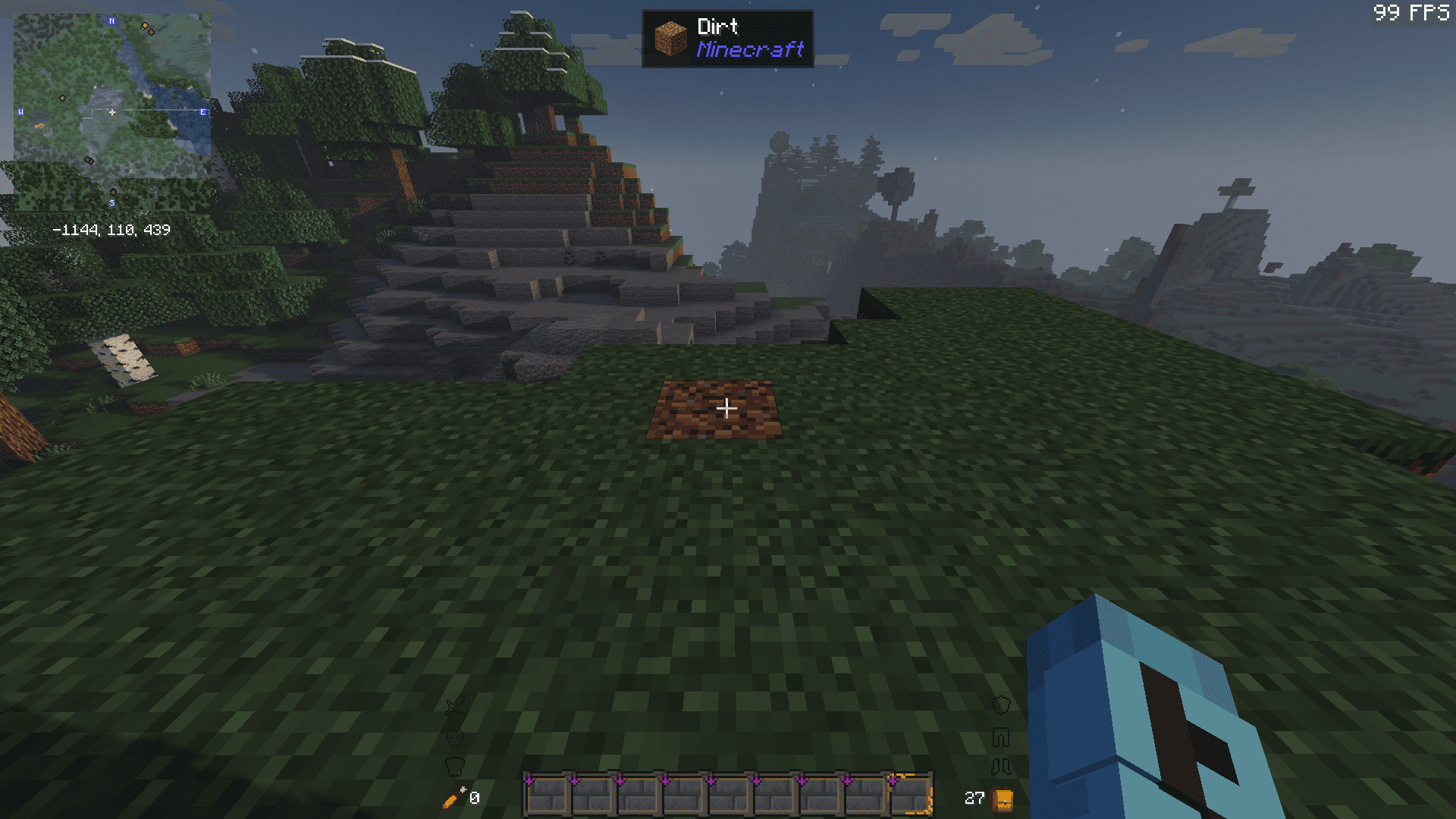
Here is showing what mods are added
Mods Added
EMFETF
3D Skin Layers
Apple Skin
Architectury API
BadOptimizations
Better Mount HUD
Better Tab
Chat Heads
C2ME
Ding
Entity Culling
Fabric Language Kotlin
Fancy Menu
FerriteCore
Forge Config API Port
Freecam
Hold That Chunk
iChunUtil
IMBlocker
ImmediatelyFast
IPN
InventoryHUD
Iris
Jade
Force Close Loading Screen
Konkrete
LambDynamicLights
ilbIPN
Lithium
Melody
ModernFix
More Chat History
More Culling
Mouse Tweaks
No Chat Reports
Noisium
Reese's Sodium Options
RRLS
Sodium
Sodium Extra
Sodium Shadowy Path
ThreadTweak
Very Many Players
Xaero's Minimap
Xaero's World Map
XPlus ContingameIME
Zume
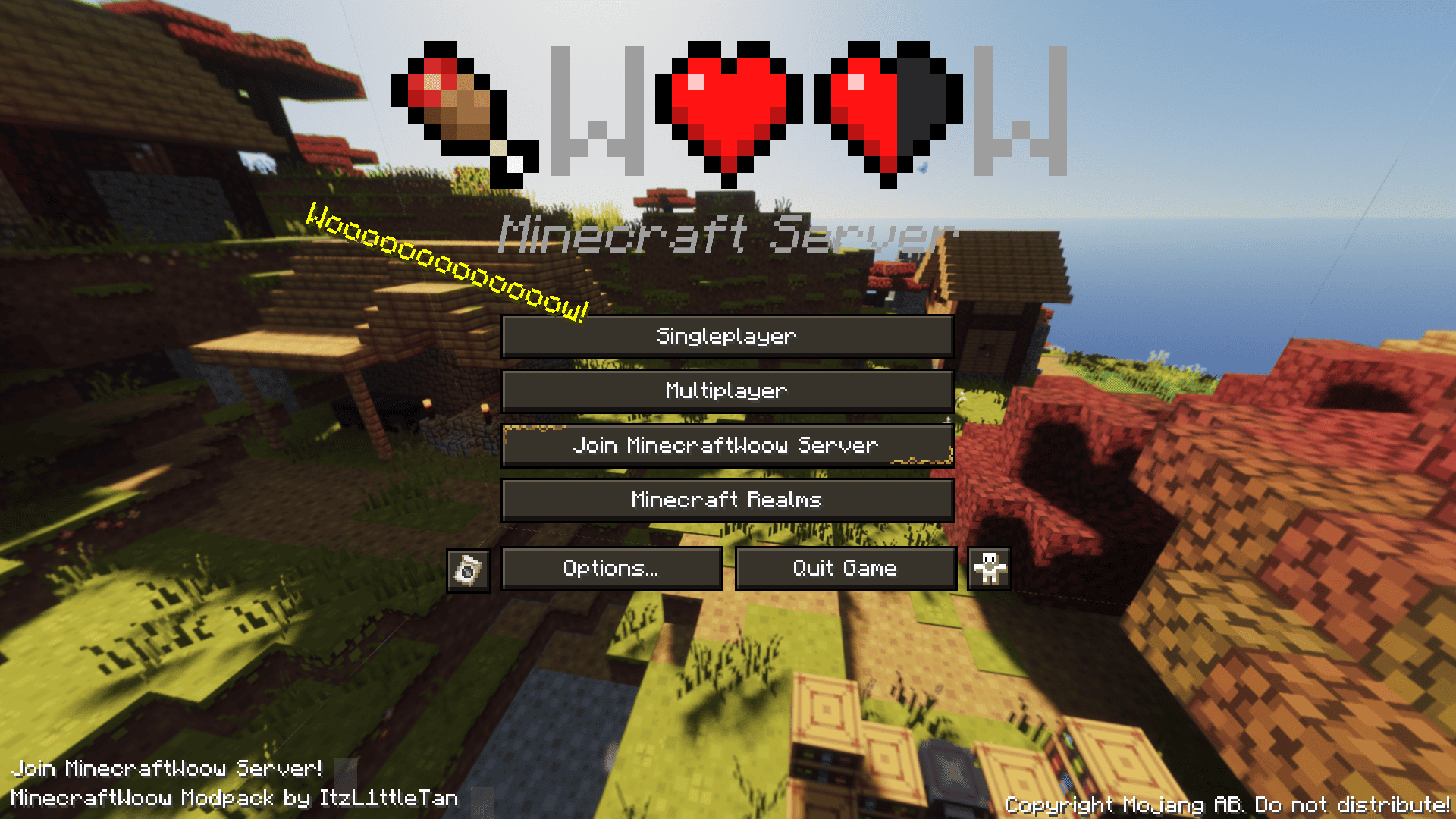
We used Fancy Menu to redesign the menus. Make them looks more intuitive.
Also, There is a lot of Resourepacks and Shaderpacks for you, the shaderpacks from low to high, Collected most well-known shaderpacks, you will find the best shaderpack.
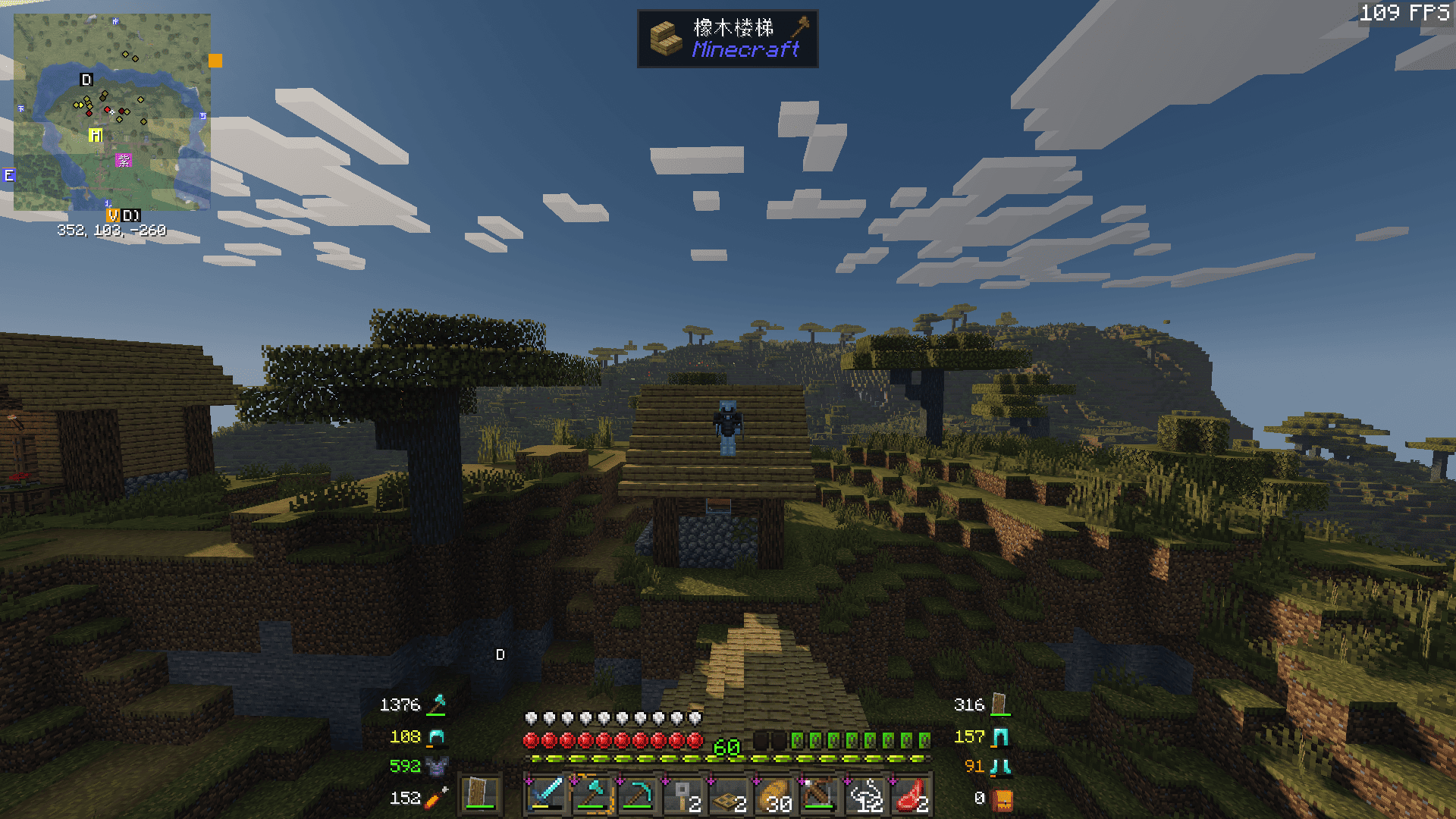
Here is showing what shaderpacks are added
Shaderpacks Added
Bliss Shaders
BSL v8.2.09
BVS - Best Vanilla Shader
Complementary Reimagined r5.2.2
Insanity Shader
Kappa Shader
Makeup UltraFast 9.0a
And the resousepacks
Spoiler
3D Default
rotrBLOCKS
Faithful 64x
Blockpixel
Bare Bones
Translations for Sodium
Essential UI
Fresh Animations
Ore UI, as Unintended
STONEBORN UI
Unique Dark
Catppiuccin UI
We recommend you use MinecraftWoow Modpack to play vanilla survival. Enjoy your games!
Available Versions
How to Set Up a MinecraftWoow Modpack Server
Order Server
Choose at least 4 GB RAM (6 GB recommended for MinecraftWoow Modpack). Based on player count: per 8 players.
Install Modpack in Dashboard
Open the modpack browser in the dashboard, search for "MinecraftWoow Modpack" and click "Install". The fabric loader and Minecraft 1.21.4 are configured automatically.
Start Server & Play
Start the server – all mods are loaded automatically. Share the server IP with friends and play together!
Frequently Asked Questions
MinecraftWoow Modpack server crashes or won't start – what to do?
Most common causes: insufficient RAM or wrong fabric loader. Check latest.log for "OutOfMemoryError" → increase RAM to at least 6 GB. For "Mixin" or "ClassNotFoundException" errors: modpack version and loader don't match. With Mado Hosting, loader and Minecraft version are auto-configured on modpack install – preventing most startup issues.
How much RAM does a MinecraftWoow Modpack server really need?
Minimum 4 GB, recommended 6 GB for stable performance. per 8 players. Important: Minecraft modpacks need more RAM than vanilla – plan extra per additional player. With Mado Hosting, you can scale RAM up live at any time without data loss (from €8/month).
Can I add custom mods to MinecraftWoow Modpack without conflicts?
Yes, but check compatibility: only use mods for the same loader (fabric) and same Minecraft version (1.21.4). Common issues: ID conflicts with recipe mods and incompatible coremod versions. The Mado dashboard mod browser only shows compatible mods and warns about known conflicts.
MinecraftWoow Modpack server lagging – performance tips
1) Increase RAM to 6 GB+. 2) Reduce server view-distance to 8 (server.properties). 3) Pre-generate chunks with the "Chunky" plugin. 4) Use /spark profiler to check which mods consume the most tick time. With Mado Hosting, all servers run on NVMe SSDs with dedicated CPU cores – eliminating hardware as a bottleneck.
Similar Modpacks


![Cobblemon Official Modpack [Fabric]](https://cdn.modrinth.com/data/5FFgwNNP/e7f9ee2e9d361623847853fe2ddce42f519ee64f.png)
![COBBLEVERSE - Pokemon Adventure [Cobblemon]](https://cdn.modrinth.com/data/Jkb29YJU/581ecf54530972afb18a04660afd820f2f24f6c7.png)
![Better MC [FABRIC] - BMC2](https://cdn.modrinth.com/data/shFhR8Vx/a19c2bcb51d38f32f138d3607e91cb2b7b8e387f_96.webp)

Rent MinecraftWoow Modpack Server
Start your own server with automatic modpack installation.
Supported Versions
Start your MinecraftWoow Modpack Server now
From €8.00/month with 6 GB RAM for the best performance.
Configure Server →