
Mineplus Visuals
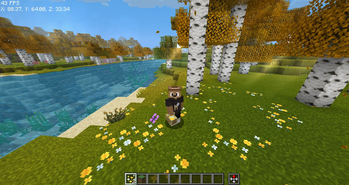
Usually, everything is a bit stiff and robotic, but Mineplus Visuals changes that. It makes the world look like a cinematic movie while actually making it run smoother than the basic game.
Screenshots
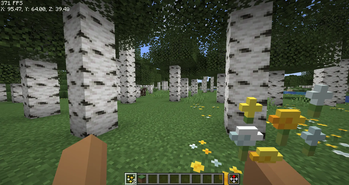
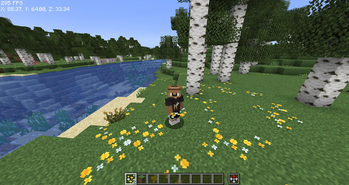
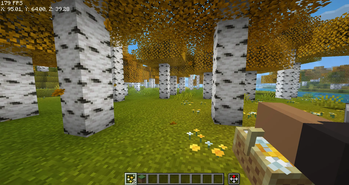
About this Modpack
Mineplus Visuals: Minecraft, But Better.
Mineplus Visuals is a carefully crafted modpack for 1.21.5 that focuses on two things: making your game look stunning and making it run incredibly fast.
Whether you're a builder, an explorer, or a technical player, this pack upgrades every single part of the Minecraft experience without losing that classic "Vanilla" feel.
🌟 Why choose Mineplus Visuals?
🧊 High-End Performance
Stop the lag! We’ve included the gold standard of optimization. With Sodium, Lithium, FerriteCore, and ImmediatelyFast, your FPS will skyrocket. Even on lower-end PCs, this pack is designed to be smooth and responsive.
🐨 Mobs That Feel Alive
Minecraft’s animals and monsters aren't robots anymore. Using Fresh Animations and Entity Model Features (EMF), mobs now blink, breathe, and move fluidly. You’ll see cows tilt their heads and creepers look genuinely sneaky.
🌅 Cinematic Graphics
The world is your canvas.
- Complementary Shaders: Enjoy realistic lighting, waving grass, and beautiful water.
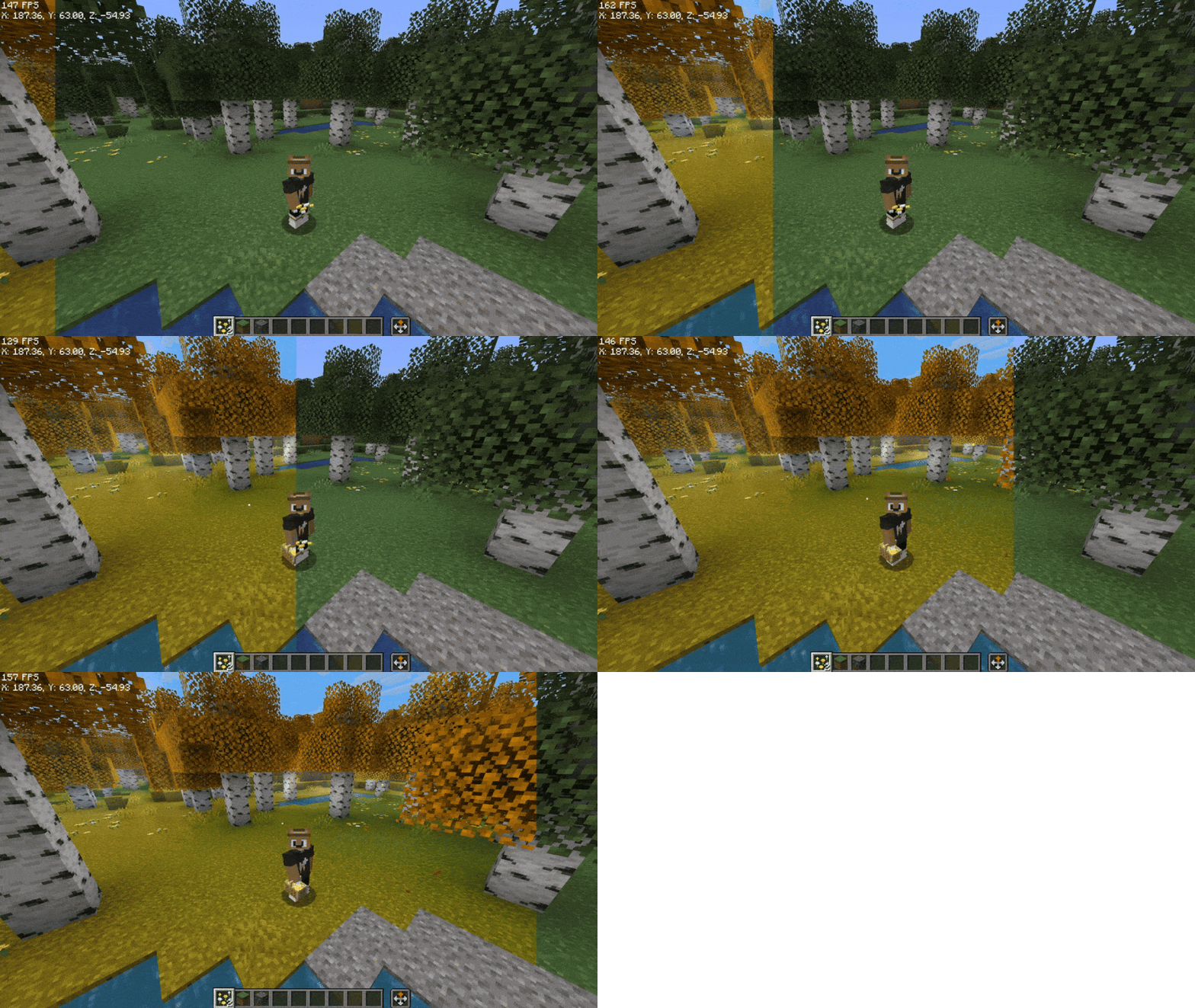
- Dramatic Skys: Say goodbye to boring square clouds. Experience breathtaking sunrises and starry nights.
- Visuality: Adds subtle details like crystal sparkles, splashes, and landing dust that make the world feel "crunchy" and real.
🛠️ The Ultimate Builder’s Toolbox
If you love to create, this pack is a dream come true.
- Axiom & WorldEdit: Professional tools to build massive structures in half the time.
- Zoomify: The best zoom mod in the game.
- Flashback: Record your builds and create cinematic replays for YouTube or TikTok.
🎮 Smooth Utility & QoL
- ViaFabricPlus: Connect to almost any server version (old or new) without switching modpacks.
- No Chat Reports: Keep your multiplayer experience private and safe.
- Controlify: Full controller support if you prefer playing with a gamepad!
📦 What's Inside?
- Core: Fabric 1.21.5
- Visuals: Iris Shaders, Nuit (FabricSkyboxes), Polytone, and ETF.
- Physics: AsyncParticles and BetterGrassify.
- Sound/UI: Mod Menu, Language Reload, and better HUDs.
📦 The "Golden Order" (Resource Packs)
To get the animations and skies working perfectly, you need to stack your packs in the right order. In your settings, make sure they look like this (Top to Bottom):
🥇 Fresh Animations: Extensions (The "extra" details)
🥈 Fresh Moves (How your character moves)
🥉 Fresh Animations (The main engine for animals)
✨ Visual Effects+ (Tiny sparkles and landing dust)
📂 The rest (Everything else goes here)
Quick Tip: If an animal looks weird or has white eyes, make sure the EMF and ETF mods are enabled in your mod list. They are the "brains" that make the animations work.
🎮 Pro Tips & Shortcuts
Clean Your Screen: If you hate the messy debug text, use F3 + F6. It opens a menu where you can hide all the junk you don't need.
The God Zoom: Press C to zoom. You can use your scroll wheel while holding it to see things from miles away.
Lighting: If you want that cinematic look, press K to toggle the shaders on or off instantly.
Building: Press Right-Shift to open the advanced editor. It makes building massive projects much faster.
Available Versions
How to Set Up a Mineplus Visuals Server
Order Server
Choose at least 4 GB RAM (6 GB recommended for Mineplus Visuals). Based on player count: per 8 players.
Install Modpack in Dashboard
Open the modpack browser in the dashboard, search for "Mineplus Visuals" and click "Install". The fabric loader and Minecraft 1.21.5 are configured automatically.
Start Server & Play
Start the server – all mods are loaded automatically. Share the server IP with friends and play together!
Frequently Asked Questions
Mineplus Visuals server crashes or won't start – what to do?
Most common causes: insufficient RAM or wrong fabric loader. Check latest.log for "OutOfMemoryError" → increase RAM to at least 6 GB. For "Mixin" or "ClassNotFoundException" errors: modpack version and loader don't match. With Mado Hosting, loader and Minecraft version are auto-configured on modpack install – preventing most startup issues.
How much RAM does a Mineplus Visuals server really need?
Minimum 4 GB, recommended 6 GB for stable performance. per 8 players. Important: Minecraft modpacks need more RAM than vanilla – plan extra per additional player. With Mado Hosting, you can scale RAM up live at any time without data loss (from €8/month).
Can I add custom mods to Mineplus Visuals without conflicts?
Yes, but check compatibility: only use mods for the same loader (fabric) and same Minecraft version (1.21.5). Common issues: ID conflicts with recipe mods and incompatible coremod versions. The Mado dashboard mod browser only shows compatible mods and warns about known conflicts.
Mineplus Visuals server lagging – performance tips
1) Increase RAM to 6 GB+. 2) Reduce server view-distance to 8 (server.properties). 3) Pre-generate chunks with the "Chunky" plugin. 4) Use /spark profiler to check which mods consume the most tick time. With Mado Hosting, all servers run on NVMe SSDs with dedicated CPU cores – eliminating hardware as a bottleneck.
Similar Modpacks

![Cobblemon Official Modpack [Fabric]](https://cdn.modrinth.com/data/5FFgwNNP/e7f9ee2e9d361623847853fe2ddce42f519ee64f.png)
![COBBLEVERSE - Pokemon Adventure [Cobblemon]](https://cdn.modrinth.com/data/Jkb29YJU/581ecf54530972afb18a04660afd820f2f24f6c7.png)
![Better MC [FABRIC] - BMC2](https://cdn.modrinth.com/data/shFhR8Vx/a19c2bcb51d38f32f138d3607e91cb2b7b8e387f_96.webp)


Rent Mineplus Visuals Server
Start your own server with automatic modpack installation.
Supported Versions
Start your Mineplus Visuals Server now
From €8.00/month with 6 GB RAM for the best performance.
Configure Server →