Minetology
Dragons, Aether and many more are now in Minecraft, Can you still beat it?
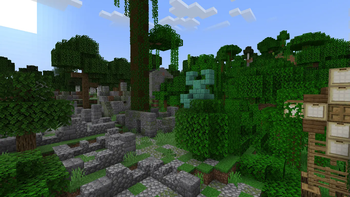
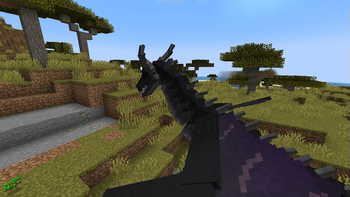
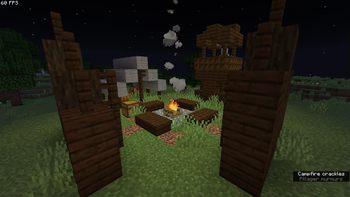
Screenshots
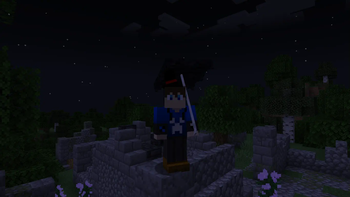

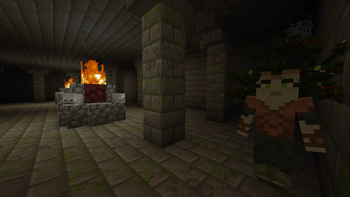
About this Modpack
Introduction
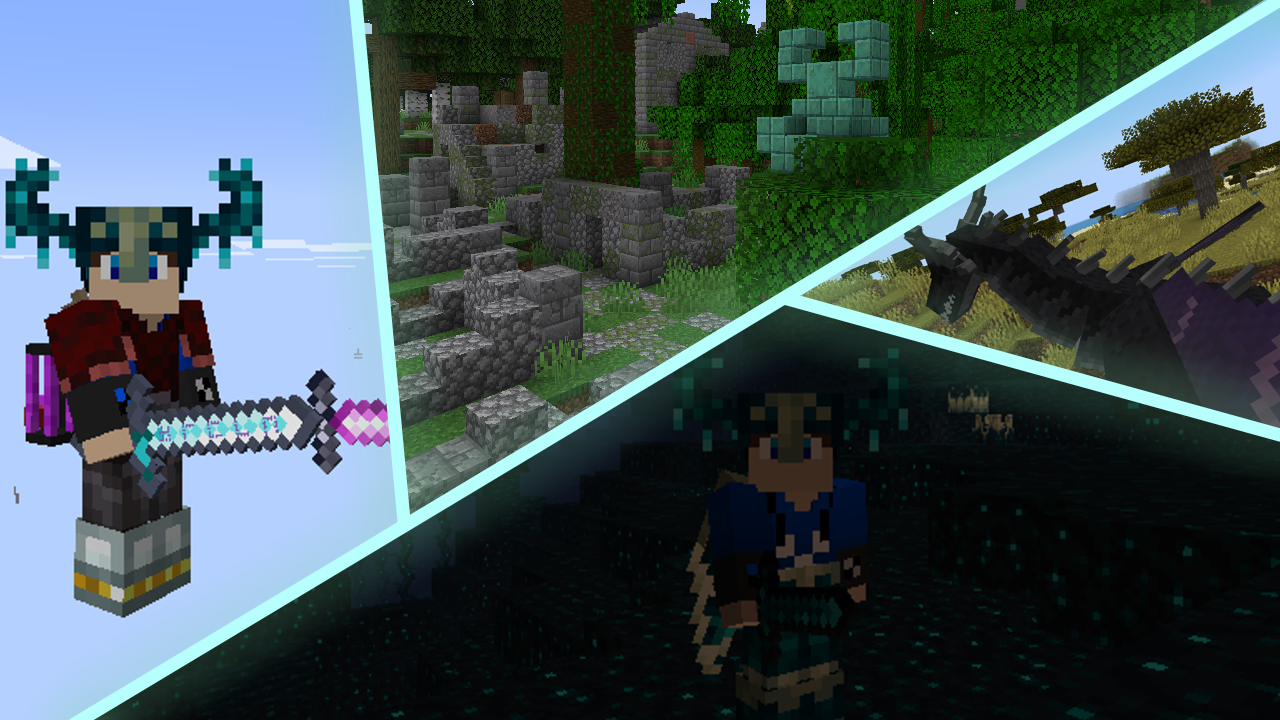
Dragons, Ghosts, Sculk & Aether Dimensions and many more exists in this world
You must Survive, becoming one with the Dragons, Hunting the myths or even becoming a Sculk Warrior!
There is no Right or Wrong in this World, only different Paths to Power, Conquiste o Mundo!
WELCOME TO THE WORLD OF

Why is this Modpack Archived?
I Plan on Remaking this modpack from scratch, with a new name and everything,
Maybe on a Different Modloader. It will have a kinda different objective,
Probably going to delete this project, but dont worry! the next modpack will have a similar objective to this one, so for now. Adeus! Até outra hora
Paths to Power:
Dragon Lord : Be one with the Dragons and tame them, to attack your enemies and become the Lord of the Dragons.
Mythbusters : Slay all Myths becoming stronger as the time passes, and finally, becoming a Myth.
Sculk Warrior : Battle against the Sculk Abberations and defeat them all, untill finally becoming the perfect warrior.
Dimensional Conquest : Dominate all dimensions and beat all the bosses in them, becoming the strongest in each and every dimension!
Misc
Basically you can use the Modpack in Content Creation and etc...
BUT
By downloading this Modpack, you agree that You will not redistribute the project. Security Measures only.\
Special Thanks to the Developers of the main Mods :
Ice and Fire Dragons
Dungeons & Taverns
Deeper and Darker
Aether
Aquamirae
Available Versions
How to Set Up a Minetology Server
Order Server
Choose at least 6 GB RAM (8 GB recommended for Minetology). Based on player count: per 5 players.
Install Modpack in Dashboard
Open the modpack browser in the dashboard, search for "Minetology" and click "Install". The forge loader and Minecraft 1.20.1 are configured automatically.
Start Server & Play
Start the server – all mods are loaded automatically. Share the server IP with friends and play together!
Frequently Asked Questions
Minetology server crashes or won't start – what to do?
Most common causes: insufficient RAM or wrong forge loader. Check latest.log for "OutOfMemoryError" → increase RAM to at least 8 GB. For "Mixin" or "ClassNotFoundException" errors: modpack version and loader don't match. With Mado Hosting, loader and Minecraft version are auto-configured on modpack install – preventing most startup issues.
How much RAM does a Minetology server really need?
Minimum 6 GB, recommended 8 GB for stable performance. per 5 players. Important: Minecraft modpacks need more RAM than vanilla – plan extra per additional player. With Mado Hosting, you can scale RAM up live at any time without data loss (from €12/month).
Can I add custom mods to Minetology without conflicts?
Yes, but check compatibility: only use mods for the same loader (forge) and same Minecraft version (1.20.1). Common issues: ID conflicts with recipe mods and incompatible coremod versions. The Mado dashboard mod browser only shows compatible mods and warns about known conflicts.
Minetology server lagging – performance tips
1) Increase RAM to 8 GB+. 2) Reduce server view-distance to 8 (server.properties). 3) Pre-generate chunks with the "Chunky" plugin. 4) Use /spark profiler to check which mods consume the most tick time. With Mado Hosting, all servers run on NVMe SSDs with dedicated CPU cores – eliminating hardware as a bottleneck.
Similar Modpacks
![Cobblemon Official Modpack [Fabric]](https://cdn.modrinth.com/data/5FFgwNNP/e7f9ee2e9d361623847853fe2ddce42f519ee64f.png)
![COBBLEVERSE - Pokemon Adventure [Cobblemon]](https://cdn.modrinth.com/data/Jkb29YJU/581ecf54530972afb18a04660afd820f2f24f6c7.png)
![Better MC [FABRIC] - BMC2](https://cdn.modrinth.com/data/shFhR8Vx/a19c2bcb51d38f32f138d3607e91cb2b7b8e387f_96.webp)


![Better MC [FORGE] - BMC4](https://cdn.modrinth.com/data/4BV47HRn/7f5ef7cc61b2593609aabef3ed07a866a4f11b73_96.webp)
Rent Minetology Server
Start your own server with automatic modpack installation.
Supported Versions
Start your Minetology Server now
From €12.00/month with 8 GB RAM for the best performance.
Configure Server →