
Modern Vanilla
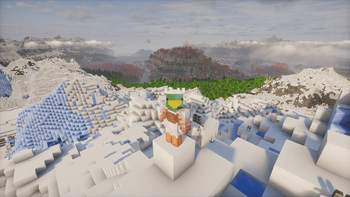
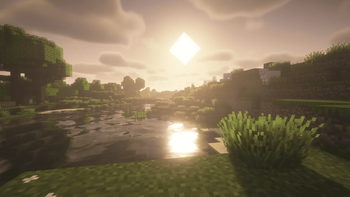
A perfect modpack that combines optimization mods, adding breathtaking graphics and including numerous quality of life mods to make the gaming experience as immersive as possible.
Screenshots


About this Modpack

About
This modpack was created to add many features to the vanilla version of Minecraft without altering it, as it is completely compatible with it. In addition to this, the modpack comes with modern optimization mods such as Sodium and Lithium, ensuring good system stability. And fabulous graphics with the power of Iris and Distant Horizon, allowing for shaders and greatly increasing Minecraft's rendering distance, as shown in the image below.
Warning
Vanilla Modern is not an optimization modpack, it does not aim to offer the best FPS, but to provide the best user experience. This does not mean that performance is not important, but it is not its primary goal.
Features
As mentioned earlier, the Vanilla version is supported and a modpack user can make their game accessible to it using the /worldhost ip command. Yes, Modern Vanilla supports all the key features of Essential, such as the ability to invite friends to play, as well as cosmetics and emotes, to make the multiplayer experience more intriguing. Speaking of multiplayer experience, the modpack also uses Distant Horizon, which, with its latest update, allows another player joining a game to retrieve the chunks already loaded by the host.
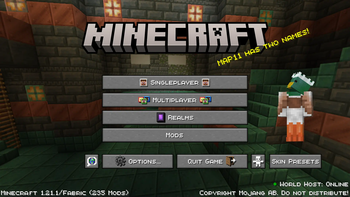
Other modifications have been made, such as adding multiple animations to the interface, but not only with the addition of Fresh Animation, as all entities are now much more pleasant to look at.
All these additions come in an effort to make the game less hostile, which also means making it more accessible. To achieve this, many resource packs have been added that are recommended to be left active. Among them, there are packs that make the user interface more attractive by adding icons, for example.
Finally, it is possible to use a browser and updater of resource packs, datapacks, and shaders in the game, making it easier to create maps with datapacks, for example.
Information
I am working on integrating a voice chat for this modpack to push the experience and immersion in multiplayer games even further.
Bug Fixing
If you find yourself in the situation below, you can press the "r" key by default and your problem will be resolved.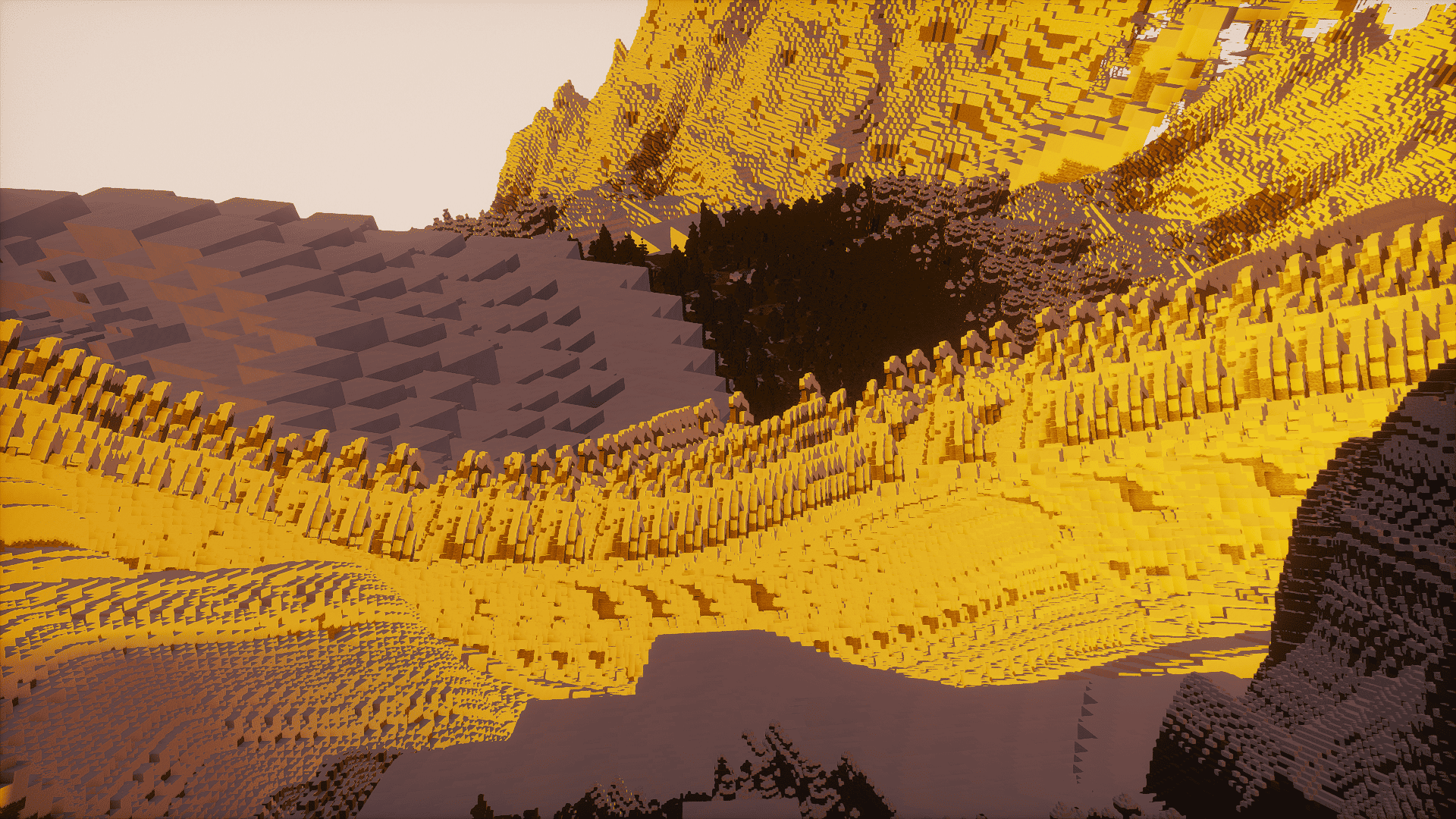
Performance Issues?
You can reduce the chunks generated by Distant Horizon by going to the options, then clicking on the Distant Horizon logo, which is located next to the POV slider.
The future
I obviously plan to support later versions of Minecraft, such as 1.21.4, as well as older versions like 1.20.1. However, since I'm working alone on the project, this may take some time.
Available Versions
How to Set Up a Modern Vanilla Server
Order Server
Choose at least 4 GB RAM (6 GB recommended for Modern Vanilla). Based on player count: per 8 players.
Install Modpack in Dashboard
Open the modpack browser in the dashboard, search for "Modern Vanilla" and click "Install". The fabric loader and Minecraft 1.21.1 are configured automatically.
Start Server & Play
Start the server – all mods are loaded automatically. Share the server IP with friends and play together!
Frequently Asked Questions
Modern Vanilla server crashes or won't start – what to do?
Most common causes: insufficient RAM or wrong fabric loader. Check latest.log for "OutOfMemoryError" → increase RAM to at least 6 GB. For "Mixin" or "ClassNotFoundException" errors: modpack version and loader don't match. With Mado Hosting, loader and Minecraft version are auto-configured on modpack install – preventing most startup issues.
How much RAM does a Modern Vanilla server really need?
Minimum 4 GB, recommended 6 GB for stable performance. per 8 players. Important: Minecraft modpacks need more RAM than vanilla – plan extra per additional player. With Mado Hosting, you can scale RAM up live at any time without data loss (from €8/month).
Can I add custom mods to Modern Vanilla without conflicts?
Yes, but check compatibility: only use mods for the same loader (fabric) and same Minecraft version (1.21.1). Common issues: ID conflicts with recipe mods and incompatible coremod versions. The Mado dashboard mod browser only shows compatible mods and warns about known conflicts.
Modern Vanilla server lagging – performance tips
1) Increase RAM to 6 GB+. 2) Reduce server view-distance to 8 (server.properties). 3) Pre-generate chunks with the "Chunky" plugin. 4) Use /spark profiler to check which mods consume the most tick time. With Mado Hosting, all servers run on NVMe SSDs with dedicated CPU cores – eliminating hardware as a bottleneck.
Rent Modern Vanilla Server
Start your own server with automatic modpack installation.
Supported Versions
Start your Modern Vanilla Server now
From €8.00/month with 6 GB RAM for the best performance.
Configure Server →