
Mutzman's Modpack
Why isn't this Vanilla Minecraft?
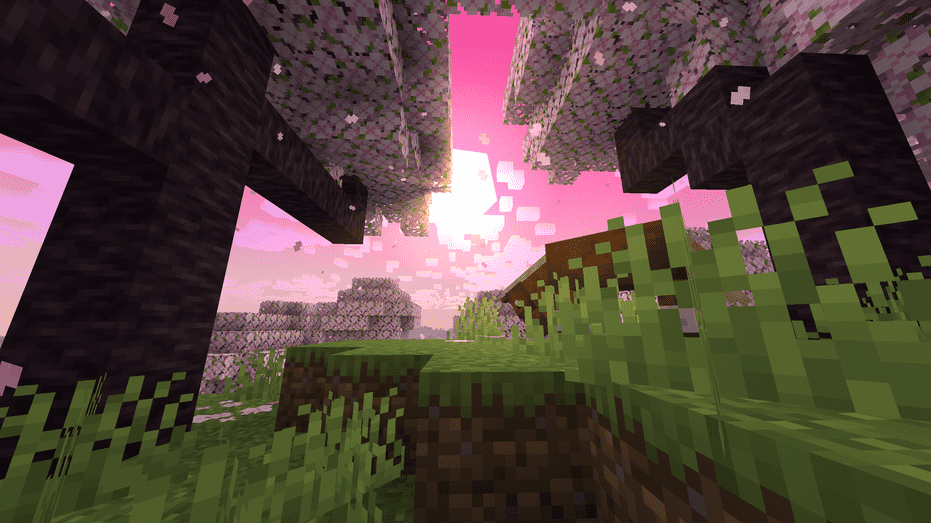
Screenshots
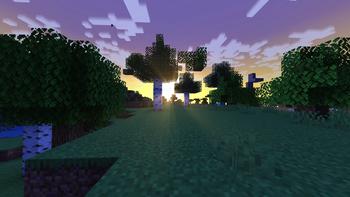
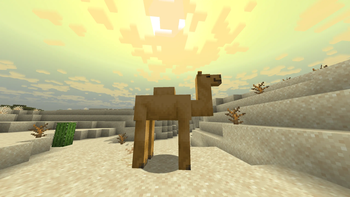
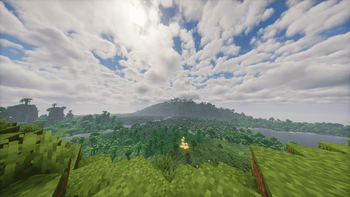
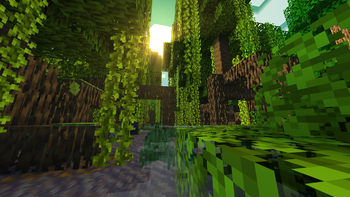
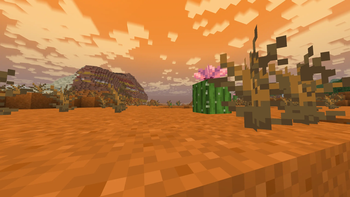
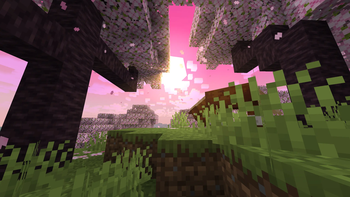
About this Modpack

Performance and quality of life mods that make Minecraft run smoother and faster while still looking beautiful. This modpack is entirely client side and still keeps the original "Minecraft" feel without overloading the game.
RECCOMMENDED FOR VERSION 1.21.11
LOSS OF FEATURES IN VERSIONS 26.1-26.1.2 AND 1.21.10
Mutzman's Modpack contains a collection of mods that enritely rewrite some of Minecraft's code, optimizing itself and pushing performance without looking horrible. Additionally, it provides beneficial and quality features with no lag or FPS drawbakcs like hundreds of chunk render distance or the high framerate and compatibility with shaders. It makes the game run smoother and adds tweaks that you can't live without after using while not changing Minecrafy into a completrly different game.
It is reccommended to play on 10 chunk render and simulation distance to maximize FPS. The modpack is mostly client side and can techincally run on servers, but some features are disabled on multiplayer servers. Made for single player or small world with friends.
Disable the following to make it truly client-side and prevent crashes:
- Trade Cycling
- Visible Traders
- Enchanted Booksheves
- Bokshelf Inspector
Also notice that some mods are client-side but are banned on servers for provides competitive advantages, be aware.
INSTALLATION:
To install this modpack you must visit this site: https://jamie.codeberg.page/mrpack-to-zip/. Then attach the modpack and download the converted zip file. From there access your version mod folder from whatever launcher you are using and open up the mods folder within the zip file and drag everything from there into the verion mod folder.
WARNING:
Atmosperics mod will make the game look funky and weird, attached is a tailored preset that matches the gallery pictures. Other mods are also tweaked in game and several settings are changed to make the modpack optimal. Ensure Fog is turned OFF.

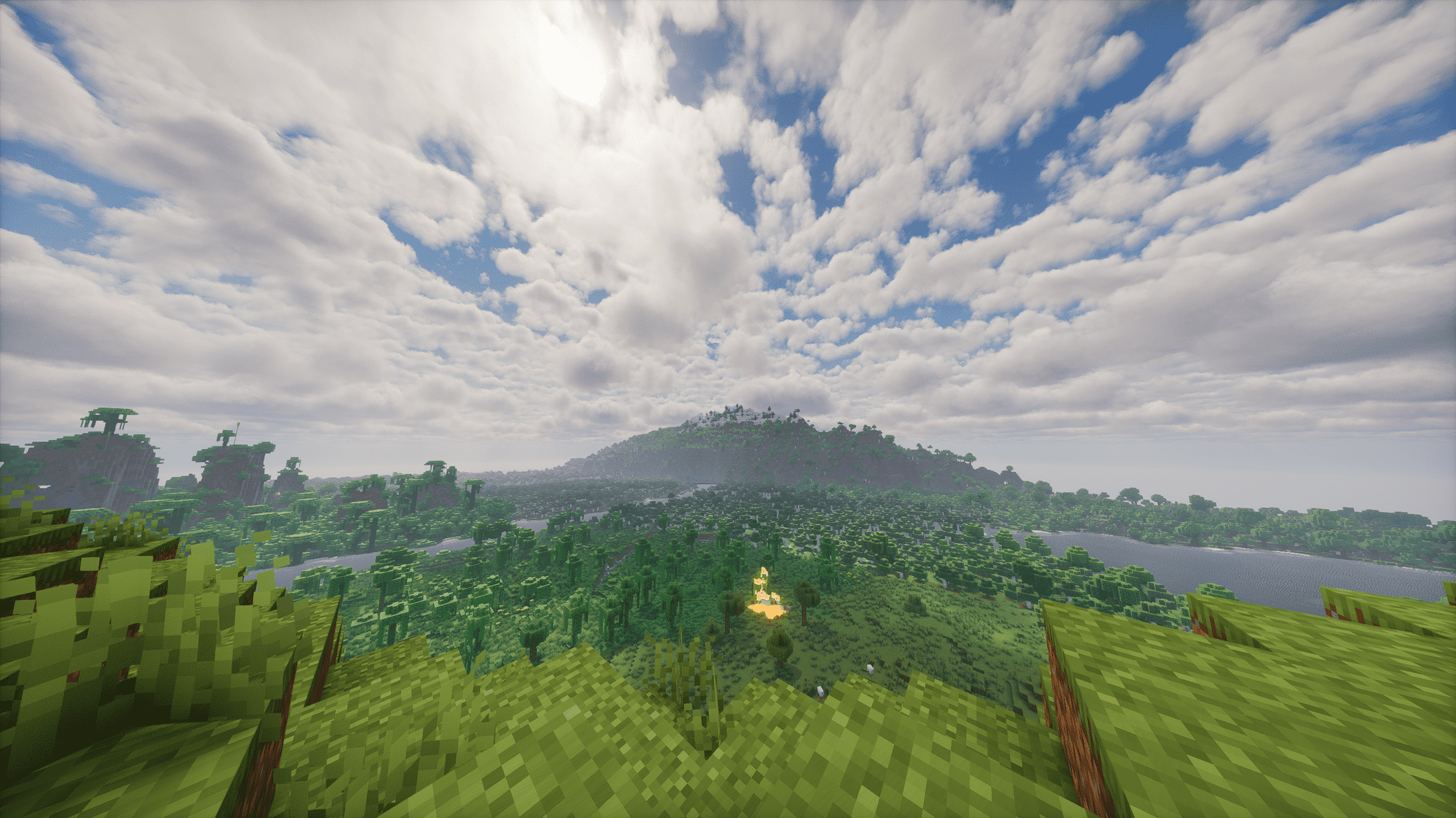
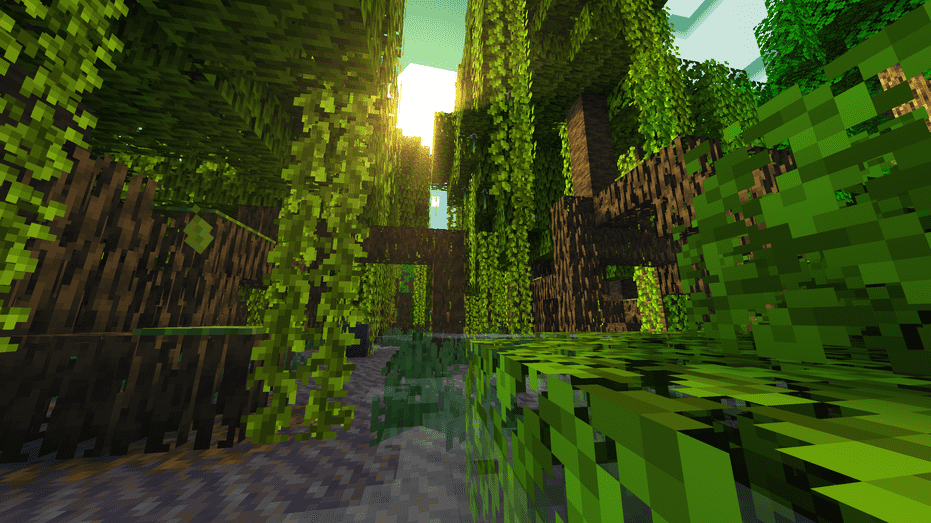
Modrinth only allows current game version resource packs, so here are the included resource packs that will still work despite the game version.
RESOURCE PACKS:
COMPUTER SPECS:
Ryzen 9 5900x
RX 6900 XT
64 GB DDR4
2 TB NVME
Available Versions
How to Set Up a Mutzman's Modpack Server
Order Server
Choose at least 6 GB RAM (8 GB recommended for Mutzman's Modpack). Based on player count: per 5 players.
Install Modpack in Dashboard
Open the modpack browser in the dashboard, search for "Mutzman's Modpack" and click "Install". The fabric loader and Minecraft 26.1.2 are configured automatically.
Start Server & Play
Start the server – all mods are loaded automatically. Share the server IP with friends and play together!
Frequently Asked Questions
Mutzman's Modpack server crashes or won't start – what to do?
Most common causes: insufficient RAM or wrong fabric loader. Check latest.log for "OutOfMemoryError" → increase RAM to at least 8 GB. For "Mixin" or "ClassNotFoundException" errors: modpack version and loader don't match. With Mado Hosting, loader and Minecraft version are auto-configured on modpack install – preventing most startup issues.
How much RAM does a Mutzman's Modpack server really need?
Minimum 6 GB, recommended 8 GB for stable performance. per 5 players. Important: Minecraft modpacks need more RAM than vanilla – plan extra per additional player. With Mado Hosting, you can scale RAM up live at any time without data loss (from €12/month).
Can I add custom mods to Mutzman's Modpack without conflicts?
Yes, but check compatibility: only use mods for the same loader (fabric) and same Minecraft version (26.1.2). Common issues: ID conflicts with recipe mods and incompatible coremod versions. The Mado dashboard mod browser only shows compatible mods and warns about known conflicts.
Mutzman's Modpack server lagging – performance tips
1) Increase RAM to 8 GB+. 2) Reduce server view-distance to 8 (server.properties). 3) Pre-generate chunks with the "Chunky" plugin. 4) Use /spark profiler to check which mods consume the most tick time. With Mado Hosting, all servers run on NVMe SSDs with dedicated CPU cores – eliminating hardware as a bottleneck.
Similar Modpacks
![Cobblemon Official Modpack [Fabric]](https://cdn.modrinth.com/data/5FFgwNNP/e7f9ee2e9d361623847853fe2ddce42f519ee64f.png)
![COBBLEVERSE - Pokemon Adventure [Cobblemon]](https://cdn.modrinth.com/data/Jkb29YJU/581ecf54530972afb18a04660afd820f2f24f6c7.png)
![Better MC [FABRIC] - BMC2](https://cdn.modrinth.com/data/shFhR8Vx/a19c2bcb51d38f32f138d3607e91cb2b7b8e387f_96.webp)


![Better MC [FORGE] - BMC4](https://cdn.modrinth.com/data/4BV47HRn/7f5ef7cc61b2593609aabef3ed07a866a4f11b73_96.webp)
Rent Mutzman's Modpack Server
Start your own server with automatic modpack installation.
Supported Versions
Start your Mutzman's Modpack Server now
From €12.00/month with 8 GB RAM for the best performance.
Configure Server →