
MysticWorld
MysticWorld modpack is based around Technology and Magic mods!
Screenshots
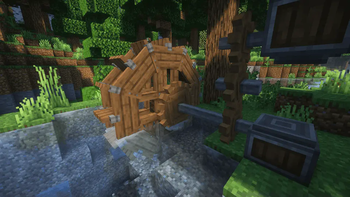


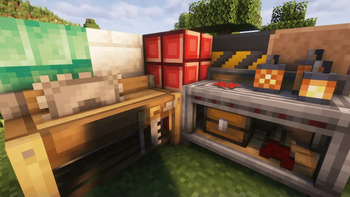
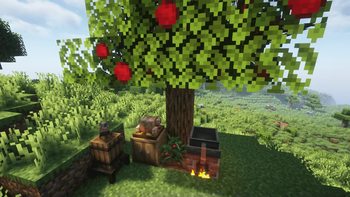

About this Modpack
Welcome to MysticWorld Modpack!
Embark on an extraordinary adventure in the realms of Minecraft with MysticWorld, a carefully crafted modpack that seamlessly blends the familiar with the fantastical. Immerse yourself in a world where vanilla elements are enhanced with a touch of magic, engineering marvels, and epic challenges.
✨ Discover more of our projects on our website!

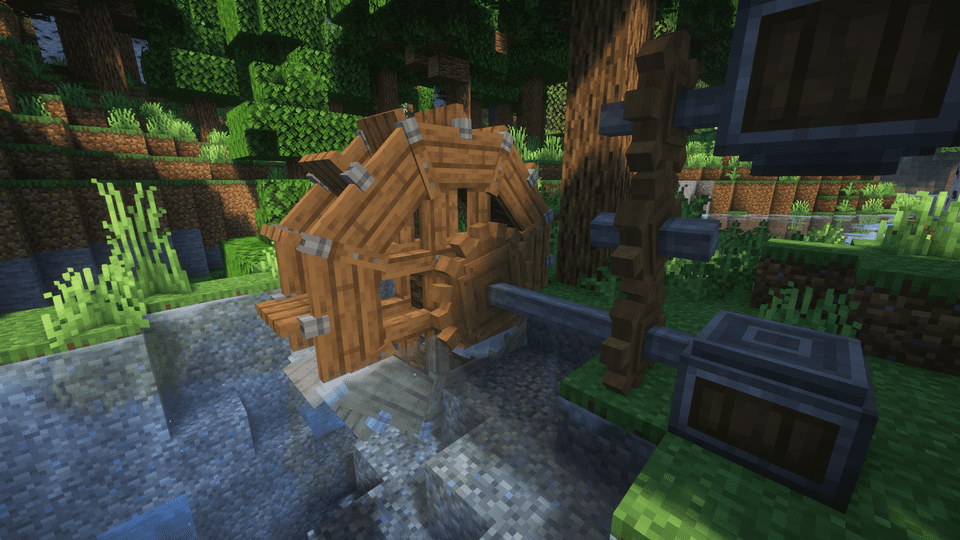
Create Mod Awesomeness
Unleash your creativity with the powerful Create mod, introducing a new way of engineering and automation.
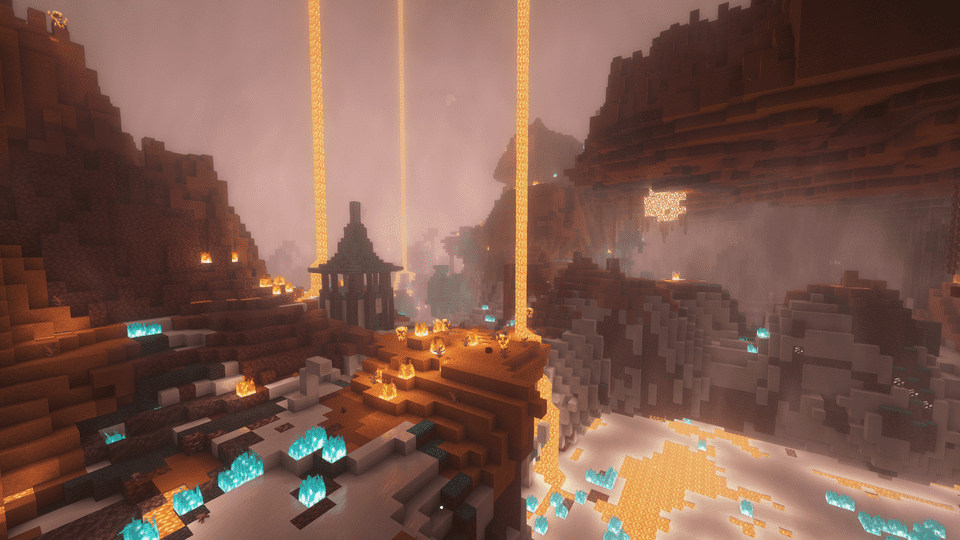
Altered Dimensions
Brace yourself for a transformed Nether and End dimension, teeming with new challenges and hidden treasures.
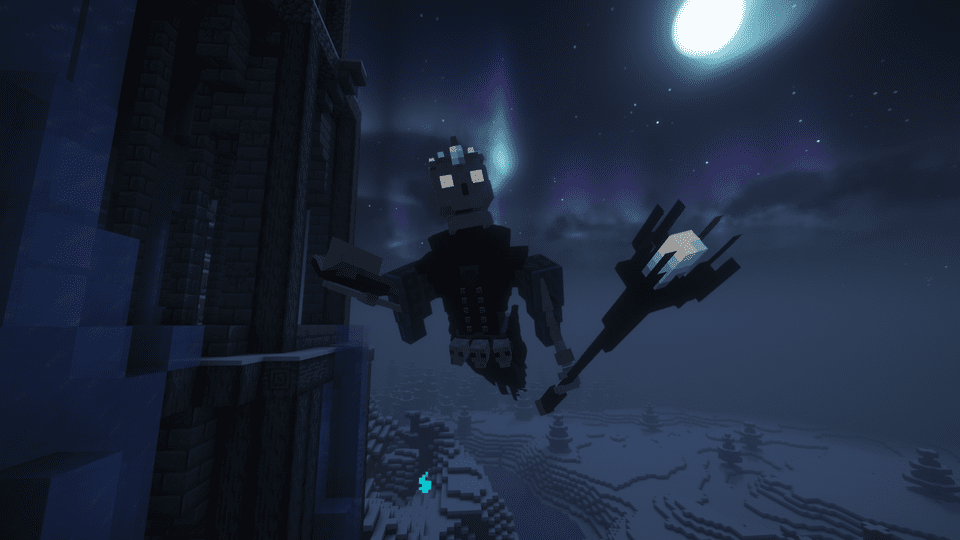
Mystical Boss Battles
Prepare for epic encounters with mystical bosses scattered across the land.
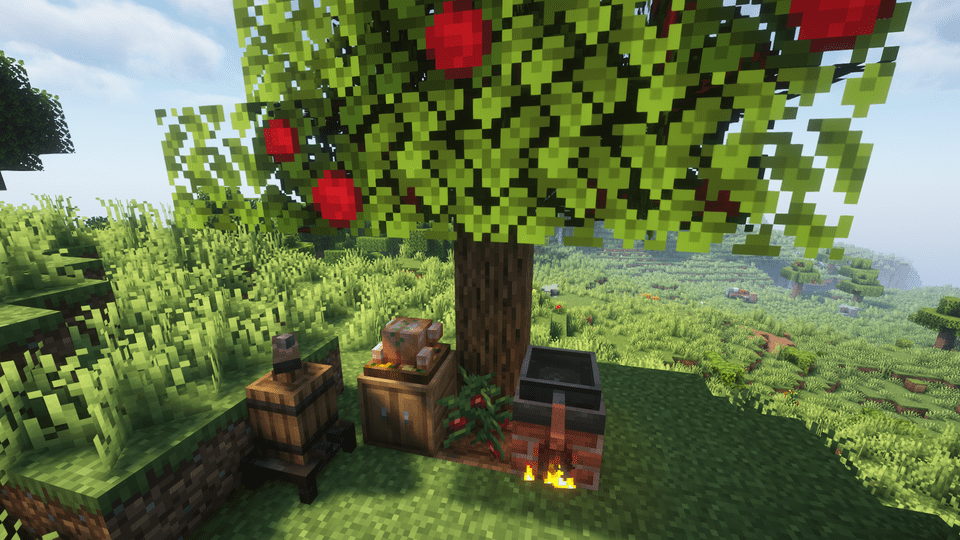
Gourmet Delights
Indulge in a variety of special foods that not only satisfy hunger but also provide unique buffs and effects.
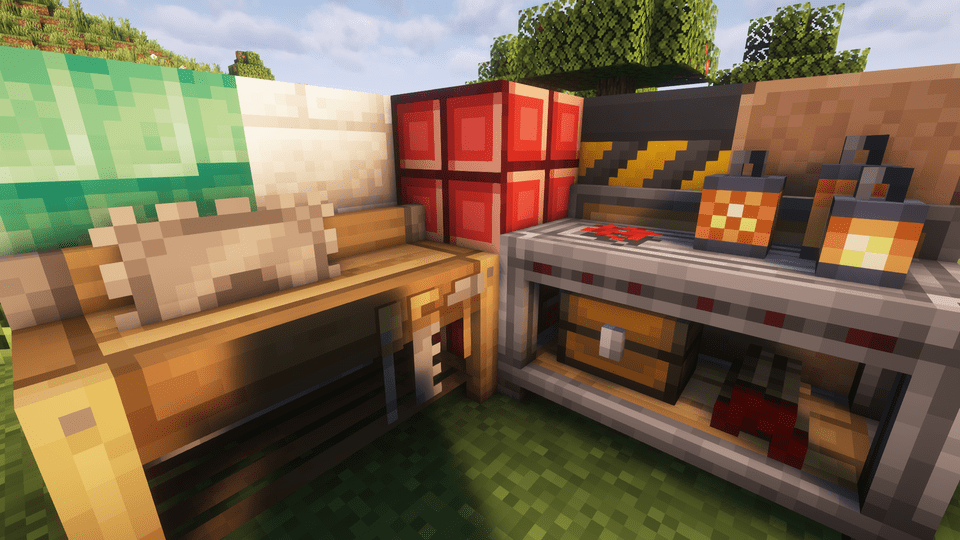
Decorate Your World
Diversify your builds with an array of new decorative blocks. From enchanting mystical elements to futuristic Create mod-inspired designs, the possibilities for building and customizing your world are endless.
Choose Your Path
Whether you're an intrepid explorer delving into new dungeons, a master builder crafting with the latest decorative blocks, a fierce warrior taking on mighty bosses, or an engineer creating elaborate power systems with electricity and trains, MysticWorld caters to every playstyle.
Are you ready to unlock the mysteries of MysticWorld? Download the modpack now and embark on a journey filled with magic, adventure, and endless possibilities!
Mod links for copyright reasons (with mod permissions):
Boss Refreshed resource pack: https://legacy.curseforge.com/minecraft/texture-packs/boss-refreshed
- Also check out lukidon's other mods:
- https://www.curseforge.com/members/lukidon/projects
Better Nether Ores mod: https://www.curseforge.com/minecraft/mc-mods/basic-nether-ores
and
Better End Ores mod: https://www.curseforge.com/minecraft/mc-mods/basic-end-ores
- Also check out cScotPlay's other mods:
- https://www.curseforge.com/members/cscotplay/projects
Mod links for attribution requirements:
When Dungeons Arise: https://www.curseforge.com/minecraft/mc-mods/when-dungeons-arise-fabric
Available Versions
How to Set Up a MysticWorld Server
Order Server
Choose at least 6 GB RAM (8 GB recommended for MysticWorld). Based on player count: per 5 players.
Install Modpack in Dashboard
Open the modpack browser in the dashboard, search for "MysticWorld" and click "Install". The fabric loader and Minecraft 1.20.1 are configured automatically.
Start Server & Play
Start the server – all mods are loaded automatically. Share the server IP with friends and play together!
Frequently Asked Questions
MysticWorld server crashes or won't start – what to do?
Most common causes: insufficient RAM or wrong fabric loader. Check latest.log for "OutOfMemoryError" → increase RAM to at least 8 GB. For "Mixin" or "ClassNotFoundException" errors: modpack version and loader don't match. With Mado Hosting, loader and Minecraft version are auto-configured on modpack install – preventing most startup issues.
How much RAM does a MysticWorld server really need?
Minimum 6 GB, recommended 8 GB for stable performance. per 5 players. Important: Minecraft modpacks need more RAM than vanilla – plan extra per additional player. With Mado Hosting, you can scale RAM up live at any time without data loss (from €12/month).
Can I add custom mods to MysticWorld without conflicts?
Yes, but check compatibility: only use mods for the same loader (fabric) and same Minecraft version (1.20.1). Common issues: ID conflicts with recipe mods and incompatible coremod versions. The Mado dashboard mod browser only shows compatible mods and warns about known conflicts.
MysticWorld server lagging – performance tips
1) Increase RAM to 8 GB+. 2) Reduce server view-distance to 8 (server.properties). 3) Pre-generate chunks with the "Chunky" plugin. 4) Use /spark profiler to check which mods consume the most tick time. With Mado Hosting, all servers run on NVMe SSDs with dedicated CPU cores – eliminating hardware as a bottleneck.
Similar Modpacks
![Cobblemon Official Modpack [Fabric]](https://cdn.modrinth.com/data/5FFgwNNP/e7f9ee2e9d361623847853fe2ddce42f519ee64f.png)
![COBBLEVERSE - Pokemon Adventure [Cobblemon]](https://cdn.modrinth.com/data/Jkb29YJU/581ecf54530972afb18a04660afd820f2f24f6c7.png)
![Better MC [FABRIC] - BMC2](https://cdn.modrinth.com/data/shFhR8Vx/a19c2bcb51d38f32f138d3607e91cb2b7b8e387f_96.webp)


![Better MC [FORGE] - BMC4](https://cdn.modrinth.com/data/4BV47HRn/7f5ef7cc61b2593609aabef3ed07a866a4f11b73_96.webp)
Rent MysticWorld Server
Start your own server with automatic modpack installation.
Supported Versions
Start your MysticWorld Server now
From €12.00/month with 8 GB RAM for the best performance.
Configure Server →