
NEXUS: Heart
The official modpack for NEXUS: Heart, run under Citrine Studios and hosted by cupstv.
Screenshots
About this Modpack
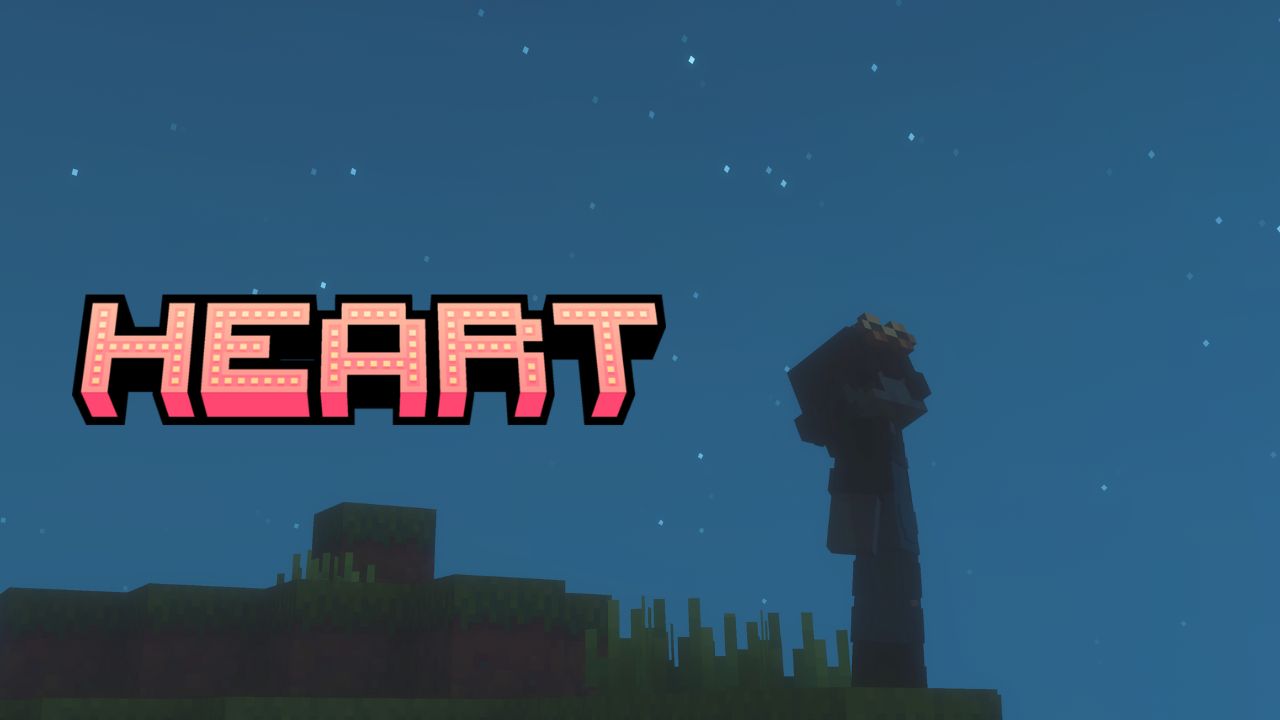
NEXUS: Heart
NEXUS: Heart is a modpack designed to be played in a survival-multiplayer environment with many features that make it cozy, yet still entertaining for a dash of combat. It was originally hosted by cupstv, and is accessible through this Modrinth pack only.
This modpack should also be somewhat compatible with all operating systems, but there are workarounds listed below. It works perfectly fine on Windows, macOS and Linux (tested with Linux Mint).
Please also make sure that you have the latest version of the modpack. Older versions will not be maintained, as most issues will be fixed in the later versions.
The authors and creators of this modpack do not take credit for the mods included, and they will not monetise the modpack itself as the rights belong to those who authored the included mods (even for mods with open-source licenses).
Requirements & Instructions
- This modpack requires 3-4GB of RAM for smoother gameplay. If you have more RAM to share, you may be a little bit more lenient with the resource allocation.
- It is highly recommended to run this in a server environment with friends, as that was its intended purpose. However, you may run this in a solo/singleplayer environment.
Highlighted Mods
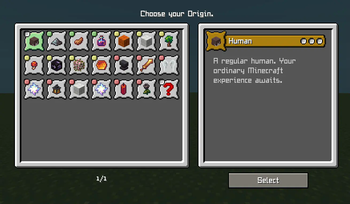
- Origins - enhances the variety of gameplay through many interesting species to play, with their own gimmicks and disadvantages
- Create - allows for more in-depth automation and creation for industrial machines, factories, items, and etc.
- Farmer's Delight - allows for a variety of foods to be created and made, enhancing immersion and gameplay
- Exposure - allows you to capture the world around you with an intuitive photography system which also allows exports if needed :D
- Enchancement - overhauls the entire enchantment system with less RNG, less stat-modification, and more fun!
- and many more!
Highlighted Resource Pack
- Whimscape and Accompanying Mod Patches (v1.1.2-R and below) - brings a fresh and cozy vibe to the game, and makes it look super nice even without shaders (and is made possible through multiple resource pack patches for certain mods!)
Workarounds
- This modpack uses Origins Cap, which breaks during singleplayer and shows "AWAITING SERVER RESPONSE". You must disable this mod manually if you want to play in singleplayer.
Credits
Thank you to all the mod authors who made such amazing mods out of their own passion and free time. I give my respects to those who have made it possible to build such amazing opportunities in the modded Minecraft experience.
Available Versions
How to Set Up a NEXUS: Heart Server
Order Server
Choose at least 6 GB RAM (8 GB recommended for NEXUS: Heart). Based on player count: per 5 players.
Install Modpack in Dashboard
Open the modpack browser in the dashboard, search for "NEXUS: Heart" and click "Install". The fabric loader and Minecraft 1.20.1 are configured automatically.
Start Server & Play
Start the server – all mods are loaded automatically. Share the server IP with friends and play together!
Frequently Asked Questions
NEXUS: Heart server crashes or won't start – what to do?
Most common causes: insufficient RAM or wrong fabric loader. Check latest.log for "OutOfMemoryError" → increase RAM to at least 8 GB. For "Mixin" or "ClassNotFoundException" errors: modpack version and loader don't match. With Mado Hosting, loader and Minecraft version are auto-configured on modpack install – preventing most startup issues.
How much RAM does a NEXUS: Heart server really need?
Minimum 6 GB, recommended 8 GB for stable performance. per 5 players. Important: Minecraft modpacks need more RAM than vanilla – plan extra per additional player. With Mado Hosting, you can scale RAM up live at any time without data loss (from €12/month).
Can I add custom mods to NEXUS: Heart without conflicts?
Yes, but check compatibility: only use mods for the same loader (fabric) and same Minecraft version (1.20.1). Common issues: ID conflicts with recipe mods and incompatible coremod versions. The Mado dashboard mod browser only shows compatible mods and warns about known conflicts.
NEXUS: Heart server lagging – performance tips
1) Increase RAM to 8 GB+. 2) Reduce server view-distance to 8 (server.properties). 3) Pre-generate chunks with the "Chunky" plugin. 4) Use /spark profiler to check which mods consume the most tick time. With Mado Hosting, all servers run on NVMe SSDs with dedicated CPU cores – eliminating hardware as a bottleneck.
Similar Modpacks
![Cobblemon Official Modpack [Fabric]](https://cdn.modrinth.com/data/5FFgwNNP/e7f9ee2e9d361623847853fe2ddce42f519ee64f.png)
![COBBLEVERSE - Pokemon Adventure [Cobblemon]](https://cdn.modrinth.com/data/Jkb29YJU/581ecf54530972afb18a04660afd820f2f24f6c7.png)
![Better MC [FABRIC] - BMC2](https://cdn.modrinth.com/data/shFhR8Vx/a19c2bcb51d38f32f138d3607e91cb2b7b8e387f_96.webp)


![Better MC [FORGE] - BMC4](https://cdn.modrinth.com/data/4BV47HRn/7f5ef7cc61b2593609aabef3ed07a866a4f11b73_96.webp)
Rent NEXUS: Heart Server
Start your own server with automatic modpack installation.
Supported Versions
Start your NEXUS: Heart Server now
From €12.00/month with 8 GB RAM for the best performance.
Configure Server →