
Nolla
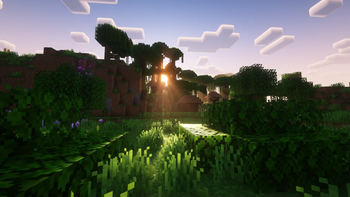
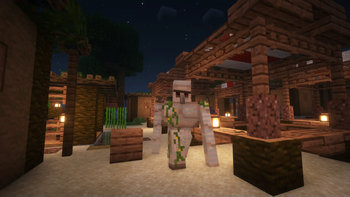
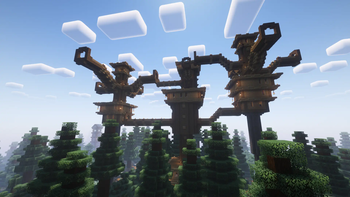
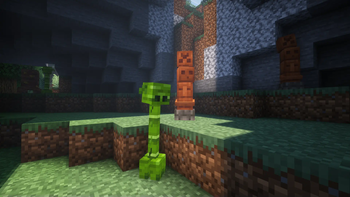
Nolla aims for creating a close to vanilla experience but with many quality of life, mechanics and visual improvements.
Screenshots

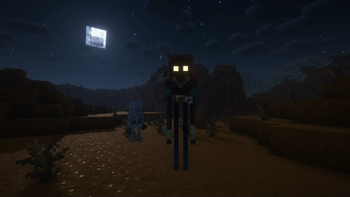
About this Modpack
Welcome to Nolla

This modpack aims to improve on vanilla, not being heavily disruptive of the main Minecraft experience, but greatly expanding on it by bringing together remarkable mods that we believe that works well together and complement themselves.
Beyond including optimization mods, Nolla expands on:
- Structures generation with yung's better structures mods, and others;
- Mechanics like gravestones and seasons;
- Altered Nether and End generations;
- Ambience focused mods like soundphysics;
- Fights are improved with Better Combat;
- Mods that enhance the multiplayer experience, with mods such as the Essential mod and the voice chat mod.
There are many other mods that can be checked in the list.
"Nolla" stands for "Not Vanilla". The name originated from the fact the modpack was originally supposed to be "Vanilla+", but quickly evolved to something different enough to a group of friends to decide to change the name. "Nolla" started as a joke placeholder, but the name stuck.
See More
Be intrigued.
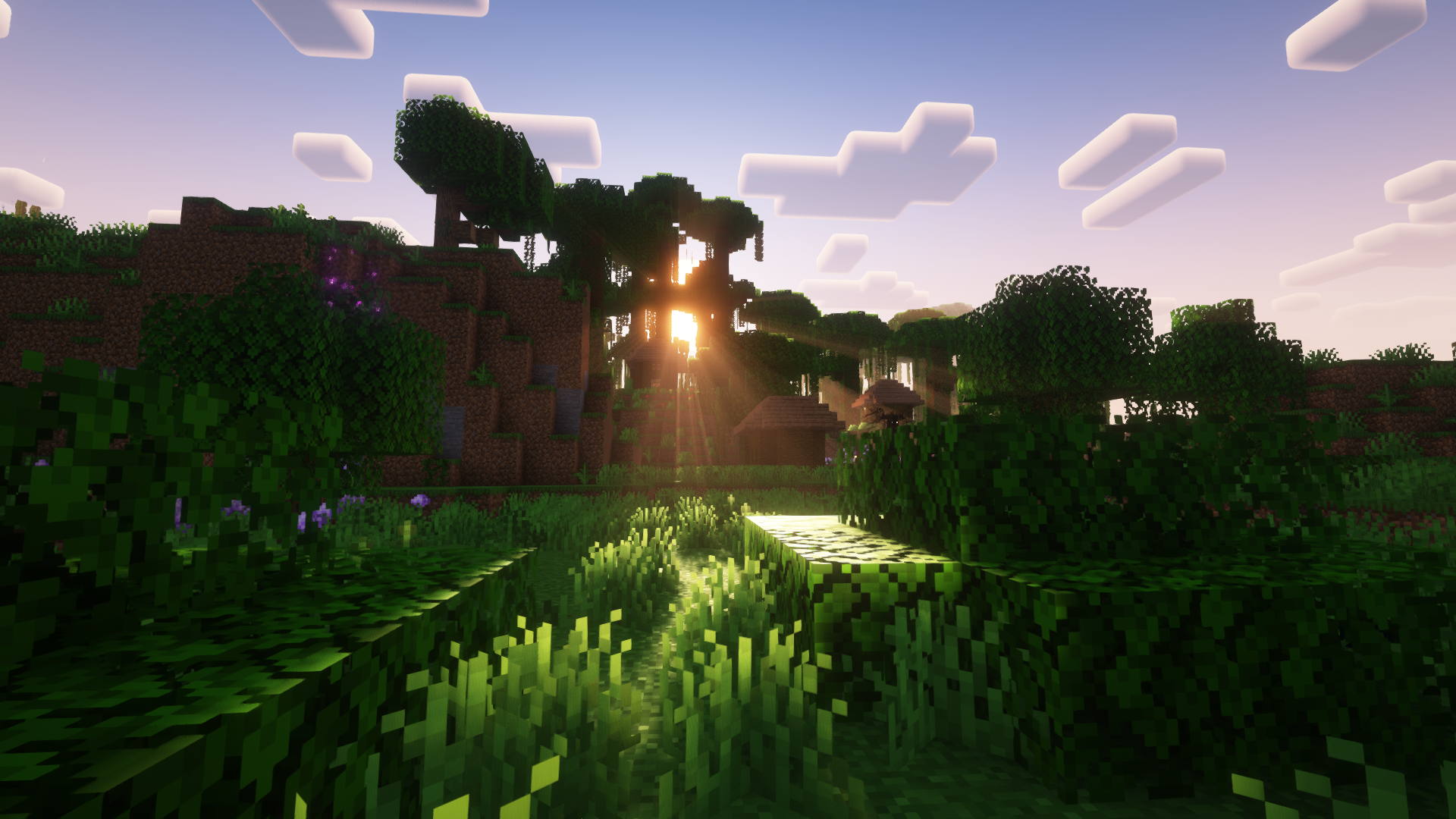
Nolla objective is to be Minecraft, but in a more intriguing way. We hope that when exploring, making your base, farming or adventuring, you get a similar experience of playing minecraft with a sense of discovery that we all had when younger.
Play it in your way!
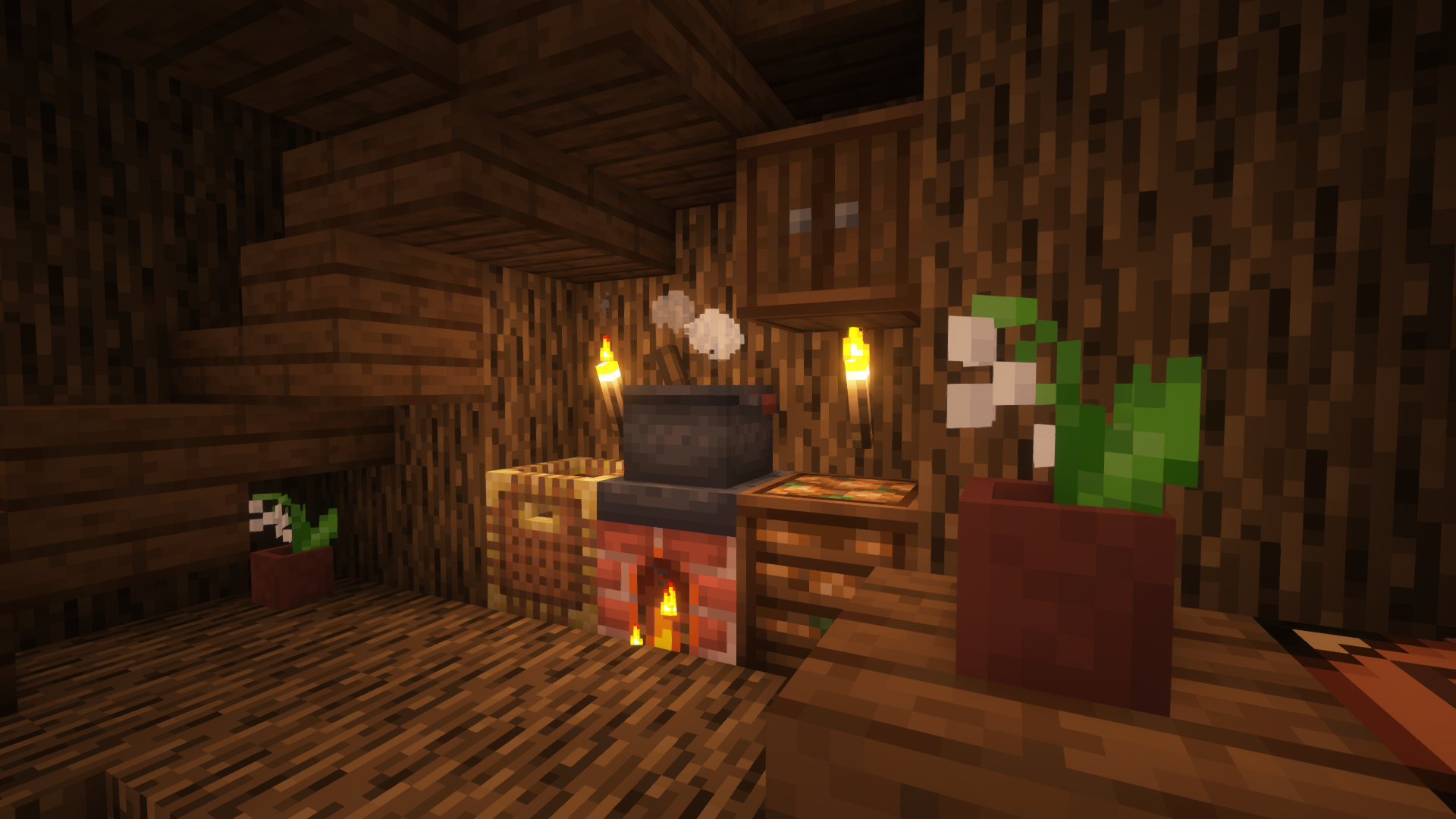
Besides the usual progression that Minecraft already have, you can play the way you want. There are Multiple ways of exploring, especially by the airships. Multiple ways of farming, thanks to Farmer's Delight, and Multiple Ways of decorating with Suplementaries and Another Furniture.
Explore!
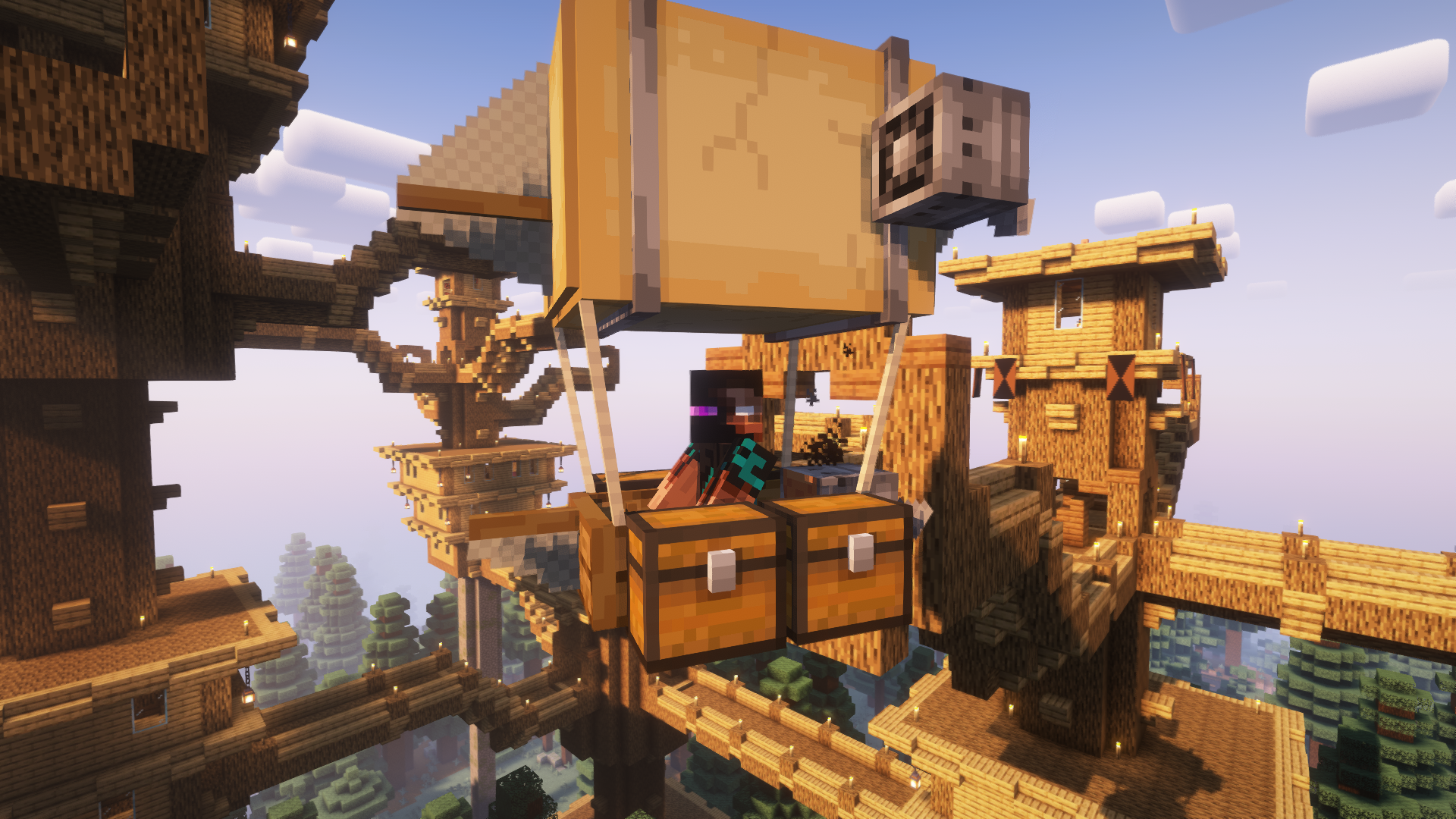
Many mods in Nolla were put to incentivize exploration. Don't shy away from traveling. Use boats, airships, waystones, and discover the world waiting for you. Happy Travels.
Mods Used
Ambience
- AmbientSounds
- Drip Sounds (Fabric)
- ImmersiveThunder
- Falling Leaves
- Sound Physics Remastered
- Presence Footsteps
- Dynamic Music Updated]
- Sounds
Visual Changes
- Panorama Screens
- Legendary Tooltips
- Snow! Real Magic! ⛄
- AppleSkin
- Kelvin's Better Player Animations (Port)
- Blur (Fabric)
- Chat Heads
- Continuity
- Dark Loading Screen
- Dynamic Crosshair
- Eating Animation
- Iris Shaders
- LambDynamicLights
- Make Bubbles Pop
- More Mob Variants
- playerAnimator
- Smooth Swapping
- Spawn Animations
- Visuality
- Wakes
- Snowy Sniffer
- Iceberg
- Not Enough Animations
- Particle Rain
- Fresh Animations(Resource Pack)
- Complementary Shaders - Reimagined
- YDM's Weapon Master
World Generation
- Amplified Nether
- Nullscape
- Philips Ruins
- Structory: Towers(Forge Link)
- Dungeons and Taverns
- Towns and Towers
- YUNG's API
- YUNG's Better Desert Temples
- YUNG's Better Dungeons
- YUNG's Better Jungle Temples
- YUNG's Better Mineshafts
- YUNG's Better Nether Fortresses
- YUNG's Better Ocean Monuments
- YUNG's Better Strongholds
- YUNG's Better Witch Huts
- YUNG's Bridges
- YUNG's Extras
- Abridged
- ChoiceTheorem's Overhauled Village
- CTOV - Farmer Delight Compat
- CTOV - Friends and Foes Compat
- Deeper Oceans
- Geophilic
- Repurposed Structures - Quilt/Fabric
- Snow Under Trees (Fabric)
- Vanilla Sky Villages
- Explorify
- More Geodes
Quality of Life
- Equipment Compare
- Better Third Person
- Better Tridents
- Controlling
- Disable Custom Worlds Advice
- FallingTree
- Roughly Enough Items (REI)
- Searchables
- Xaero's World Map
- Xaero's Minimap
- Critical Shears
- Double Doors
- Recipe Book Delight
- Recipe Book is Pain
- RightClickHarvest
- Traveler's Backpack
- Inventory Sorting
- Mouse Tweaks
- Mouse Wheelie
- SeasonHUD-Fabric
- No Chat Reports
Optimization
- Debugify
- Fastload
- ImmediatelyFast
- Concurrent Chunk Management Engine (Fabric)
- Dynamic FPS
- Enhanced Block Entities
- Entity Culling
- FastQuit
- FerriteCore
- Indium
- Krypton
- LazyDFU
- Lithium
- Memory Leak Fix
- ModernFix
- More Culling
- Sodium- DashLoader
- Faster Random
- ThreadTweak
- Noisium
- Very Many Players (Fabric)
Game mechanics
- Another Furniture
- Hellion's Sniffer+
- Archers (RPG Series)
- Better Archeology
- Better Combat
- BetterTrims
- Chef's Delight
- Fabric Seasons
- Farmer's Delight [Fabric]
- Friends&Foes (Fabric)
- Gravestones
- Immersive Aircraft
- Immersive Armors
- Modification Of Critical Hit
- Trinkets
- Villages&Pillages
- Waystones
- Wool Tweaks
- Sleep Tight
- Shoulder Surfing Reloaded
- Do a Barrel Roll
- Book of Experience
- Reacharound
- Bundle Recipe
Online Gaming
Decoration
Mobs
Basis, API's, and compatibility mods
- Mod Menu
- CreativeCore
- Forge Config API Port
- Kiwi 🥝
- Prism
- Puzzles Lib
- Architectury API
- AzureLib Armor
- Balm
- Cardinal Components API
- Cloth Config API
- Collective
- Cristel Lib
- [EMF] Entity Model Features
- [ETF] Entity Texture Features
- Fabric API
- Fabric Seasons: Delight Compat
- Geckolib
- JamLib
- MidnightLib
- Moonlight Lib
- M.R.U
- oωo (owo-lib)
- Projectile Damage Attribute
- Resourceful Config
- Resourceful Lib
- Spell Engine
- Spell Power Attributes
- YetAnotherConfigLib
- Faux Custom Entity Data
This Modpack was made by:

Available Versions
How to Set Up a Nolla Server
Order Server
Choose at least 6 GB RAM (8 GB recommended for Nolla). Based on player count: per 5 players.
Install Modpack in Dashboard
Open the modpack browser in the dashboard, search for "Nolla" and click "Install". The fabric loader and Minecraft 1.20.1 are configured automatically.
Start Server & Play
Start the server – all mods are loaded automatically. Share the server IP with friends and play together!
Frequently Asked Questions
Nolla server crashes or won't start – what to do?
Most common causes: insufficient RAM or wrong fabric loader. Check latest.log for "OutOfMemoryError" → increase RAM to at least 8 GB. For "Mixin" or "ClassNotFoundException" errors: modpack version and loader don't match. With Mado Hosting, loader and Minecraft version are auto-configured on modpack install – preventing most startup issues.
How much RAM does a Nolla server really need?
Minimum 6 GB, recommended 8 GB for stable performance. per 5 players. Important: Minecraft modpacks need more RAM than vanilla – plan extra per additional player. With Mado Hosting, you can scale RAM up live at any time without data loss (from €12/month).
Can I add custom mods to Nolla without conflicts?
Yes, but check compatibility: only use mods for the same loader (fabric) and same Minecraft version (1.20.1). Common issues: ID conflicts with recipe mods and incompatible coremod versions. The Mado dashboard mod browser only shows compatible mods and warns about known conflicts.
Nolla server lagging – performance tips
1) Increase RAM to 8 GB+. 2) Reduce server view-distance to 8 (server.properties). 3) Pre-generate chunks with the "Chunky" plugin. 4) Use /spark profiler to check which mods consume the most tick time. With Mado Hosting, all servers run on NVMe SSDs with dedicated CPU cores – eliminating hardware as a bottleneck.
Rent Nolla Server
Start your own server with automatic modpack installation.
Supported Versions
Start your Nolla Server now
From €12.00/month with 8 GB RAM for the best performance.
Configure Server →