
Outerworlds
An exploration focused modpack with dungeons, structures and more than 100+ biomes while having stunning visuals and good performance!
Screenshots
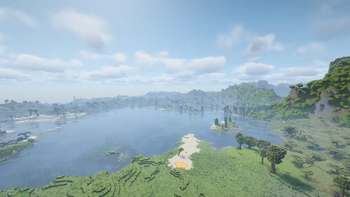
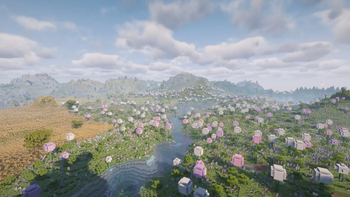
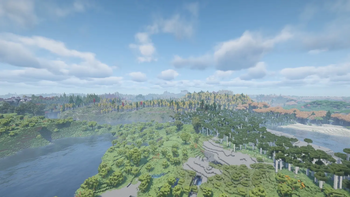
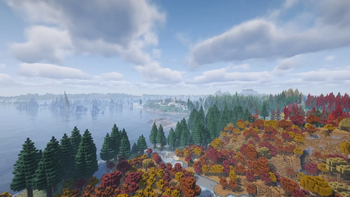
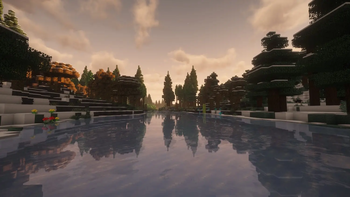
About this Modpack

A modpack designed for players seeking
extreme levels of exploration and a relaxing experience
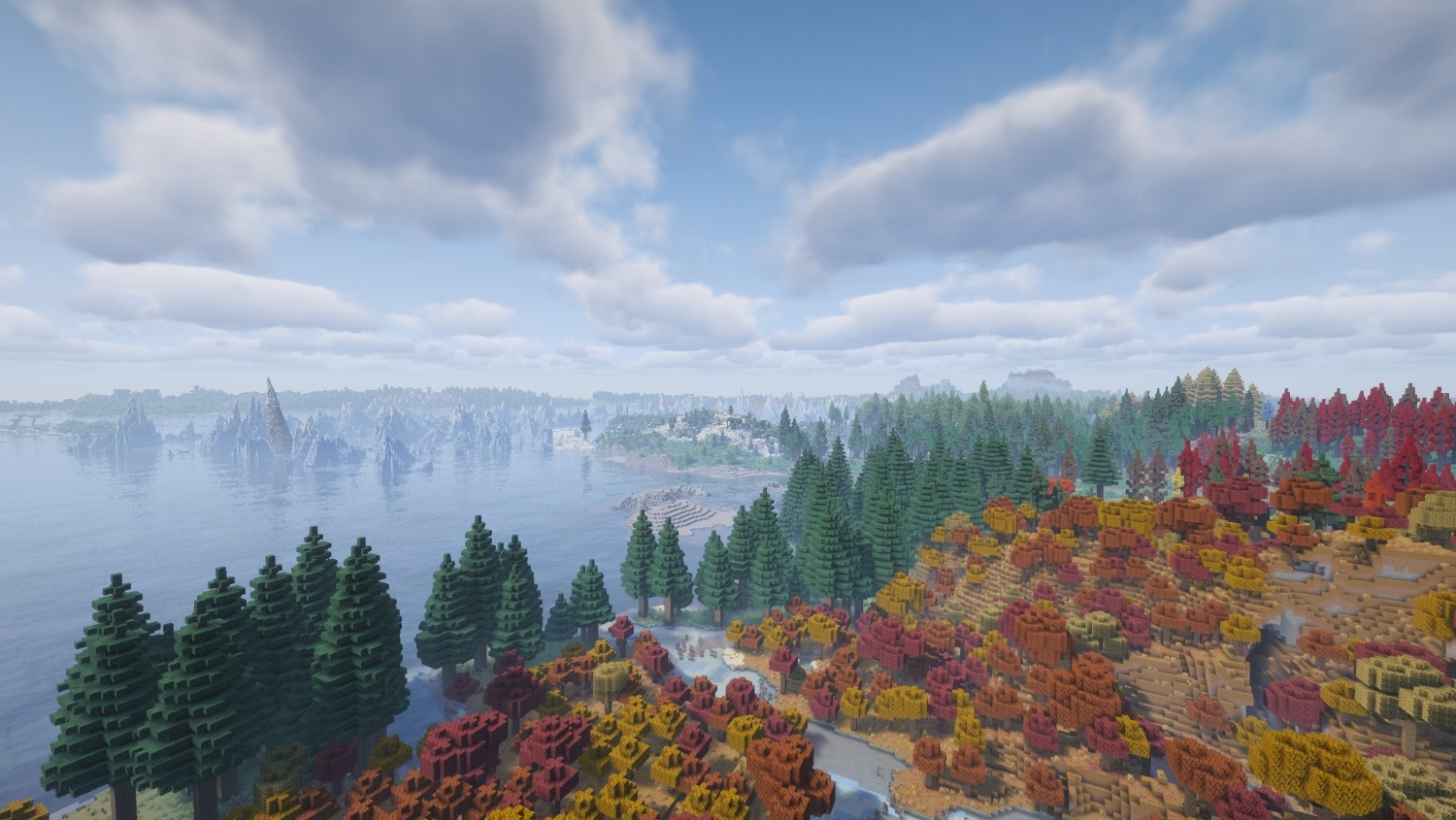
Looting is essencial and exploration is obrigatory.
Look around and decide where are you going.
In this vast world, you decide your fate, so get going and begin your journey.
Features 🎭 [Updated!]
 Just like Vanilla Minecraft but better!
- 🌍 An Overworld with more than 100+ biomes to explore!
- 🏃♀️➡️ Better animations providing a more satisfying experience!
- ✨ An alive experience with better Visual Effects
- 🔊 Immersive experience with new Sound Effects
- 📷 An overhaul on the Third Person View, providing a different way to play.
- 🎮 Controller friendly!
- 🖼️ Smooth framerate while still having good visuals (and runs on potato Pcs).
- ⚔️ A Simplified Combat system providing enjoyable fights.
- 📱 Simpler and more intuitive UI.
- 📆 All four earth seasons to check out!
FAQ ❓
Q: Does Outerworlds support Multiplayer?:
A: Yes, it does but with a few notes. For it to work, some mods have to be added to the server and all the players need to have the same mods and their respective versions.
Q: Will the modpack get updated to later Minecraft Updates?:
A: Yes, it is planned to but it requires patience. Some mods that plays a big part of Outerworlds are not available for 26.0 or above, so I prefer to wait and ship the full package instead of uploading a half-baked one.
Q: Is there a way to report bugs or ask for help?:
A: Yes, you can open an issue on GitHub or a ticket in Outerworld's Discord Server
Known Issues ❗
Issue: JVM/Java Arguments warning when launching:
Solution: In your launcher, find the profile settings, search for JVM/Java Arguments and paste this:
"--add-modules jdk.incubator.vector"
Issue: Strong stutters when using the Spyglass:
Solution: This is an issue caused by Voxy and it's unlikely to be fixed by now. In this case, don't move the camera too much when using the Spyglass
Available Versions
How to Set Up a Outerworlds Server
Order Server
Choose at least 6 GB RAM (8 GB recommended for Outerworlds). Based on player count: per 5 players.
Install Modpack in Dashboard
Open the modpack browser in the dashboard, search for "Outerworlds" and click "Install". The fabric loader and Minecraft 1.21.11 are configured automatically.
Start Server & Play
Start the server – all mods are loaded automatically. Share the server IP with friends and play together!
Frequently Asked Questions
Outerworlds server crashes or won't start – what to do?
Most common causes: insufficient RAM or wrong fabric loader. Check latest.log for "OutOfMemoryError" → increase RAM to at least 8 GB. For "Mixin" or "ClassNotFoundException" errors: modpack version and loader don't match. With Mado Hosting, loader and Minecraft version are auto-configured on modpack install – preventing most startup issues.
How much RAM does a Outerworlds server really need?
Minimum 6 GB, recommended 8 GB for stable performance. per 5 players. Important: Minecraft modpacks need more RAM than vanilla – plan extra per additional player. With Mado Hosting, you can scale RAM up live at any time without data loss (from €12/month).
Can I add custom mods to Outerworlds without conflicts?
Yes, but check compatibility: only use mods for the same loader (fabric) and same Minecraft version (1.21.11). Common issues: ID conflicts with recipe mods and incompatible coremod versions. The Mado dashboard mod browser only shows compatible mods and warns about known conflicts.
Outerworlds server lagging – performance tips
1) Increase RAM to 8 GB+. 2) Reduce server view-distance to 8 (server.properties). 3) Pre-generate chunks with the "Chunky" plugin. 4) Use /spark profiler to check which mods consume the most tick time. With Mado Hosting, all servers run on NVMe SSDs with dedicated CPU cores – eliminating hardware as a bottleneck.
Similar Modpacks
![Cobblemon Official Modpack [Fabric]](https://cdn.modrinth.com/data/5FFgwNNP/e7f9ee2e9d361623847853fe2ddce42f519ee64f.png)
![COBBLEVERSE - Pokemon Adventure [Cobblemon]](https://cdn.modrinth.com/data/Jkb29YJU/581ecf54530972afb18a04660afd820f2f24f6c7.png)
![Better MC [FABRIC] - BMC2](https://cdn.modrinth.com/data/shFhR8Vx/a19c2bcb51d38f32f138d3607e91cb2b7b8e387f_96.webp)


![Better MC [FORGE] - BMC4](https://cdn.modrinth.com/data/4BV47HRn/7f5ef7cc61b2593609aabef3ed07a866a4f11b73_96.webp)
Rent Outerworlds Server
Start your own server with automatic modpack installation.
Supported Versions
Start your Outerworlds Server now
From €12.00/month with 8 GB RAM for the best performance.
Configure Server →