
ParticlePack
ParticlePack — a Minecraft Java Edition modpack inspired by Actions & Stuff. It adds a variety of visual effects and enhanced particles for in-game actions, making the world more dynamic and alive.
Screenshots
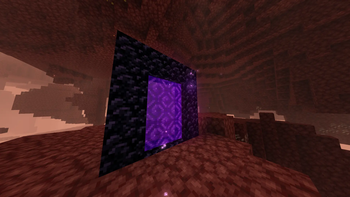
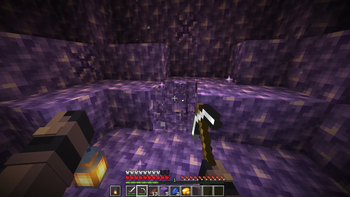
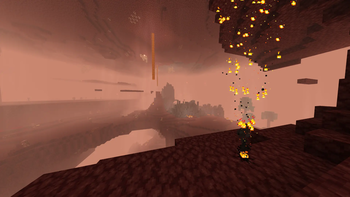
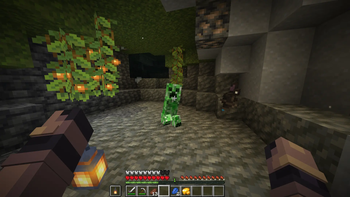
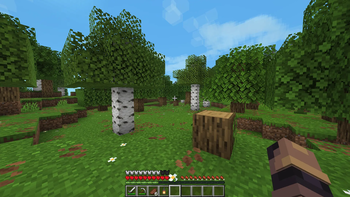
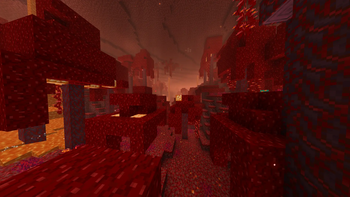
About this Modpack
Description
ParticlePack is a Minecraft Java Edition modpack inspired by Actions & Stuff. It focuses on visual enhancement, adding detailed and spectacular particles for all core in-game actions: attacks, mining blocks, movement, interacting with the environment, and more. Every in-game event becomes more responsive, vibrant, and cinematic, elevating the visual experience to a new level without altering the core gameplay.
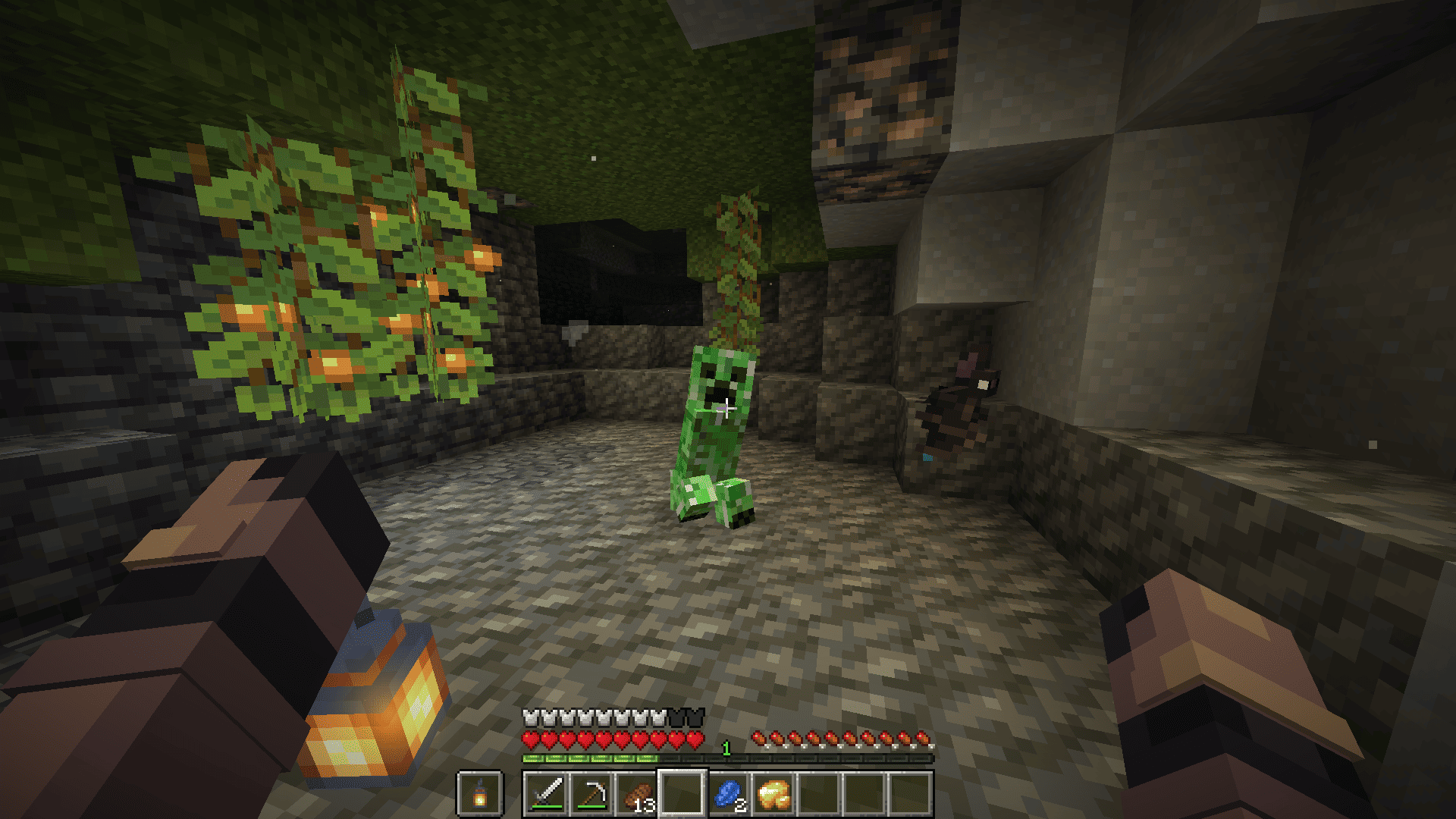
📸 Screenshots
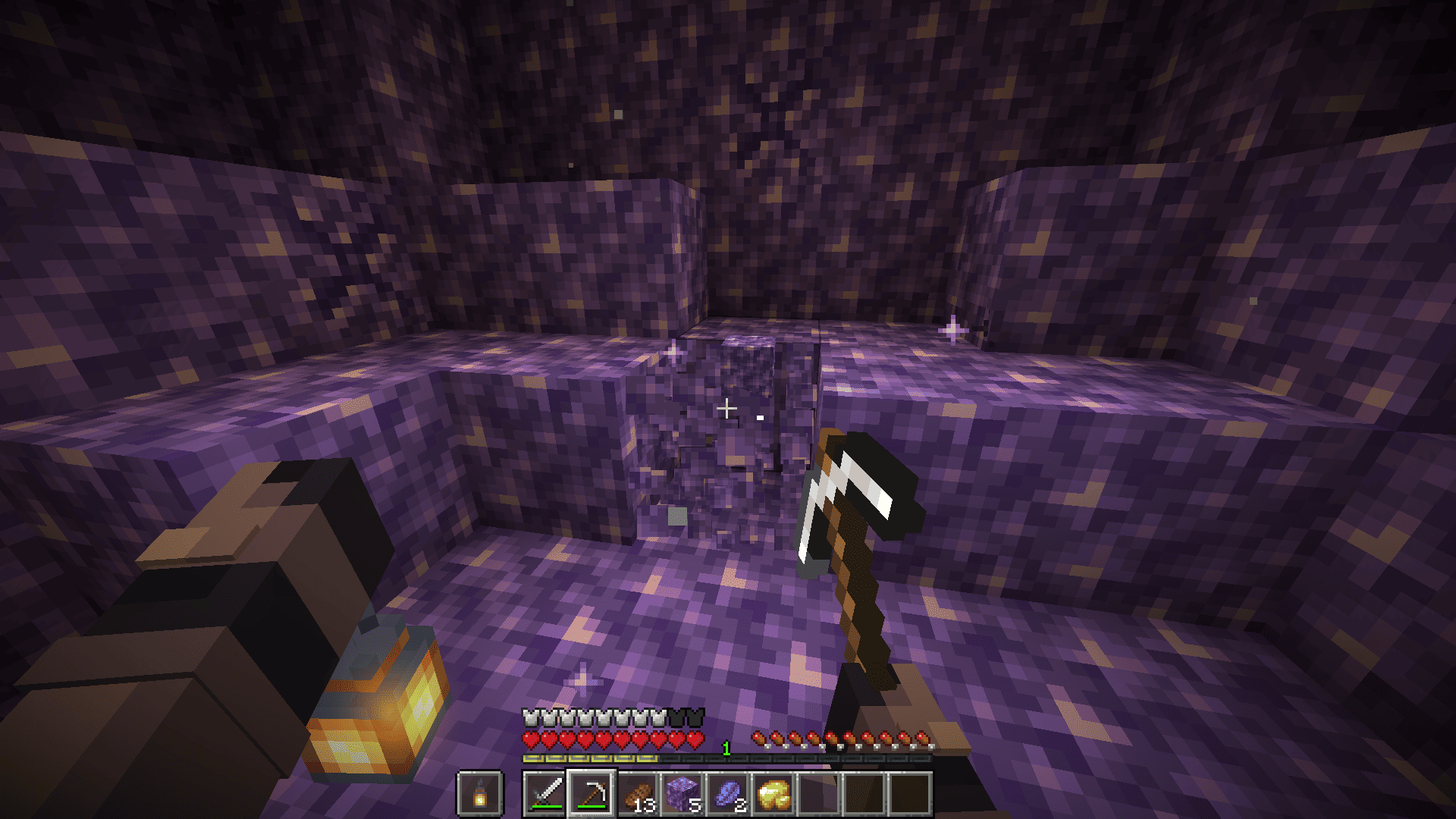
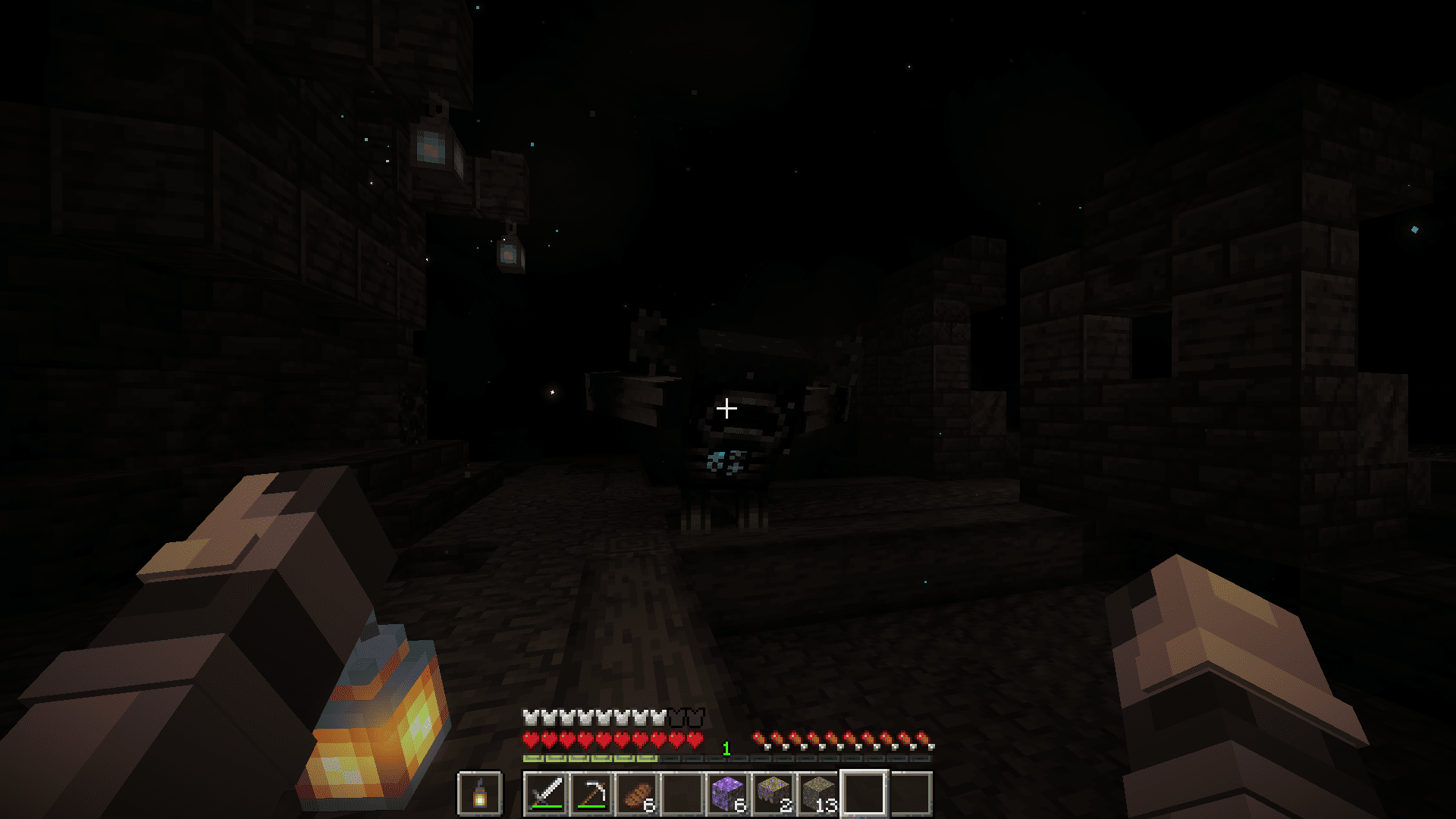
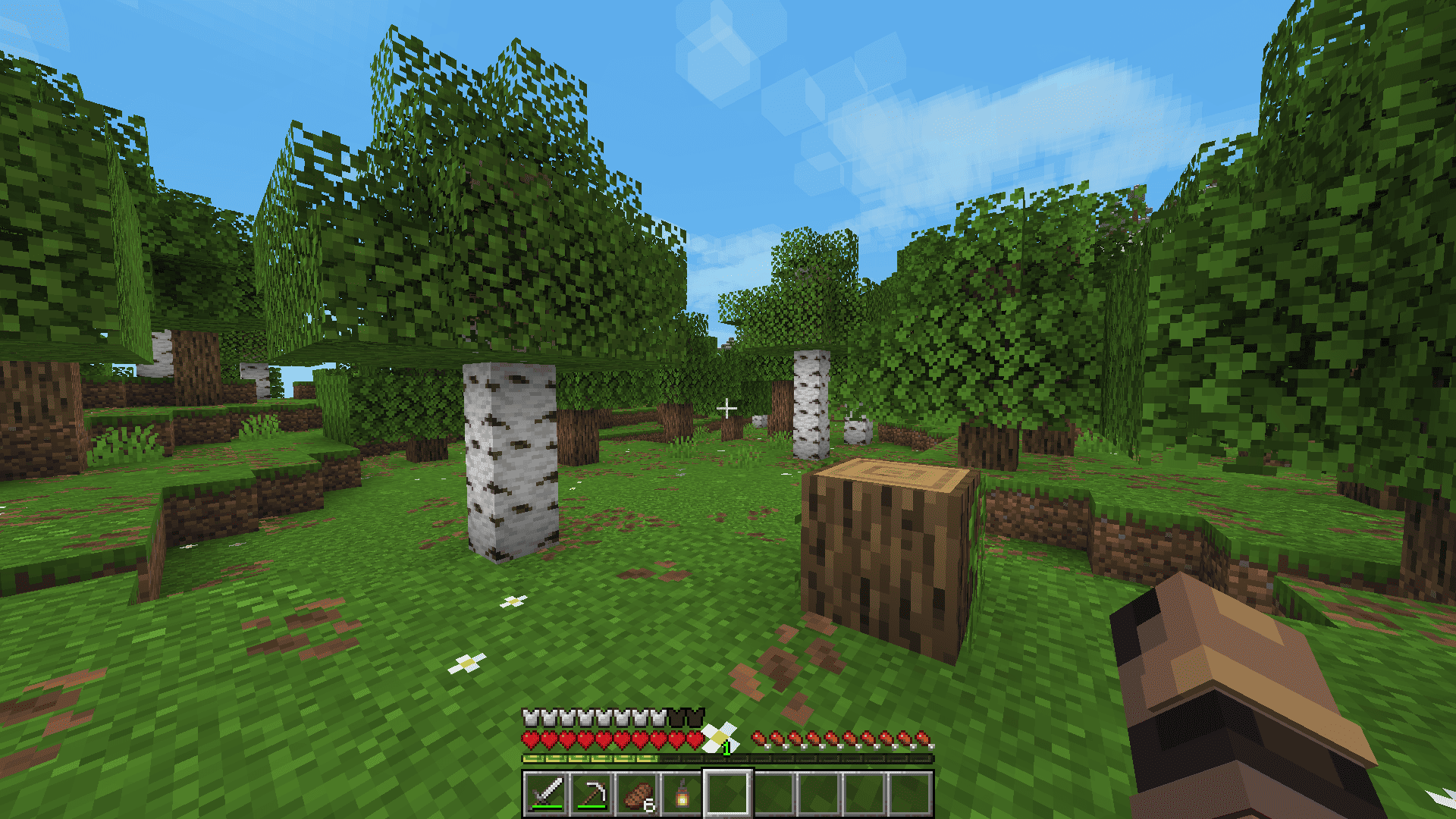
📋 System Requirements
Minimum:
- RAM: 4 GB
- GPU: GTX 1050
Recommended:
- RAM: 8 GB or more
- GPU: GTX 1650 Or Higher
⬇️ Installation
Modrinth App
Open the Launcher
Search for modpack (ParticlePack)
Click download Run and play
MultiMC/ Prism Launcher
Click in the launcher "Add build"
Select "Modrinth" and search this modpack (ParticlePack)
Click download
Run and play
Important: Allocate at least 4-6 GB of RAM in your launcher settings for stable performance.
Available Versions
How to Set Up a ParticlePack Server
Order Server
Choose at least 4 GB RAM (6 GB recommended for ParticlePack). Based on player count: per 8 players.
Install Modpack in Dashboard
Open the modpack browser in the dashboard, search for "ParticlePack" and click "Install". The fabric loader and Minecraft 1.21.8 are configured automatically.
Start Server & Play
Start the server – all mods are loaded automatically. Share the server IP with friends and play together!
Frequently Asked Questions
ParticlePack server crashes or won't start – what to do?
Most common causes: insufficient RAM or wrong fabric loader. Check latest.log for "OutOfMemoryError" → increase RAM to at least 6 GB. For "Mixin" or "ClassNotFoundException" errors: modpack version and loader don't match. With Mado Hosting, loader and Minecraft version are auto-configured on modpack install – preventing most startup issues.
How much RAM does a ParticlePack server really need?
Minimum 4 GB, recommended 6 GB for stable performance. per 8 players. Important: Minecraft modpacks need more RAM than vanilla – plan extra per additional player. With Mado Hosting, you can scale RAM up live at any time without data loss (from €8/month).
Can I add custom mods to ParticlePack without conflicts?
Yes, but check compatibility: only use mods for the same loader (fabric) and same Minecraft version (1.21.8). Common issues: ID conflicts with recipe mods and incompatible coremod versions. The Mado dashboard mod browser only shows compatible mods and warns about known conflicts.
ParticlePack server lagging – performance tips
1) Increase RAM to 6 GB+. 2) Reduce server view-distance to 8 (server.properties). 3) Pre-generate chunks with the "Chunky" plugin. 4) Use /spark profiler to check which mods consume the most tick time. With Mado Hosting, all servers run on NVMe SSDs with dedicated CPU cores – eliminating hardware as a bottleneck.
Similar Modpacks

![Cobblemon Official Modpack [Fabric]](https://cdn.modrinth.com/data/5FFgwNNP/e7f9ee2e9d361623847853fe2ddce42f519ee64f.png)
![COBBLEVERSE - Pokemon Adventure [Cobblemon]](https://cdn.modrinth.com/data/Jkb29YJU/581ecf54530972afb18a04660afd820f2f24f6c7.png)
![Better MC [FABRIC] - BMC2](https://cdn.modrinth.com/data/shFhR8Vx/a19c2bcb51d38f32f138d3607e91cb2b7b8e387f_96.webp)


Rent ParticlePack Server
Start your own server with automatic modpack installation.
Supported Versions
Start your ParticlePack Server now
From €8.00/month with 6 GB RAM for the best performance.
Configure Server →