
Peaceful Worlds
Wondrous adventures await in this beautiful Peaceful World, filled with content for you to explore!
Screenshots
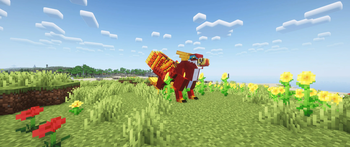
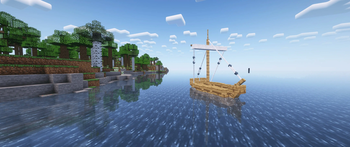
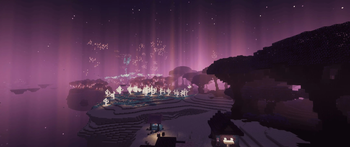
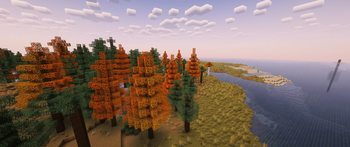
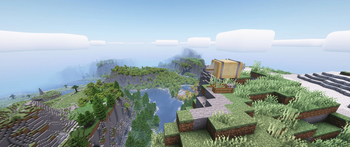
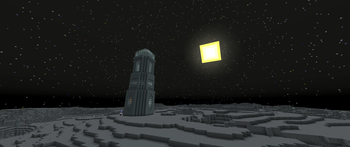
About this Modpack
Rediscover the Beauty of Minecraft with Peaceful Worlds!
Embark on a relaxing journey through stunning landscapes and immersive biomes in the Peaceful Worlds modpack. This carefully curated collection of mods is designed for players who seek a calm and exploration-focused experience. Whether you're soaring through the skies, sailing on peaceful seas, or wandering vibrant, detailed forests, there's always something breathtaking to discover.
With no combat stress, Peaceful Worlds lets you focus on exploration, creativity, and fun activities:
- Traverse Stunning Landscapes: Explore diverse biomes with vast forests, towering mountains, vibrant oceans, and mysterious underground caves. Every world is filled with life and beauty, inviting you to wander and discover.
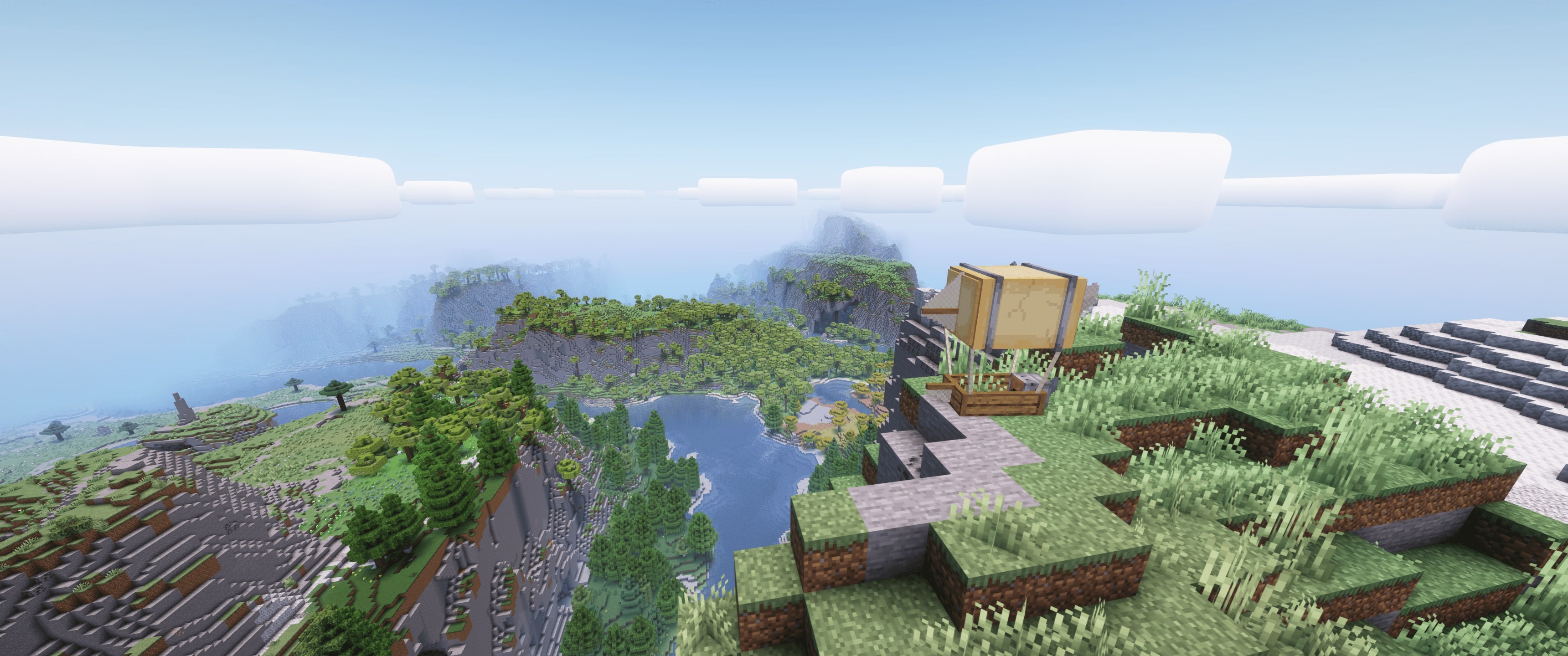
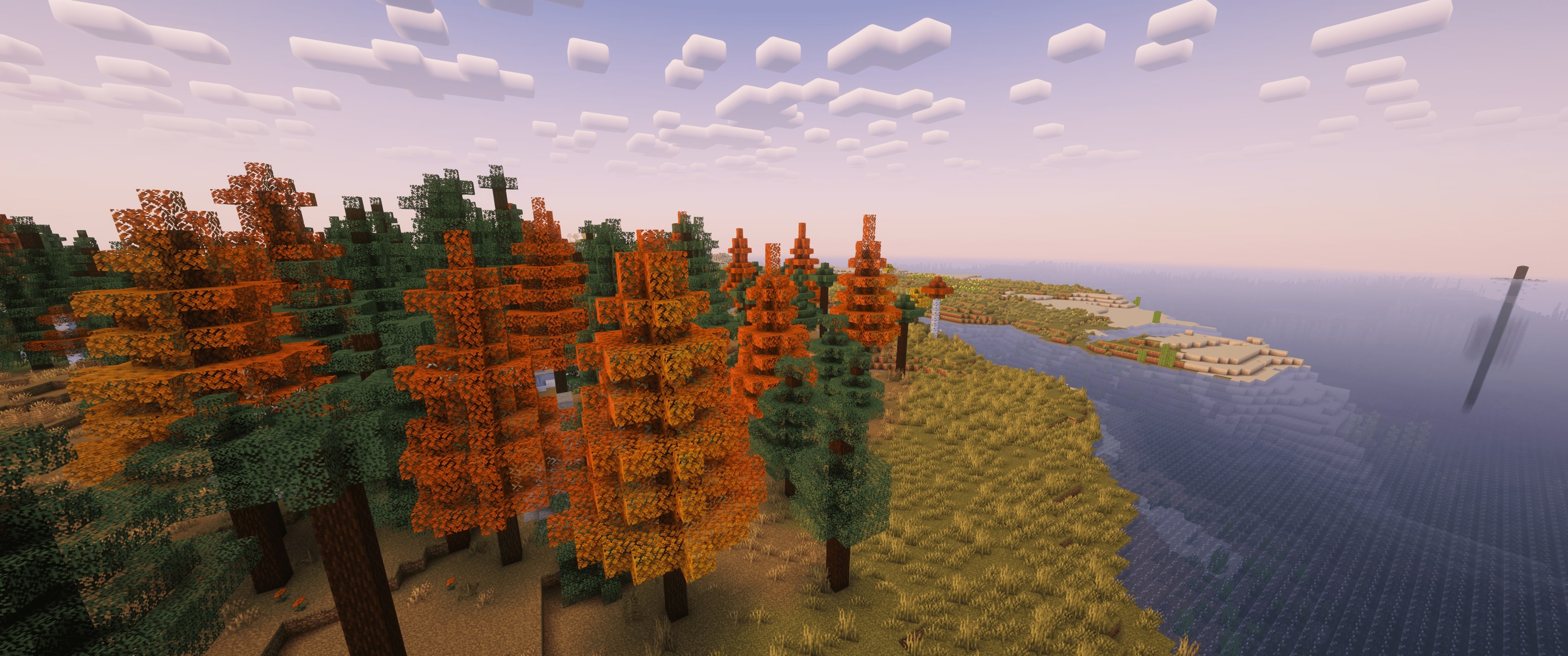
- Experience Changing Seasons: Watch as the world shifts through the seasons, from blooming spring to snow-covered winter. The immersive environment evolves around you, adding new layers to your exploration.
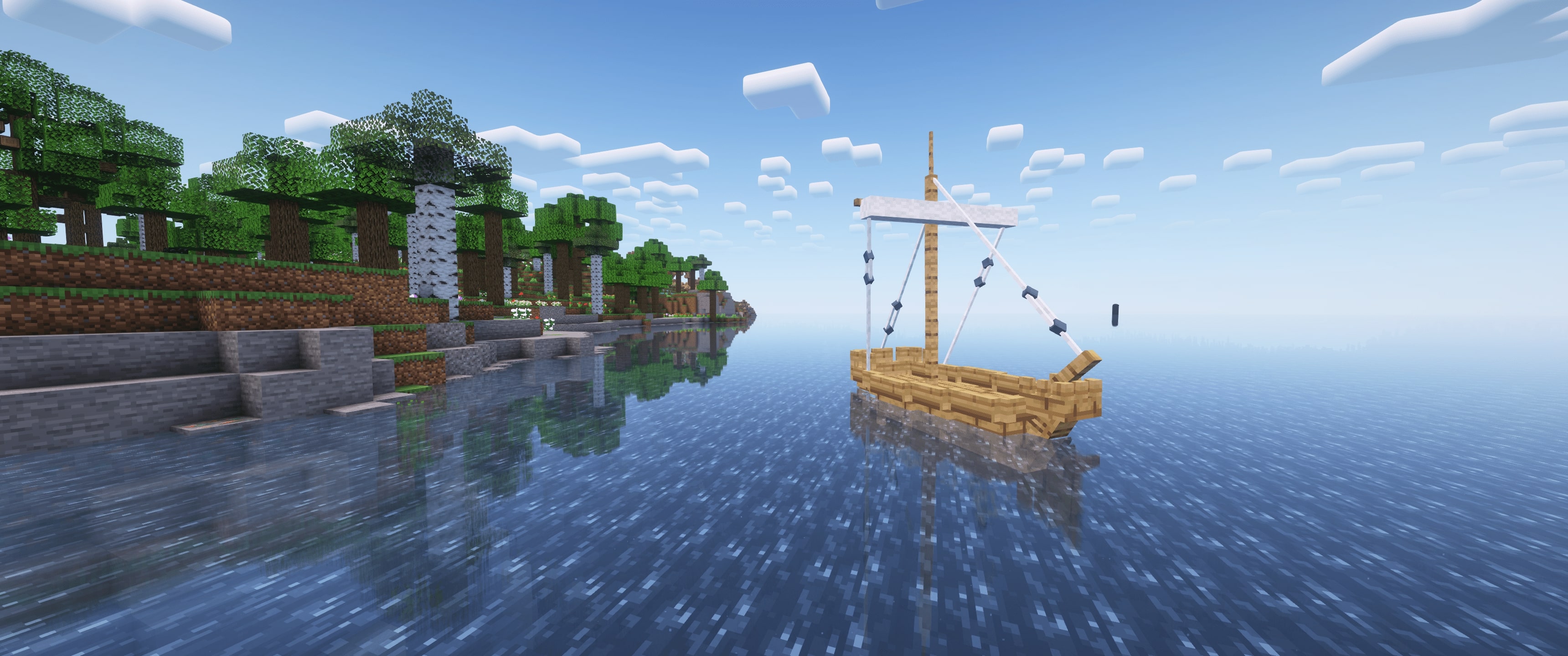
- Soar through the Skies & Sail the Seas: Take to the skies in customizable aircraft or cruise over serene waters in beautifully crafted ships. Whether you're flying over majestic landscapes or setting sail for a distant island, adventure awaits at every turn.
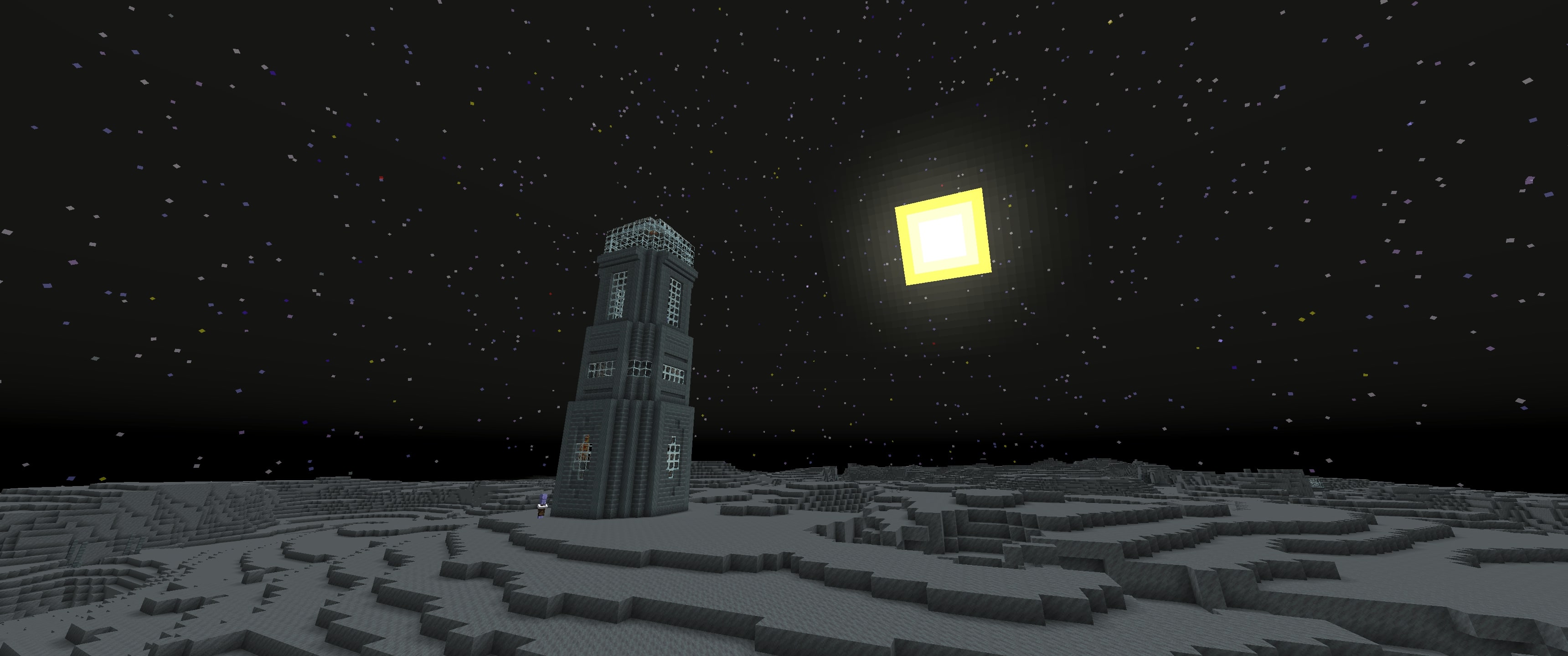
- Journey to the stars!: Travel to the moon, trek across the rugged red landscapes of Mars, or experience the scorching beauty of Venus. Each celestial body offers its own unique environment to discover, filled with opportunities for exploration and creativity.
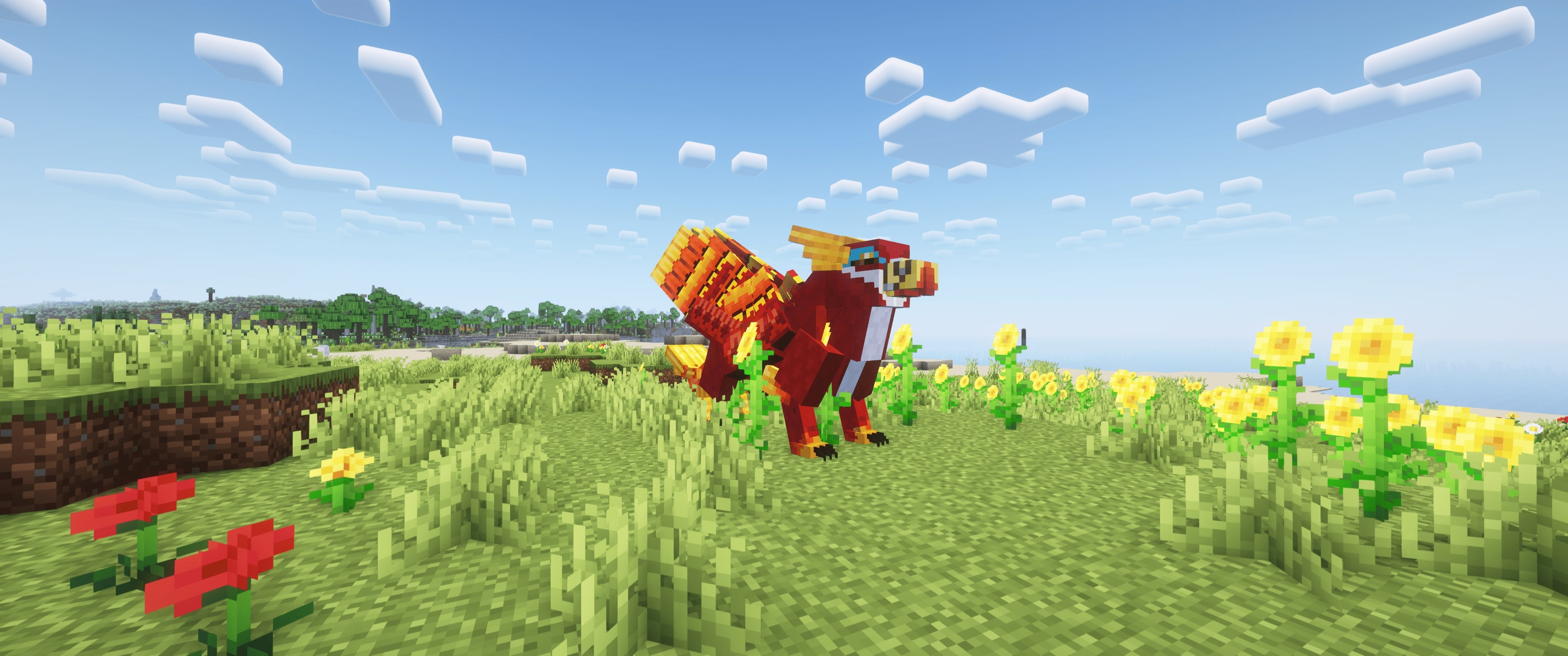
- Ride Mythical Creatures: Encounter and befriend amazing mounts and unique animals as you explore the world. Ride through the lands on mythical creatures or discover vibrant wildlife that adds charm to every corner of your journey.
- Enjoy Breathtaking Visuals: From dynamic lighting to realistic foliage, experience Minecraft like never before with enhanced visuals that make every biome feel more alive. Enjoy falling leaves, flowing water, and stunning sunsets that immerse you in the world’s natural beauty.
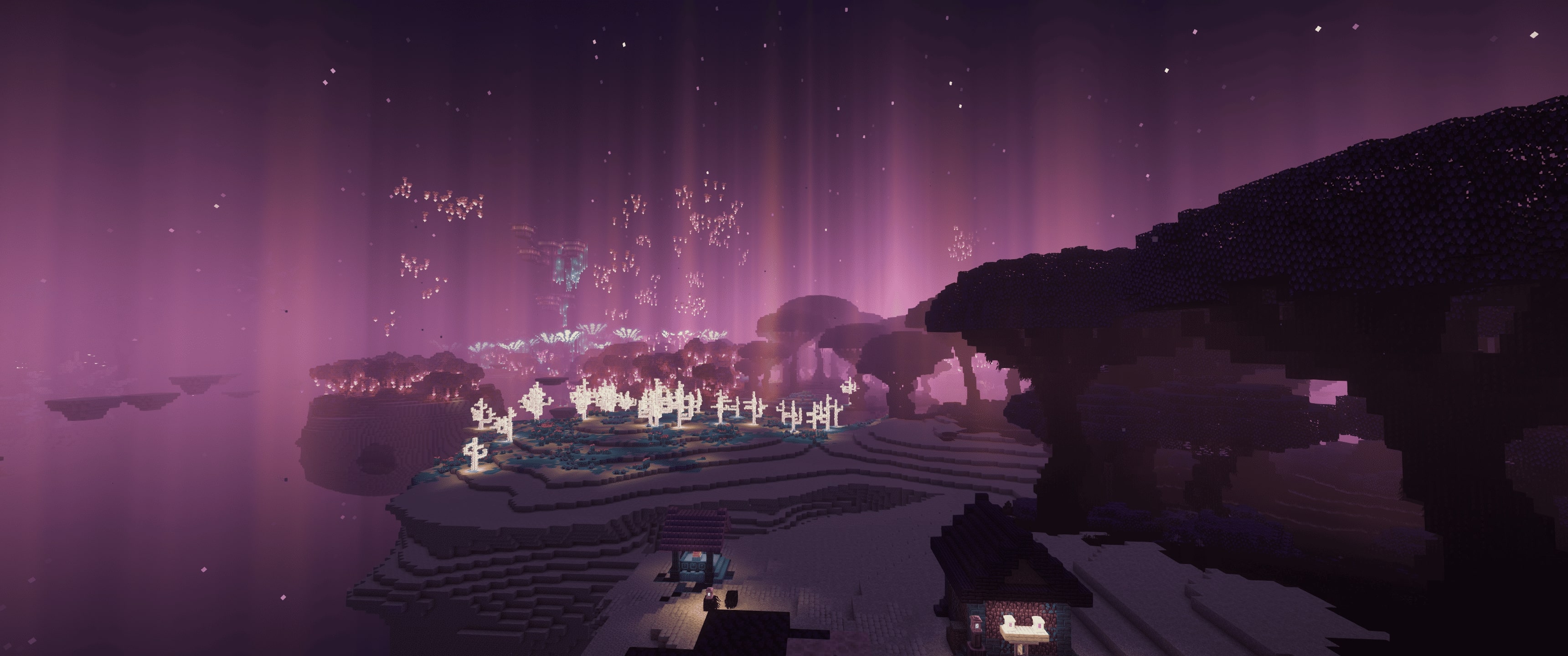
With Peaceful Worlds, the focus is on exploring and interacting with a beautifully crafted environment. Whether you're gliding in different planets, designing custom vehicles, or simply walking through a stunning forest, the possibilities for adventure and creativity are endless.
Step into Peaceful Worlds and make your adventure your own. ✨
Available Versions
How to Set Up a Peaceful Worlds Server
Order Server
Choose at least 6 GB RAM (8 GB recommended for Peaceful Worlds). Based on player count: per 5 players.
Install Modpack in Dashboard
Open the modpack browser in the dashboard, search for "Peaceful Worlds" and click "Install". The fabric loader and Minecraft 1.20.1 are configured automatically.
Start Server & Play
Start the server – all mods are loaded automatically. Share the server IP with friends and play together!
Frequently Asked Questions
Peaceful Worlds server crashes or won't start – what to do?
Most common causes: insufficient RAM or wrong fabric loader. Check latest.log for "OutOfMemoryError" → increase RAM to at least 8 GB. For "Mixin" or "ClassNotFoundException" errors: modpack version and loader don't match. With Mado Hosting, loader and Minecraft version are auto-configured on modpack install – preventing most startup issues.
How much RAM does a Peaceful Worlds server really need?
Minimum 6 GB, recommended 8 GB for stable performance. per 5 players. Important: Minecraft modpacks need more RAM than vanilla – plan extra per additional player. With Mado Hosting, you can scale RAM up live at any time without data loss (from €12/month).
Can I add custom mods to Peaceful Worlds without conflicts?
Yes, but check compatibility: only use mods for the same loader (fabric) and same Minecraft version (1.20.1). Common issues: ID conflicts with recipe mods and incompatible coremod versions. The Mado dashboard mod browser only shows compatible mods and warns about known conflicts.
Peaceful Worlds server lagging – performance tips
1) Increase RAM to 8 GB+. 2) Reduce server view-distance to 8 (server.properties). 3) Pre-generate chunks with the "Chunky" plugin. 4) Use /spark profiler to check which mods consume the most tick time. With Mado Hosting, all servers run on NVMe SSDs with dedicated CPU cores – eliminating hardware as a bottleneck.
Similar Modpacks
![Cobblemon Official Modpack [Fabric]](https://cdn.modrinth.com/data/5FFgwNNP/e7f9ee2e9d361623847853fe2ddce42f519ee64f.png)
![COBBLEVERSE - Pokemon Adventure [Cobblemon]](https://cdn.modrinth.com/data/Jkb29YJU/581ecf54530972afb18a04660afd820f2f24f6c7.png)
![Better MC [FABRIC] - BMC2](https://cdn.modrinth.com/data/shFhR8Vx/a19c2bcb51d38f32f138d3607e91cb2b7b8e387f_96.webp)


![Better MC [FORGE] - BMC4](https://cdn.modrinth.com/data/4BV47HRn/7f5ef7cc61b2593609aabef3ed07a866a4f11b73_96.webp)
Rent Peaceful Worlds Server
Start your own server with automatic modpack installation.
Supported Versions
Start your Peaceful Worlds Server now
From €12.00/month with 8 GB RAM for the best performance.
Configure Server →