Pezdez

Pezdez

Super-puper modpack

by Bopik
314 Downloads
0 Followers
fabricMC 1.21adventurelightweightoptimization

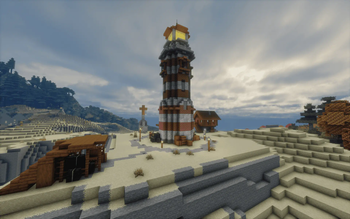
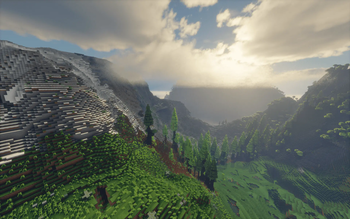
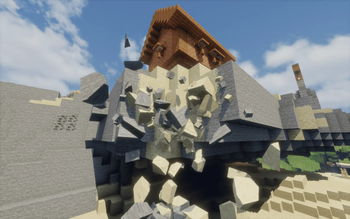
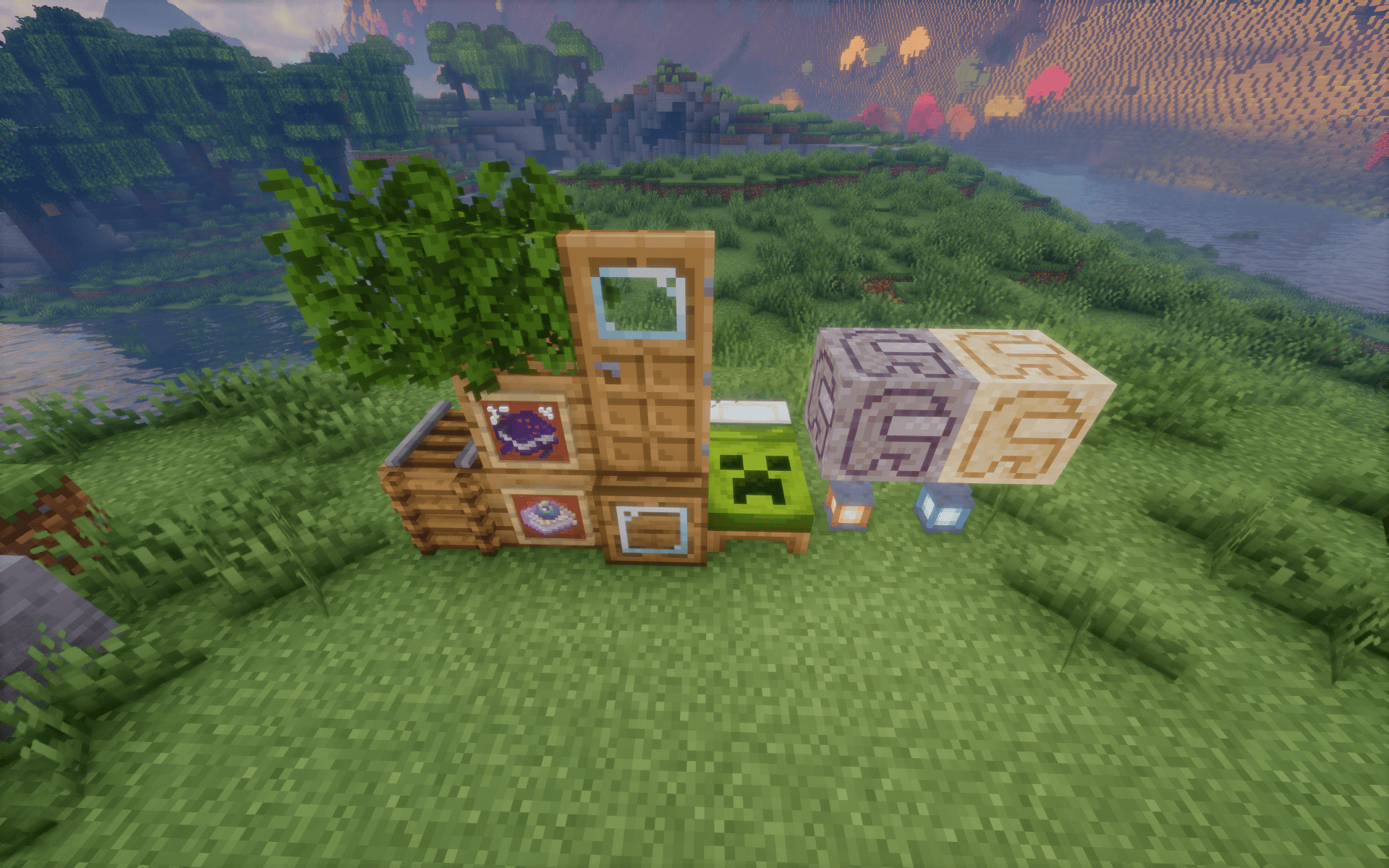
Screenshots

Structures
Pezdez Screenshot 2
Pezdez Screenshot 3
Pezdez Screenshot 4
Pezdez Screenshot 5
Pezdez Screenshot 6

About this Modpack

The modpack creation was inspired by the combination
of Distant Horizons, Iris, and Terralith mods.

Not all mods, resource packs, shaders, etc., included in the pack
are listed below—only a selection. The full list of dependencies
can be found on the version pages of the modpack.


Visuals

A large portion of the modpack—about 50 mods—focuses on improving and
enhancing the game's visual appearance. This includes mods like Visuality, Bedrockify,
Continuity, Falling Leaves, Physics Mod, First-person Model, Chat Animation,
Dark Loading Screen and many others.

Convenience

Mods like Axiom, Flashback, Interactic, Shulker Box Tooltip, Head Index,
Item Scroller, and others enhance interaction with the Minecraft
world and interface, making gameplay smoother and more intuitive.

Sounds

Mods like Auditoy Continued, AmbientSounds, ExtraSounds Next,
Sound Physics Remastered, Presence Footstep, and Pling elevate Minecraft's
audio experience. Some bring in ambient sounds like bird calls, wind, and footsteps,
while others add complete interface sounds.

Resourcepacks

More than 25 resource packs update textures and animations for both mobs
and blocks, refreshing the look and feel of the game. Examples include
Overlay's, Fresh Animations, 3D Ladders, RAY's 3D Rails,
Torrezx Biome Sniffers and several packs by the creator xalixilax.

Shaderpacks

The modpack includes the Bliss Shader pack by X0nk as a file,
rather than a download link from Modrinth. Shaderpack's repository.

Controls

Mods such as Camera Overhaul, Camera Utils, Better Third Person and
Do A Barrel Roll bring a fresh feel to character movement and controls,
adding new layers to the gaming experience.

Structures

To make the world feel more alive, new structures featuring animals, villagers,
and raiders appear throughout. Players are likely to encounter these as they
explore, adding variety and liveliness to the world.

Optimization

The pack includes popular mods that optimize game performance, forming a set that
can be considered standard. Additionally, it’s recommended to try Feral Gamemode,
Zink and Azul Zulu JDK to further boost performance. However, the impact of these mods
varies depending on individual systems.

Simplicity & Cleanliness

The modpack doesn’t contain unnecessary mods, such as unused libraries or broken
mods. You won’t find any extra configurations, mod caches, worlds, or other unnecessary
files in the modpack.

Up-to-date

The modpack includes the latest versions of mods available on Modrinth, and it
will continue to be updated to keep the content fresh and engaging.

Incompatibilities

MoreCulling – conflicts with several mods by removing extra block textures from mods.
3D Skin Layers – may cause visual artifacts, possibly when used alongside shaders.

Benchmark

FPS: max 31 | avg 22 | min 10

CPU: AMD Ryzen 7 7735HS
GPU: AMD Radeon 680M
Memory: 16G (14.93G) + 6G ZRAM
Minecraft Memory: 10G
Graphics: Fancy
Distant Horizons Distance: 256
MC Render Distance: 6
MC Simulate Distance: 10
Shader: Bliss-shader
Loaded Area: a square with a 1000-block radius

Instalation

An installation guide can be found in the project's repository on GitLab

Available Versions

Pezdez 1.1.0release
MC 1.21fabric111 downloads
November 17, 2024

How to Set Up a Pezdez Server

1

Order Server

Choose at least 6 GB RAM (8 GB recommended for Pezdez). Based on player count: per 5 players.

2

Install Modpack in Dashboard

Open the modpack browser in the dashboard, search for "Pezdez" and click "Install". The fabric loader and Minecraft 1.21 are configured automatically.

3

Start Server & Play

Start the server – all mods are loaded automatically. Share the server IP with friends and play together!

Frequently Asked Questions

Pezdez server crashes or won't start – what to do?

Most common causes: insufficient RAM or wrong fabric loader. Check latest.log for "OutOfMemoryError" → increase RAM to at least 8 GB. For "Mixin" or "ClassNotFoundException" errors: modpack version and loader don't match. With Mado Hosting, loader and Minecraft version are auto-configured on modpack install – preventing most startup issues.

How much RAM does a Pezdez server really need?

Minimum 6 GB, recommended 8 GB for stable performance. per 5 players. Important: Minecraft modpacks need more RAM than vanilla – plan extra per additional player. With Mado Hosting, you can scale RAM up live at any time without data loss (from €12/month).

Can I add custom mods to Pezdez without conflicts?

Yes, but check compatibility: only use mods for the same loader (fabric) and same Minecraft version (1.21). Common issues: ID conflicts with recipe mods and incompatible coremod versions. The Mado dashboard mod browser only shows compatible mods and warns about known conflicts.

Pezdez server lagging – performance tips

1) Increase RAM to 8 GB+. 2) Reduce server view-distance to 8 (server.properties). 3) Pre-generate chunks with the "Chunky" plugin. 4) Use /spark profiler to check which mods consume the most tick time. With Mado Hosting, all servers run on NVMe SSDs with dedicated CPU cores – eliminating hardware as a bottleneck.

Rent Pezdez Server

Start your own server with automatic modpack installation.

Recommended RAM:
8 GB(min. 6 GB)
From 12.00 / month
Create Server Now
1-Click Modpack Install
NVMe SSD Storage
DDoS Protection included
Automatic Backups

Details

License
BSD 2-Clause "Simplified" License
Server-side
Required
Client-side
Required

Supported Versions

1.21

Start your Pezdez Server now

From €12.00/month with 8 GB RAM for the best performance.

Configure Server →