
Photography Sim
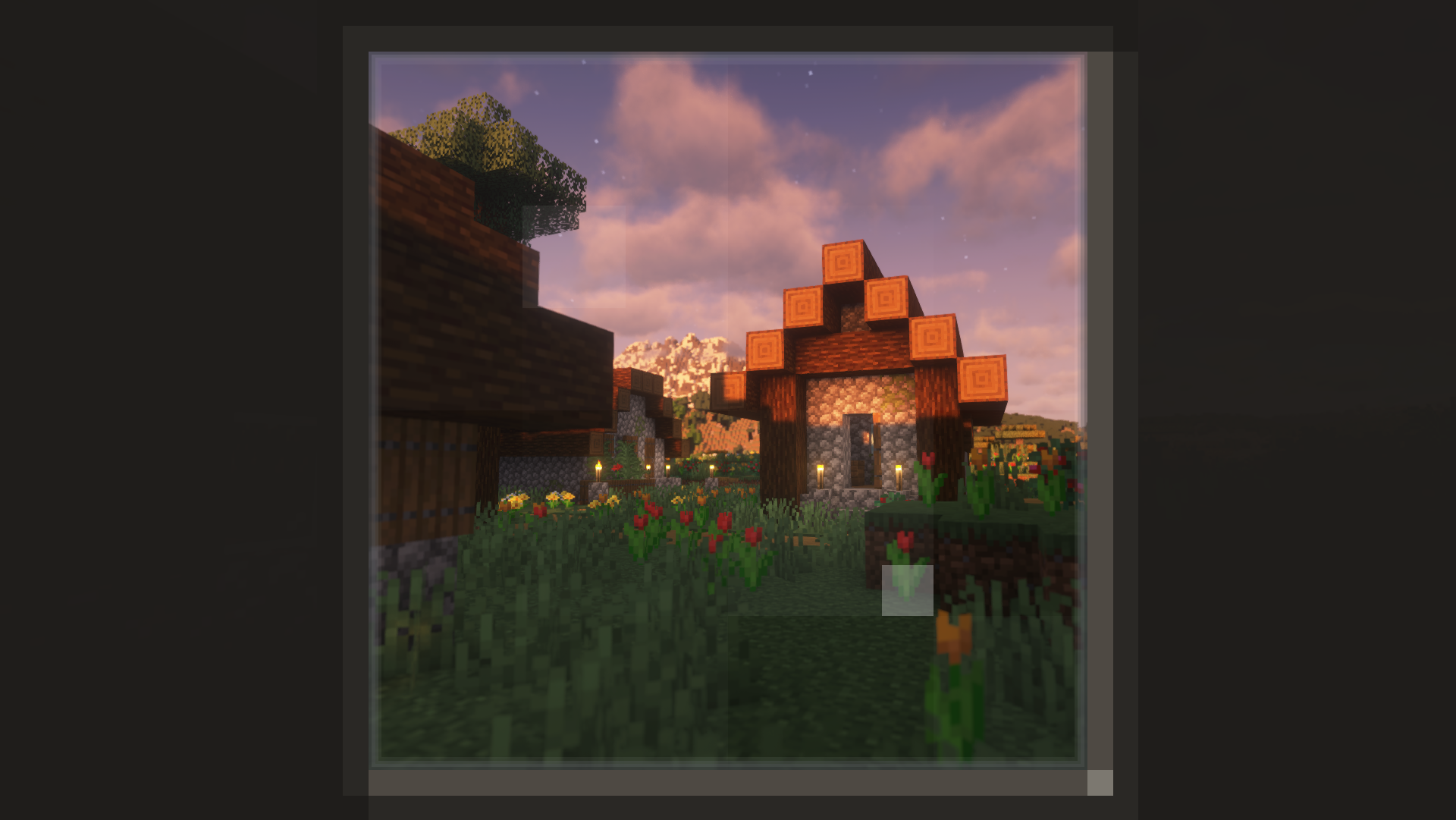
Capture and explore vast and beautiful environments with a camera.
Screenshots
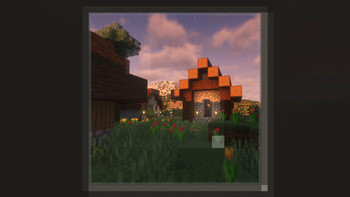
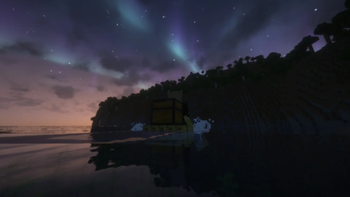
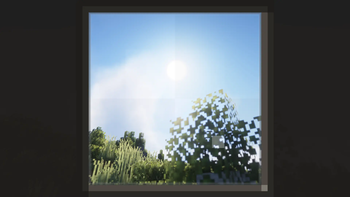
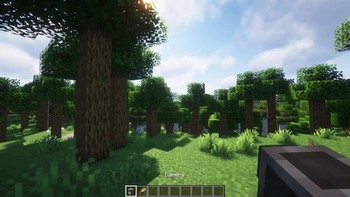
About this Modpack
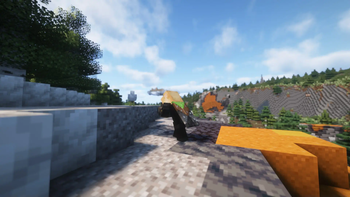
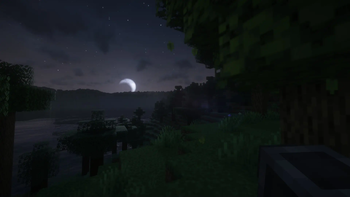
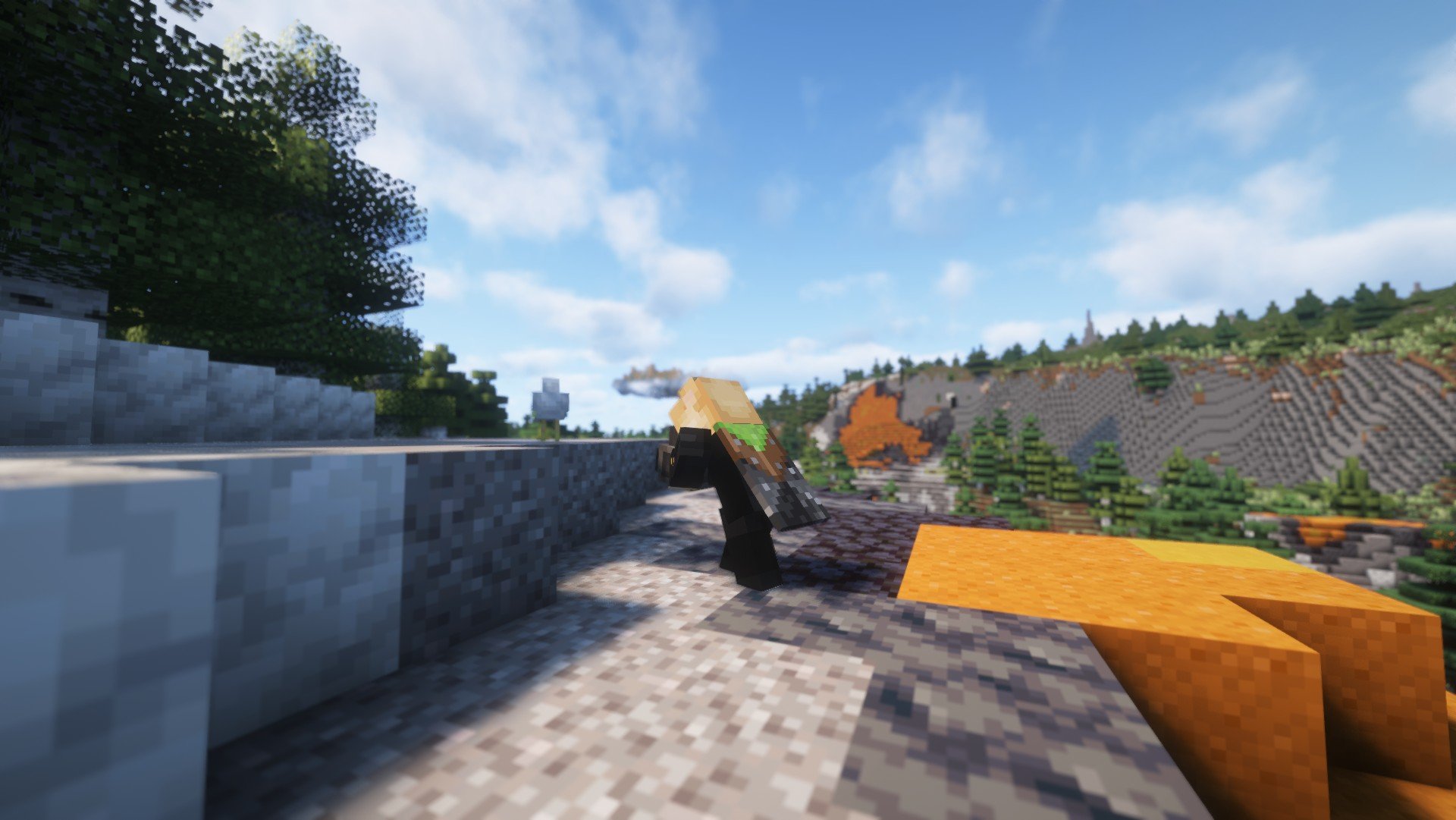
You're given a camera and the chance to explore a vast and beautiful world, where every landscape becomes a canvas to capture. This can be a rewarding exploration experience, whether you're adventuring solo or enjoying the journey with friends. It's also a peaceful option for those who prefer a more relaxed gameplay style, without the pressure of challenges.
"With the recent arrival of revolutionary mods like Distant Horizons and Terralith/Tectonic, Minecraft now offers stunning graphics that enhance by a LOT the gaming experience." - Gandhi, probably -- So I thought it would be a great idea to provide an "out of the box" experience dedicated to photography in the game.
This modpack is heavily inspired by the concept of Lushfoil Photography Sim, go check out the demo if it is not released yet !
Useful links
- Exposure's mod page to see how the camera works
- A tutorial on how to allocate more ram to Minecraft
- fish
Gallery

Projects included in this modpack
List of mods
- AmbientSounds by CreativeMD
- Amplified Nether by Stardust Labs
- Auto HUD by Crendgrim
- BadOptimizations by Thosea
- Better Third Person by Socolio, DreenDex
- CICADA by enjarai
- Chunky by pop4959
- Cloth Config v11 by shedaniel
- Collective by Rick South
- CreativeCore by CreativeMD, AriaFreeze
- Cubes Without Borders by Kir_Antipov
- Debugify by isXander
- Disable Custom Worlds Advice by rdvdev2
- Distant Horizons
- Do a Barrel Roll by enjarai
- Dynamic FPS by juliand665, LostLuma
- EntityCulling by tr7zw
- Exposure by Mortuusars
- Fabric API by FabricMC
- Falling Leaves by Fourmisain, BrekiTomasson, RandomMcSomethin
- FerriteCore by malte0811
- Forge Config API Port by Fuzs
- Gliders by Jeryn99, TommyBricks, Lucraft
- ImmediatelyFast by RK_01
- Indium by comp500
- Iris by coderbot, IMS212, Justsnoopy30, FoundationGames
- Lithium by JellySquid, 2No2Name
- Mod Menu by Prospector, haykam821, TerraformersMC
- ModernFix by embeddedt
- Noisium by Steveplays28
- Nullscape by Stardust Labs
- Particular by Chai
- Placeholder API by Patbox
- Presence Footsteps by Hurricaaane (Ha3), Sollace
- Reese's Sodium Options by FlashyReese
- Remove Terralith Intro Message
- Sodium by @jellysquid3
- Sodium Extra by FlashyReese
- Sound Physics Remastered by Sonic Ether, vlad2305m, Max Henkel, Saint
- Starter Kit by Rick South
- Sushi Bar by Chai
- Tectonic by Apollo
- Terralith by Stardust Labs
- Wakes by Goby56
- Xaero's World Map by xaero96
- YetAnotherConfigLib by isXander
- oωo by glisco, BasiqueEvangelist, Noaaan
List of shaders
- Bliss Shader by X0nk
- Complementary Unbound by EminGT
The mods included in this modpack do not belong to me. All rights to these mods are held by their respective creators.
Requirements
This modpack should run on a mid-end - high-end PC to be played as intended despite being lighweight ; and requires at least 4 GB of RAM allocated to the game.
Stuff it's been tested on :
Config 1 (Laptop)
- CPU : Ryzen 5 7535HS
- GPU : Radeon RX 6550M (~RTX 3050 Laptop)
- RAM allocated : 6 GB
- Verdict : Hardly playable (25-50FPS, with lagspikes)
Config 2
- CPU : Core i5 10400F
- GPU : RTX 3060
- RAM allocated : 8 GB
- Verdict : Great experience
Available Versions
How to Set Up a Photography Sim Server
Order Server
Choose at least 6 GB RAM (8 GB recommended for Photography Sim). Based on player count: per 5 players.
Install Modpack in Dashboard
Open the modpack browser in the dashboard, search for "Photography Sim" and click "Install". The fabric loader and Minecraft 1.20.1 are configured automatically.
Start Server & Play
Start the server – all mods are loaded automatically. Share the server IP with friends and play together!
Frequently Asked Questions
Photography Sim server crashes or won't start – what to do?
Most common causes: insufficient RAM or wrong fabric loader. Check latest.log for "OutOfMemoryError" → increase RAM to at least 8 GB. For "Mixin" or "ClassNotFoundException" errors: modpack version and loader don't match. With Mado Hosting, loader and Minecraft version are auto-configured on modpack install – preventing most startup issues.
How much RAM does a Photography Sim server really need?
Minimum 6 GB, recommended 8 GB for stable performance. per 5 players. Important: Minecraft modpacks need more RAM than vanilla – plan extra per additional player. With Mado Hosting, you can scale RAM up live at any time without data loss (from €12/month).
Can I add custom mods to Photography Sim without conflicts?
Yes, but check compatibility: only use mods for the same loader (fabric) and same Minecraft version (1.20.1). Common issues: ID conflicts with recipe mods and incompatible coremod versions. The Mado dashboard mod browser only shows compatible mods and warns about known conflicts.
Photography Sim server lagging – performance tips
1) Increase RAM to 8 GB+. 2) Reduce server view-distance to 8 (server.properties). 3) Pre-generate chunks with the "Chunky" plugin. 4) Use /spark profiler to check which mods consume the most tick time. With Mado Hosting, all servers run on NVMe SSDs with dedicated CPU cores – eliminating hardware as a bottleneck.
Rent Photography Sim Server
Start your own server with automatic modpack installation.
Supported Versions
Start your Photography Sim Server now
From €12.00/month with 8 GB RAM for the best performance.
Configure Server →