
PixelWind
Pure Performance Starter Modpack.
Screenshots

About this Modpack
Archived - Dear fellow players, 8 months have passed since the realese of this Modpack, and many things have changed since then. Better mods and alternatives that make the game even smoother with bigger FPS boost! You can still download the Modpack, but it wont receive any updates. Thank you for your support.
PixelWind
Experience Minecraft like never before with the Ultimate FPS Boost Modpack, designed specifically for the best performance on Fabric! Optimized for smooth gameplay, this modpack enhances frame rates, reduces lag, and improves overall game stability without compromising on the vanilla feel. Perfect for players who want lightning-fast performance on any machine. Whether you're exploring vast worlds or engaging in fast-paced combat, this modpack ensures your game runs as efficiently as possible! Having a low-end laptop or PC, especially when playing Minecraft, can lead to fps drops, memory instability and much more, while using this modpack with numerous Performance Mods ensures you that you are going to get the most out of your system!
Everything is highly customizable, from the animations down to the light updates!
WARNING; Switching everything off or messing with settings can break the game! If you don't know what you are doing, don't mess around with the advanced features! Also, there are some options that make the game look awfull, and don't give a good amount of fps, so consider watching a video explaining how all settings work if you want the best peformance with medium-style graphics.
News
Now Upgraded from Alpha to Beta 0.19.10! With some new optimization mods, zoom and bug fixes!
Difference
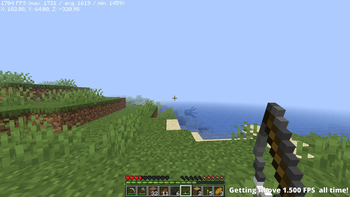
Both pictures are with the lowest settings, Vanilla and PixelWind, both powered by the intel i7 10750H and the RTX 2070 Super laptop.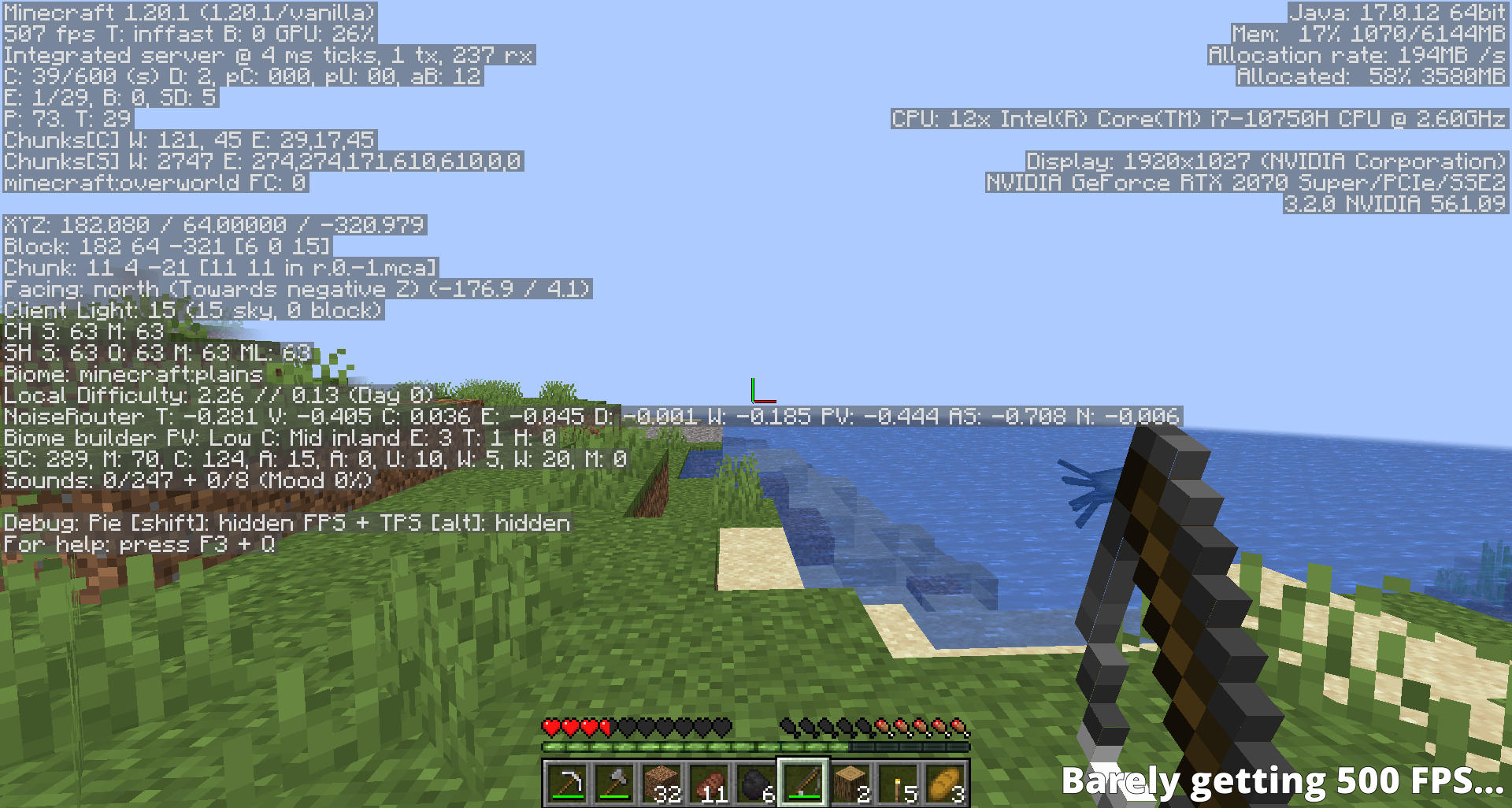
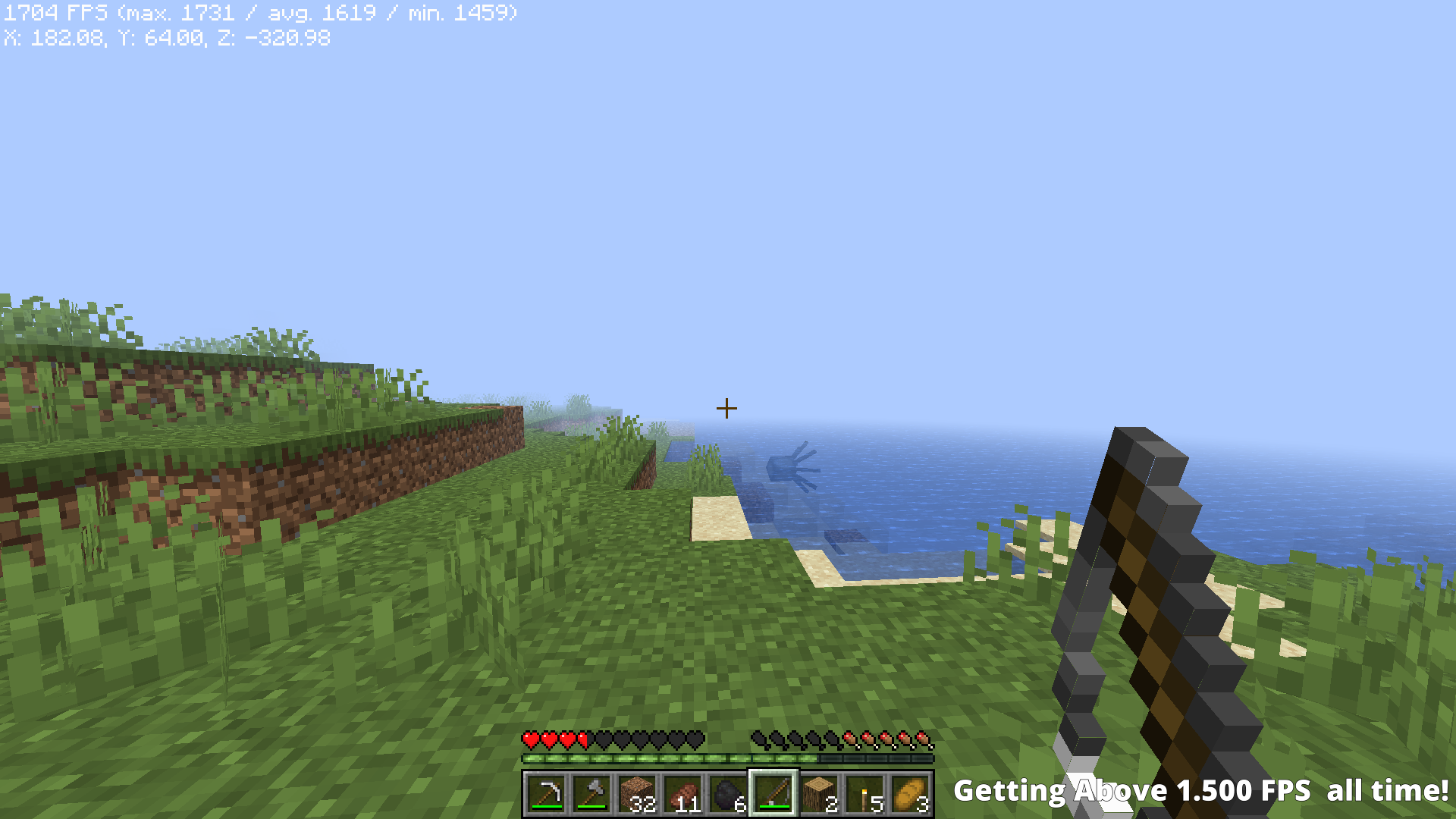
As you can see in the first picture, I am getting 500 FPS, while with my modded version of Minecraft, I managed to get 1.500 FPS all the time!
Mods
Basic Mods I used;- Sodium
- Lithium
- Indium
etc.
If you encounter any bugs, or want to suggest a way to make this modpack better, join our discord server!
Available Versions
How to Set Up a PixelWind Server
Order Server
Choose at least 6 GB RAM (8 GB recommended for PixelWind). Based on player count: per 5 players.
Install Modpack in Dashboard
Open the modpack browser in the dashboard, search for "PixelWind" and click "Install". The fabric loader and Minecraft 1.20.1 are configured automatically.
Start Server & Play
Start the server – all mods are loaded automatically. Share the server IP with friends and play together!
Frequently Asked Questions
PixelWind server crashes or won't start – what to do?
Most common causes: insufficient RAM or wrong fabric loader. Check latest.log for "OutOfMemoryError" → increase RAM to at least 8 GB. For "Mixin" or "ClassNotFoundException" errors: modpack version and loader don't match. With Mado Hosting, loader and Minecraft version are auto-configured on modpack install – preventing most startup issues.
How much RAM does a PixelWind server really need?
Minimum 6 GB, recommended 8 GB for stable performance. per 5 players. Important: Minecraft modpacks need more RAM than vanilla – plan extra per additional player. With Mado Hosting, you can scale RAM up live at any time without data loss (from €12/month).
Can I add custom mods to PixelWind without conflicts?
Yes, but check compatibility: only use mods for the same loader (fabric) and same Minecraft version (1.20.1). Common issues: ID conflicts with recipe mods and incompatible coremod versions. The Mado dashboard mod browser only shows compatible mods and warns about known conflicts.
PixelWind server lagging – performance tips
1) Increase RAM to 8 GB+. 2) Reduce server view-distance to 8 (server.properties). 3) Pre-generate chunks with the "Chunky" plugin. 4) Use /spark profiler to check which mods consume the most tick time. With Mado Hosting, all servers run on NVMe SSDs with dedicated CPU cores – eliminating hardware as a bottleneck.
Similar Modpacks

![Cobblemon Official Modpack [Fabric]](https://cdn.modrinth.com/data/5FFgwNNP/e7f9ee2e9d361623847853fe2ddce42f519ee64f.png)
![COBBLEVERSE - Pokemon Adventure [Cobblemon]](https://cdn.modrinth.com/data/Jkb29YJU/581ecf54530972afb18a04660afd820f2f24f6c7.png)
![Better MC [FABRIC] - BMC2](https://cdn.modrinth.com/data/shFhR8Vx/a19c2bcb51d38f32f138d3607e91cb2b7b8e387f_96.webp)


Rent PixelWind Server
Start your own server with automatic modpack installation.
Details
- License
- LicenseRef-All-Rights-Reserved
- Server-side
- Unsupported
- Client-side
- Required
Supported Versions
Start your PixelWind Server now
From €12.00/month with 8 GB RAM for the best performance.
Configure Server →