
Precision Vanilla
Precision Vanilla: Optimized Minecraft with smoother gameplay, better visuals, and subtle quality of life improvements, all without changing vanilla.
Screenshots
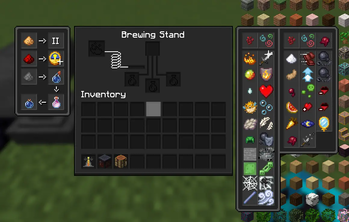
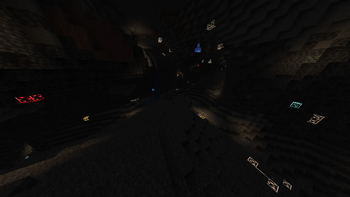
About this Modpack
Precision Vanilla
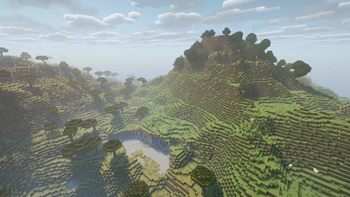
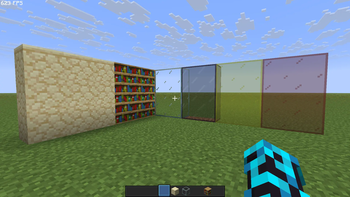
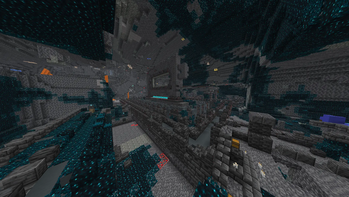
This is a highly optimized Minecraft modpack that keeps the classic vanilla experience intact while boosting performance and gameplay. It adds smooth FPS improvements, entity and world optimizations, and subtle quality of life features like inventory management, enhanced HUD, and better chat. Visuals are refined with shaders, animated models, improved clouds, and unique effects, while exploration and navigation are made easier with minimaps and world enhancements. Every mod is chosen to make Minecraft smoother, prettier, and more enjoyable without changing the core gameplay.
Optimization
Precision Vanilla is tuned for speed.
It includes proven optimization mods like Sodium, Lithium, Krypton, Clumps, BadOptimizations, Entity Culling, etc,. delivering noticeably higher FPS and faster load times on almost any setup.
Everything is tested for stability, so you can enjoy better performance without worrying about your potato jet engine taking off to mars.
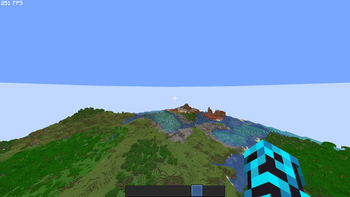
FPS in high render distance
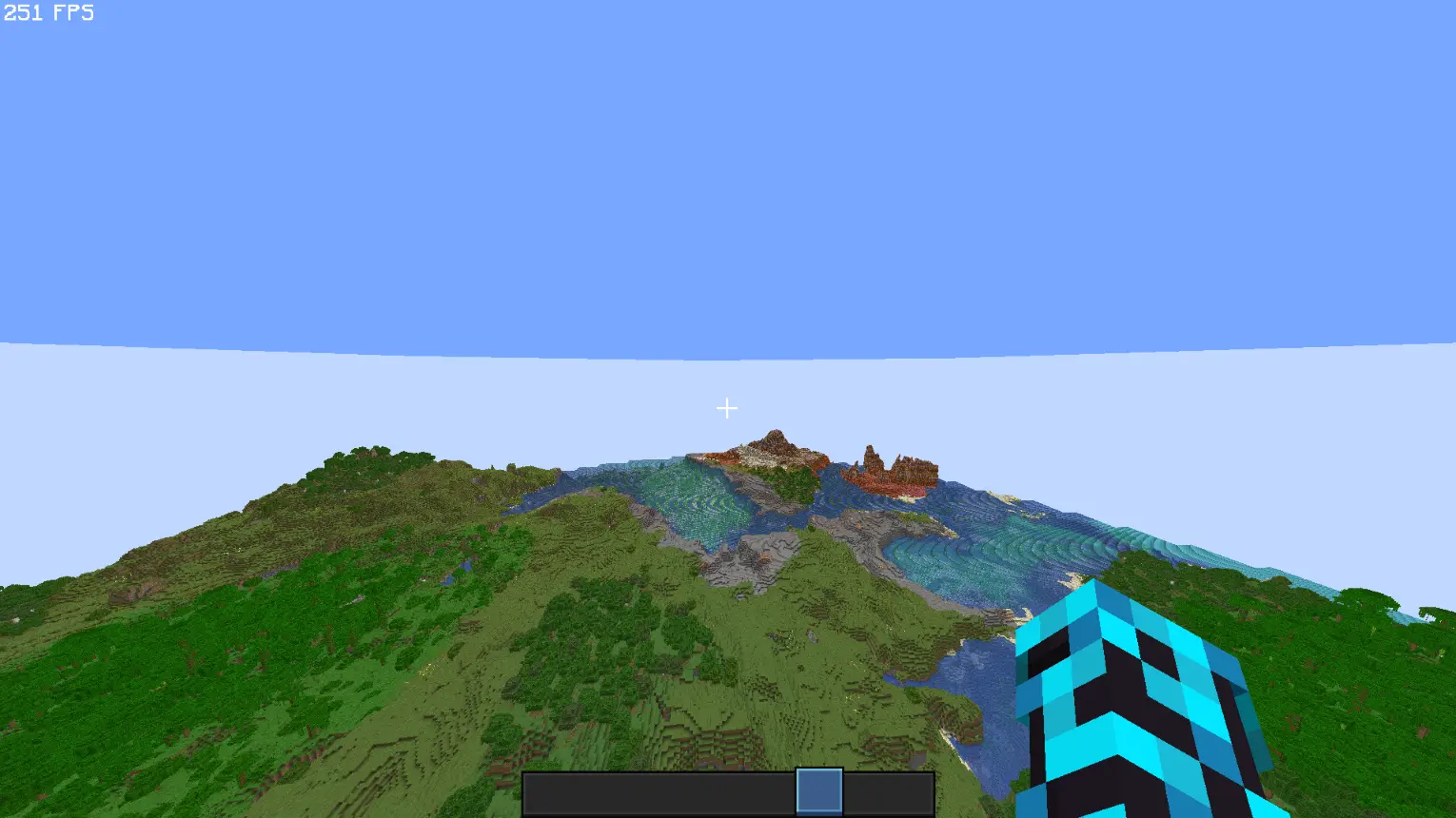
Smart Quality of Life
Includes a few lightweight mods that remove small annoyances — AppleSkin, Mouse Tweaks, Debugify, Remove Reloading Screen, BetterF3, Xaero's Mini and World Map, Shulker Box tooltips, and similar tools that make playing a little easier without changing how you play.
It’s still the same game, just with less friction.
Vanilla Experience, Just Better
This pack doesn’t add new blocks or features. It simply makes Minecraft feel more responsive and polished while keeping gameplay exactly the same.
This is achived with the help of Vanilla Tweaks, Continuity, Cherished Worlds, Gamma Utils (FullBright), Uniqe Dark, Zoomify, Health Indicators, Fresh Animations, etc,.
You’ll notice quicker menus, smoother animations, and a more consistent framerate across worlds.
Compatibility
Precision Vanilla works with all vanilla and Fabric servers.
It doesn’t add content, so you can join worlds or servers that don’t use mods, and everything will still work fine.
Updates
The pack will stay current with new Minecraft releases and Fabric versions.
Updating is simple, and your mod settings are kept whenever possible.
Built on Fabric
Fabric is fast, minimal, and open — the perfect base for an optimized setup.
You can easily add your own mods on top of this pack if you want to customize it further.
Credits
Includes a load ton of mods, resource packs, and Shaders. used in accordance with their guidelines.
Mods:
All mods in this modpack is taken from Modrinth. Apart from the one listed below (if any).
Resource Packs:
All resource packs in this modpack is taken from Modrinth. Apart from the one listed below (if any).
- Vanilla Tweaks: Vanilla Tweaks. (Labeled as "VanillaTweaks_Precision-Vanilla.zip" in the modpack folder.)
Shaders:
All shaders in this modpack is taken from Modrinth. Apart from the one listed below (if any).
All assets belong to their respective authors.
FAQ
Q: Does this pack add new content?
A: No. It’s strictly focused on performance and usability.
Q: Can I use it on servers?
A: Yes. It’s fully multiplayer-safe.
Q: How do I install or update it?
A: Download it from Modrinth or any Fabric-compatible launcher.
Q: Does it support shaders or OptiFine features?
A: Yes — through alternatives like Iris and Continuity.
Q: Found a bug or have suggestions?
A: Report issues or ideas on our Modrinth
Community
Precision Vanilla is a personal project built with the goal of keeping Minecraft smooth, fast, and clean.
Feedback is always welcome — if you spot something off or have a suggestion, let me know on the project page.
Thank you!
Available Versions
How to Set Up a Precision Vanilla Server
Order Server
Choose at least 4 GB RAM (6 GB recommended for Precision Vanilla). Based on player count: per 8 players.
Install Modpack in Dashboard
Open the modpack browser in the dashboard, search for "Precision Vanilla" and click "Install". The fabric loader and Minecraft 1.21.8 are configured automatically.
Start Server & Play
Start the server – all mods are loaded automatically. Share the server IP with friends and play together!
Frequently Asked Questions
Precision Vanilla server crashes or won't start – what to do?
Most common causes: insufficient RAM or wrong fabric loader. Check latest.log for "OutOfMemoryError" → increase RAM to at least 6 GB. For "Mixin" or "ClassNotFoundException" errors: modpack version and loader don't match. With Mado Hosting, loader and Minecraft version are auto-configured on modpack install – preventing most startup issues.
How much RAM does a Precision Vanilla server really need?
Minimum 4 GB, recommended 6 GB for stable performance. per 8 players. Important: Minecraft modpacks need more RAM than vanilla – plan extra per additional player. With Mado Hosting, you can scale RAM up live at any time without data loss (from €8/month).
Can I add custom mods to Precision Vanilla without conflicts?
Yes, but check compatibility: only use mods for the same loader (fabric) and same Minecraft version (1.21.8). Common issues: ID conflicts with recipe mods and incompatible coremod versions. The Mado dashboard mod browser only shows compatible mods and warns about known conflicts.
Precision Vanilla server lagging – performance tips
1) Increase RAM to 6 GB+. 2) Reduce server view-distance to 8 (server.properties). 3) Pre-generate chunks with the "Chunky" plugin. 4) Use /spark profiler to check which mods consume the most tick time. With Mado Hosting, all servers run on NVMe SSDs with dedicated CPU cores – eliminating hardware as a bottleneck.
Similar Modpacks

![Cobblemon Official Modpack [Fabric]](https://cdn.modrinth.com/data/5FFgwNNP/e7f9ee2e9d361623847853fe2ddce42f519ee64f.png)
![COBBLEVERSE - Pokemon Adventure [Cobblemon]](https://cdn.modrinth.com/data/Jkb29YJU/581ecf54530972afb18a04660afd820f2f24f6c7.png)
![Better MC [FABRIC] - BMC2](https://cdn.modrinth.com/data/shFhR8Vx/a19c2bcb51d38f32f138d3607e91cb2b7b8e387f_96.webp)


Rent Precision Vanilla Server
Start your own server with automatic modpack installation.
Supported Versions
Start your Precision Vanilla Server now
From €8.00/month with 6 GB RAM for the best performance.
Configure Server →