
Project 4J
Experience Console Edition with modern mods!
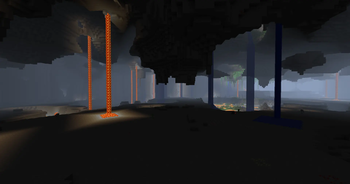
Screenshots
About this Modpack
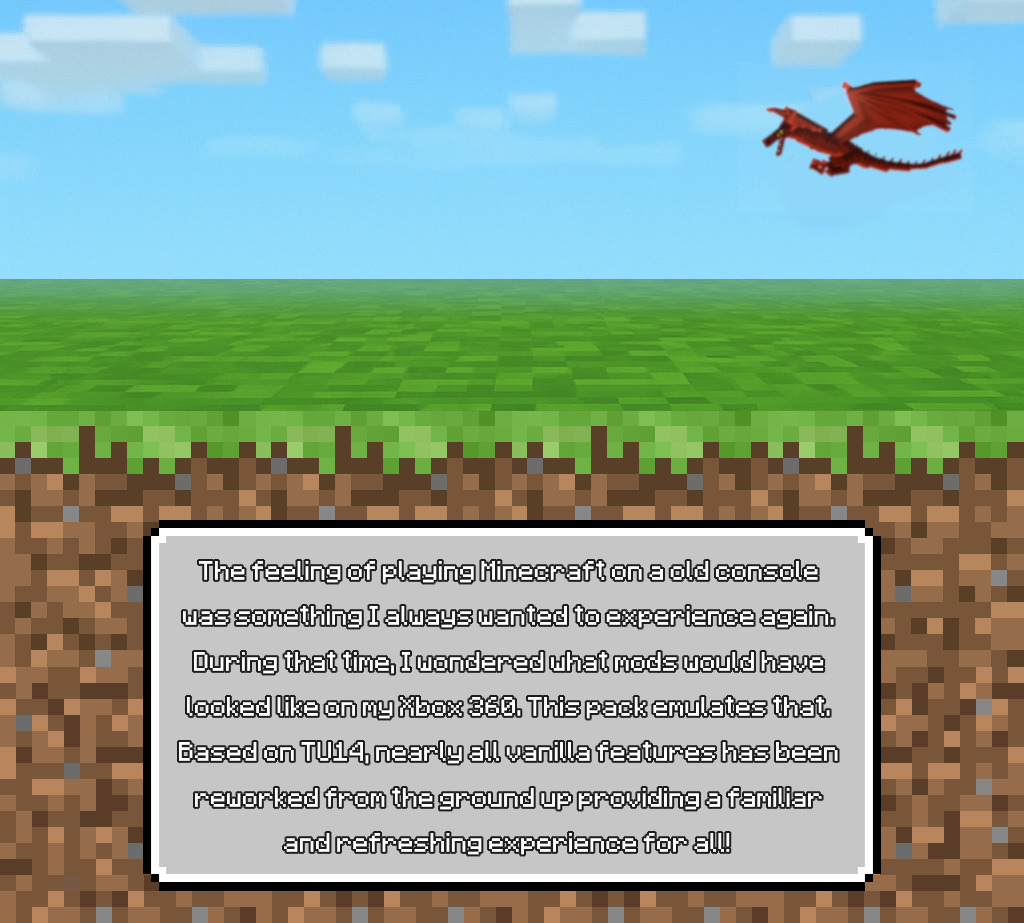
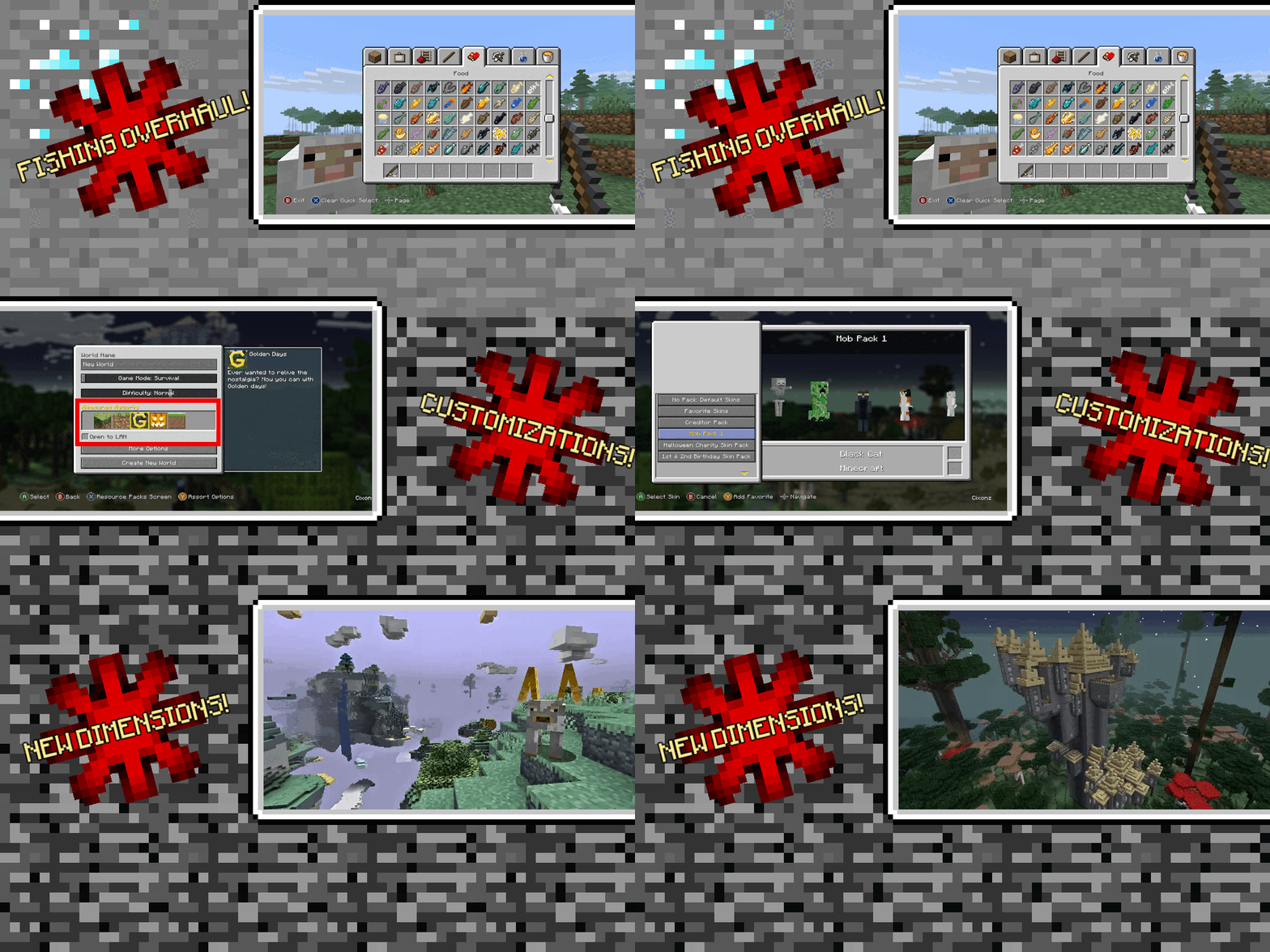

You remember Console Edition. The music. The terrain. The skin‑packs.
Now imagine that with custom mobs, new dimensions, and dungeon galore.
✨ Main Mods & Features
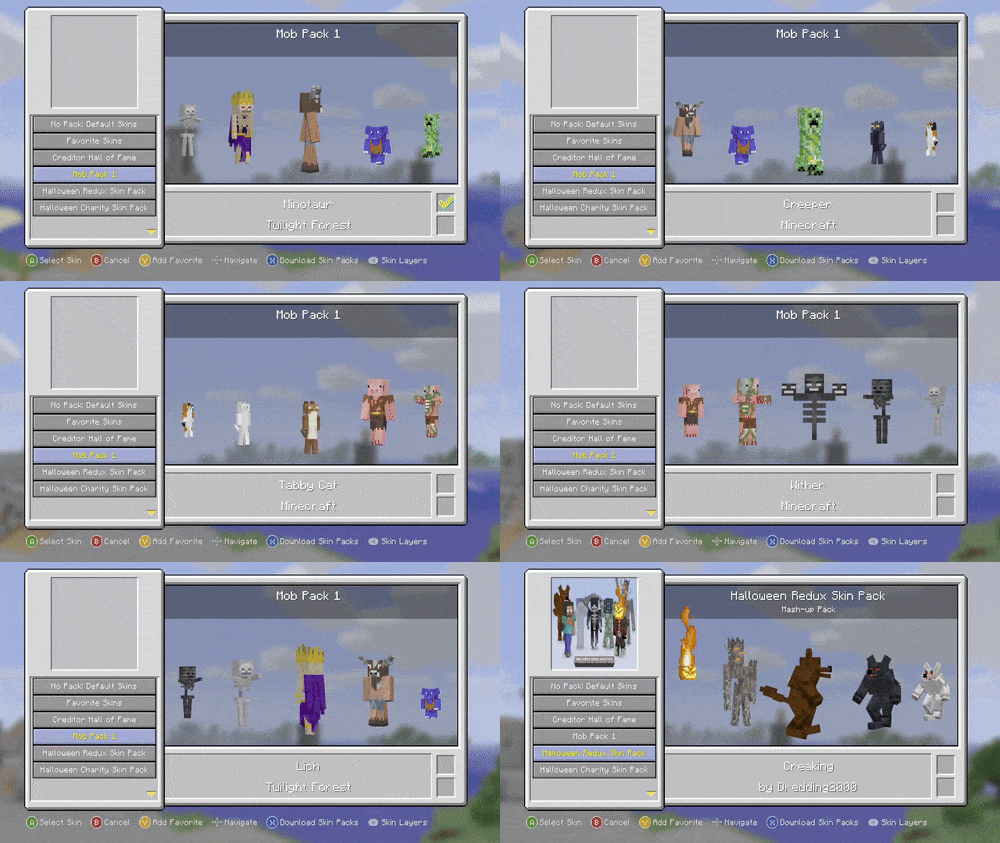
- 👤 3D Skin Pack Models – preloaded with plenty of awesome skins!
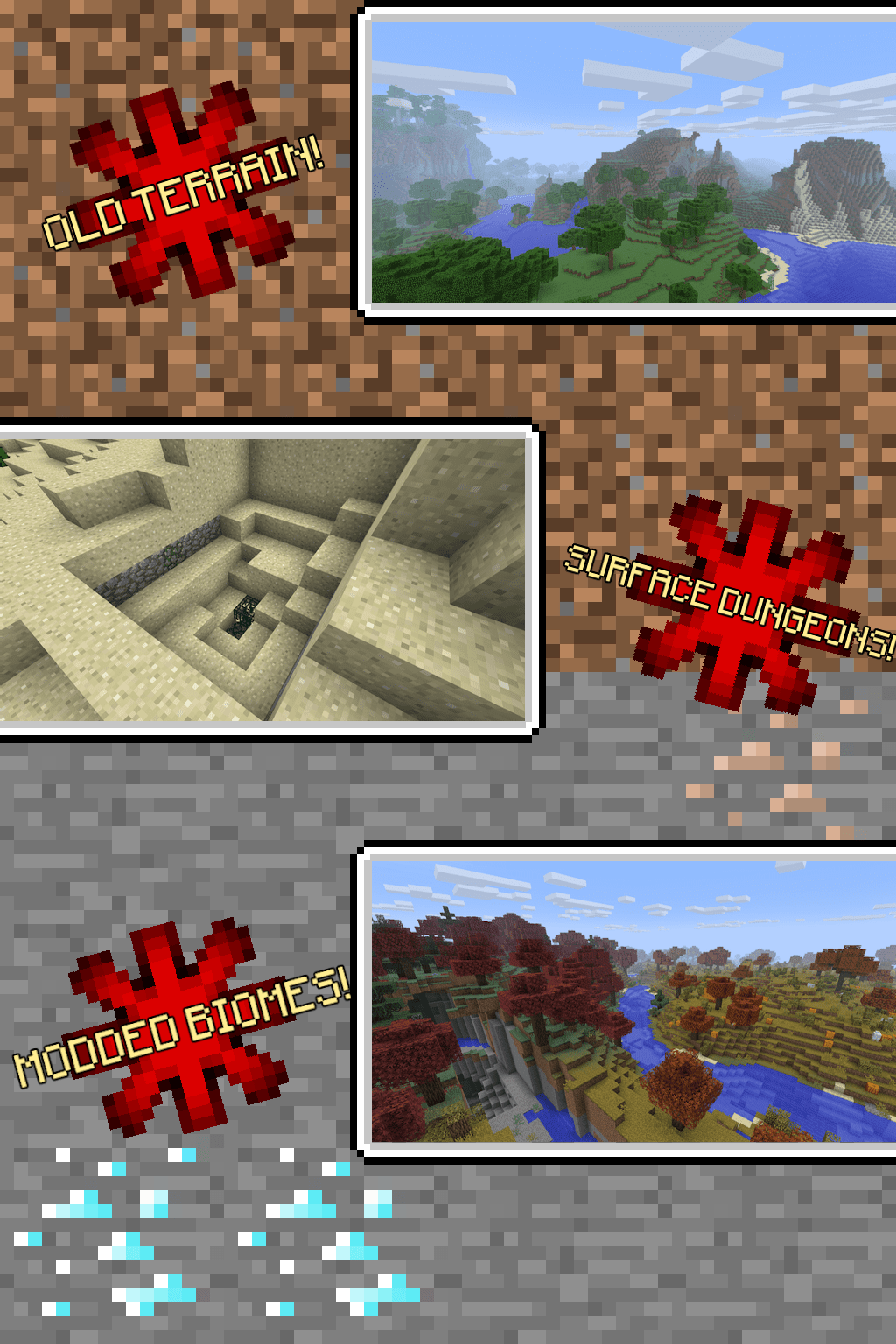
- 🗺️ Classic TU14 Terrain – (Beta-style 1.2.5 worldgen)
- 🎮 Controller Support – recommended to play with any controller!
- 🌌 BetterEnd Overhaul – explore new End biomes & islands
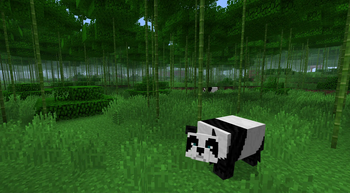
- 👹 Exclusive Custom Enemies
- 🌐 Free Multiplayer thanks to WorldHost!
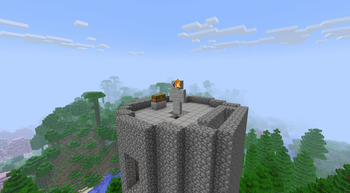
- 🏰 Expanded Dungeons
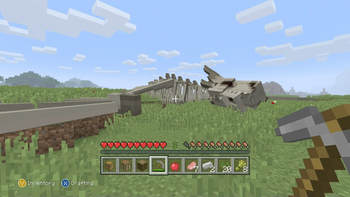
- 🐲 Overworld Dragons – don't worry! only attack if provoked; high risk high reward!
❓ FAQ — Quick Answers
How do I unlock more End islands?
- Respawn and defeat the Ender Dragon again
- Every new kill = unlocks 1 new island.
How do I play Multiplayer for free?
Open your world.
Press Back (controller) or H (keyboard).
Use the button displayed at the bottom left. Go Online.
Once Online, invite friends the same way!
ONLY WORKS IF YOUR ROUTER HAS UPnP ENABLED
Where do I report bugs?
Need the wiki?
🖥️ Server Pack
Want to host your own server?
👉 Download Server version
🙏 Special Thanks
- GallonEmilien – Doped Horses mod
- Blackgear – Stay Still AI mod
- Jab125 – Limited Worlds mod
- omoso / bowen - Aided in optimizing!
- Purple_Zombie – Custom mob inspiration
- PoeticRainbow – Golden Days visual style
📦 Resource Pack & Mod Permissions
Golden Days RP
➤ All rights to PoeticRainbow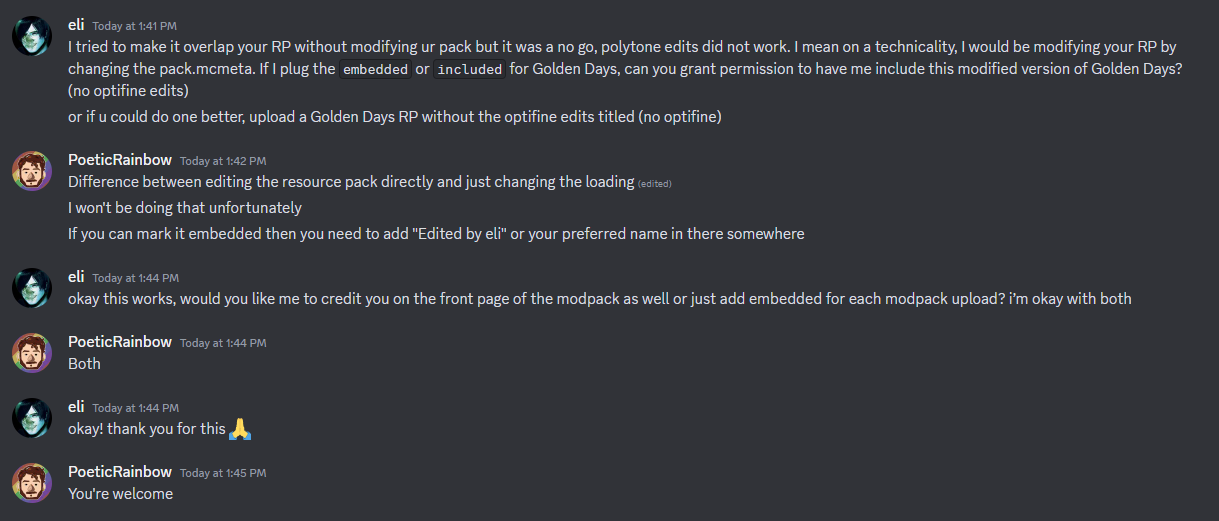
Programmer Art Continuation Project (PACP)
➤ Textures from mzov_jen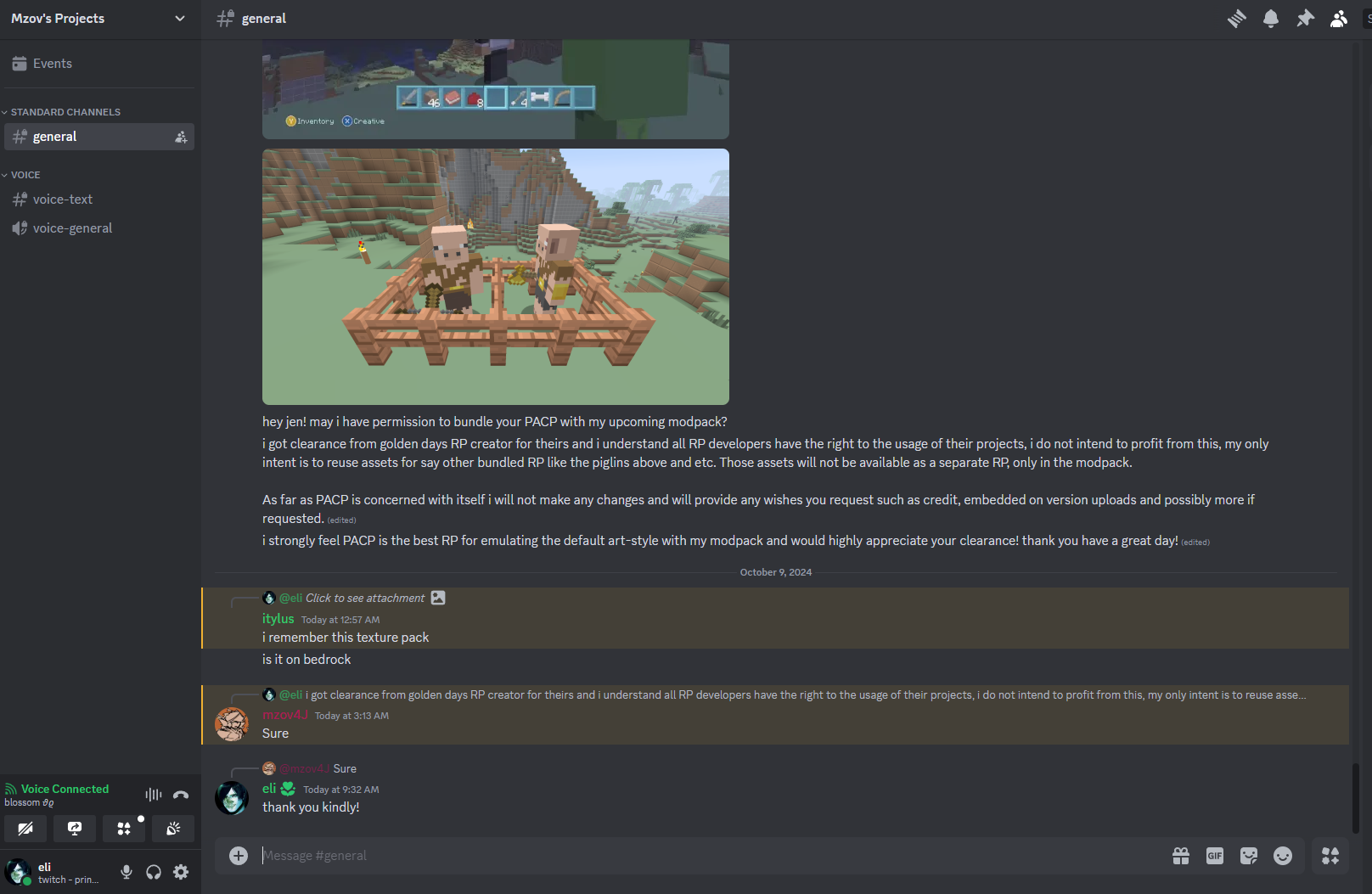
📁 JAR File Permissions
staystill-1.0.0.jar
➤ Approved by Blackgear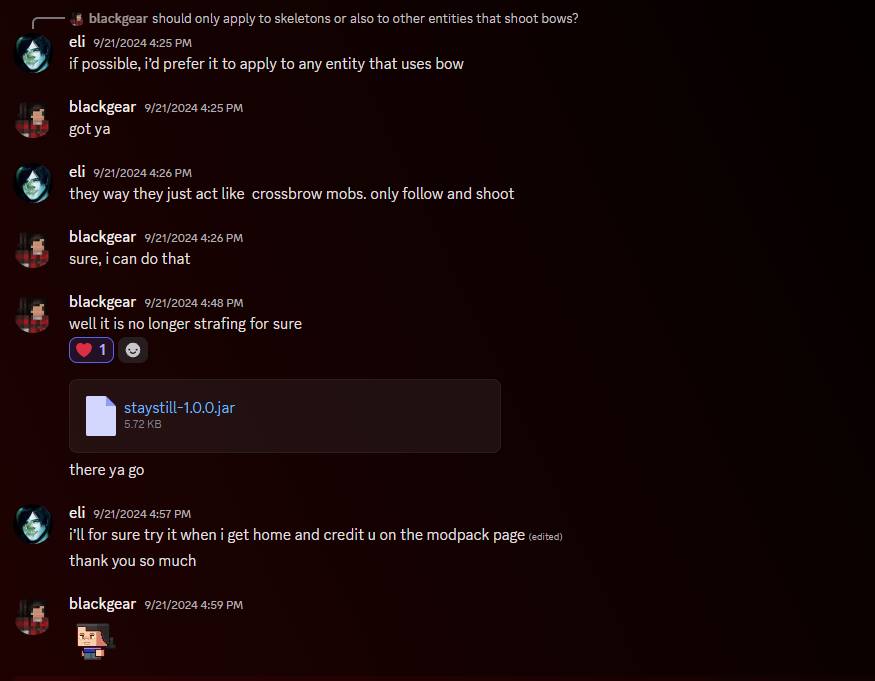
limited-worlds-0.0.5.jar
➤ Approved by Jab125
📜 Permission Gist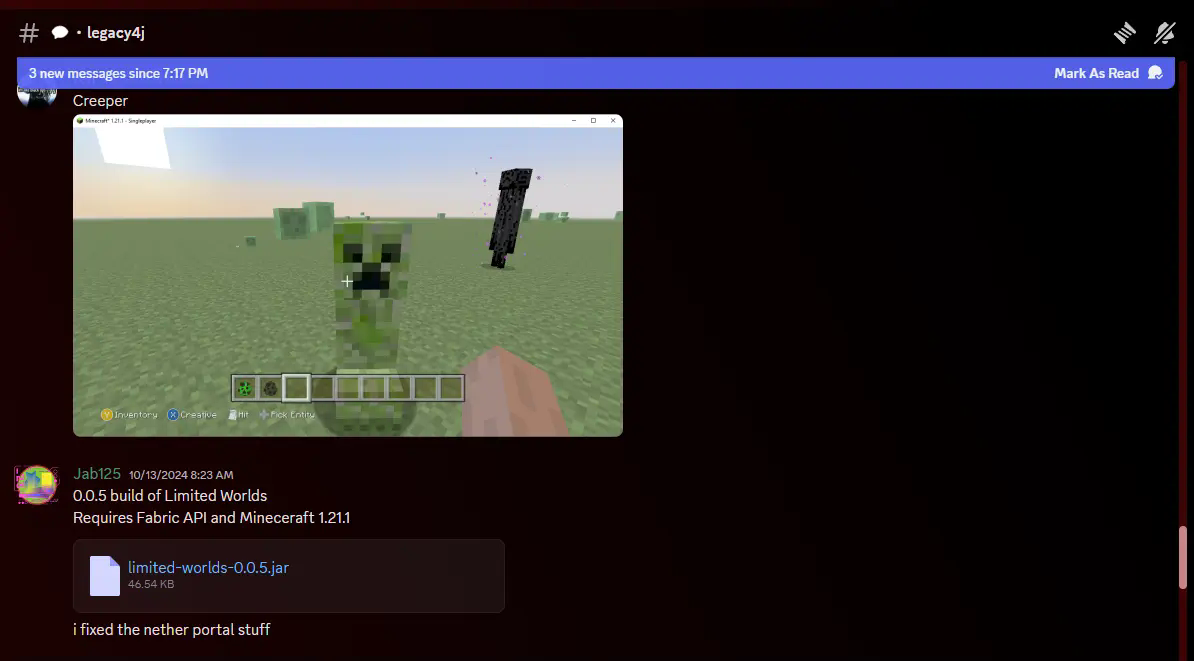
❤️ Support & Feedback
If you enjoy the pack, leave a ❤️ or share on Tiktok/Youtube.
This helps small creators like me get discovered! Thanks!
Available Versions
How to Set Up a Project 4J Server
Order Server
Choose at least 6 GB RAM (8 GB recommended for Project 4J). Based on player count: per 5 players.
Install Modpack in Dashboard
Open the modpack browser in the dashboard, search for "Project 4J" and click "Install". The neoforge loader and Minecraft 1.21.11 are configured automatically.
Start Server & Play
Start the server – all mods are loaded automatically. Share the server IP with friends and play together!
Frequently Asked Questions
Project 4J server crashes or won't start – what to do?
Most common causes: insufficient RAM or wrong neoforge loader. Check latest.log for "OutOfMemoryError" → increase RAM to at least 8 GB. For "Mixin" or "ClassNotFoundException" errors: modpack version and loader don't match. With Mado Hosting, loader and Minecraft version are auto-configured on modpack install – preventing most startup issues.
How much RAM does a Project 4J server really need?
Minimum 6 GB, recommended 8 GB for stable performance. per 5 players. Important: Minecraft modpacks need more RAM than vanilla – plan extra per additional player. With Mado Hosting, you can scale RAM up live at any time without data loss (from €12/month).
Can I add custom mods to Project 4J without conflicts?
Yes, but check compatibility: only use mods for the same loader (neoforge) and same Minecraft version (1.21.11). Common issues: ID conflicts with recipe mods and incompatible coremod versions. The Mado dashboard mod browser only shows compatible mods and warns about known conflicts.
Project 4J server lagging – performance tips
1) Increase RAM to 8 GB+. 2) Reduce server view-distance to 8 (server.properties). 3) Pre-generate chunks with the "Chunky" plugin. 4) Use /spark profiler to check which mods consume the most tick time. With Mado Hosting, all servers run on NVMe SSDs with dedicated CPU cores – eliminating hardware as a bottleneck.
Rent Project 4J Server
Start your own server with automatic modpack installation.
Supported Versions
Start your Project 4J Server now
From €12.00/month with 8 GB RAM for the best performance.
Configure Server →