
RС QoL
[RU] Модпак, базирующийся на детализации/QoL для сервера RestartCraft [EN] Detail/QoL based modpack for RestartCraft server
Screenshots
About this Modpack

Краткое описание
RС QoL - сборка QoL/декоративных модов ориентированная на повышенный комфорт во время игры на сервере RestartCraft. Имеет несколько модов для оптимизации FPS, а так-же различные сугубо декоративные моды, добавляющие незначительные, но приятные глазу детали, повышающие комфорт игры и незначительно облегчающие игру на сервере.
[RU]
Основные функции модпака
Правила
Модпак имеет внутриигровой удобный свод правил, который может помочь не только новичкам, но и персоналу сервера быстрее реагировать, а также допускать меньше ошибок.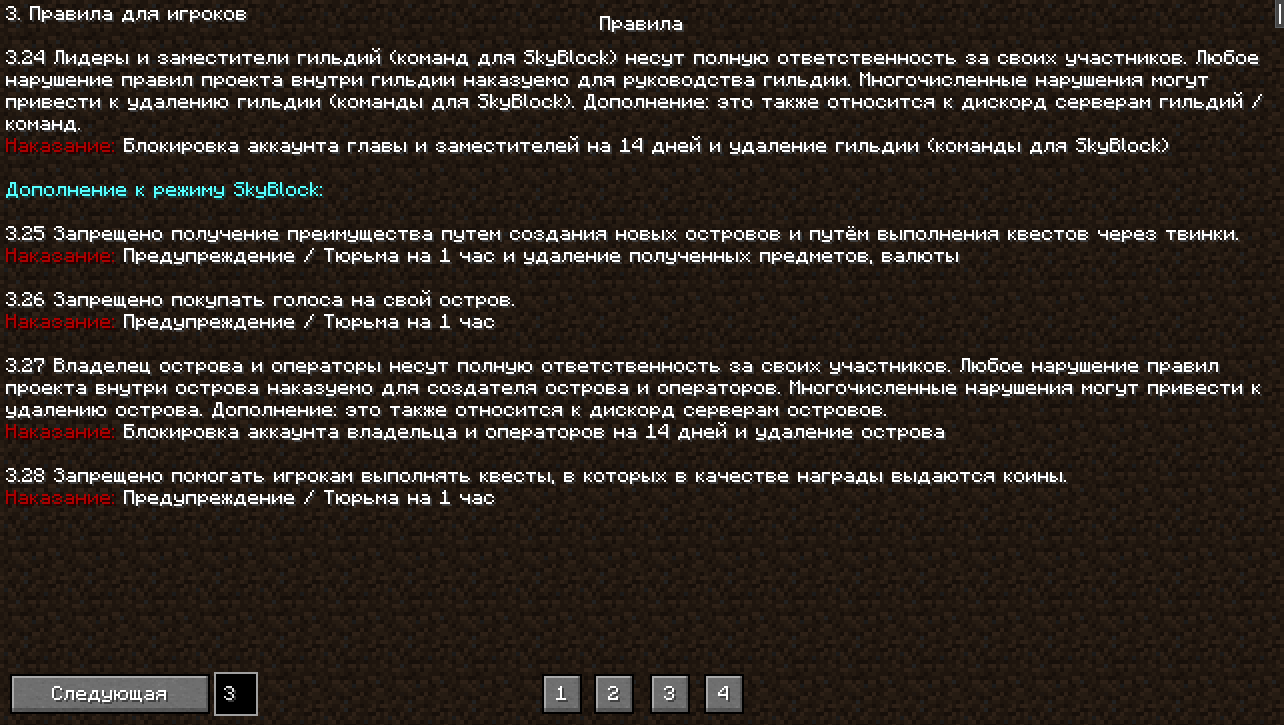
Панорамы
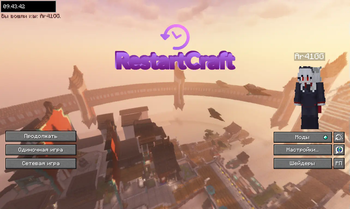
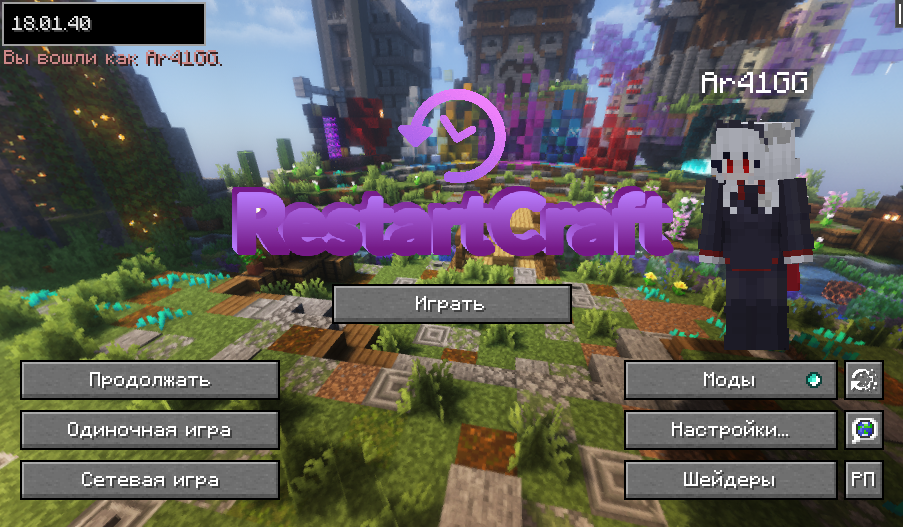
В главном меню игры существуют три панорамы, выбирающихся в случайном порядке. А именно хаб сервера, спавн режима Amethyst и спавн режима Lapis.
Хаб
Аметист
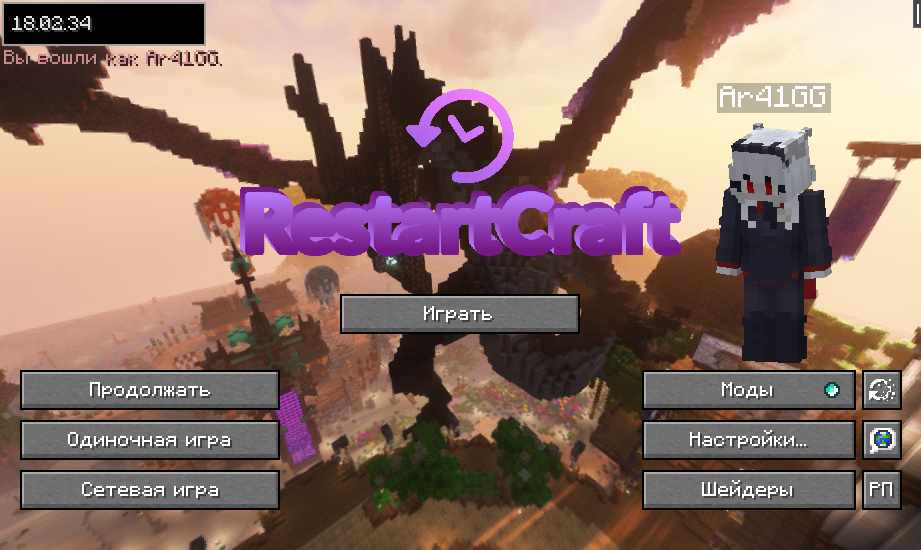
Ляпис
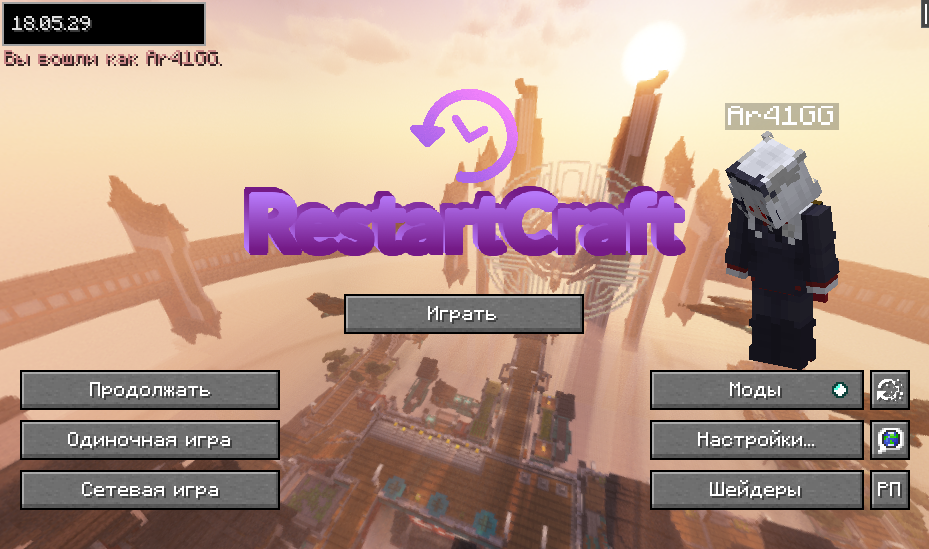
Смена аккаунта
Благодаря моду In-game Account Switcher вы можете менять аккаунт не выходя из игры.
Меню полезностей
Прямо во время игры на сервере, при нажатии на паузу вы можете пользоваться калькулятором и отдельным файлом заметок, изредка облегчающих процесс игры.
WhereIsIt
Позволяет находить предметы в открытых недавно инвентарях при помощи нажатия клавиши `.
[EN]
Brief description
RC QoL is a collection of QoL/decorative mods focused on increased comfort during the game on the server RestartCraft. It has several mods for FPS optimization, as well as various purely decorative mods that add minor, but pleasing to the eye details that increase the comfort of the game and slightly facilitate the game on the server.
Main features of the modpack
Rules
The modpack has an in-game handy rulebook that can help not only newcomers, but also server staff to react faster and make fewer mistakes.
Panoramas
There are three randomly selectable panoramas in the main menu of the game. Namely the server hub, the Amethyst mode spawn, and the Lapis mode spawn.
Hub
Amethyst
Lapis
Account Switcher
Thanks to the In-game Account Switcher module you can change your account without leaving the game.
Utility Menu
While playing on the server, when you press pause, you can use the calculator and a separate notes file that occasionally makes the game easier.
WhereIsIt
Allows you to find items in recently opened inventories by pressing the ` key.
Available Versions
How to Set Up a RС QoL Server
Order Server
Choose at least 4 GB RAM (6 GB recommended for RС QoL). Based on player count: per 8 players.
Install Modpack in Dashboard
Open the modpack browser in the dashboard, search for "RС QoL" and click "Install". The fabric loader and Minecraft 1.21.10 are configured automatically.
Start Server & Play
Start the server – all mods are loaded automatically. Share the server IP with friends and play together!
Frequently Asked Questions
RС QoL server crashes or won't start – what to do?
Most common causes: insufficient RAM or wrong fabric loader. Check latest.log for "OutOfMemoryError" → increase RAM to at least 6 GB. For "Mixin" or "ClassNotFoundException" errors: modpack version and loader don't match. With Mado Hosting, loader and Minecraft version are auto-configured on modpack install – preventing most startup issues.
How much RAM does a RС QoL server really need?
Minimum 4 GB, recommended 6 GB for stable performance. per 8 players. Important: Minecraft modpacks need more RAM than vanilla – plan extra per additional player. With Mado Hosting, you can scale RAM up live at any time without data loss (from €8/month).
Can I add custom mods to RС QoL without conflicts?
Yes, but check compatibility: only use mods for the same loader (fabric) and same Minecraft version (1.21.10). Common issues: ID conflicts with recipe mods and incompatible coremod versions. The Mado dashboard mod browser only shows compatible mods and warns about known conflicts.
RС QoL server lagging – performance tips
1) Increase RAM to 6 GB+. 2) Reduce server view-distance to 8 (server.properties). 3) Pre-generate chunks with the "Chunky" plugin. 4) Use /spark profiler to check which mods consume the most tick time. With Mado Hosting, all servers run on NVMe SSDs with dedicated CPU cores – eliminating hardware as a bottleneck.
Similar Modpacks


![Cobblemon Official Modpack [Fabric]](https://cdn.modrinth.com/data/5FFgwNNP/e7f9ee2e9d361623847853fe2ddce42f519ee64f.png)
![COBBLEVERSE - Pokemon Adventure [Cobblemon]](https://cdn.modrinth.com/data/Jkb29YJU/581ecf54530972afb18a04660afd820f2f24f6c7.png)
![Better MC [FABRIC] - BMC2](https://cdn.modrinth.com/data/shFhR8Vx/a19c2bcb51d38f32f138d3607e91cb2b7b8e387f_96.webp)

Rent RС QoL Server
Start your own server with automatic modpack installation.
Supported Versions
Start your RС QoL Server now
From €8.00/month with 6 GB RAM for the best performance.
Configure Server →