
Revised Vanilla MC
A collection of all useful and beautiful Minecraft optimization mods, with plug and play mod config which is preset according to popularity.
Screenshots
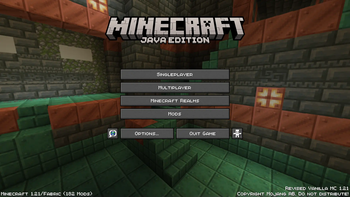
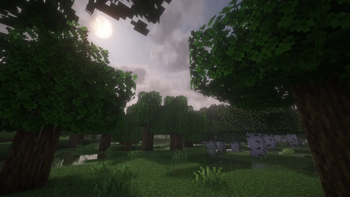

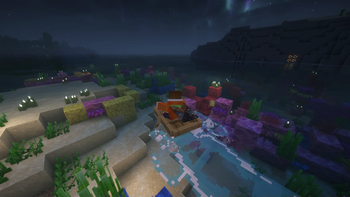
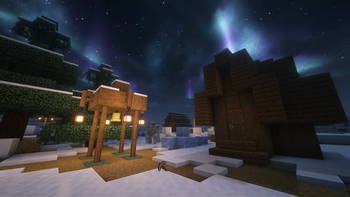

About this Modpack
Revised Vanilla MC
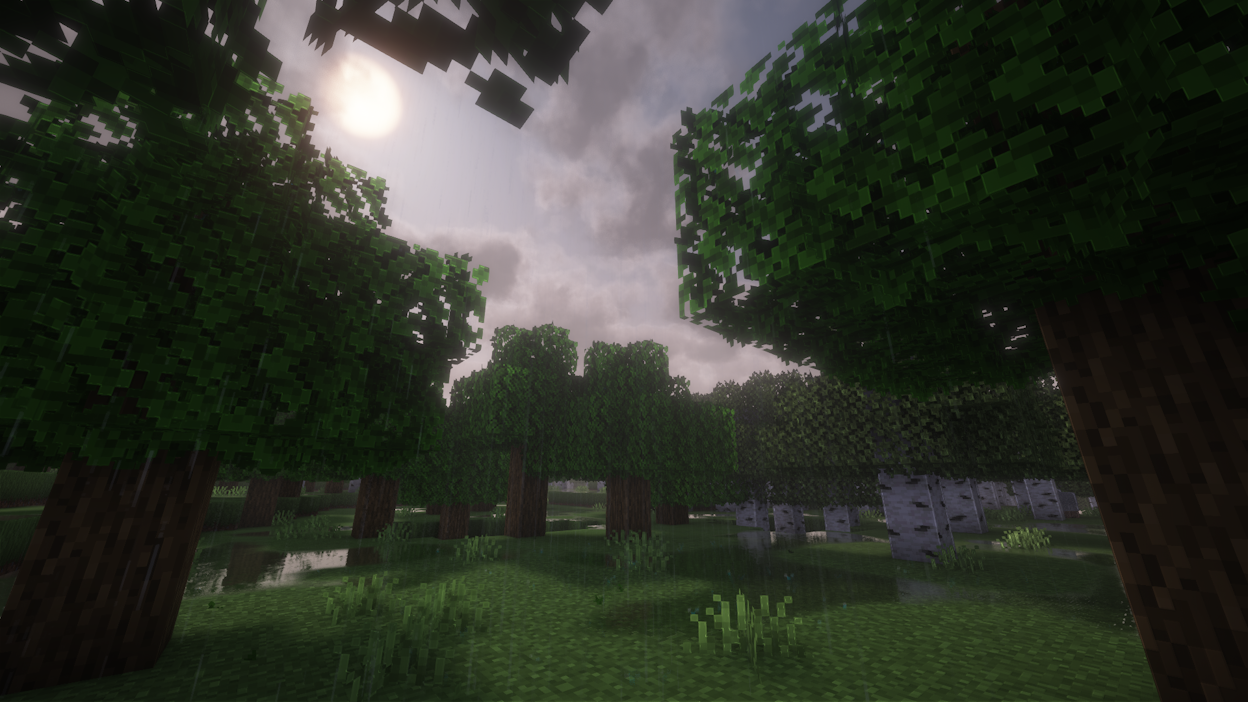
A collection of all useful and beautiful Minecraft optimization mods, with plug and play mod config which is preset according to popularity. It is not a performenc prioritizing packet but a shader performance intensive packet. No new blocks, creatures and etc will be added as the focus is on vanilla xperience.
Multiplayer Support
Thanks to e4mc, multiplayer can easily play with the whole world via internet via LAN server.
How do I use it? : Simply install the modpack, and Open to LAN as normal. A public domain will appear alongside the local port. Others can simply connect to the public domain to connect to your LAN server.
Included mods
- 3D Skin Layers (-Render the player skin layer in 3d-)
- Accurate Block Placement Reborn (-Makes block placement smarter. Default toggle button: J -)
- AppleSkin (-Food/hunger-related HUD-)
- Better Third Person (-Improves third person camera view.-)
- Cherished Worlds (-Favorite/pin/bookmark certain worlds-)
- Clean F3 (-Removes useless information from the debug screen-)
- Cubes Without Borders (-Minecraft in borderless fullscreen window-)
- Detail Armor Bar (-More detail about armor in Armor bar-)
- Dynamic Lights (-adds Dynamic Lights-)
- Eating Animation (-adds sprite animations for edible and drinkable items-)
- Falling Leaves (-Adds a neat little particle effect to leaf blocks-)
- First-person Model (-Enables the third-person Model in first-person-)
- Freecam (Modrinth Edition) (-freecam mod. Default toggle button: F4 and F6 for player input -)
- Gamma Utils (Fullbright) (-making it easy to see in the dark. Default toggle button: G -)
- ImmersiveThunder (-adds realistic and dynamic thunder sounds-)
- Legendary Tooltips (-fancier tooltip-)
- Iris Shaders (-shaders mod for Minecraft. Default toggle button: I -)
- Lighty (-Light Overlay Mod. Default toggle button: F7 -)
- Mace but 3D (-Add a clean 3D model for Mace-)
- Make Bubbles Pop (-makes bubble particles pop and lets them rise realistically to the water surface-)
- Model Gap Fix (-Fixes gaps in Block Models and Item Models-)
- More Mobs (-Humanoid mobs get custom player heads or unused vanilla mobs-)
- Mouse Tweaks (-inventory management by adding various functions to the mouse buttons-)
- Not Enough Animations (-Bringing first-person animations to the third-person-)
- Presence Footsteps (-Overly complicated Sound Mod-)
- Show Me Your Skin! (-hide or customize armor rendering. Default toggle button: Z -)
- Shulker Box Tooltip (-View the contents of shulker boxes-)
- Soul Fire'd (-Let Soul Fire burn-)
- Sound Physics Remastered (-provides realistic sound attenuation, reverberation, and absorption through blocks-)
- Status Effect Bars (-Adds bars to the status effects overlay-)
- Toggle Item Frames (-To toggle item frame visibility, sneak + right click with an empty hand-)
- Visuality (-visual improvements by adding a bunch of new particles-)
- Wakes (-Adds splashes and wakes while traveling on water-)
- Xaero's World Map (-Adds a full screen world map-)
- Zoomify (-A zoom mod-)
- e4mc (-multiplayer support mod-)
- performance and mod libraries (-important and necessary support mods-)
- and much more
Available Versions
How to Set Up a Revised Vanilla MC Server
Order Server
Choose at least 6 GB RAM (8 GB recommended for Revised Vanilla MC). Based on player count: per 5 players.
Install Modpack in Dashboard
Open the modpack browser in the dashboard, search for "Revised Vanilla MC" and click "Install". The fabric loader and Minecraft 1.21 are configured automatically.
Start Server & Play
Start the server – all mods are loaded automatically. Share the server IP with friends and play together!
Frequently Asked Questions
Revised Vanilla MC server crashes or won't start – what to do?
Most common causes: insufficient RAM or wrong fabric loader. Check latest.log for "OutOfMemoryError" → increase RAM to at least 8 GB. For "Mixin" or "ClassNotFoundException" errors: modpack version and loader don't match. With Mado Hosting, loader and Minecraft version are auto-configured on modpack install – preventing most startup issues.
How much RAM does a Revised Vanilla MC server really need?
Minimum 6 GB, recommended 8 GB for stable performance. per 5 players. Important: Minecraft modpacks need more RAM than vanilla – plan extra per additional player. With Mado Hosting, you can scale RAM up live at any time without data loss (from €12/month).
Can I add custom mods to Revised Vanilla MC without conflicts?
Yes, but check compatibility: only use mods for the same loader (fabric) and same Minecraft version (1.21). Common issues: ID conflicts with recipe mods and incompatible coremod versions. The Mado dashboard mod browser only shows compatible mods and warns about known conflicts.
Revised Vanilla MC server lagging – performance tips
1) Increase RAM to 8 GB+. 2) Reduce server view-distance to 8 (server.properties). 3) Pre-generate chunks with the "Chunky" plugin. 4) Use /spark profiler to check which mods consume the most tick time. With Mado Hosting, all servers run on NVMe SSDs with dedicated CPU cores – eliminating hardware as a bottleneck.
Similar Modpacks
![Cobblemon Official Modpack [Fabric]](https://cdn.modrinth.com/data/5FFgwNNP/e7f9ee2e9d361623847853fe2ddce42f519ee64f.png)
![COBBLEVERSE - Pokemon Adventure [Cobblemon]](https://cdn.modrinth.com/data/Jkb29YJU/581ecf54530972afb18a04660afd820f2f24f6c7.png)
![Better MC [FABRIC] - BMC2](https://cdn.modrinth.com/data/shFhR8Vx/a19c2bcb51d38f32f138d3607e91cb2b7b8e387f_96.webp)


![Better MC [FORGE] - BMC4](https://cdn.modrinth.com/data/4BV47HRn/7f5ef7cc61b2593609aabef3ed07a866a4f11b73_96.webp)
Rent Revised Vanilla MC Server
Start your own server with automatic modpack installation.
Supported Versions
Start your Revised Vanilla MC Server now
From €12.00/month with 8 GB RAM for the best performance.
Configure Server →