
RE:XP
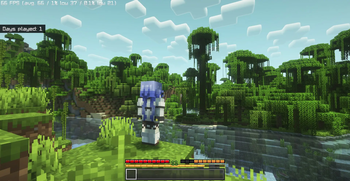
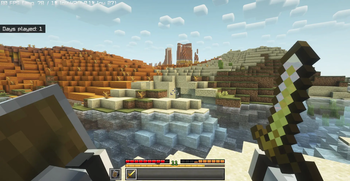
Better looking, better QOL and optimized!, Re-Experience aims to make your Minecraft look so much better and more comfortable to play whilst keeping the game up to utmost optimization with no unnecessary extra than that! It's also Completely client sided.
Screenshots
About this Modpack
This is your first time experiencing Minecraft, once more.
I initially made this modpack for myself to play the base game better but now it's open for everyone to benefit!
What's Different ?
- This pack includes the best optimization mods with no extra or other mods that does the same thing but a little different, basically nearly min-maxxed!
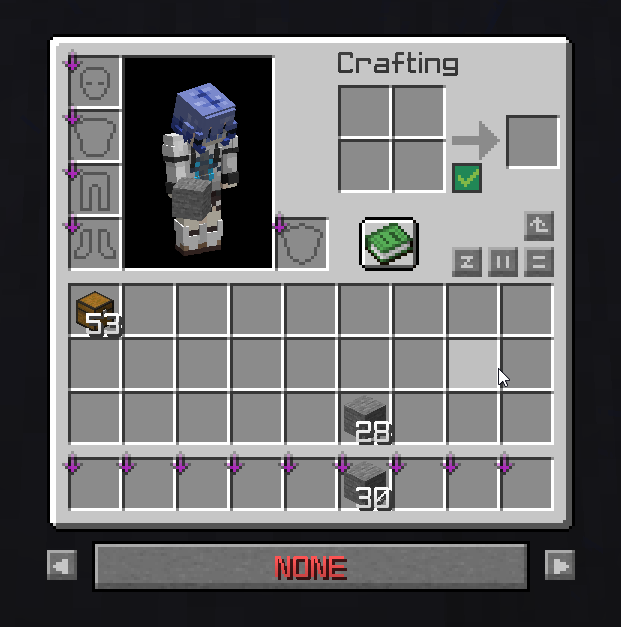
- Many QOL features such as: Auto-Sorting, Auto tool swapping and searchbars in chests etc. Which saves so much unnecessary time spent on mundane tasks so you can focus on your creations more!
- Looks Beautiful! Hold My Items, Perception, Wakes, Visual Effects+ are all included! And many more resource packs that make the game much better. They are all hand picked to go well along eachother and some notable ones are; Detailed Animations, Simple Grass Flowers, Torches Reimagined, Fresh Animations...
- Completely Client sided and nothing extra! Which means you could build on top of the pack however you wish!
Why should you play REXP
Have you ever wanted to just play vanilla or join some friends but you didn't want to setup everything by hand such as getting shaders, optimization mods and many other little things you want to have? Now you don't have to worry about it, just install REXP and press play!
And if you don't know much about it, why don't you try and take a look yourself? I bet you'll love it!
Lastly, I sincerely thank all the mod creators for their efforts.
FAQ
Spoiler
nothing yet lol
Feature Showacase
Spoiler
Inventory Profiles
Lighty
Auto Tools
Block Meter
Shoulder Surfing Reloaded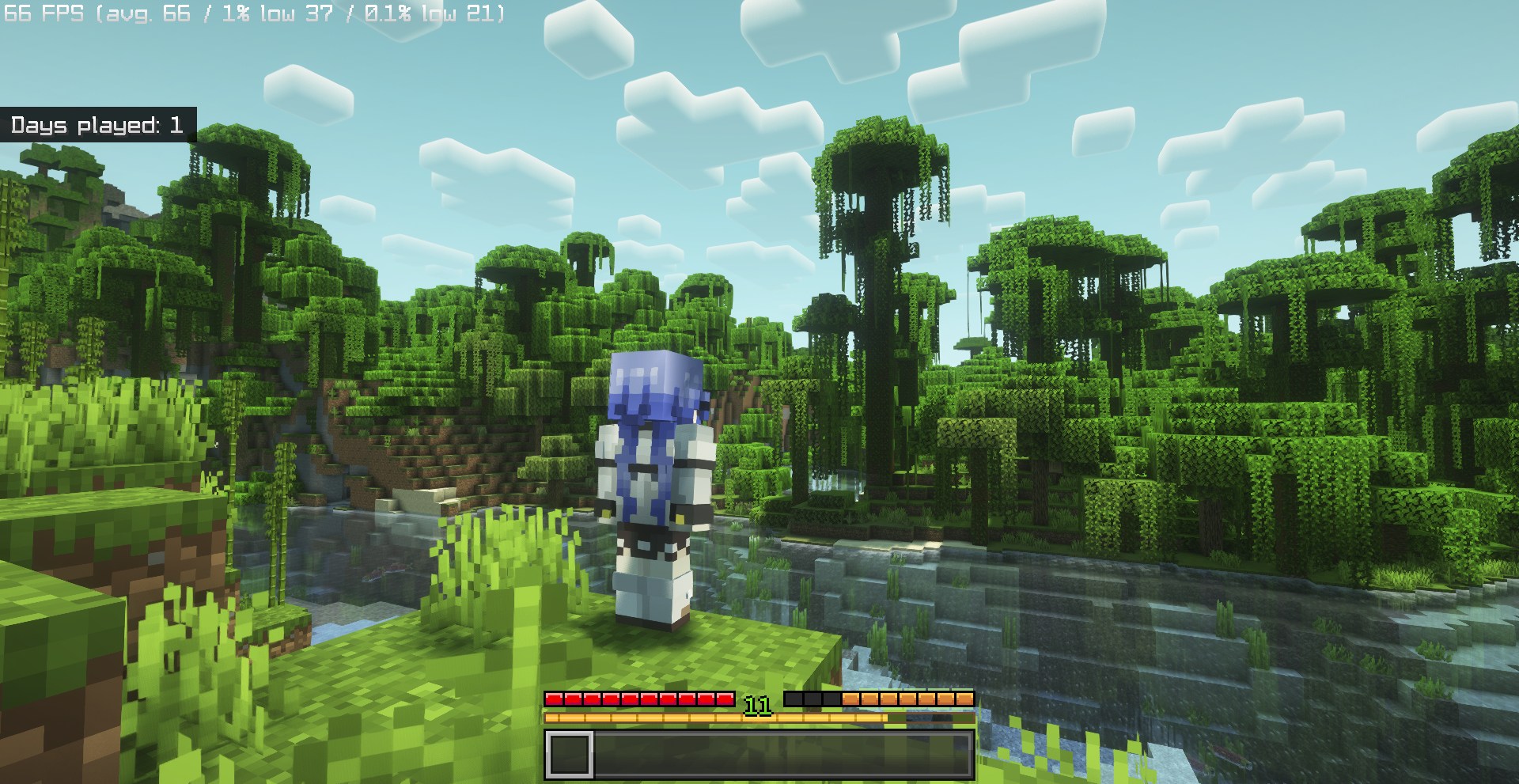
Fancy Toasts
Chest Searchbar
Available Versions
How to Set Up a RE:XP Server
Order Server
Choose at least 4 GB RAM (6 GB recommended for RE:XP). Based on player count: per 8 players.
Install Modpack in Dashboard
Open the modpack browser in the dashboard, search for "RE:XP" and click "Install". The fabric loader and Minecraft 1.21.11 are configured automatically.
Start Server & Play
Start the server – all mods are loaded automatically. Share the server IP with friends and play together!
Frequently Asked Questions
RE:XP server crashes or won't start – what to do?
Most common causes: insufficient RAM or wrong fabric loader. Check latest.log for "OutOfMemoryError" → increase RAM to at least 6 GB. For "Mixin" or "ClassNotFoundException" errors: modpack version and loader don't match. With Mado Hosting, loader and Minecraft version are auto-configured on modpack install – preventing most startup issues.
How much RAM does a RE:XP server really need?
Minimum 4 GB, recommended 6 GB for stable performance. per 8 players. Important: Minecraft modpacks need more RAM than vanilla – plan extra per additional player. With Mado Hosting, you can scale RAM up live at any time without data loss (from €8/month).
Can I add custom mods to RE:XP without conflicts?
Yes, but check compatibility: only use mods for the same loader (fabric) and same Minecraft version (1.21.11). Common issues: ID conflicts with recipe mods and incompatible coremod versions. The Mado dashboard mod browser only shows compatible mods and warns about known conflicts.
RE:XP server lagging – performance tips
1) Increase RAM to 6 GB+. 2) Reduce server view-distance to 8 (server.properties). 3) Pre-generate chunks with the "Chunky" plugin. 4) Use /spark profiler to check which mods consume the most tick time. With Mado Hosting, all servers run on NVMe SSDs with dedicated CPU cores – eliminating hardware as a bottleneck.
Similar Modpacks

![Cobblemon Official Modpack [Fabric]](https://cdn.modrinth.com/data/5FFgwNNP/e7f9ee2e9d361623847853fe2ddce42f519ee64f.png)
![COBBLEVERSE - Pokemon Adventure [Cobblemon]](https://cdn.modrinth.com/data/Jkb29YJU/581ecf54530972afb18a04660afd820f2f24f6c7.png)
![Better MC [FABRIC] - BMC2](https://cdn.modrinth.com/data/shFhR8Vx/a19c2bcb51d38f32f138d3607e91cb2b7b8e387f_96.webp)


Rent RE:XP Server
Start your own server with automatic modpack installation.
Supported Versions
Start your RE:XP Server now
From €8.00/month with 6 GB RAM for the best performance.
Configure Server →