
RomixerX
The best server build, based on the RomixerX server theme. The most optimized build for a pleasant and comfortable game.
Screenshots


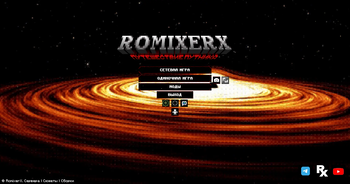
About this Modpack
✧ RomixerX Modpack ✧






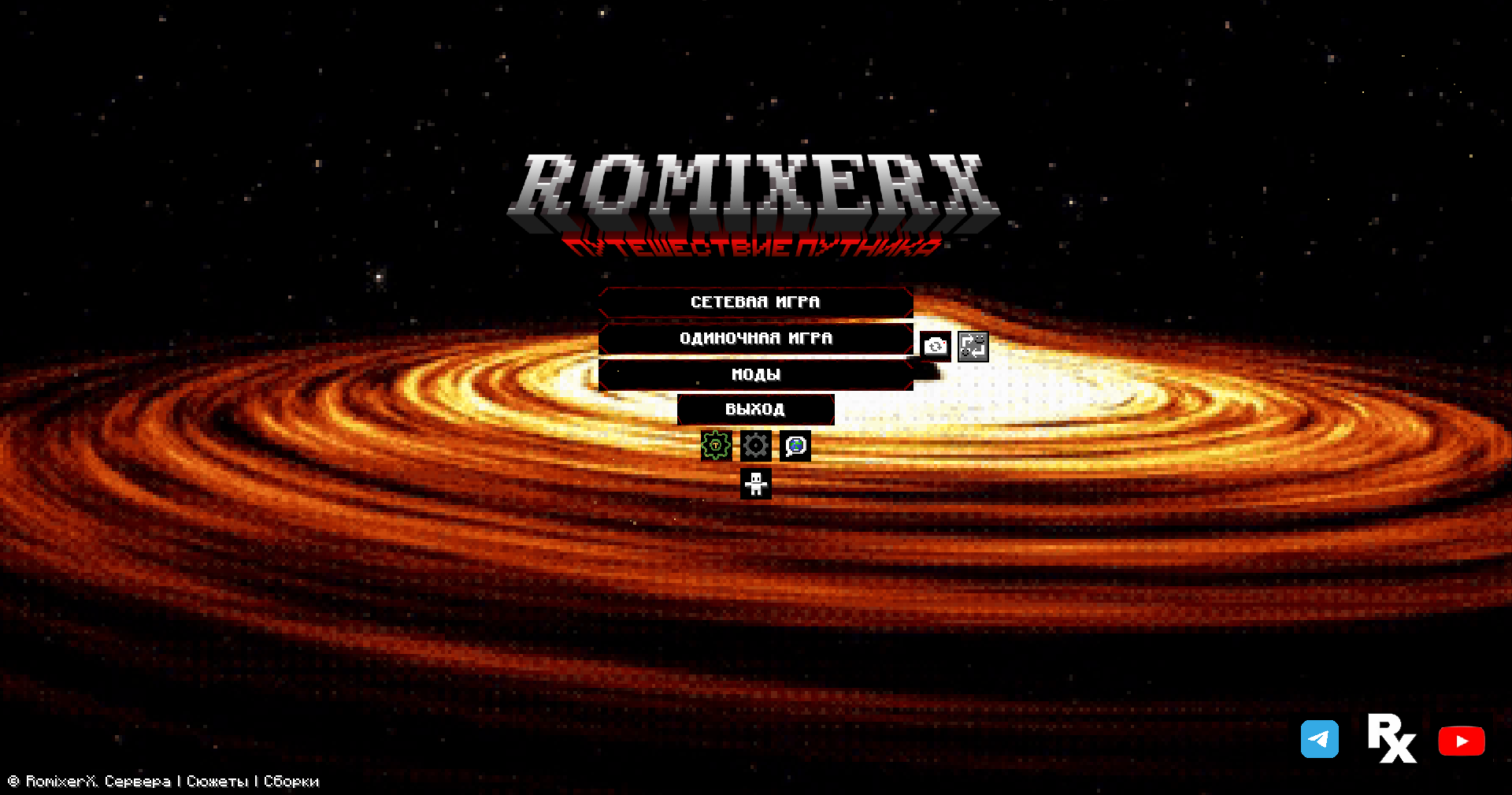
🚀 Launcher
📥 Click to download

📽️ Video Preview
🌍 About the Modpack
🇷🇺 Русский
Эта сборка содержит 70–100 модификаций и 4–20 ресурспаков, которые значительно расширяют игровой опыт. Создана специально для сервера RomixerX и включает функции для удобного управления и сокрытия конфиденциальной информации.
| Категория | Особенности |
|---|---|
| 🎵 Аудио | Уникальные музыкальные композиции |
| 🔑 Управление | Биндинг клавиш, кастомизация тотема (превращение в куклу!) |
| 📷 Камера | Приближение и отдаление объектов |
| 🗣 Общение | SimpleVoiceChat и EmoteCraft для живого общения |
| 💬 Чат | Chat Patches, Symbol Chat и VoiceMessages — улучшенный чат |
| 🧭 Навигация | Мини-карта, подсказки о блоках |
| 🎒 Инвентарь | Облегчённое управление инвентарем |
⚠️ Версии ниже новейшей помечаются как Alpha.
🍰 В будущем планируются вкусные обновления!
🇺🇸 English
This modpack includes 70–100 mods and 4–20 resource packs, greatly enhancing your Minecraft experience. Built specifically for the RomixerX server, it also offers tools for managing and hiding sensitive information.
| Category | Features |
|---|---|
| 🎵 Audio | Unique music tracks |
| 🔑 Controls | Key binding, custom totem skins (turns into a doll!) |
| 📷 Camera | Zoom in/out functionality |
| 🗣 Communication | SimpleVoiceChat, EmoteCraft |
| 💬 Chat | ChatPatches, SymbolChat, VoiceMessages |
| 🧭 Navigation | Mini-map, hints about the blocks |
| 🎒 Inventory | Simplified inventory management |
⚠️ Versions below the latest are marked as Alpha.
🍰 Delicious updates are planned for the future!
✨ Features in Action
| Server Favorites | Multiple Languages | Resource Pack Manager | Hotkey Settings |
|---|---|---|---|
 |
 |
 |
 |
📊 Modpack Stats
| Statistic | Value |
|---|---|
| 📦 Mods | 70-100 |
| 🎨 Resource Packs | 4-20 |
| 🌐 Languages | Multi-language support |
| 🎮 Supported Server | RomixerX |
📦 Installation
🔧 Click for installation guide
- Download the XMCL Launcher from the link above
- Open the launcher and import the modpack
- For detailed instructions, visit our Wiki
- Launch and enjoy! 🎉
🛠️ Support
Having issues? We're here to help!
- 📱 Telegram Bot: @romixsupport_bot
- 💬 Discord: Join our community
⭐ Show Your Support
If you enjoy this modpack, please consider:
- ⭐ Starring this repository
- 📢 Sharing with friends
- 🎥 Creating videos about the modpack
- 💬 Joining our Discord community
Made with ❤️ by the Rompix
Available Versions
How to Set Up a RomixerX Server
Order Server
Choose at least 6 GB RAM (8 GB recommended for RomixerX). Based on player count: per 5 players.
Install Modpack in Dashboard
Open the modpack browser in the dashboard, search for "RomixerX" and click "Install". The fabric loader and Minecraft 1.21.11 are configured automatically.
Start Server & Play
Start the server – all mods are loaded automatically. Share the server IP with friends and play together!
Frequently Asked Questions
RomixerX server crashes or won't start – what to do?
Most common causes: insufficient RAM or wrong fabric loader. Check latest.log for "OutOfMemoryError" → increase RAM to at least 8 GB. For "Mixin" or "ClassNotFoundException" errors: modpack version and loader don't match. With Mado Hosting, loader and Minecraft version are auto-configured on modpack install – preventing most startup issues.
How much RAM does a RomixerX server really need?
Minimum 6 GB, recommended 8 GB for stable performance. per 5 players. Important: Minecraft modpacks need more RAM than vanilla – plan extra per additional player. With Mado Hosting, you can scale RAM up live at any time without data loss (from €12/month).
Can I add custom mods to RomixerX without conflicts?
Yes, but check compatibility: only use mods for the same loader (fabric) and same Minecraft version (1.21.11). Common issues: ID conflicts with recipe mods and incompatible coremod versions. The Mado dashboard mod browser only shows compatible mods and warns about known conflicts.
RomixerX server lagging – performance tips
1) Increase RAM to 8 GB+. 2) Reduce server view-distance to 8 (server.properties). 3) Pre-generate chunks with the "Chunky" plugin. 4) Use /spark profiler to check which mods consume the most tick time. With Mado Hosting, all servers run on NVMe SSDs with dedicated CPU cores – eliminating hardware as a bottleneck.
Similar Modpacks
![Cobblemon Official Modpack [Fabric]](https://cdn.modrinth.com/data/5FFgwNNP/e7f9ee2e9d361623847853fe2ddce42f519ee64f.png)
![COBBLEVERSE - Pokemon Adventure [Cobblemon]](https://cdn.modrinth.com/data/Jkb29YJU/581ecf54530972afb18a04660afd820f2f24f6c7.png)
![Better MC [FABRIC] - BMC2](https://cdn.modrinth.com/data/shFhR8Vx/a19c2bcb51d38f32f138d3607e91cb2b7b8e387f_96.webp)


![Better MC [FORGE] - BMC4](https://cdn.modrinth.com/data/4BV47HRn/7f5ef7cc61b2593609aabef3ed07a866a4f11b73_96.webp)
Rent RomixerX Server
Start your own server with automatic modpack installation.
Supported Versions
Start your RomixerX Server now
From €12.00/month with 8 GB RAM for the best performance.
Configure Server →