
Sat's VisualCore
Sat’s VisualCore is a carefully crafted visual and performance-focused modpack for Minecraft. It combines stunning visuals, high-quality shaders, immersive animations, and FPS-boosting optimizations — all while keeping Vanilla Minecraft feel.
Screenshots
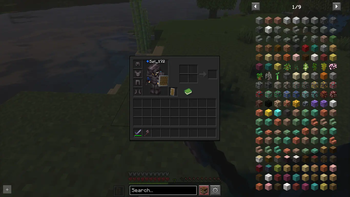
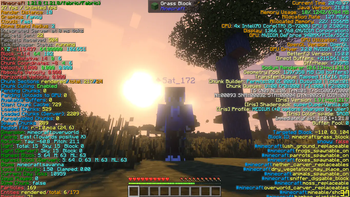
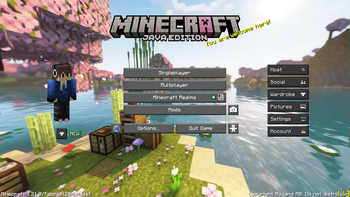
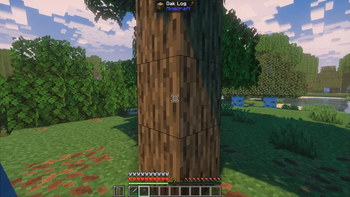
About this Modpack
🌌 Sat’s VisualCore – Ultimate Visual & Performance Upgrade 🌌
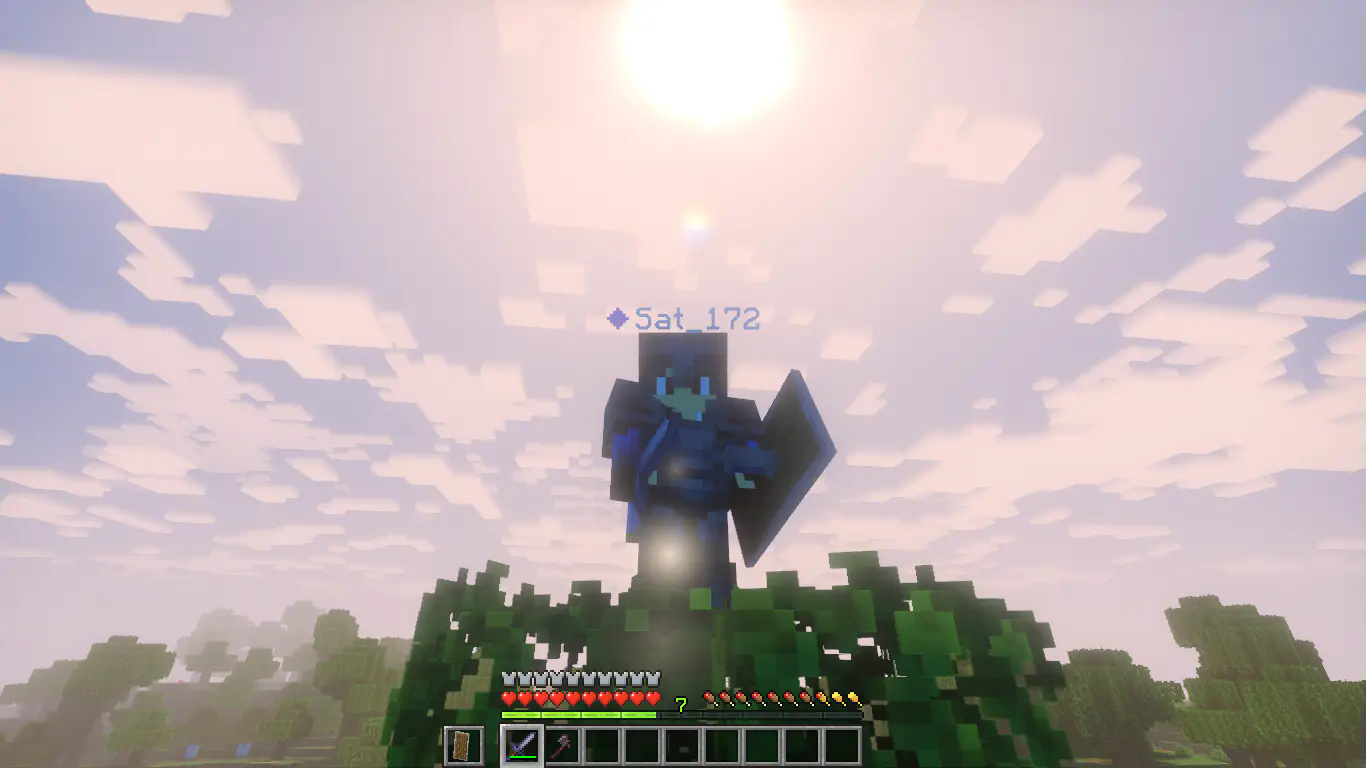
✨ Sat’s VisualCore is your all-in-one solution for making Minecraft look absolutely stunning while keeping it buttery smooth. Whether you’re building mega-bases, exploring vast landscapes, or PvPing with friends, this modpack delivers incredible graphics 🌠 and ultra-high FPS 🚀 — without sacrificing gameplay quality.
This pack is built for players who want beautiful visuals, smooth animations, and optimized performance in every frame. With my custom-tuned settings, you’ll experience:
Crystal-clear textures 🖼️
Stable high FPS ⚡
Stunning lighting & shadows 🌅
Lag-free gameplay even in large worlds 🗺️
Unlike other “visual” packs, Sat’s VisualCore is carefully balanced — every setting and mod has been tweaked by me to deliver maximum beauty with minimal performance cost. 🎯
✨ Features ✨
🌟 Breathtaking Visuals – Improved textures, vibrant colors, realistic skies 🌌, and beautiful water effects 💧.
⚡ Ultra-Optimized Performance – Powered by Sodium, Lithium, FerriteCore & more to ensure maximum FPS.
🎨 Shader-Ready – Includes Iris for smooth shader support 🌄 without heavy lag.
🛠 Custom-Tuned Settings – Every option fine-tuned for the perfect balance between beauty & speed.
🌲 Enhanced World Immersion – Realistic lighting, smooth animations, and improved entity rendering 🐄.
📏 Consistent FPS – Enjoy high performance even in mega-builds or multiplayer servers.
🕹 Perfect for All Playstyles – PvP, survival, creative, or exploration — works flawlessly.
💻 Lightweight but Powerful – No bloated mods, only carefully selected essentials.
🎯 Stutter-Free Gameplay – Smooth chunk loading and optimized rendering distance.
🌐 Multiplayer Friendly – Fully compatible with servers, perfect for long play sessions.
📜 Mod List
🚀Performance & Optimization
⚡ Sodium — Massive FPS boost with advanced rendering optimizations.
⚡ Reese's Sodium Options — Extra performance tweaks and customization for Sodium.
⚡ Sodium Extra — Adds visual improvements that work well with Sodium.
🔬 Lithium — Optimizes game logic to make gameplay smoother.
🧠 FerriteCore — Reduces memory usage for improved stability.
🌟 Clumps — Groups XP orbs to reduce entity lag.
💨 ImmediatelyFast — Speeds up UI rendering and screen transitions.
👁 More Culling — Hides invisible blocks/entities to save FPS.
🏃 Entity Culling — Prevents rendering of entities you can’t see to improve performance.
💤 Dynamic FPS — Lowers FPS when Minecraft is unfocused to save resources.
🌐 Very Many Players (VMP) — Helps optimize performance on servers with many players.
🧩 Puzzle — Improves resource pack loading performance.
🧩 Puzzles Lib — Library mod to support visual and puzzle mods.
🎨 Visual & Shader Support
🌄 Iris Shaders — Enables stunning shader effects with great performance.
🌄 BSL Shaders — Beautiful and immersive shader pack included.
🌄 BSL Shaders Classic — Classic version of the BSL shader for a different vibe.
🌄 Solas Shader — Adds beautiful lighting and atmospheric effects.
🌟 Super Duper Vanilla — Enhances vanilla textures and visuals subtly. (My Favourite)
🎨 MakeUp Ultra Fast — Lightweight visual enhancement mod.
🖌 Continuity — Fixes graphical glitches and improves model transitions.
🖼 Visuality — Adds smooth lighting and visual improvements.
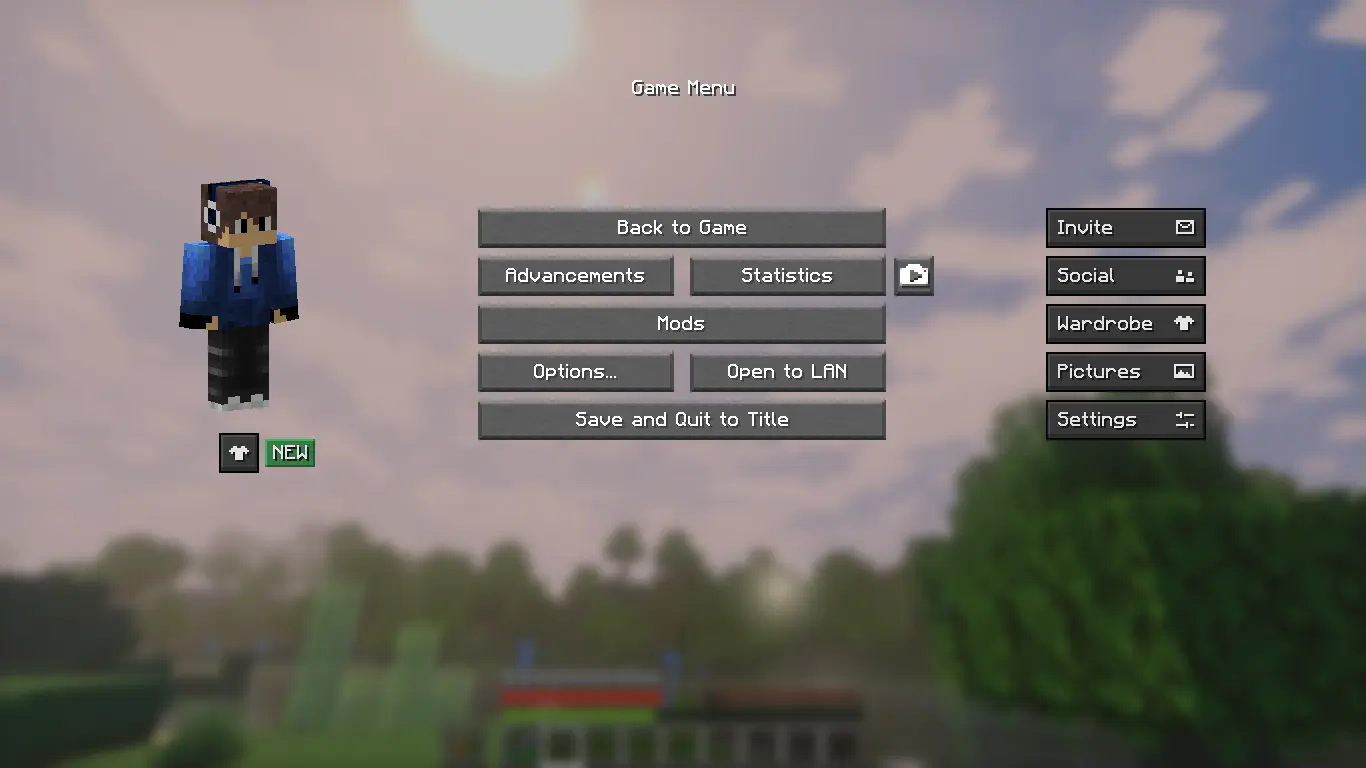
🧍♂️ First-person Model — Shows your player model in first-person view.
👤 3D Skin Layers — Adds depth and 3D effect to player skin layers.
🌫 Subtle Effects — Adds soft visual effects for immersion.
💎 RenderPearl — Improves the rendering of thrown ender pearls.
🛡 Undopia Lower Shield — Adds new shield visuals and mechanics.
🌑 Unique Dark Refined — Dark-themed texture refinements.
🍽 Eating Animation Resource Pack — Adds immersive eating animations.
📚 Enchanted Books: Re-covered — Better visuals and info for enchanted books.
✨ Enchantment Outline — Highlights enchanted items with a cool outline effect.
🌠 Visual Core — Core visual improvements integrated in the pack.(My Texture Pack)
🎮 Gameplay & Utility
⚡ Alternate Current — an efficient and non-locational redstone dust implementation.
🍏 AppleSkin — Shows hunger/saturation info in HUD.
🌉 Bridging Mod — Helps with building bridges and parkour challenges.
🐴 Better Mount HUD — Improved interface for riding animals.
📊 BetterF3 — Enhanced debug screen with more useful info.
💬 Chat Heads — Displays player heads in chat for easier identification.
🔍 Chest Search Bar — Search bar for easier item lookup in chests.
🌳 FallingTree — Realistic tree-felling mechanics.
🕰 Flashback — Adds replay and time manipulation features.
🔎 Zoomify — Adds smooth zoom functionality.
🪑 Sit! — Lets players sit on stairs, slabs, and other blocks.
🎞 Not Enough Animations — Adds more fluid and natural animations.
🎧 Sound Physics Remastered — Revamps sound effects to be more realistic.
🔊 Sounds — Adds new and improved sound effects for immersion.
⛏️ VeinMiner – Mine entire ore veins instantly by breaking just one block.
🌌 Glow Ore – Makes ores glow in the dark for easier spotting.
🌍 World & Chunk Utilities
🗺 Chunky — Manages chunks to reduce lag and improve loading.
🏢 Bobby — Manages chunk loading for distant chunks.
🌎 Cherished Worlds — Saves and manages multiple worlds smoothly.
📦 Resourcify — Easily manage and reload resource packs.
⚙ UI / Config / APIs
🛠 Mod Menu — Easy in-game mod configuration interface.
🧵 Cloth Config API — Config library for fabric mods.
📜 YetAnotherConfigLib (YACL) — Another config API used by several mods.
🔧 Forge Config API Port — Compatibility for Forge-style configs.
⚙ Fzzy Config — Simplified config management.
🔤 Text Placeholder API — Adds text placeholders for mod display info.
🧩 MaLiLib — Library mod for various utilities.
🏗 Architectury API — Cross-platform mod compatibility framework.
🧩 Fabric API — Core API library for fabric mods.
🗣 Fabric Language Kotlin — Kotlin language support for Fabric mods.
🧩 OptiGUI — Improved GUI for graphics options.
🐞 Debugify — Debug tools for mod and game testing.
🌐 Network & Compatibility
🔑 Essential Mod — Adds important multiplayer and QoL features.
🌉 ViaFabricPlus — Supports cross-version multiplayer connections.
🎨 Cosmetic & Lore
🧍♂️ Entity Model Features (EMF) — Adds advanced model features for entities.
🧍♀️ Entity Texture Features (ETF) — Adds enhanced textures for entities.
📖 Enchantment Lore — Adds lore descriptions to enchanted items.
Available Versions
How to Set Up a Sat's VisualCore Server
Order Server
Choose at least 4 GB RAM (6 GB recommended for Sat's VisualCore). Based on player count: per 8 players.
Install Modpack in Dashboard
Open the modpack browser in the dashboard, search for "Sat's VisualCore" and click "Install". The fabric loader and Minecraft 1.21.8 are configured automatically.
Start Server & Play
Start the server – all mods are loaded automatically. Share the server IP with friends and play together!
Frequently Asked Questions
Sat's VisualCore server crashes or won't start – what to do?
Most common causes: insufficient RAM or wrong fabric loader. Check latest.log for "OutOfMemoryError" → increase RAM to at least 6 GB. For "Mixin" or "ClassNotFoundException" errors: modpack version and loader don't match. With Mado Hosting, loader and Minecraft version are auto-configured on modpack install – preventing most startup issues.
How much RAM does a Sat's VisualCore server really need?
Minimum 4 GB, recommended 6 GB for stable performance. per 8 players. Important: Minecraft modpacks need more RAM than vanilla – plan extra per additional player. With Mado Hosting, you can scale RAM up live at any time without data loss (from €8/month).
Can I add custom mods to Sat's VisualCore without conflicts?
Yes, but check compatibility: only use mods for the same loader (fabric) and same Minecraft version (1.21.8). Common issues: ID conflicts with recipe mods and incompatible coremod versions. The Mado dashboard mod browser only shows compatible mods and warns about known conflicts.
Sat's VisualCore server lagging – performance tips
1) Increase RAM to 6 GB+. 2) Reduce server view-distance to 8 (server.properties). 3) Pre-generate chunks with the "Chunky" plugin. 4) Use /spark profiler to check which mods consume the most tick time. With Mado Hosting, all servers run on NVMe SSDs with dedicated CPU cores – eliminating hardware as a bottleneck.
Similar Modpacks

![Cobblemon Official Modpack [Fabric]](https://cdn.modrinth.com/data/5FFgwNNP/e7f9ee2e9d361623847853fe2ddce42f519ee64f.png)
![COBBLEVERSE - Pokemon Adventure [Cobblemon]](https://cdn.modrinth.com/data/Jkb29YJU/581ecf54530972afb18a04660afd820f2f24f6c7.png)
![Better MC [FABRIC] - BMC2](https://cdn.modrinth.com/data/shFhR8Vx/a19c2bcb51d38f32f138d3607e91cb2b7b8e387f_96.webp)


Rent Sat's VisualCore Server
Start your own server with automatic modpack installation.
Supported Versions
Start your Sat's VisualCore Server now
From €8.00/month with 6 GB RAM for the best performance.
Configure Server →