
Scurz PvP
High Performance Sodium Client made with extensive Client-side optimizations and QoL features. This Modpack has been custom built for PvP.
Screenshots
About this Modpack
📝 Description
The Scurz PvP modpack aims to provide a base of the best optimization mods available, configured for the maximum performance achievable, specifically for combat related purposes. Thanks to countless hours of research, it often outperforms other optimization solutions in benchmarks, and when it doesn't, our team investigates why to improve it further.
Scurz PvP was constructed with combat and optimizations in mind first. This modpack disables many features in vanilla Minecraft to drastically improve framerates (such as disabling the lighting engine). This modpack also adds many lightweight quality of life improvements to gain every small advantage in combat.
This also means the Scurz PvP modpack is rigorously tested with new cutting-edge performance improvements, and can update to new major Minecraft versions with the best optimizations available. The team strives to keep this modpack as relevant as it can be at any given moment.
📈 Performance Benchmarks
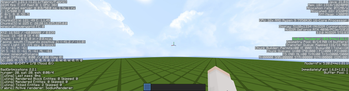
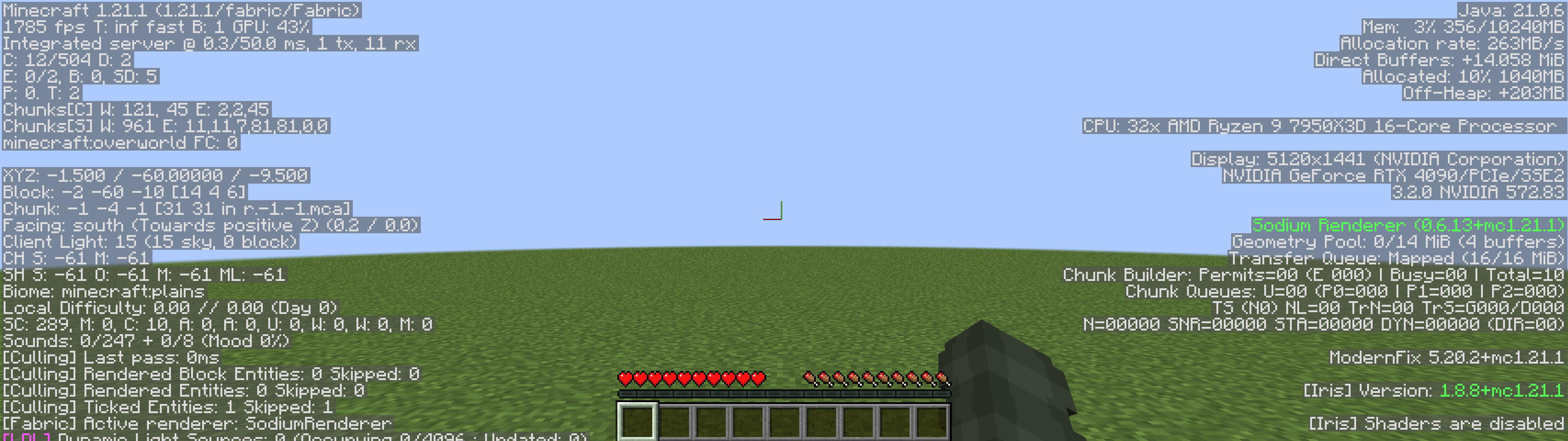
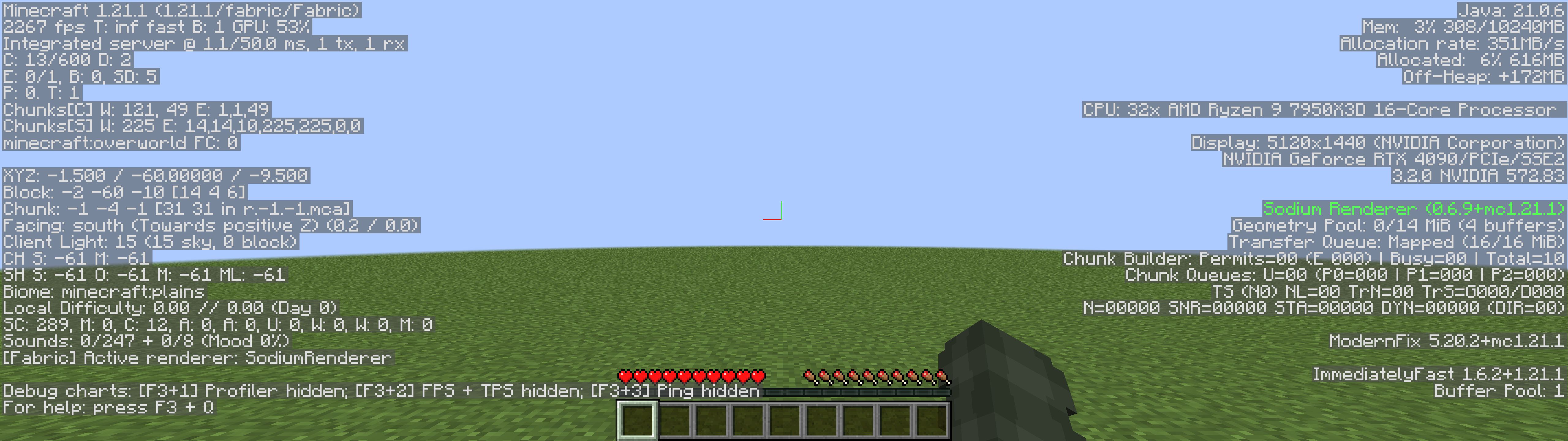
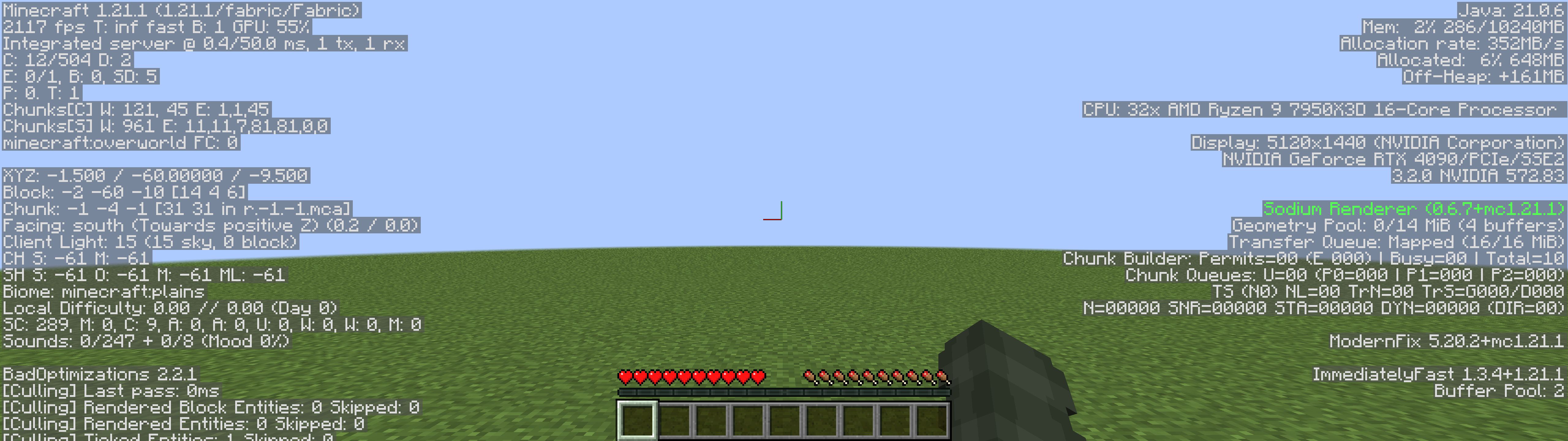
The below performance benchmarks display our combat-centered modpack compared with other leading performance optimization modpacks.
Scurz PvP (2233 FPS) - With QoL Feature Mods

Fabulously Optimized (1785 FPS)
Simply Optimized (2267 FPS)
Adrenaline (2117 FPS)
⚡ Optimizations
- BadOptimizations
- Chunky
- Clumps
- Concurrent Chunk Management Engine (Fabric)
- Controlling
- Debugify
- Enhanced Block Entities
- Entity Culling
- Exordium
- Faster Random
- FerriteCore
- Fzzy Config
- ImmediatelyFast
- Krypton
- Ksyxis
- Lithium
- Methane
- ModernFix
- More Culling
- Noisium
- Packet Fixer
- Particle Core
- Reese's Sodium Options
- Reflex AntiLag
- Sodium
- Sodium Extra
- ThreadTweak
- Very Many Players (Fabric)
- Video Tape
🥇 Quality of Life Features
- AlinPerspective
- AppleSkin
- Better Mount HUD
- Better Ping Display [Fabric]
- BetterHurtCam
- BetterShields
- Bobby
- Capes
- Chat Patches
- Chat Reporting Helper
- Cubes Without Borders
- Custom Window Title
- Distant Horizons
- e4mc
- FabricSkyboxes
- Fabrishot
- Fast IP Ping
- FastQuit
- Gamma Utils (Fullbright)
- Mod Menu
- Model Gap Fix
- Nametag Tweaks
- No Chat Reports
- OptiGUI
- Paginated Advancements & Custom Frames
- Restore Chat Links
- Simple Voice Chat
- spark
- Status Effect Bars
- ViaFabricPlus
- WorldEdit
- Your Options Shall Be Respected (YOSBR)
- Zoomify
🔀 Dependencies
Available Versions
How to Set Up a Scurz PvP Server
Order Server
Choose at least 4 GB RAM (6 GB recommended for Scurz PvP). Based on player count: per 8 players.
Install Modpack in Dashboard
Open the modpack browser in the dashboard, search for "Scurz PvP" and click "Install". The fabric loader and Minecraft 26.1 are configured automatically.
Start Server & Play
Start the server – all mods are loaded automatically. Share the server IP with friends and play together!
Frequently Asked Questions
Scurz PvP server crashes or won't start – what to do?
Most common causes: insufficient RAM or wrong fabric loader. Check latest.log for "OutOfMemoryError" → increase RAM to at least 6 GB. For "Mixin" or "ClassNotFoundException" errors: modpack version and loader don't match. With Mado Hosting, loader and Minecraft version are auto-configured on modpack install – preventing most startup issues.
How much RAM does a Scurz PvP server really need?
Minimum 4 GB, recommended 6 GB for stable performance. per 8 players. Important: Minecraft modpacks need more RAM than vanilla – plan extra per additional player. With Mado Hosting, you can scale RAM up live at any time without data loss (from €8/month).
Can I add custom mods to Scurz PvP without conflicts?
Yes, but check compatibility: only use mods for the same loader (fabric) and same Minecraft version (26.1). Common issues: ID conflicts with recipe mods and incompatible coremod versions. The Mado dashboard mod browser only shows compatible mods and warns about known conflicts.
Scurz PvP server lagging – performance tips
1) Increase RAM to 6 GB+. 2) Reduce server view-distance to 8 (server.properties). 3) Pre-generate chunks with the "Chunky" plugin. 4) Use /spark profiler to check which mods consume the most tick time. With Mado Hosting, all servers run on NVMe SSDs with dedicated CPU cores – eliminating hardware as a bottleneck.
Similar Modpacks

![Better MC [FABRIC] - BMC2](https://cdn.modrinth.com/data/shFhR8Vx/a19c2bcb51d38f32f138d3607e91cb2b7b8e387f_96.webp)
![Better MC [FORGE] - BMC4](https://cdn.modrinth.com/data/4BV47HRn/7f5ef7cc61b2593609aabef3ed07a866a4f11b73_96.webp)


Rent Scurz PvP Server
Start your own server with automatic modpack installation.
Details
- License
- LicenseRef-All-Rights-Reserved
- Server-side
- Unsupported
- Client-side
- Required
Supported Versions
Start your Scurz PvP Server now
From €8.00/month with 6 GB RAM for the best performance.
Configure Server →