
Serene Valley
A Modpack that offers an immersive, expanded, visual and fantasy-focused experience.
Screenshots
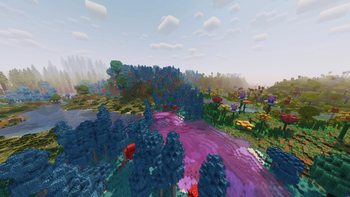
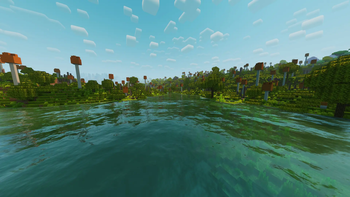
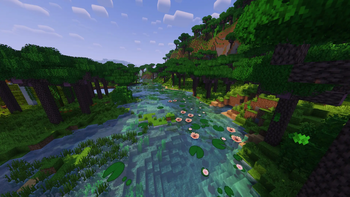
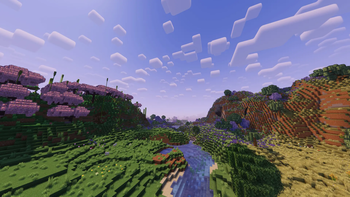

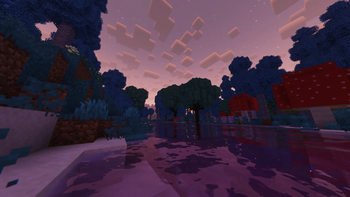
About this Modpack

A modpack that offers a more magical experience, both light and whimsy, and dark.
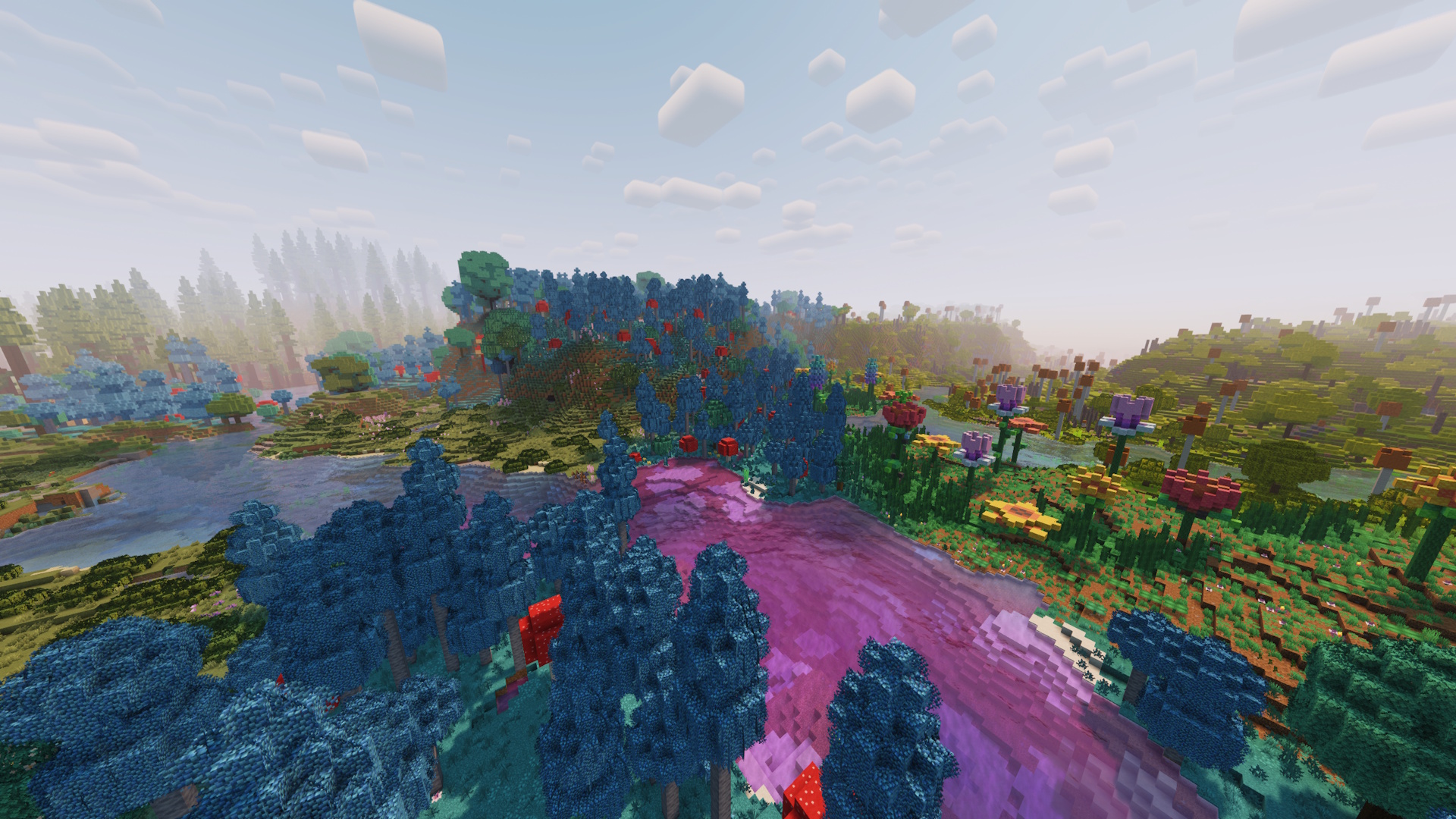
Overview
Mystical world exploration
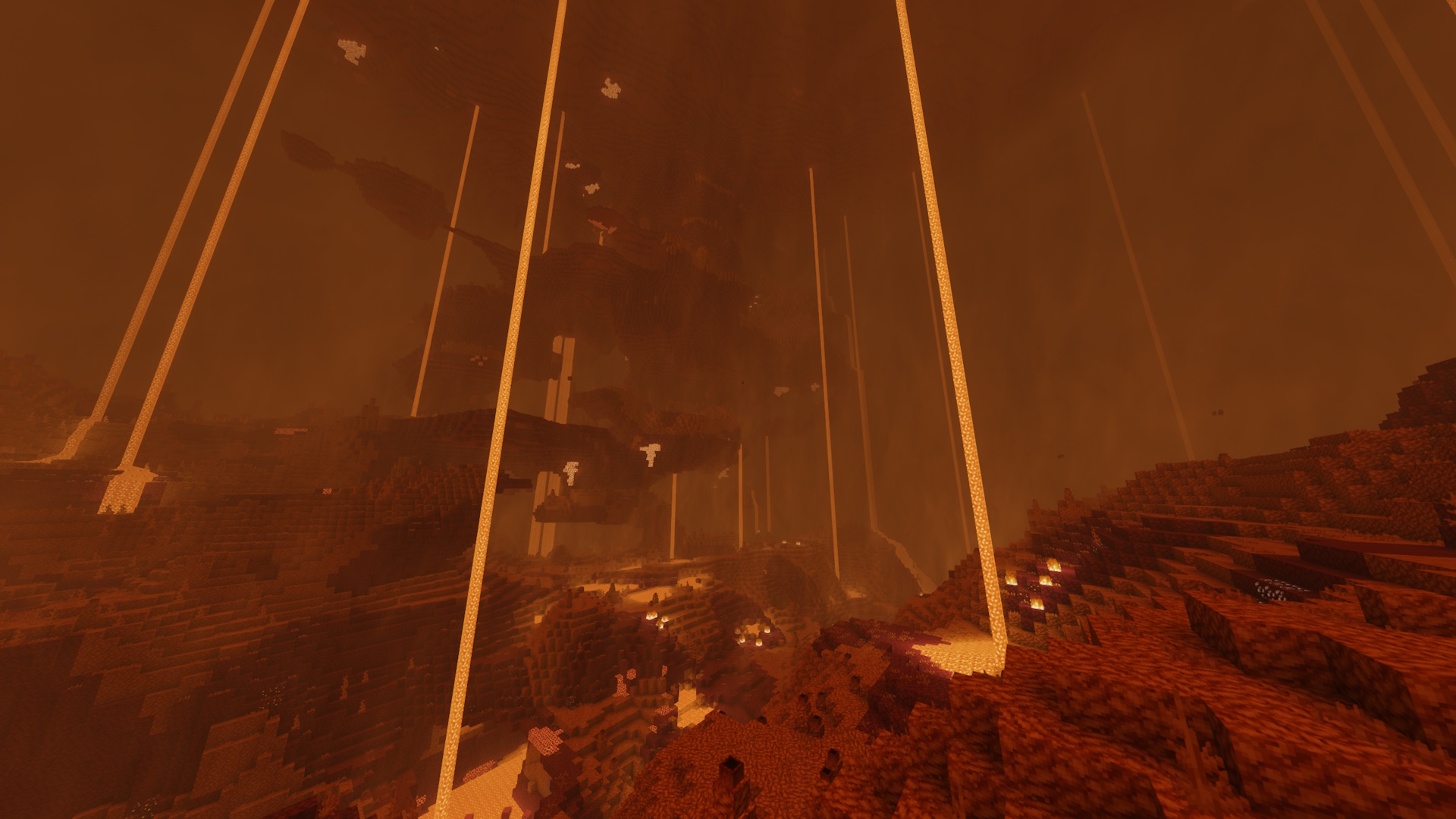
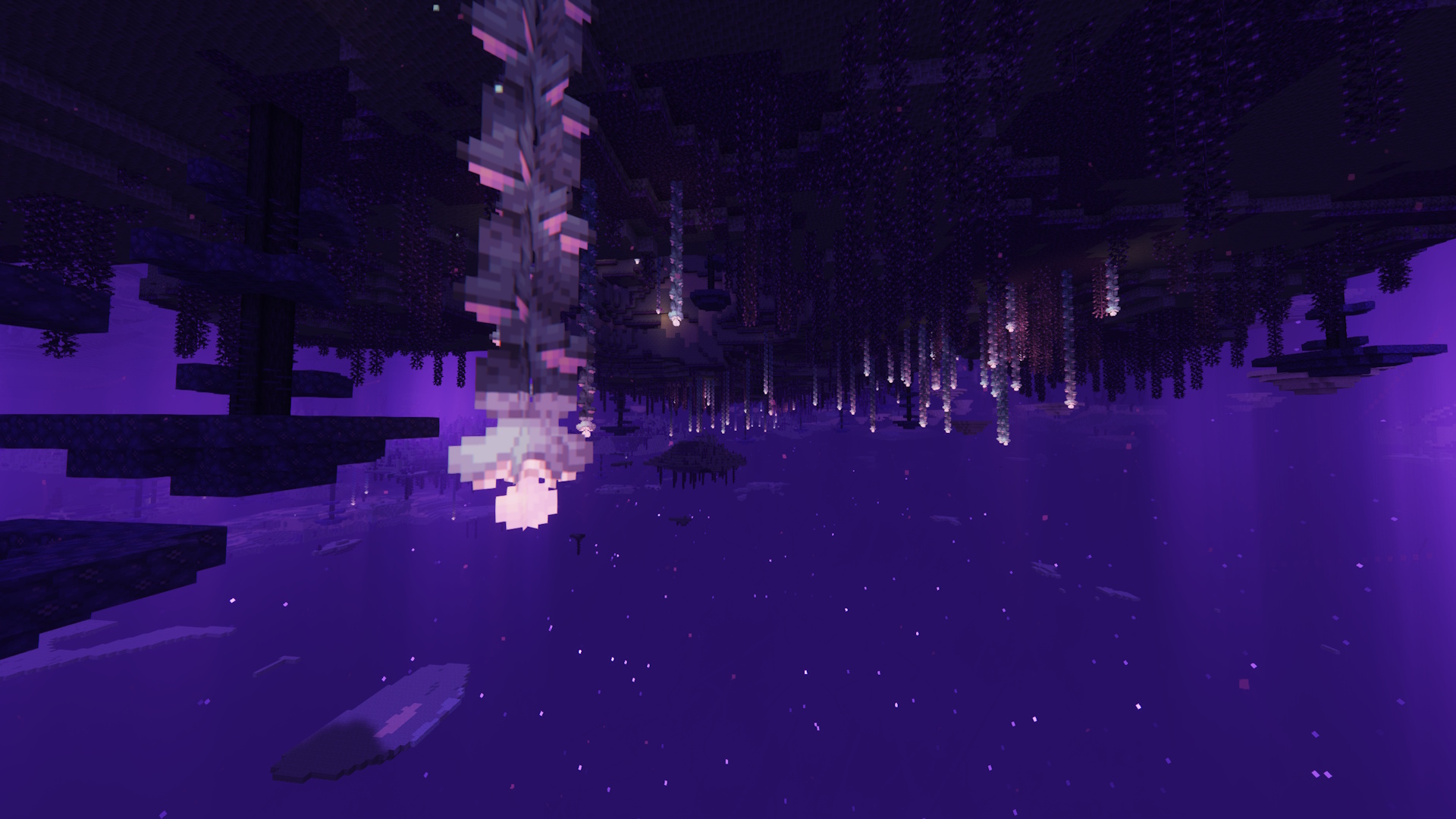
Collection of various world-gen mods improves the landscape and increases biome variety. Also, the Nether has become more grand with amplified mods, and the End finally has gotten more life in it. No more uninspired repeating vanilla biomes!
Immersive environmental experience
Default sound systems make the game feel very stale, so with reworking the audio, the game feels a lot more alive and immersive, adding reverberation and more realistic ambient sounds. All new sound rework features pair well with shaderpack visuals and animated resourcepacks. Removing dullness of sound by adding more dimension!
Smooth animated menus
Addition of various UI and HUD mods allow for interactive smooth transitions and animations, making the game feel more complete and fun! Now with ragdolling and sparkling items.
Increased performance optimization
Nothing more to explain, other than that this modpack includes all of the classic optimization mods for Fabric. All power to FPS, and no more slow worlds.
Setup
Uses screenshots from Pre-Release versions. However, all content shown below is still relevant with up-to-date versions.
Serene custom menu

On first launch you should be greeted with a new menu screen! With a custom-made resourcepack and the power of FancyMenu, this modpack offers a new clean and simple menu, with Essential integration. Start-up loading screen also edited! Intended GUI scale is 3x, but feel free to play around with it for your comfort.
Play with keybinds
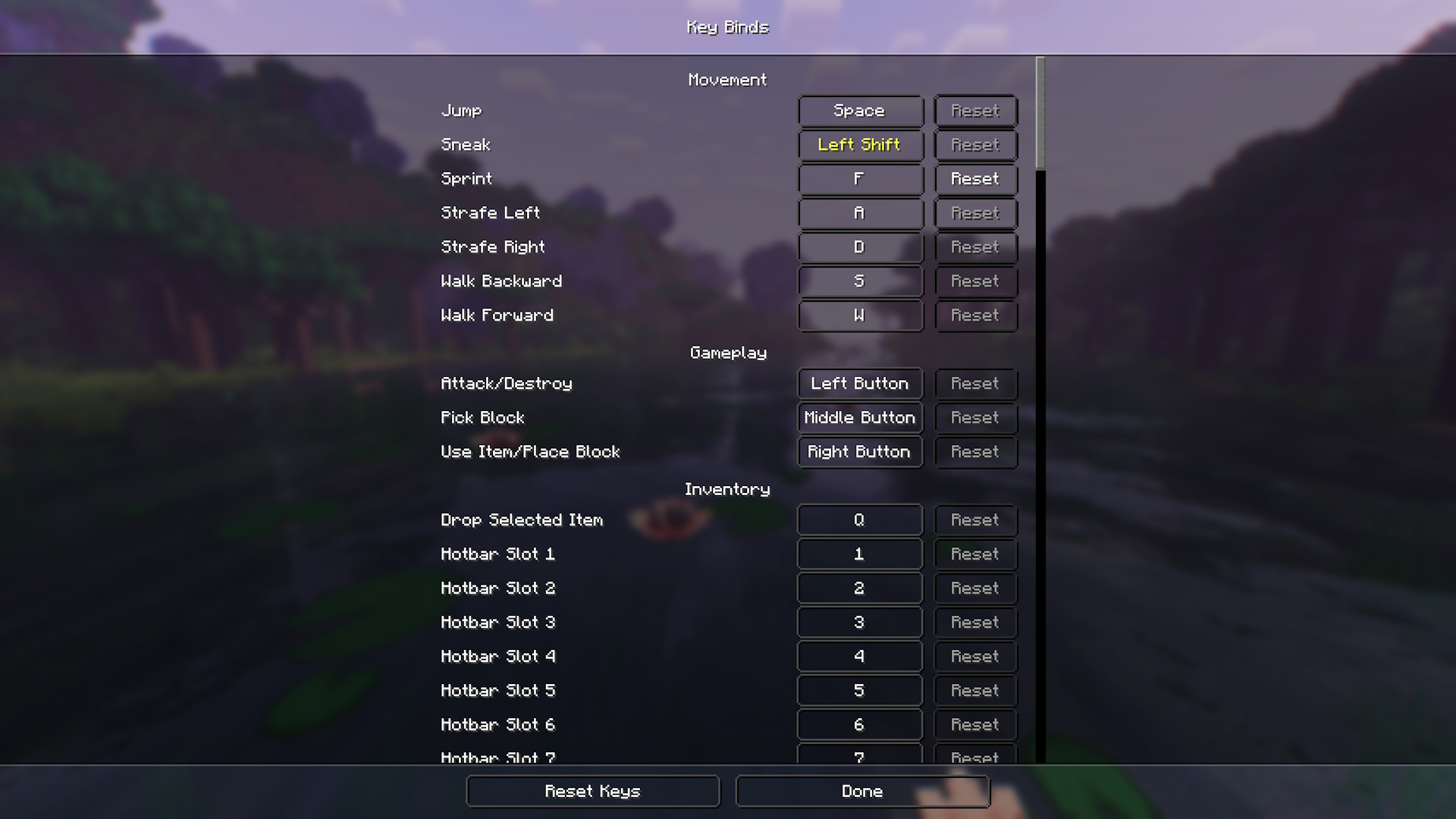
First thing that's highly recommended to check is the keybinds section of the settings menu. As this modpack includes a huge amount of mods, obviously, a lot of them map the same keys, therefore causing the game to have multiple conflicting keybinds. Please first check this menu, play around and set what's right for you and what you want!
Multiplayer with Essential
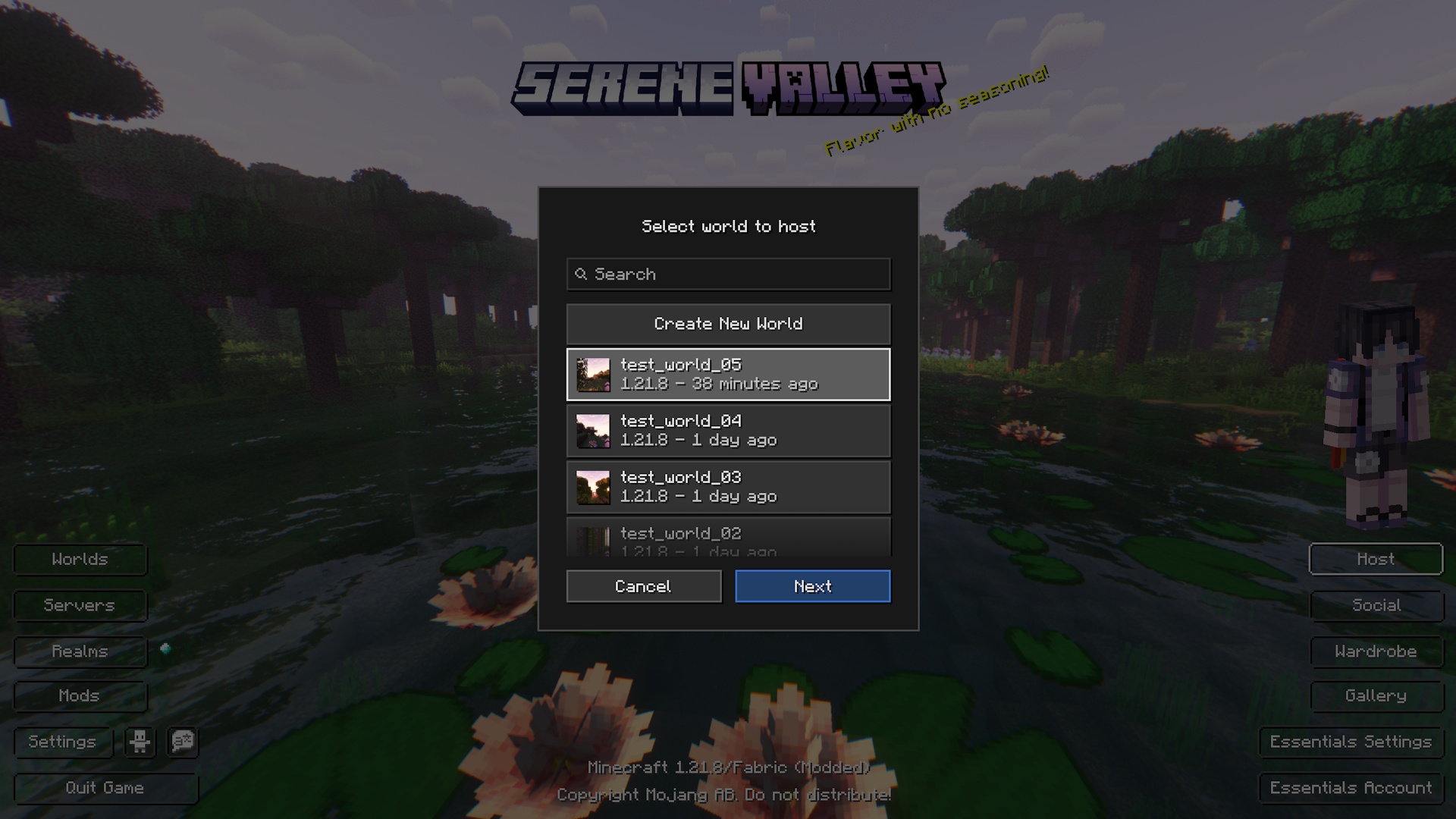
This is a huge convenience for those that want to host a world for the duration of the session, without the hassle of keeping a server in check and paying monthly fees for one. After having created a new world, set up the hosting and invite your friends! Note, your friend must have an Essential account!
Resourcepack layering
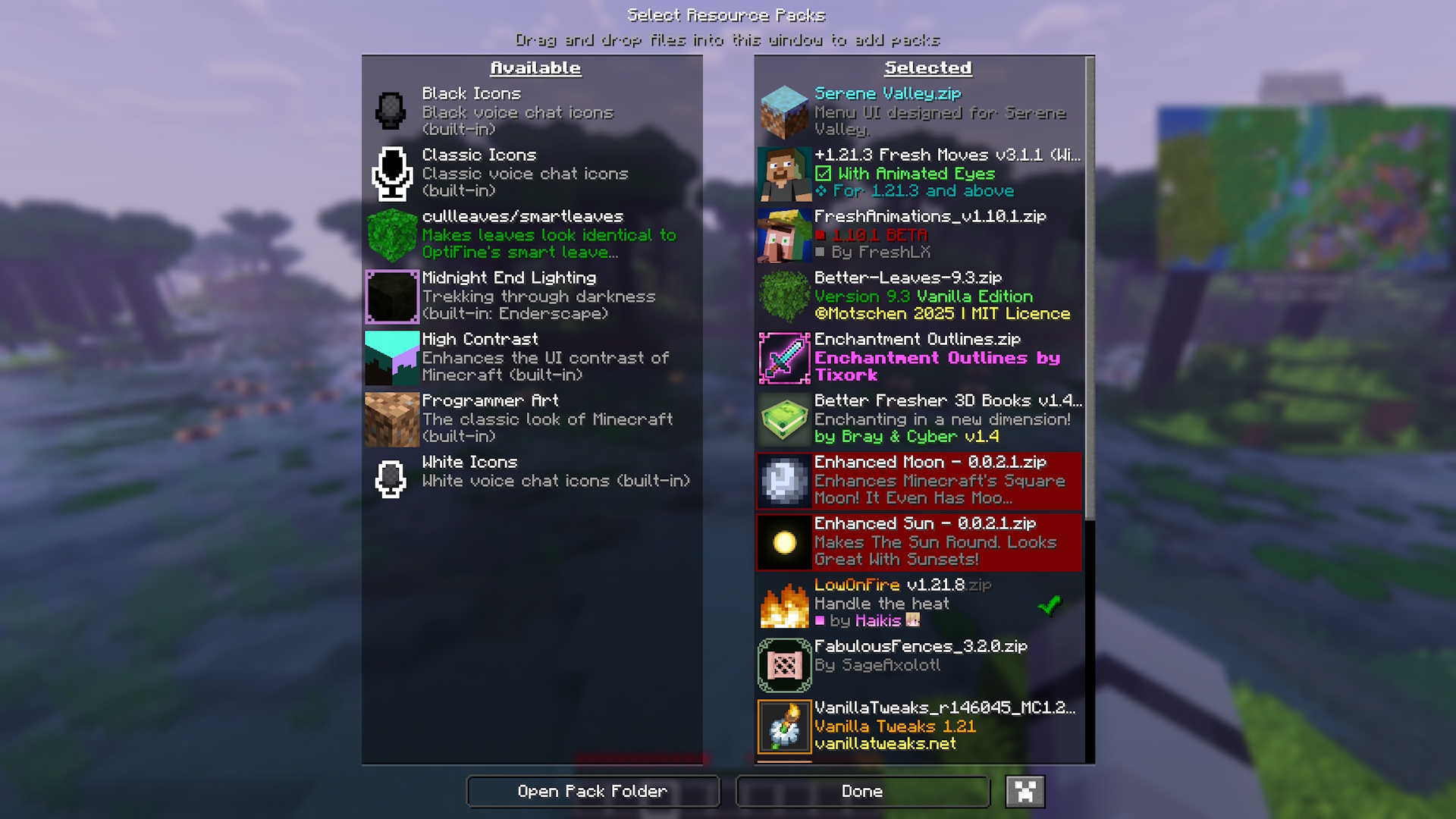
Please note that specific resourcepacks can override others if they have confilcting elements. If you are making your own personal additions for your own gameplay, please remember it's preferred to keep the original intended resourcepack order.
Resourcepack layering order top-to-bottom:
- Serene Valley
- Fresh Moves
- Fresh Animations
- Better Leaves
- Bray's Better Books
- Enhanced Moon
- Enhanced Sun
- Low On Fire
- Recolourful Containers
- Armored Legacy or Hoffen's Minimal Armor
- Vanilla Tweaks
- Fabulous Fences
- Bee's Fancy Crops
- Nautilus3D
- Highlight Extended (Highlight)
- Improved End Lighting (Enderscape)
- Cullleaves/Smartleaves (Cull Leaves)
- Biome Water Color Particles (Subtle Effects)
- Default Connected Textures (Continuity)
- Glass Pane Culling Fix (Continuity)
- Fabric Mods
- Default
Play more with settings
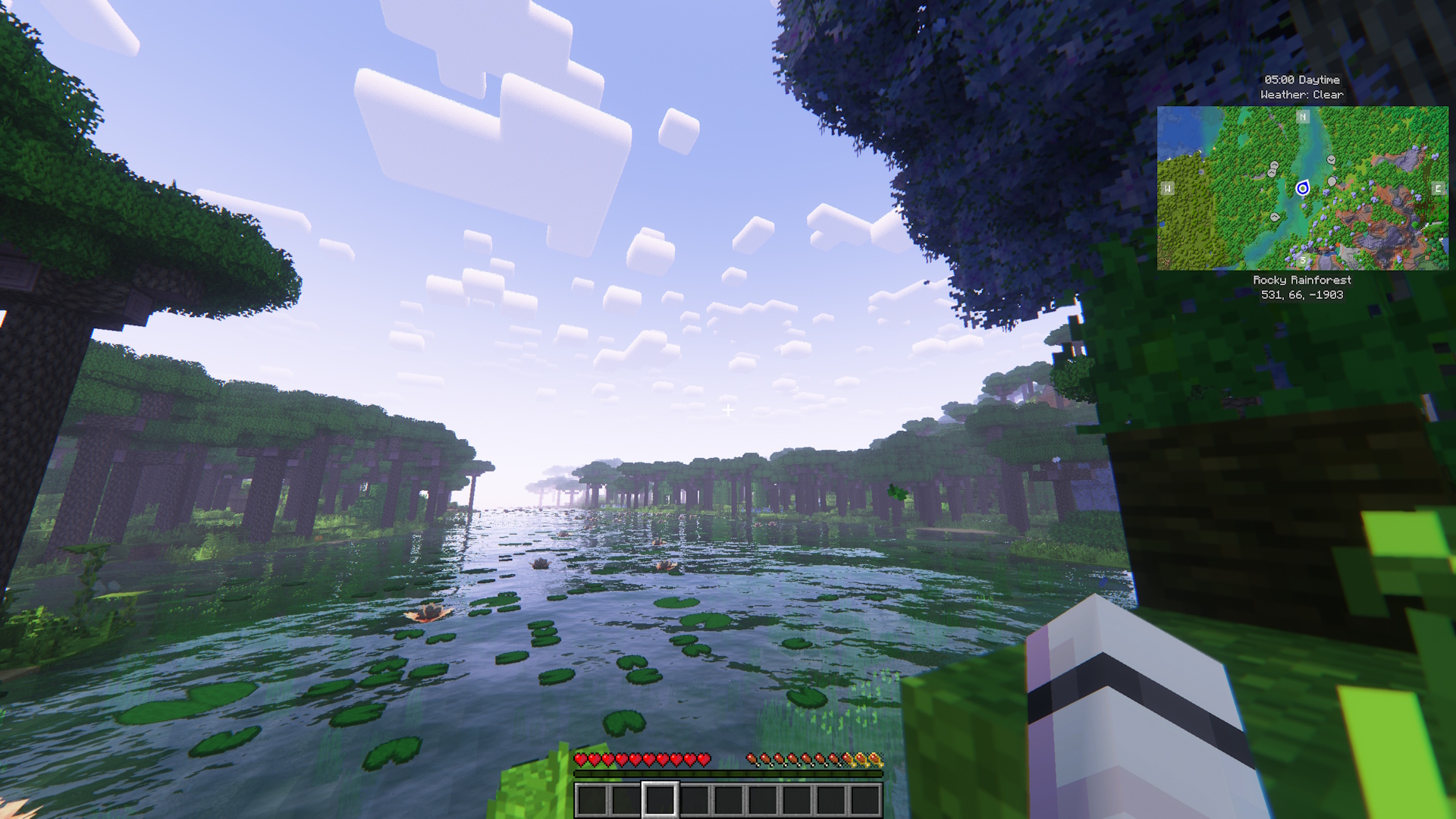
Once in the game, feel free to go into the settings and mods section and further personalize your experience to suit your needs and specs. It is highly recommended to play around with Distant Horizons, as not all machines can handle extremely high LOD distance rendering. Turn on and off shaders as needed to improve performance.
To view how the game is intended to view with everything turned on and with modpack configurations, please view the screenshots that are posted in the gallery. The gallery will always be updated with relevant screenshots to reflect specific updates.
Disclaimers and warning
- This modpack is client-side and was made for singleplayer use with modded multiplayer integration thanks to Essential. While it may be functional, proper server integration has not yet been tested. Use on servers at your own discretion.
- Serene Valley is a project made to output creativity and be shared with people. This is not a product made by Mojang or Microsoft, nor is it approved by and associated with these companies.
- Serene Valley does NOT claim any creations included in the pack to be original, outside of the modpack branding. Everything used in this project can be easily found on Modrinth.
- Fork and remix the pack for personal use or your own project, but do NOT use Serene Valley branding, such as name and logo to represent your own modpacks remixes and forks.
- This project does not use nor endorse any personal use additions such as hacks and other client-side and server-side advantage cheats.
- Official Serene Valley modpack is ONLY available on Modrinth. Do not download versions of this modpack from any other websites and sources, since they may be potentially dangerous. Also, please do not pay for and download anything labeled as Serene Valley anywhere else, as this project is free-to-use and download, and does not endorse any sales.
Credits
- All mods, resourcepack and shaderpack credits go to their respective creators. In every version on Modrinth, look under dependencies to view each project and their creator/owner.
- Extra credit goes to xSpinHDx for Transparent Menu, as it's been partially used in the creation of the menu UI elements for the native modpack resourcepack Serene Valley.
Available Versions
How to Set Up a Serene Valley Server
Order Server
Choose at least 6 GB RAM (8 GB recommended for Serene Valley). Based on player count: per 5 players.
Install Modpack in Dashboard
Open the modpack browser in the dashboard, search for "Serene Valley" and click "Install". The fabric loader and Minecraft 1.21.8 are configured automatically.
Start Server & Play
Start the server – all mods are loaded automatically. Share the server IP with friends and play together!
Frequently Asked Questions
Serene Valley server crashes or won't start – what to do?
Most common causes: insufficient RAM or wrong fabric loader. Check latest.log for "OutOfMemoryError" → increase RAM to at least 8 GB. For "Mixin" or "ClassNotFoundException" errors: modpack version and loader don't match. With Mado Hosting, loader and Minecraft version are auto-configured on modpack install – preventing most startup issues.
How much RAM does a Serene Valley server really need?
Minimum 6 GB, recommended 8 GB for stable performance. per 5 players. Important: Minecraft modpacks need more RAM than vanilla – plan extra per additional player. With Mado Hosting, you can scale RAM up live at any time without data loss (from €12/month).
Can I add custom mods to Serene Valley without conflicts?
Yes, but check compatibility: only use mods for the same loader (fabric) and same Minecraft version (1.21.8). Common issues: ID conflicts with recipe mods and incompatible coremod versions. The Mado dashboard mod browser only shows compatible mods and warns about known conflicts.
Serene Valley server lagging – performance tips
1) Increase RAM to 8 GB+. 2) Reduce server view-distance to 8 (server.properties). 3) Pre-generate chunks with the "Chunky" plugin. 4) Use /spark profiler to check which mods consume the most tick time. With Mado Hosting, all servers run on NVMe SSDs with dedicated CPU cores – eliminating hardware as a bottleneck.
Similar Modpacks
![Cobblemon Official Modpack [Fabric]](https://cdn.modrinth.com/data/5FFgwNNP/e7f9ee2e9d361623847853fe2ddce42f519ee64f.png)
![COBBLEVERSE - Pokemon Adventure [Cobblemon]](https://cdn.modrinth.com/data/Jkb29YJU/581ecf54530972afb18a04660afd820f2f24f6c7.png)
![Better MC [FABRIC] - BMC2](https://cdn.modrinth.com/data/shFhR8Vx/a19c2bcb51d38f32f138d3607e91cb2b7b8e387f_96.webp)


![Better MC [FORGE] - BMC4](https://cdn.modrinth.com/data/4BV47HRn/7f5ef7cc61b2593609aabef3ed07a866a4f11b73_96.webp)
Rent Serene Valley Server
Start your own server with automatic modpack installation.
Supported Versions
Start your Serene Valley Server now
From €12.00/month with 8 GB RAM for the best performance.
Configure Server →