
Simply Survival
A vanilla modpack focused on perfecting Minecraft, with an active community and development.
Screenshots

About this Modpack
Simply Survival
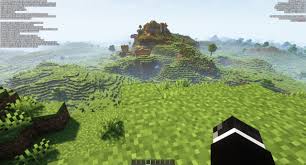
Welcome to Simply Survival where every block, every tick, and every pixel matters. This meticulously curated modpack is designed for players who crave peak performance, seamless gameplay, and a world that runs like butter. 🧈
🔧 Optimized Performance:
- Say goodbye to lag spikes and chunk loading delays. Our modpack includes performance-enhancing mods that optimize memory usage, reduce CPU strain, and fine-tune rendering. Whether you're exploring vast landscapes or building intricate structures, your game will run smooth on even low-end devices. 🖥️
🌟 Perfecting the Vanilla Experience:
- We believe that Minecraft's magic lies in its simplicity. Simply Survival enhances the vanilla gameplay without straying from Mojang's original vision. Expect quality-of-life improvements, bug fixes, and subtle enhancements that make your adventures more enjoyable.
🌐 Server-Friendly and Multiplayer Ready:
- Simply Survival is designed with multiplayer servers in mind. Forge alliances, collaborate on massive projects, and experience the joy of shared achievements. We ensure compatibility and stability, even when playing with friends. 🫂
🌈 Visual Enhancements (Without Sacrificing Performance):
- Who says you can't have both eye candy and buttery-smooth gameplay? Our modpack includes shaders, improved lighting, and texture enhancements that elevate Minecraft's visuals. Prepare to be awestruck by sunsets and enchanted by starlit nights.
Whether you're a seasoned miner or a budding builder, Simply Survival invites you to explore a world where optimization meets creativity. Dive in, fine-tune your experience, and let your inner explorer thrive! 🌟✨
Mod List and Links
3D Skin Layers: Adds a 3D effect to player skin layers. Author: tr7zw

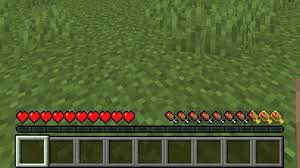
Apple Skin: Adds food-related HUD improvements. Author: squeek502
Architectury API: Eases developing multiplatform mods. Author: architectury

Auditory Continued: Enhances block and item sounds. Author: Syfe

BadOptimizations: Micro optimizations for better performance. Author: thosea

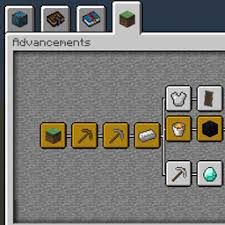
Better Advancements: Improves the advancements UI and UX. Author: way2muchnoise
Better Clouds: Improves clouds in touch with the vanilla style. Author: qendolin

Better Mount HUD: Enhances HUD while riding mounts. Author: Lortseam_

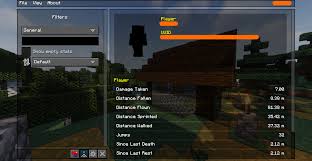
Better Statistics Screen: Replaces the vanilla statistics screen. Author: TheCSDev
Blur+: Adds a configurable blur effect to GUIs. Author: Motschen
CICADA: Provides utilities and abstractions for mod development. Author: enjarai

Chat Heads: Displays player heads in chat. Author: dzwdz

Cherished Worlds: Allows marking worlds as favorites. Author: TheIllusiveC4

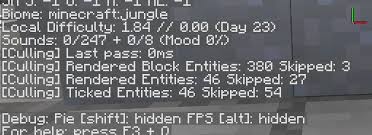
Clean F3: Cleans up the F3 debug screen. Author: tyrannus00
Cloth Config API: Provides a config screen API for mods. Author: shedaniel

Clumps: Clumps XP orbs together to reduce lag. Author: Jaredlll08

Complementary Shaders - Reimagined: High-quality shaders for Minecraft. Author: EminGT

Concurrent Chunk Management: Improves chunk loading performance. Author: ishland
Continuity: Adds connected textures support. Author: PepperCode1
Default Dark Mode: Enables dark mode by default. Author:
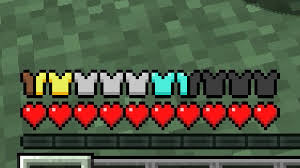
Detail Armor Bar: Adds detailed armor durability info. Author: RedLime
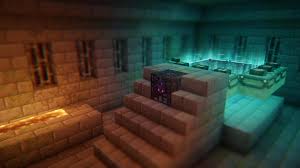
Distant Shaded Panoramas: Adds shaded panoramas to the main menu. Author: Karbin_Drem

Do a Barrel Roll: Adds plane-like elytra flight. Author: enjarai

Dynamic FPS: Reduces FPS when Minecraft is not focused. Author: juliand665

Dynamic Lights: Adds dynamic lighting to the game. Author: o-Peepo

Enhanced Block Entities: Optimizes block entity rendering. Author: FoundationGames

Entity Culling: Culls entities outside the player’s view. Author: tr7zw
Euphoria Patches: Fixes various bugs and issues. Author: SpacEagle17
Fabric API: Essential hooks and intercompatibility measures for Fabric mods. Author: modmuss50

Fabric Language Kotlin: Adds Kotlin language support for Fabric. Author: modmuss50

FabricSkyboxes: Adds custom skybox support. Author: AMereBagatelle

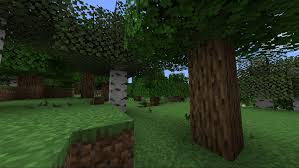
Falling Leaves: Adds falling leaves to trees. Author: randommcsomethin
FastQuit: Speeds up the quitting process. Author: contaira

FerriteCore: Reduces memory usage. Author: malte0811

Glowing: Adds a glowing effect to ores. Author: 7777777_4547

ImmediatelyFast: Improves rendering performance. Author: RaphiMC

Immersive Thunder: Enhances thunder sounds. Author: netcatgirl

Indium: Adds rendering optimizations. Author: comp500

Iris Shaders: Adds shader support. Author: coderbot

Konkrete: Provides common utilities for mods. Author: Keksuccino

Lithium: General-purpose optimization mod. Author: jellysquid3

M.R.U: Adds various utility features. Author: IMB11

Make Bubbles Pop: Adds popping sound to bubbles. Author: Tschipcraft

Melody: Adds music-related features. Author: keksuccino

MidnightLib: Provides common utilities for mods. Author: Motschen
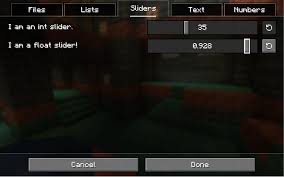
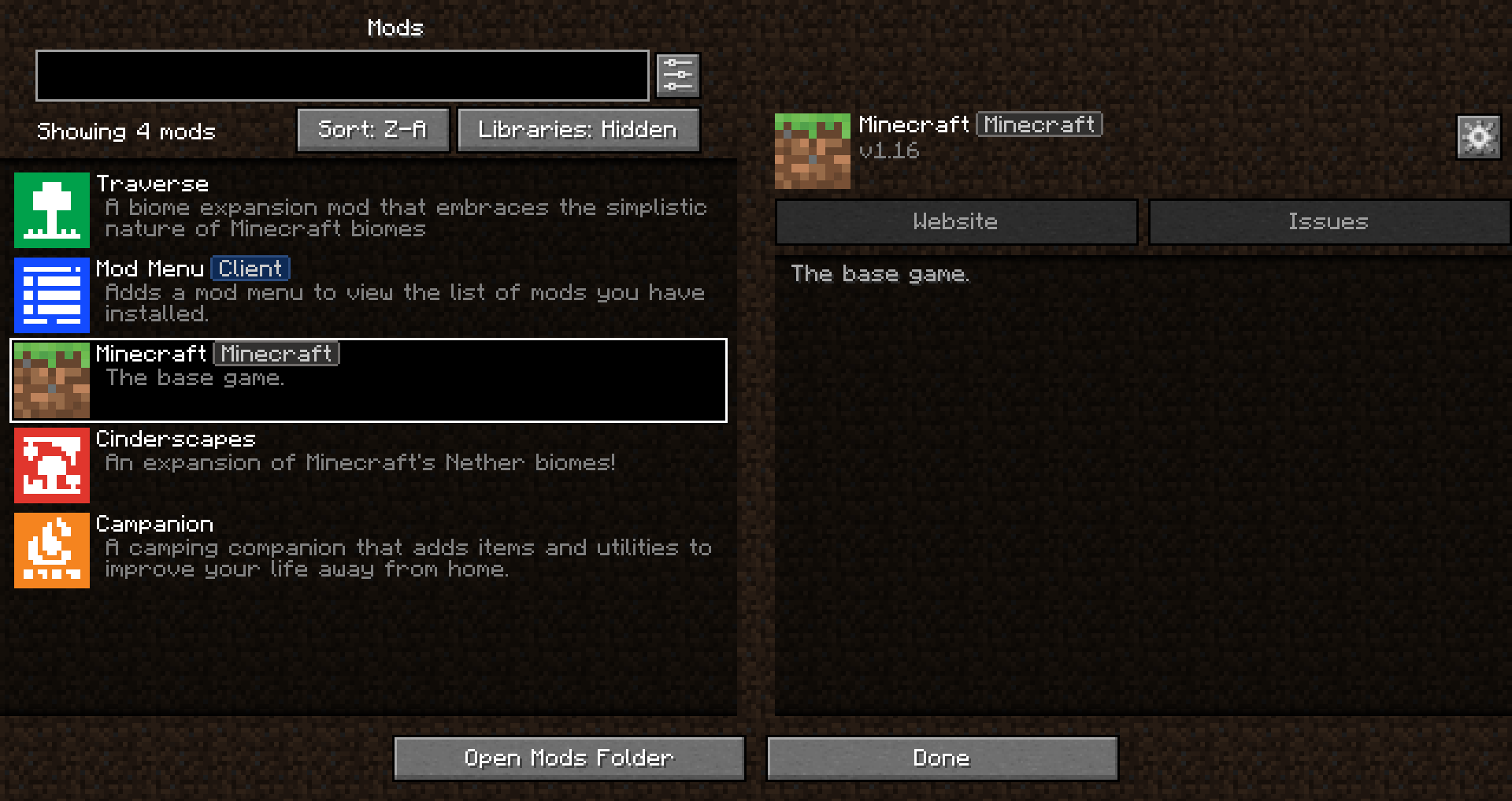
Mod Menu: Adds a mod menu to Minecraft. Author: Terraformers
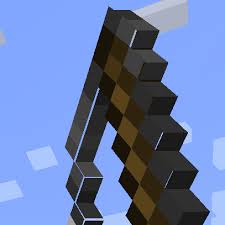
Model Gap Fix: Fixes gaps in models. Author: MehVahdJukaar
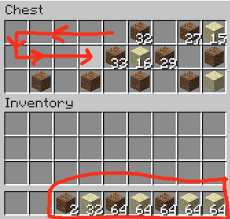
ModernFix: Improves performance on modern hardware. Author: embeddedt

Mouse Tweaks: Enhances mouse controls. Author: YaLTeR
Nicer Skies: Improves sky rendering. Author: ZtereoHYPE

No Chat Reports: Disables chat reporting. Author: Aizistral

Noisium: Adds ambient sounds. Author: Steveplays
Not Enough Animations: Adds more animations. Author: tr7zw

Ok Zoomer: Adds zoom functionality. Author: Ennui

Presence Footsteps: Adds realistic footstep sounds. Author: Sollace

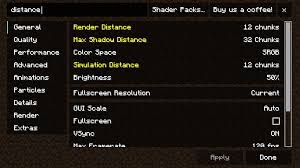
Reese’s Sodium Options: Adds more options to Sodium. Author: FlashyReese
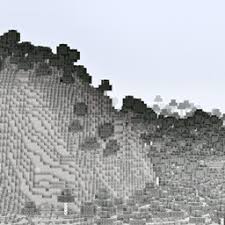
Seamless: Improves chunk loading. Author: LarsMans
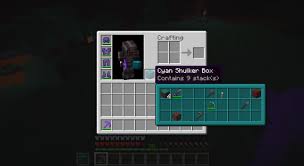
Shulker Box Tooltip: Adds tooltips for shulker boxes. Author: MisterPeModder
Smooth Scrolling: Adds smooth scrolling. Author: SmajloSlovakian

Sodium: Improves rendering performance. Author: jellysquid3
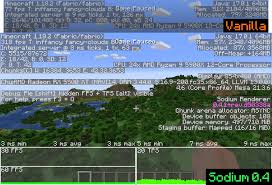
Sodium Extra: Adds extra features to Sodium. Author: FlashyReese

Sound Physics Remastered: Adds realistic sound physics. Author: henkelmax

Sounds: Adds new sounds. Author: IMB11

TCDCommons API: Provides common utilities for mods. Author: TheCSDev

Text Placeholder API: Adds text placeholders. Author: Patbox

ThreadTweak: Optimizes threading. Author: getchoo

Vanilla Tweaks: Adds various tweaks to vanilla Minecraft. Author: StrikerRockersMods Site

Very Many Players: Improves performance with many players. Author: ishland

Visuality: Adds visual effects. Author: PinkGoosik

Entity Model Features: Adds features to entity models. Author: Traben
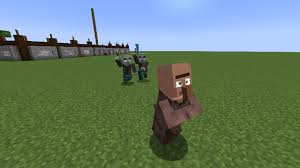
Entity Texture Features: Adds features to entity textures. Author: Traben
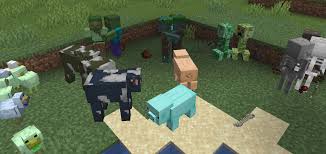
Minecraft Font Five: Adds a new font. Author: Injent
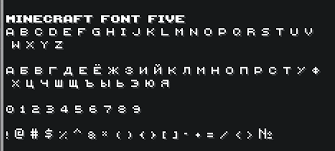
oωo: General config library for modding on Fabric. Author: Wisp Forest

Available Versions
How to Set Up a Simply Survival Server
Order Server
Choose at least 4 GB RAM (6 GB recommended for Simply Survival). Based on player count: per 8 players.
Install Modpack in Dashboard
Open the modpack browser in the dashboard, search for "Simply Survival" and click "Install". The fabric loader and Minecraft 1.21.1 are configured automatically.
Start Server & Play
Start the server – all mods are loaded automatically. Share the server IP with friends and play together!
Frequently Asked Questions
Simply Survival server crashes or won't start – what to do?
Most common causes: insufficient RAM or wrong fabric loader. Check latest.log for "OutOfMemoryError" → increase RAM to at least 6 GB. For "Mixin" or "ClassNotFoundException" errors: modpack version and loader don't match. With Mado Hosting, loader and Minecraft version are auto-configured on modpack install – preventing most startup issues.
How much RAM does a Simply Survival server really need?
Minimum 4 GB, recommended 6 GB for stable performance. per 8 players. Important: Minecraft modpacks need more RAM than vanilla – plan extra per additional player. With Mado Hosting, you can scale RAM up live at any time without data loss (from €8/month).
Can I add custom mods to Simply Survival without conflicts?
Yes, but check compatibility: only use mods for the same loader (fabric) and same Minecraft version (1.21.1). Common issues: ID conflicts with recipe mods and incompatible coremod versions. The Mado dashboard mod browser only shows compatible mods and warns about known conflicts.
Simply Survival server lagging – performance tips
1) Increase RAM to 6 GB+. 2) Reduce server view-distance to 8 (server.properties). 3) Pre-generate chunks with the "Chunky" plugin. 4) Use /spark profiler to check which mods consume the most tick time. With Mado Hosting, all servers run on NVMe SSDs with dedicated CPU cores – eliminating hardware as a bottleneck.
Similar Modpacks

![Cobblemon Official Modpack [Fabric]](https://cdn.modrinth.com/data/5FFgwNNP/e7f9ee2e9d361623847853fe2ddce42f519ee64f.png)
![COBBLEVERSE - Pokemon Adventure [Cobblemon]](https://cdn.modrinth.com/data/Jkb29YJU/581ecf54530972afb18a04660afd820f2f24f6c7.png)
![Better MC [FABRIC] - BMC2](https://cdn.modrinth.com/data/shFhR8Vx/a19c2bcb51d38f32f138d3607e91cb2b7b8e387f_96.webp)


Rent Simply Survival Server
Start your own server with automatic modpack installation.
Supported Versions
Start your Simply Survival Server now
From €8.00/month with 6 GB RAM for the best performance.
Configure Server →