
Hypickel SkyBloke (Hypixel Skyblock)
(1.21.11) PRIME CHOICE hypickle mods for ONLY PRO players LEGIT 100% unbannable free hype when installed
Screenshots
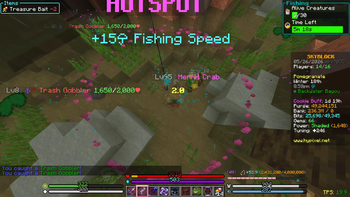

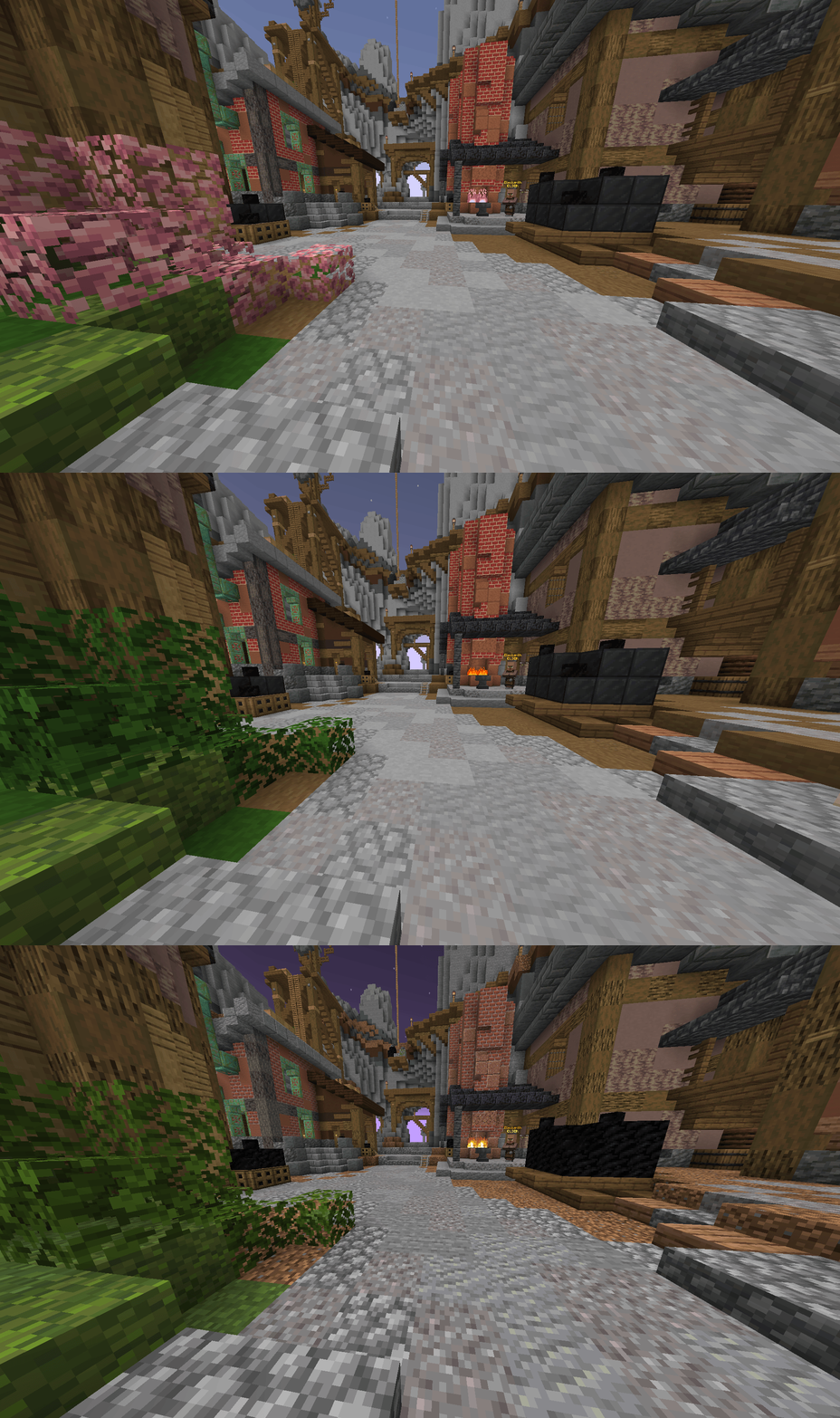
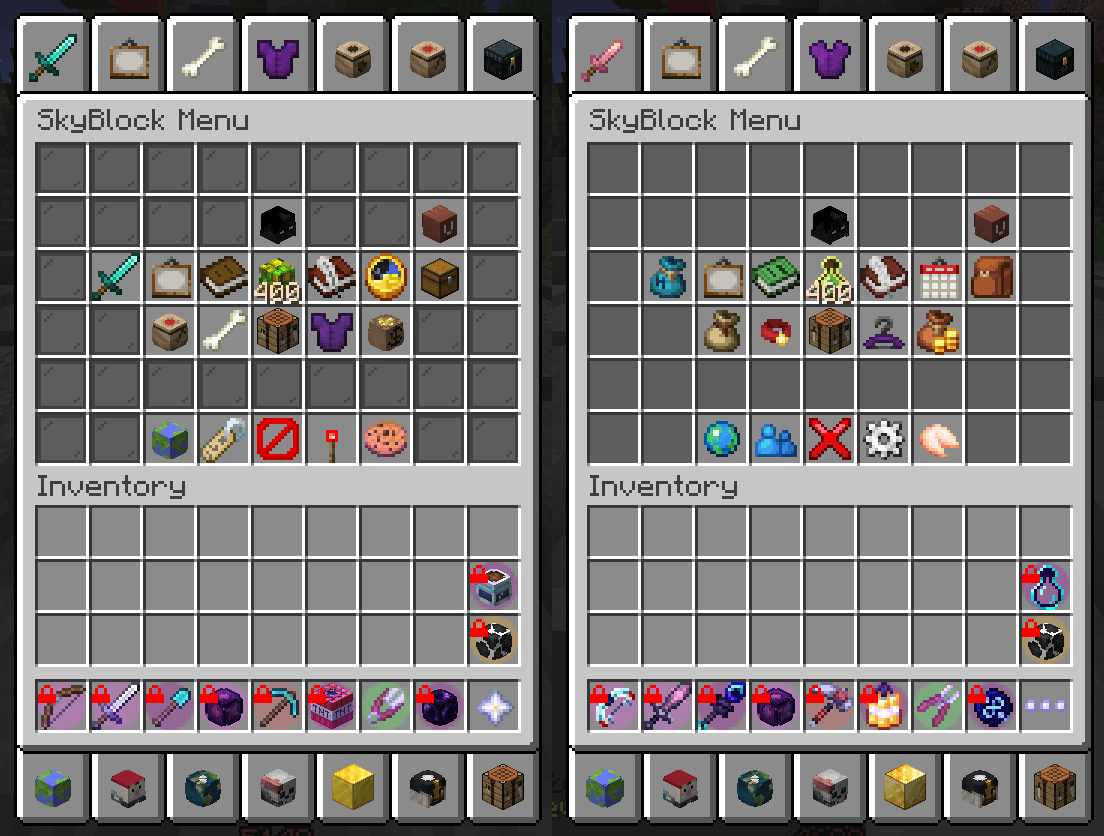
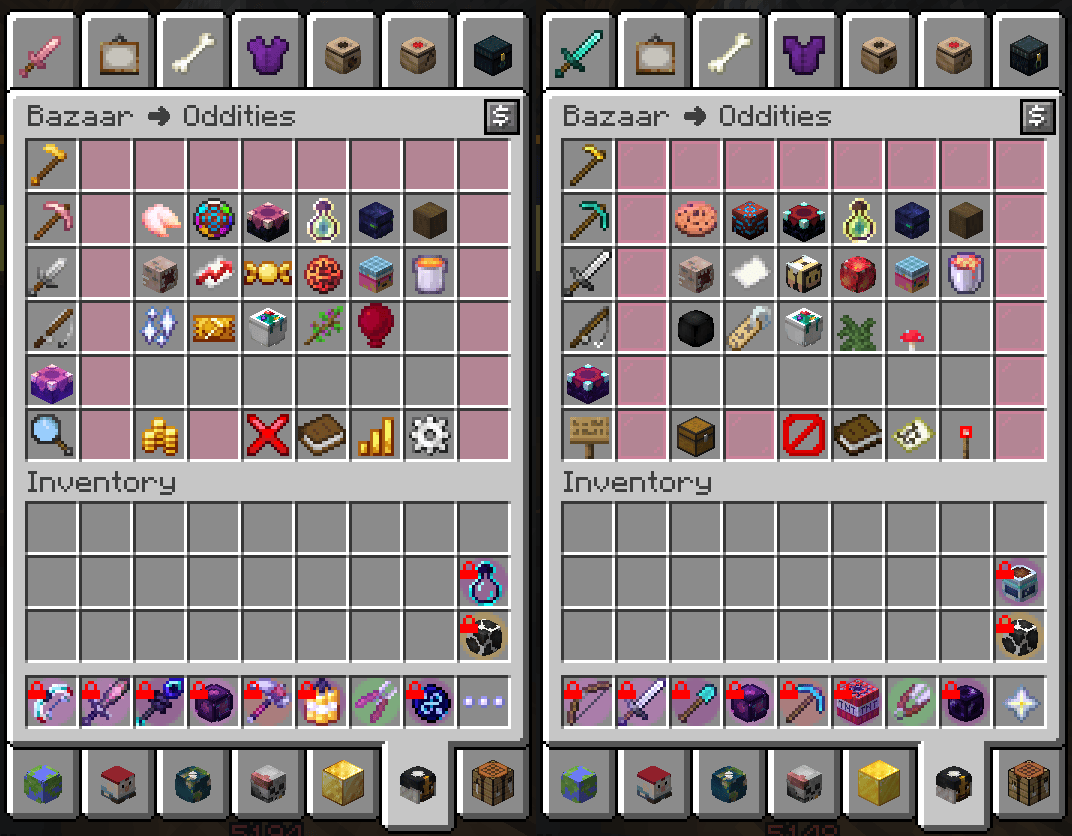

About this Modpack
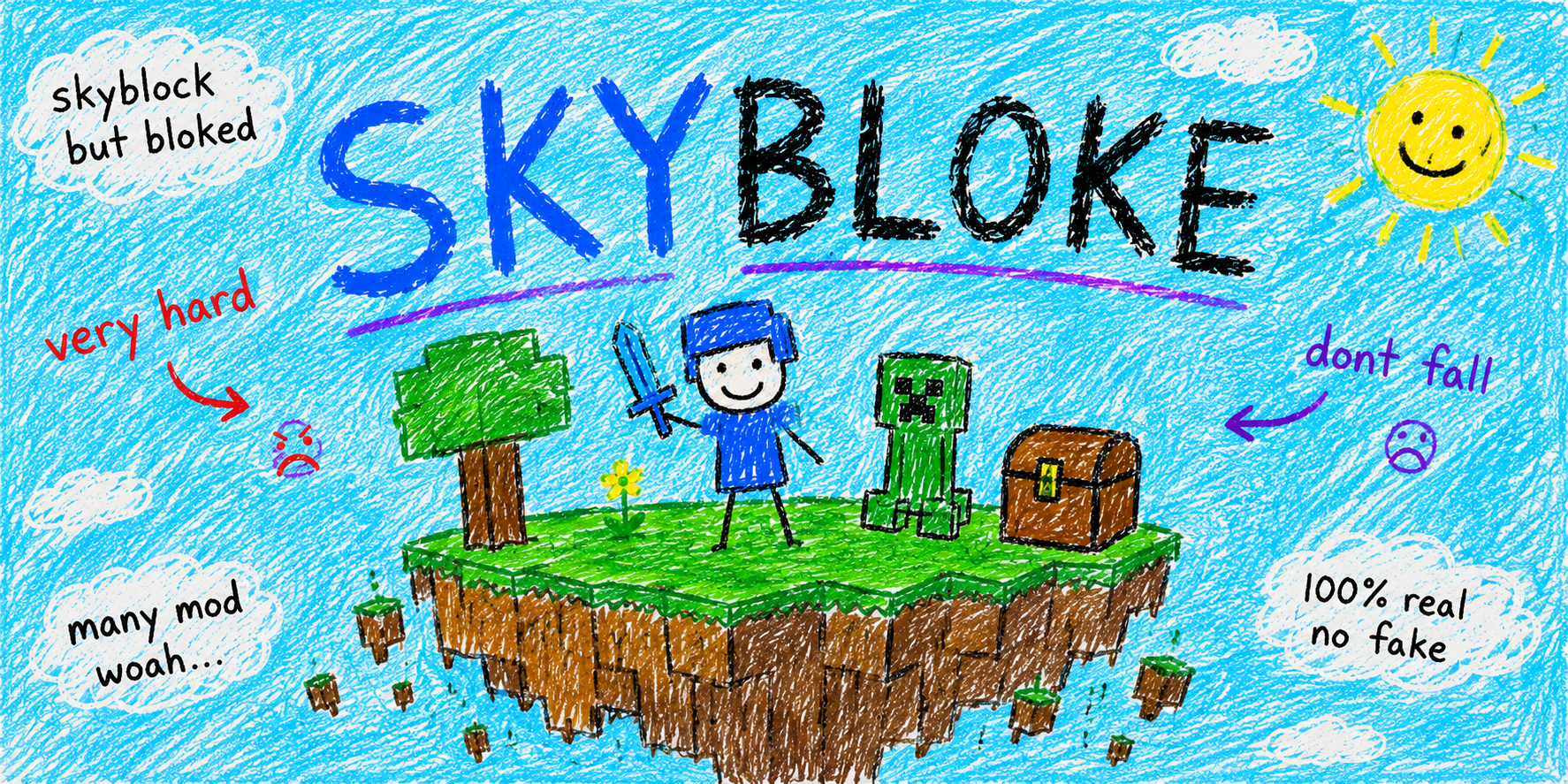
DISCLAIMER
This modpack does not guarantee protection from bans, kicks, or other punishments on any server. Use of this modpack may violate a server’s rules, and you are solely responsible for understanding and complying with the rules of any server you join. The creator of this modpack is not responsible for any bans, punishments, or other consequences that result from its use. This modpack does not provide free items, ranks, currency, or any other in‑game advantages from any server; any progression or rewards must be earned through normal gameplay and in accordance with server rules. Use at your own risk.
Mods that update in-game can be compromised, only download directly from Modrinth.
These are the mods I find to be almost necessary for Hypixel Skyblock (with some extras). They add general Minecraft and Skyblock specific quality of life features, user interface improvements, bugfixes, and attempt to optimize rendering/perfomance. Some gameplay features are still unconfigured, but they are present. I don’t enable settings that I think would get me banned. This includes certain automation and inputs that do more than one game action. Some examples are !warp commands and Mimic dead! messages.
Little Timmy version TBD
Modlist
- 3D Skin Layers
- Architectury API
- Bazaar Utils
- Catharsis
- Centered Crosshair
- Cloth Config API
- Continuity
- Controlling
- Cubes Without Borders
- Debugify
- Emoji Type
- Fabric API
- Fabric Language Kotlin
- FerriteCore
- Firmament
- Forge Config API Port
- Fzzy Config
- Hypixel Mod API
- Hypixel Reward Claim
- ImmediatelyFast
- kennytvs-epic-force-close-loading-screen-mod-for-fabric
- Krypton
- LibJF
- Lithium
- Mod Menu
- Modern Warp Menu
- Modernfix-mVUS
- No Chat Reports
- NoFrills
- Odin
- owo-lib
- Reese's Sodium Options
- REI Search Bar Calculations
- Roughly Enough Items (REI)
- Searchables
- SkyBlock Profile Viewer
- Skyblocker
- SkyHanni
- SkyOcean
- Sodium
- Sound Controller
- Text Placeholder API
- Tooltip Scroll
- UI Lib
- Wavey Capes
- YetAnotherConfigLib
- Zoomify
Resource Packs
Useful Keybinds and Commands
- P - Pickup stash
- O - Search
- C - Zoom
- /f1 - join Dungeons Floor 1->7
- /m1 - join Master Mode Dungeons Floor 1->7
- /k1 - join Kuudra Normal->Infernal
- /sh gui - opens SkyHanni GUI editor
- /skyblocker bars - opens SkyBlocker health GUI editor
- /particlequality low/medium/high/extreme - changes the packets per tick for particles Hypixel sends your client (low can cause fishing hotspots to disappear)
Garden
- F - locks the mouse in position
- B - teleports to the barn
- H - sethome
- G - teleports to your home
Hovered Items
- J - Price breakdown
- L - Lock slot
- L + drag - Bind slot (click to swap)
- N - lookup on AH/BZ
If you get kicked, there's a good chance you can disconnect and reconnect with the Stuck? proxy to get right back into SkyBlock. For configuration support, join the Discord server.
What's this?
Torsed's incredible PRO PLAYERS ONLY best mods ever FREE HYPE ON INSTALL for legit players who play 100% legitimately all the time UNBANNABLE INFALLIBLE UNSTOPPABLE
reading is downtime and xp waste give me my time back
Available Versions
How to Set Up a Hypickel SkyBloke (Hypixel Skyblock) Server
Order Server
Choose at least 6 GB RAM (10 GB recommended for Hypickel SkyBloke (Hypixel Skyblock)). Based on player count: per 4 players.
Install Modpack in Dashboard
Open the modpack browser in the dashboard, search for "Hypickel SkyBloke (Hypixel Skyblock)" and click "Install". The fabric loader and Minecraft 1.21.11 are configured automatically.
Start Server & Play
Start the server – all mods are loaded automatically. Share the server IP with friends and play together!
Frequently Asked Questions
Hypickel SkyBloke (Hypixel Skyblock) server crashes or won't start – what to do?
Most common causes: insufficient RAM or wrong fabric loader. Check latest.log for "OutOfMemoryError" → increase RAM to at least 10 GB. For "Mixin" or "ClassNotFoundException" errors: modpack version and loader don't match. With Mado Hosting, loader and Minecraft version are auto-configured on modpack install – preventing most startup issues.
How much RAM does a Hypickel SkyBloke (Hypixel Skyblock) server really need?
Minimum 6 GB, recommended 10 GB for stable performance. per 4 players. Important: Minecraft modpacks need more RAM than vanilla – plan extra per additional player. With Mado Hosting, you can scale RAM up live at any time without data loss (from €12/month).
Can I add custom mods to Hypickel SkyBloke (Hypixel Skyblock) without conflicts?
Yes, but check compatibility: only use mods for the same loader (fabric) and same Minecraft version (1.21.11). Common issues: ID conflicts with recipe mods and incompatible coremod versions. The Mado dashboard mod browser only shows compatible mods and warns about known conflicts.
Hypickel SkyBloke (Hypixel Skyblock) server lagging – performance tips
1) Increase RAM to 10 GB+. 2) Reduce server view-distance to 8 (server.properties). 3) Pre-generate chunks with the "Chunky" plugin. 4) Use /spark profiler to check which mods consume the most tick time. With Mado Hosting, all servers run on NVMe SSDs with dedicated CPU cores – eliminating hardware as a bottleneck.
Similar Modpacks


![Cobblemon Official Modpack [Fabric]](https://cdn.modrinth.com/data/5FFgwNNP/e7f9ee2e9d361623847853fe2ddce42f519ee64f.png)
![COBBLEVERSE - Pokemon Adventure [Cobblemon]](https://cdn.modrinth.com/data/Jkb29YJU/581ecf54530972afb18a04660afd820f2f24f6c7.png)
![Better MC [FABRIC] - BMC2](https://cdn.modrinth.com/data/shFhR8Vx/a19c2bcb51d38f32f138d3607e91cb2b7b8e387f_96.webp)

Rent Hypickel SkyBloke (Hypixel Skyblock) Server
Start your own server with automatic modpack installation.
Supported Versions
Start your Hypickel SkyBloke (Hypixel Skyblock) Server now
From €12.00/month with 10 GB RAM for the best performance.
Configure Server →