
SMP Companion
A collection of client-side mods that adds many quality of life features of modded games but it is meant for a vanilla SMP server without giving the player an unfair advantage.
Screenshots
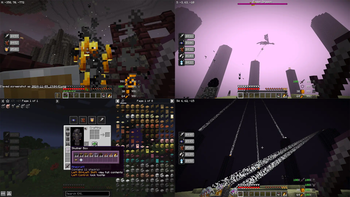
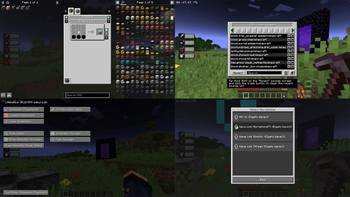
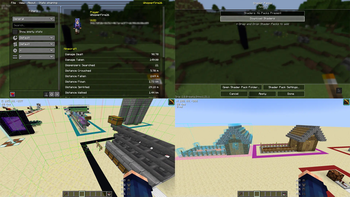
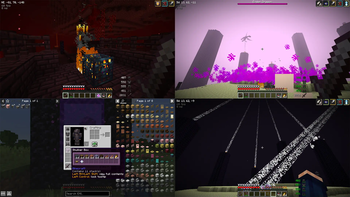
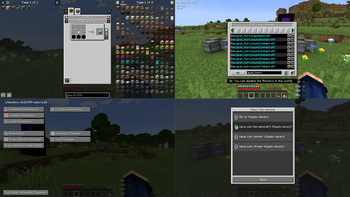
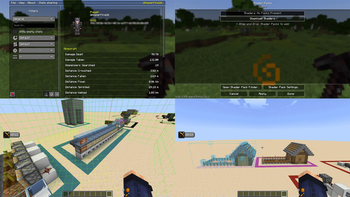
About this Modpack
SMP Companion version 1.0 is for Minecraft 1.21.1 and version 2.0 is for Minecraft 1.21.5, which includes controller support.
The goal of SMP Companion is to provide a suite of vanilla plus mods that are considered safe to use on a public SMP Survival or PVP server. It has a few quality of life tweaks and HUD overlays that is intended to make the vanilla server experience more fulfilling. There are no cheats and no unfair advantage given to the player.
For performance tweaks, there is Sodium and Lithium makes it ready for shaders to be installed. The UI has JEI, shulker box tooltips, apple skin, light and chunk border overlays, InventoryHUD, and HUD Coordinates that can be customized to the player's preference.
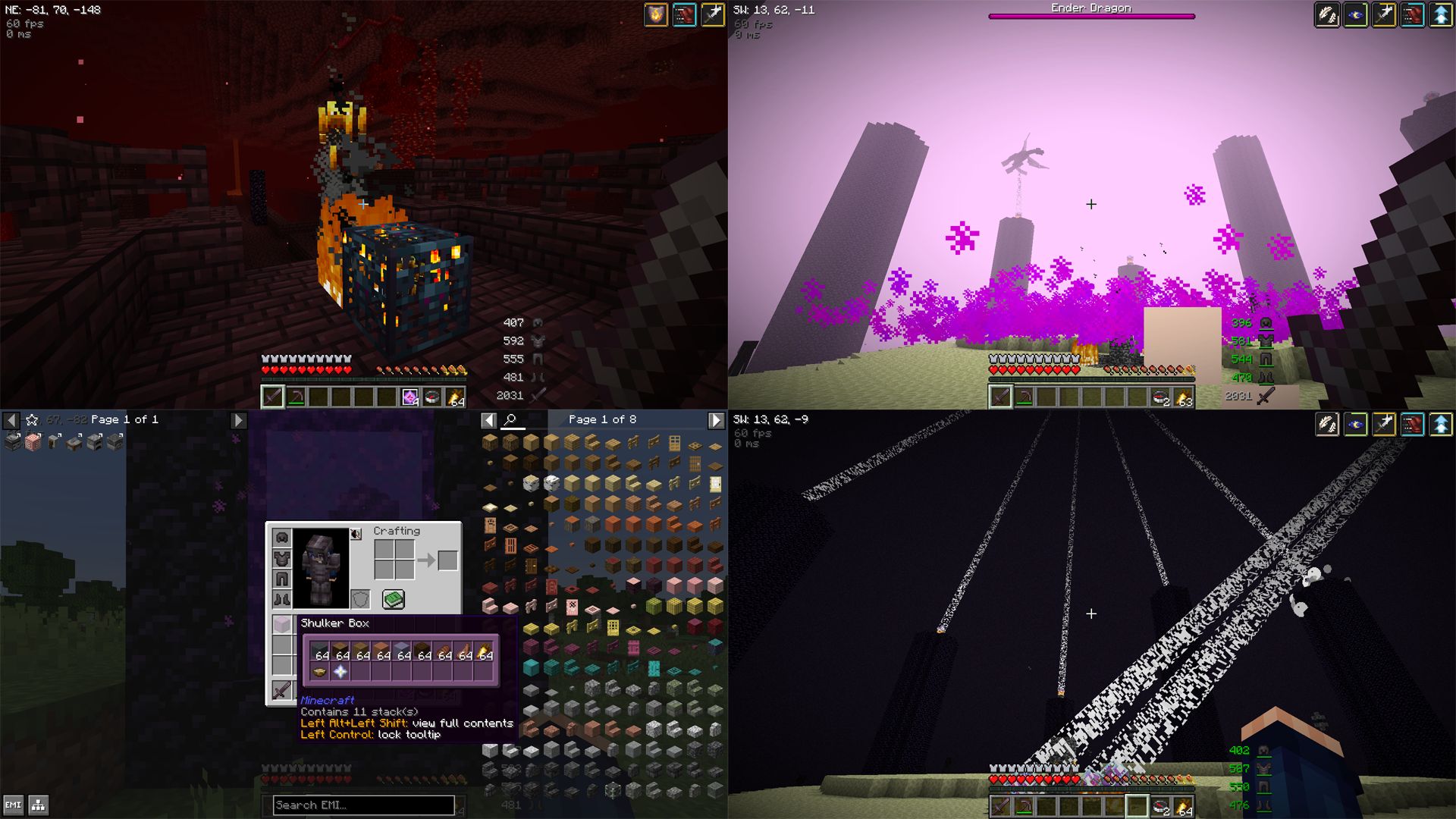
For better and easier building, a community edition of Litematica has been included. For added customization options there is the extreme sound muffler that allows the player to pick and choose which in-game sound effects they want to hear or mute, and for easier communication, there is a simple proximity voice chat included.
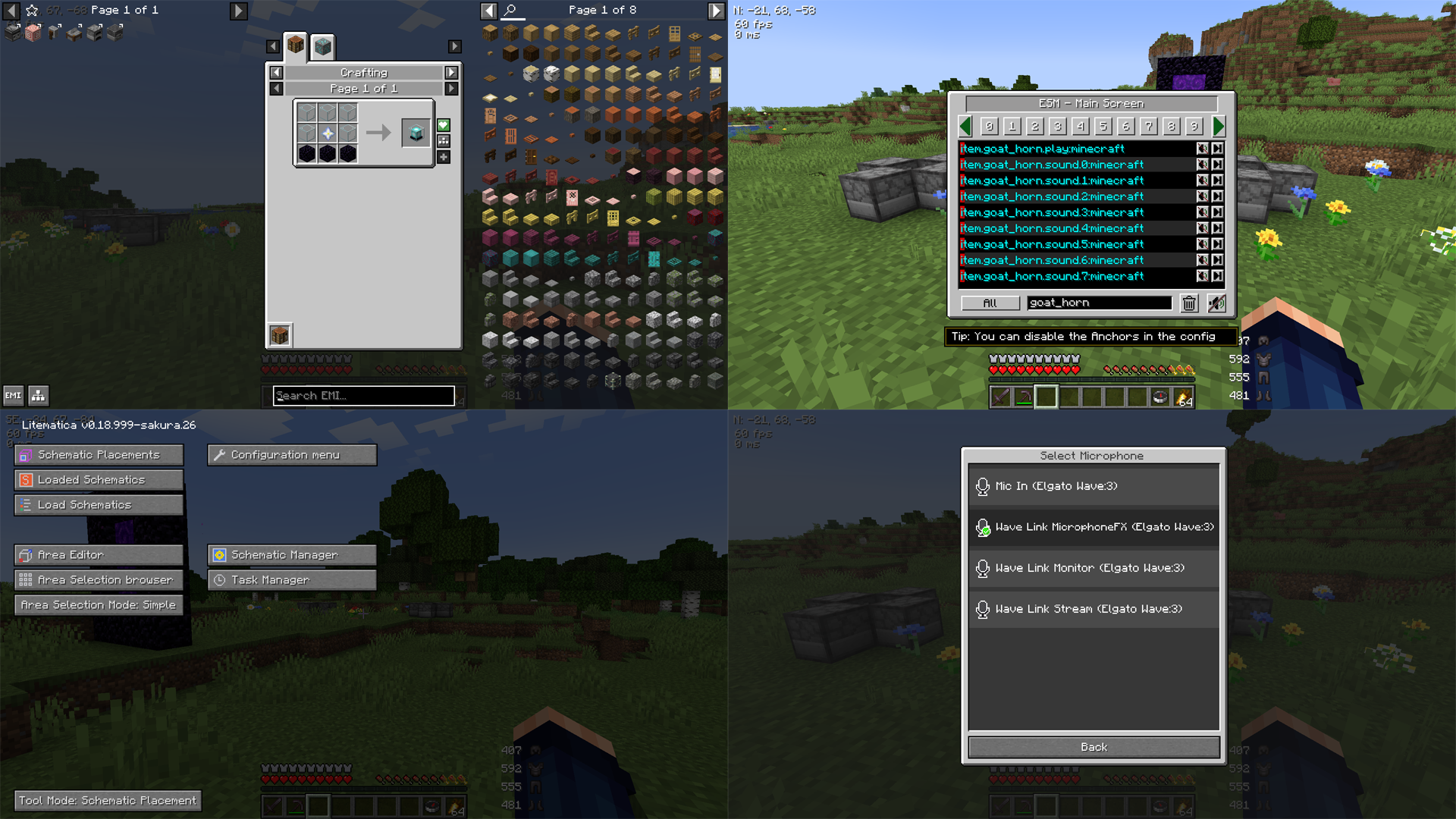
This modpack has no affiliation with any server and it is free to use and modify to suit the player's or server's needs.
SMP Companion User's Guide
- To zoom in, press C
- To toggle Light Overlay, press F7
- To toggle Chunk Boundaries, press F3 + G
- The push to talk button is ~ (Tilde)
- To enter your voice chat menu, press V
- To open your Litematicia HUD, press M
- To toggle Inventory HUD, press O
- To select Shaders, press [ (Left Bracket)
- To activate Free Look View press Left Alt
- To open your Free Look menu, press . (Period)
- For Coordinates and Direction to show, have a compass in the inventory
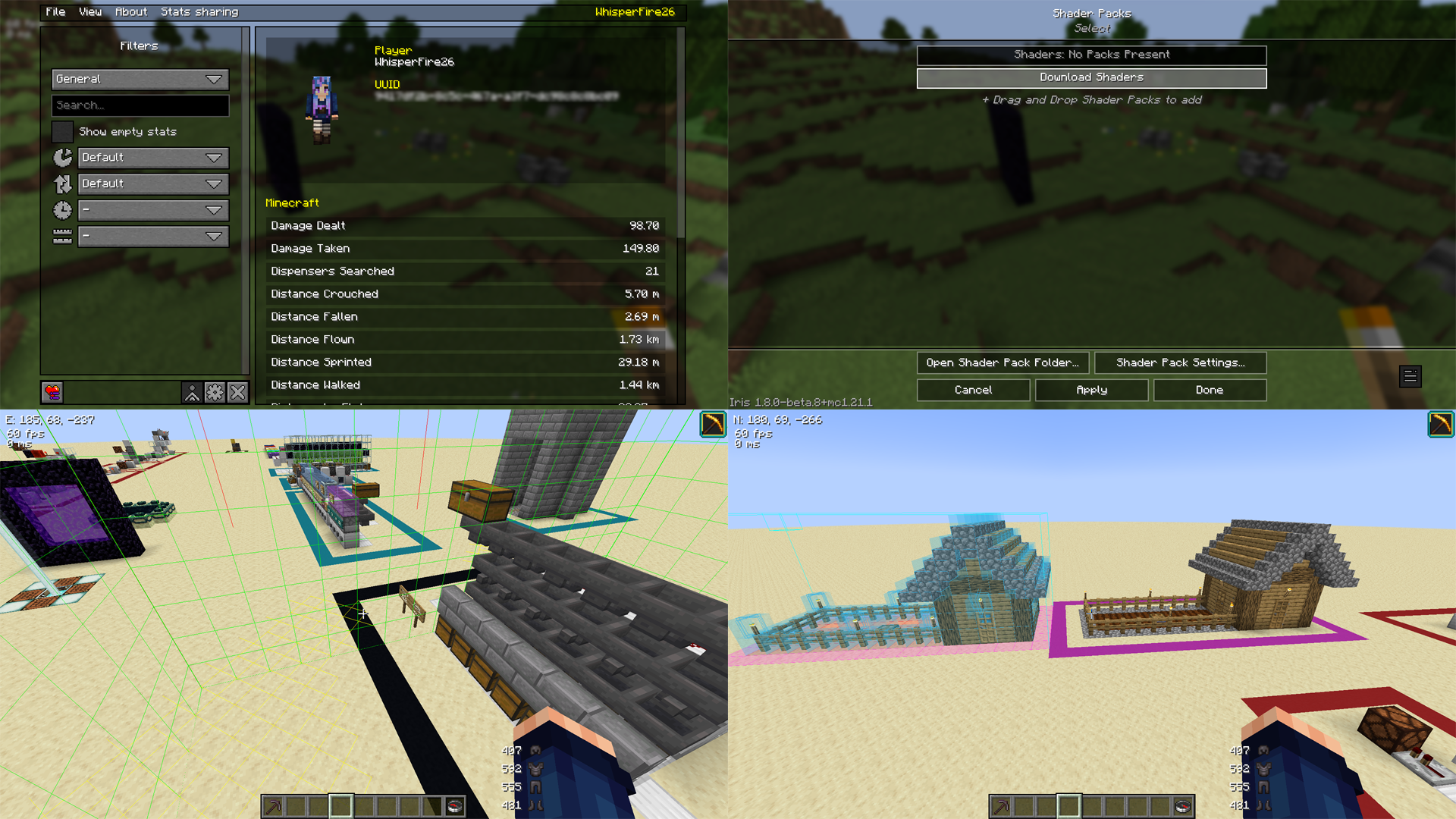
NOTE: All PRINT functions in Litematicia have been disabled via config files. Most servers will ban if these functions are enabled. Edit these files at your own risk!
Available Versions
How to Set Up a SMP Companion Server
Order Server
Choose at least 4 GB RAM (6 GB recommended for SMP Companion). Based on player count: per 8 players.
Install Modpack in Dashboard
Open the modpack browser in the dashboard, search for "SMP Companion" and click "Install". The fabric loader and Minecraft 1.21.1 are configured automatically.
Start Server & Play
Start the server – all mods are loaded automatically. Share the server IP with friends and play together!
Frequently Asked Questions
SMP Companion server crashes or won't start – what to do?
Most common causes: insufficient RAM or wrong fabric loader. Check latest.log for "OutOfMemoryError" → increase RAM to at least 6 GB. For "Mixin" or "ClassNotFoundException" errors: modpack version and loader don't match. With Mado Hosting, loader and Minecraft version are auto-configured on modpack install – preventing most startup issues.
How much RAM does a SMP Companion server really need?
Minimum 4 GB, recommended 6 GB for stable performance. per 8 players. Important: Minecraft modpacks need more RAM than vanilla – plan extra per additional player. With Mado Hosting, you can scale RAM up live at any time without data loss (from €8/month).
Can I add custom mods to SMP Companion without conflicts?
Yes, but check compatibility: only use mods for the same loader (fabric) and same Minecraft version (1.21.1). Common issues: ID conflicts with recipe mods and incompatible coremod versions. The Mado dashboard mod browser only shows compatible mods and warns about known conflicts.
SMP Companion server lagging – performance tips
1) Increase RAM to 6 GB+. 2) Reduce server view-distance to 8 (server.properties). 3) Pre-generate chunks with the "Chunky" plugin. 4) Use /spark profiler to check which mods consume the most tick time. With Mado Hosting, all servers run on NVMe SSDs with dedicated CPU cores – eliminating hardware as a bottleneck.
Similar Modpacks

![Cobblemon Official Modpack [Fabric]](https://cdn.modrinth.com/data/5FFgwNNP/e7f9ee2e9d361623847853fe2ddce42f519ee64f.png)
![COBBLEVERSE - Pokemon Adventure [Cobblemon]](https://cdn.modrinth.com/data/Jkb29YJU/581ecf54530972afb18a04660afd820f2f24f6c7.png)
![Better MC [FABRIC] - BMC2](https://cdn.modrinth.com/data/shFhR8Vx/a19c2bcb51d38f32f138d3607e91cb2b7b8e387f_96.webp)


Rent SMP Companion Server
Start your own server with automatic modpack installation.
Details
- License
- LicenseRef-All-Rights-Reserved
- Server-side
- Unsupported
- Client-side
- Required
Supported Versions
Start your SMP Companion Server now
From €8.00/month with 6 GB RAM for the best performance.
Configure Server →