
Splitted Multiplayer
A modpack that allows for splitscreen multiplayer on PC. Req any launchers that uses the Modrinth API. Thanks for 3,500 downloads!
Screenshots
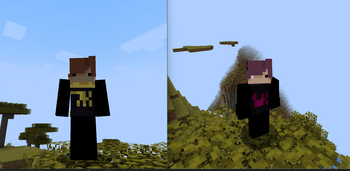
About this Modpack
Big delay- 4/26
So BIG DELAY for update. I have basketball camp for one week and therapy sadly :(
Description
you ever wanted to chill on the couch playing minecraft with your buds but don't have a console? welp now u can do that. quick tutorial below:
Requirements -
Friends (very difficult)
MultiMC (optional)
1 Minecraft Account
1 Controller or more
This ModPack
Step-by-step
this tutorial uses MultiMC but you can use any launcher that has Modrinth API and can run multiple instances at the same time (like Modrinth App or PrismLauncher)
Launch MultiMC and click on "Add Instance"
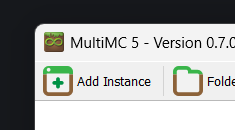
Select "Import from zip" and select the file (or select modrinth and look for the modpack)

Duplicate the instance for each player
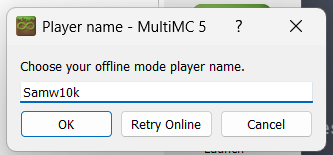
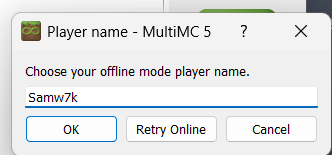
Launch both the instances offline and choose a name
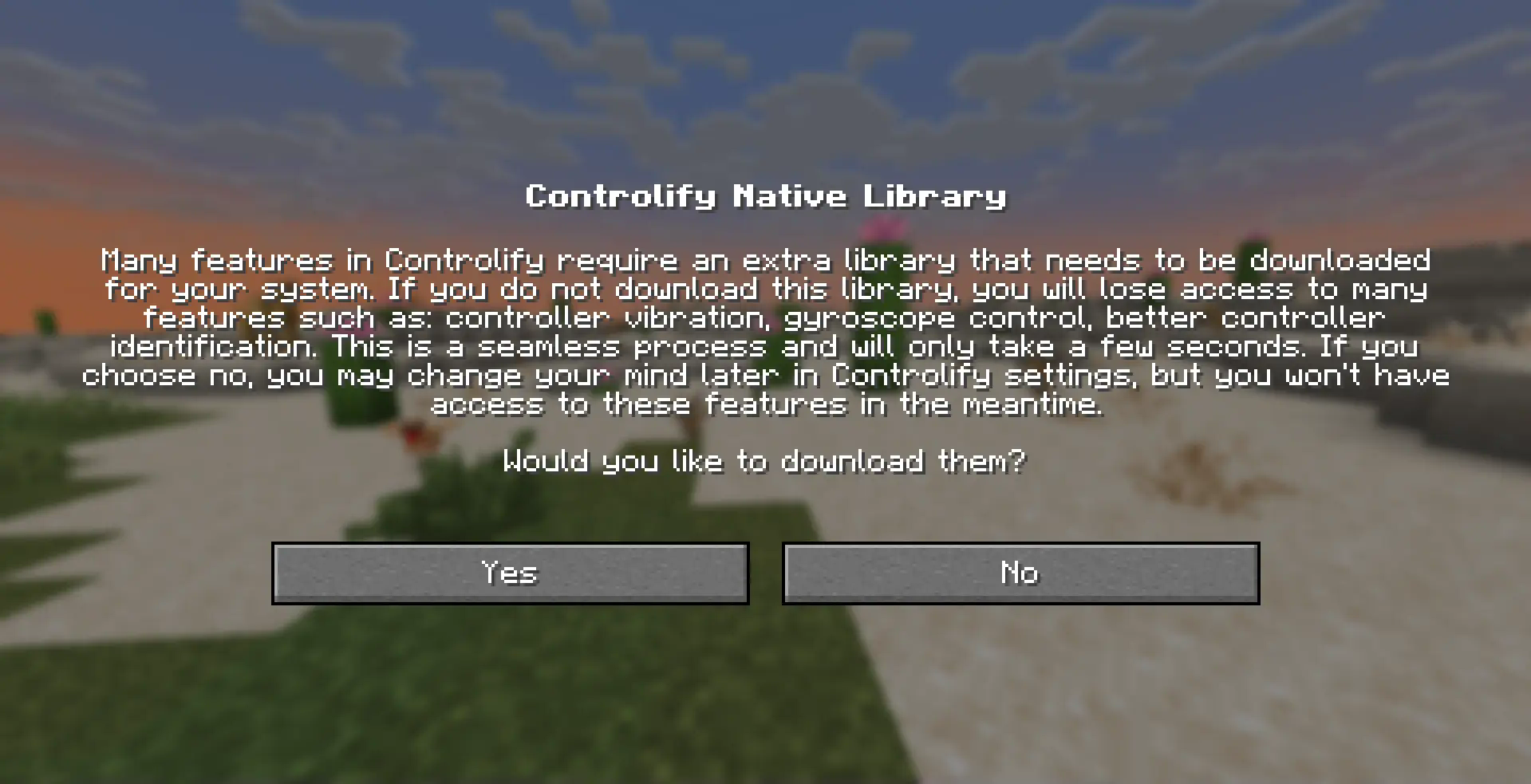
Download Controllify's libraries
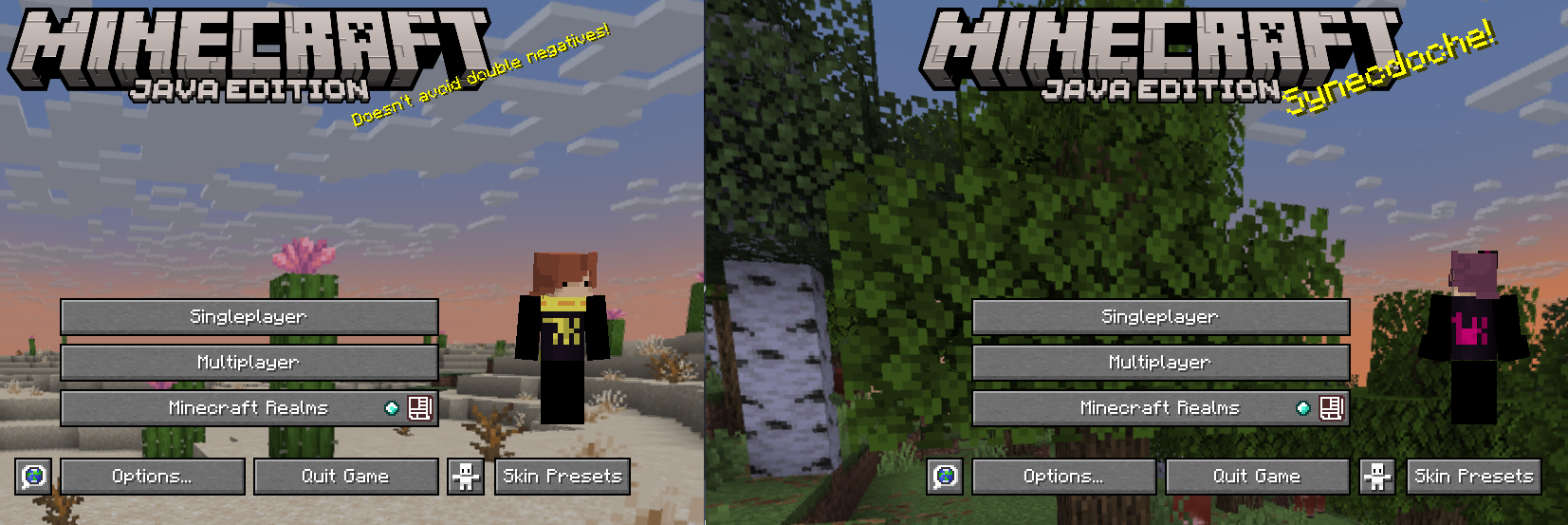
Press F11 on both windows to turn on splitscreen
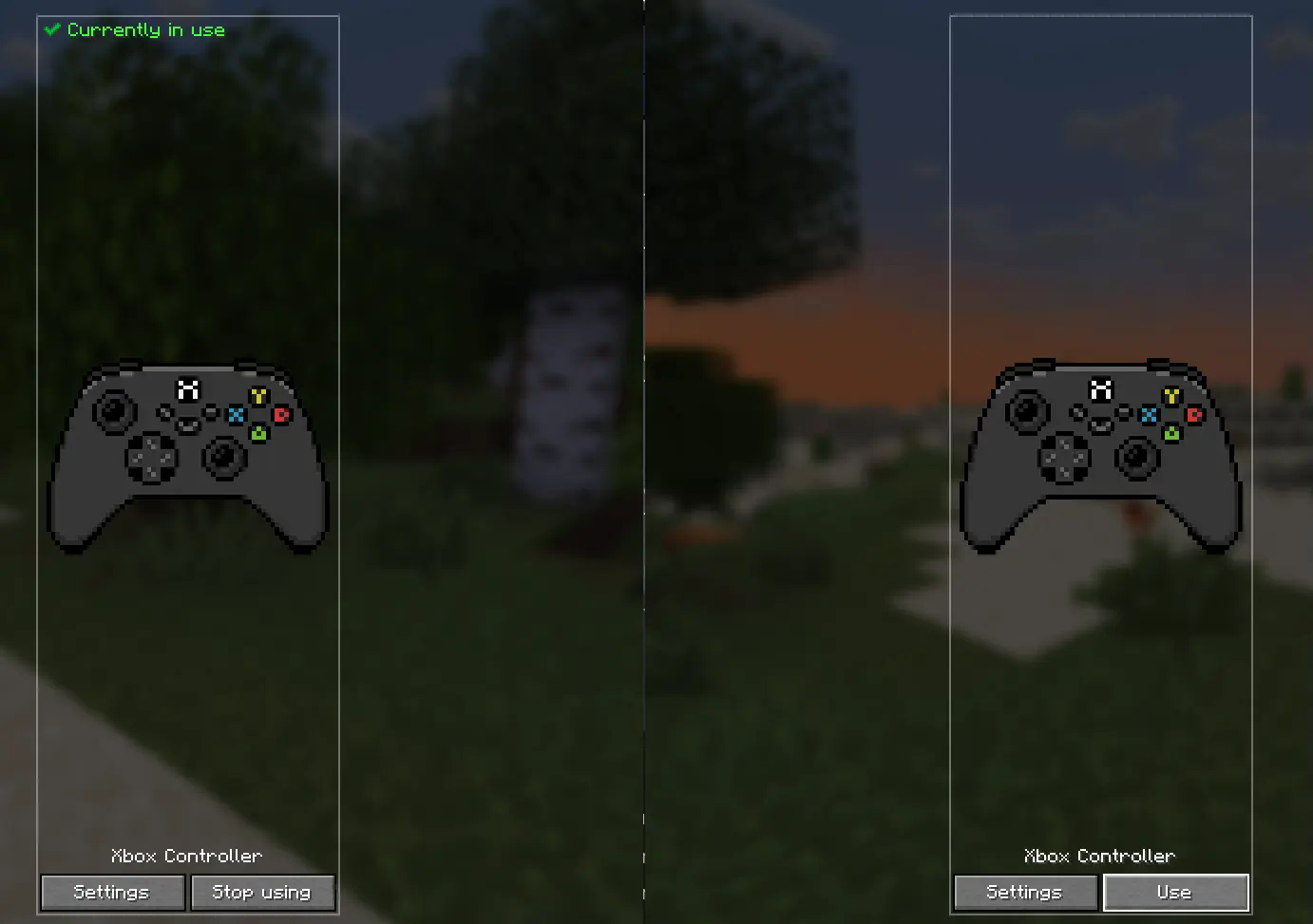
Make sure each account is using different controllers
Select global settings
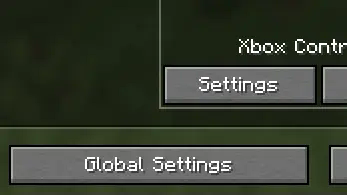
Turn on "Out Of Focus Input" on each controller

Create a world in one account and open it to LAN
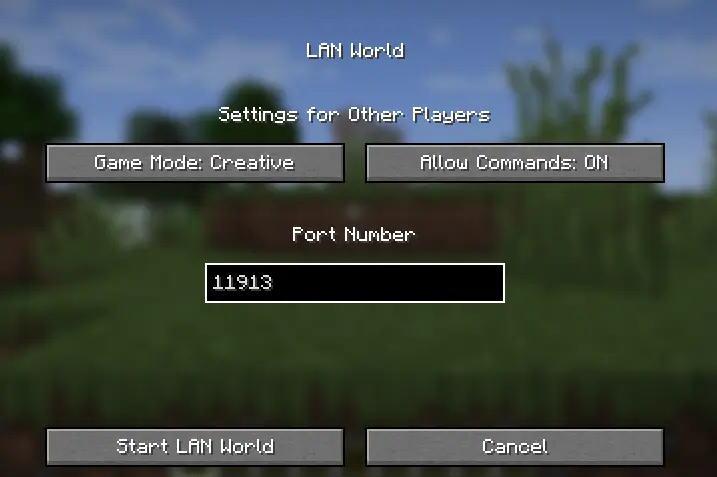
Tell the other players to join the world and you should be all good to go
FAQ
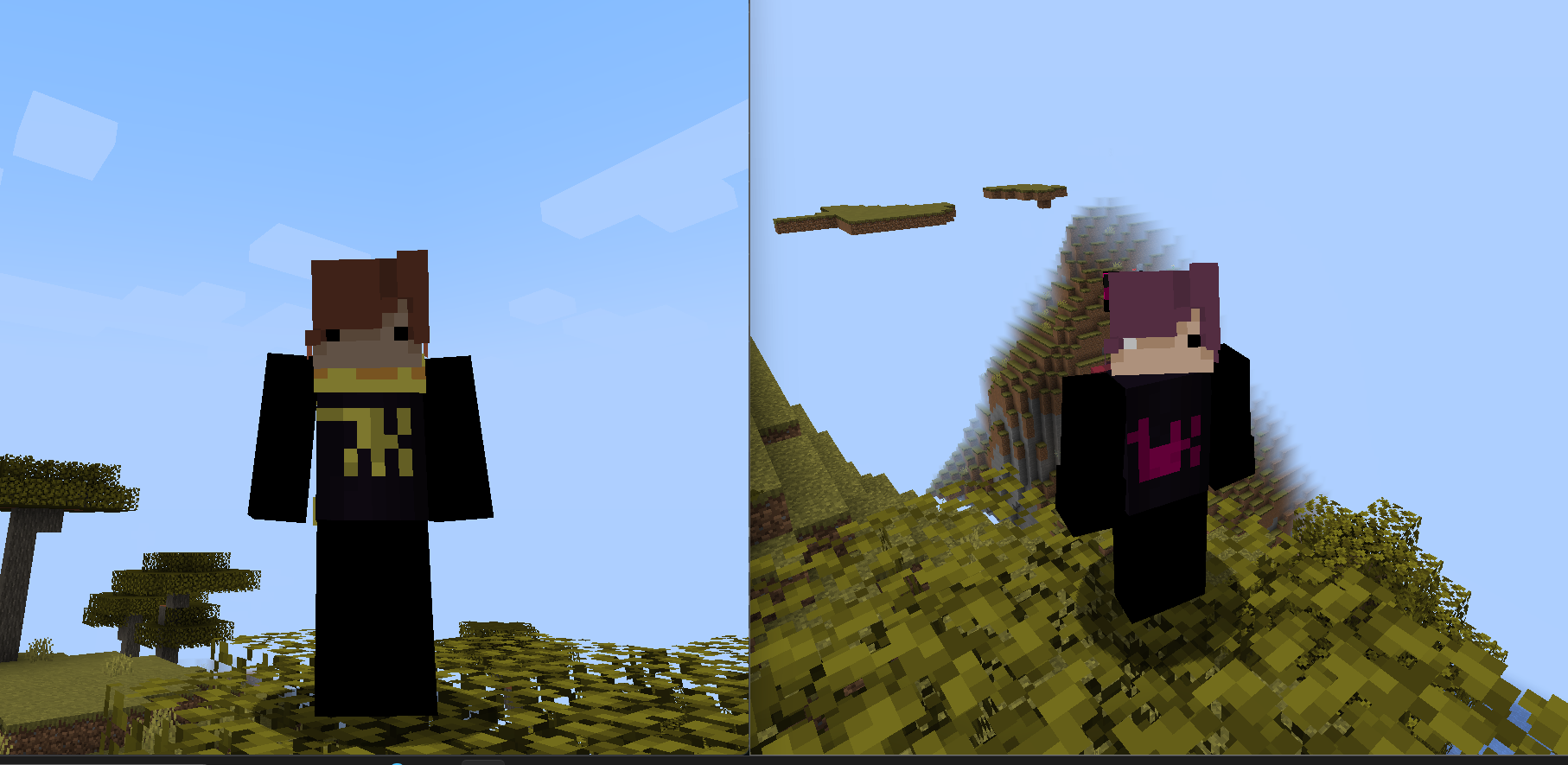
Q: "Why is my skin not showing up on other people's screen?"
A: Select another skin THEN select the one you want. if it still doesn't work try rejoining the world
Q: "Is this compatible with ______?"
A: I have no idea. i've only tested the modpack with sodium and nothing else. Essential might not work because you have to launch offline aka. without a Microsoft Account
Q: "How do i use this modpack/How do i make it work?"
A: There's a step-by-step tutorial on the description.
Q: "Can i use this logged in on a Microsoft Account?"
A: No. When you try to join the world it's gonna say the name's already taken
Q: "Can i use this on a pirated version?"
A: No. Minecraft's $25. You can pay for that.
Q: "Are you a potato?"
A: What?
Q: "Who would win, 100 Men or 1 Gorilla?"
A: can you like.. ask questions about the modpack? also 100 men win
Q: "Can my friend use a VPN play from his house?"
A: I don't know why'd you download the modpack if you wanna do that but sure. I don't know how to do that tho. dm jorden (@jordensmiley) for that
Q: "How many players can play at the same time?"
A: SplitScreen supports only up to 4 players but you can just mess around with the windows yourself
Q: "I don't have a controller! what should i do??"
A: Download "Monect" on your PC and phone and download a controller layout on the forums. I'm not showing you how to do that so go watch a random tutorial from some indian guy.
Available Versions
How to Set Up a Splitted Multiplayer Server
Order Server
Choose at least 4 GB RAM (6 GB recommended for Splitted Multiplayer). Based on player count: per 8 players.
Install Modpack in Dashboard
Open the modpack browser in the dashboard, search for "Splitted Multiplayer" and click "Install". The fabric loader and Minecraft 1.21.11 are configured automatically.
Start Server & Play
Start the server – all mods are loaded automatically. Share the server IP with friends and play together!
Frequently Asked Questions
Splitted Multiplayer server crashes or won't start – what to do?
Most common causes: insufficient RAM or wrong fabric loader. Check latest.log for "OutOfMemoryError" → increase RAM to at least 6 GB. For "Mixin" or "ClassNotFoundException" errors: modpack version and loader don't match. With Mado Hosting, loader and Minecraft version are auto-configured on modpack install – preventing most startup issues.
How much RAM does a Splitted Multiplayer server really need?
Minimum 4 GB, recommended 6 GB for stable performance. per 8 players. Important: Minecraft modpacks need more RAM than vanilla – plan extra per additional player. With Mado Hosting, you can scale RAM up live at any time without data loss (from €8/month).
Can I add custom mods to Splitted Multiplayer without conflicts?
Yes, but check compatibility: only use mods for the same loader (fabric) and same Minecraft version (1.21.11). Common issues: ID conflicts with recipe mods and incompatible coremod versions. The Mado dashboard mod browser only shows compatible mods and warns about known conflicts.
Splitted Multiplayer server lagging – performance tips
1) Increase RAM to 6 GB+. 2) Reduce server view-distance to 8 (server.properties). 3) Pre-generate chunks with the "Chunky" plugin. 4) Use /spark profiler to check which mods consume the most tick time. With Mado Hosting, all servers run on NVMe SSDs with dedicated CPU cores – eliminating hardware as a bottleneck.
Similar Modpacks


![Cobblemon Official Modpack [Fabric]](https://cdn.modrinth.com/data/5FFgwNNP/e7f9ee2e9d361623847853fe2ddce42f519ee64f.png)
![COBBLEVERSE - Pokemon Adventure [Cobblemon]](https://cdn.modrinth.com/data/Jkb29YJU/581ecf54530972afb18a04660afd820f2f24f6c7.png)
![Better MC [FABRIC] - BMC2](https://cdn.modrinth.com/data/shFhR8Vx/a19c2bcb51d38f32f138d3607e91cb2b7b8e387f_96.webp)

Rent Splitted Multiplayer Server
Start your own server with automatic modpack installation.
Supported Versions
Start your Splitted Multiplayer Server now
From €8.00/month with 6 GB RAM for the best performance.
Configure Server →