
Stinky SMP
A modpack for a public and active 1.20.1 Origins server!
Screenshots
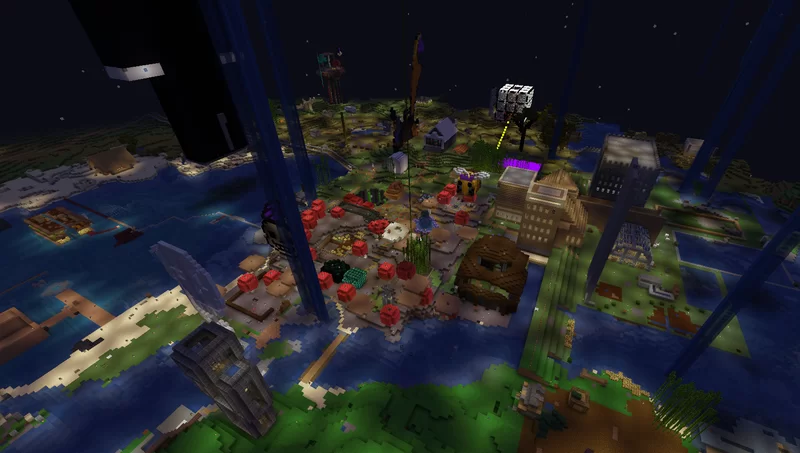
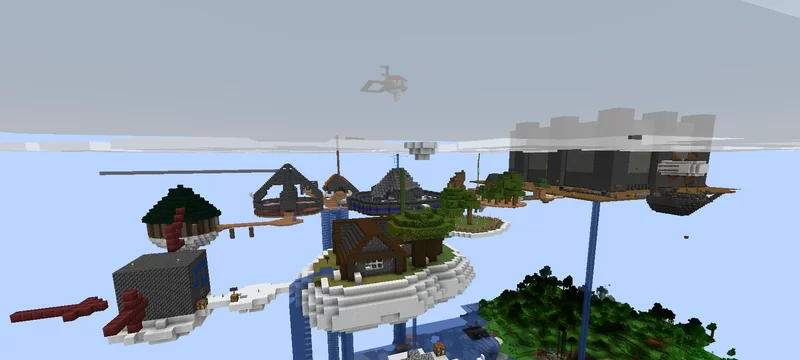
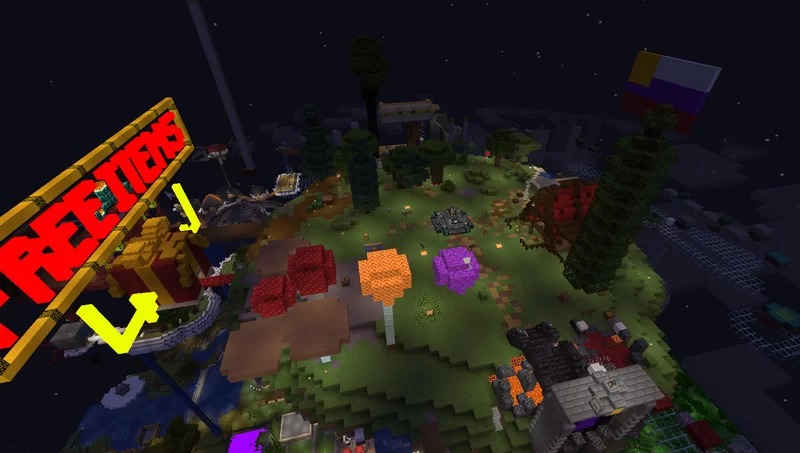
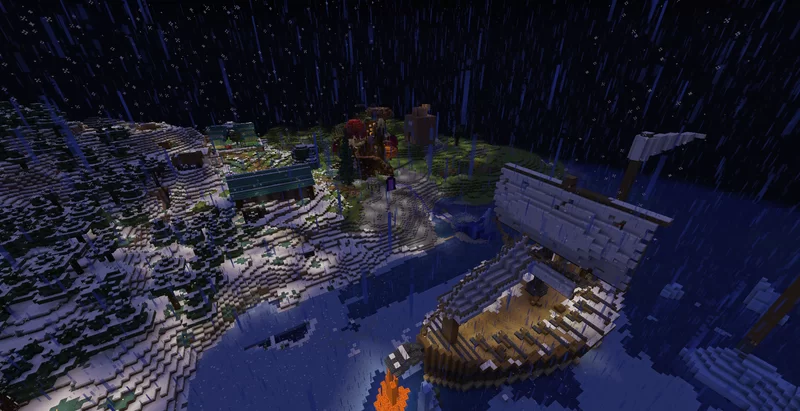
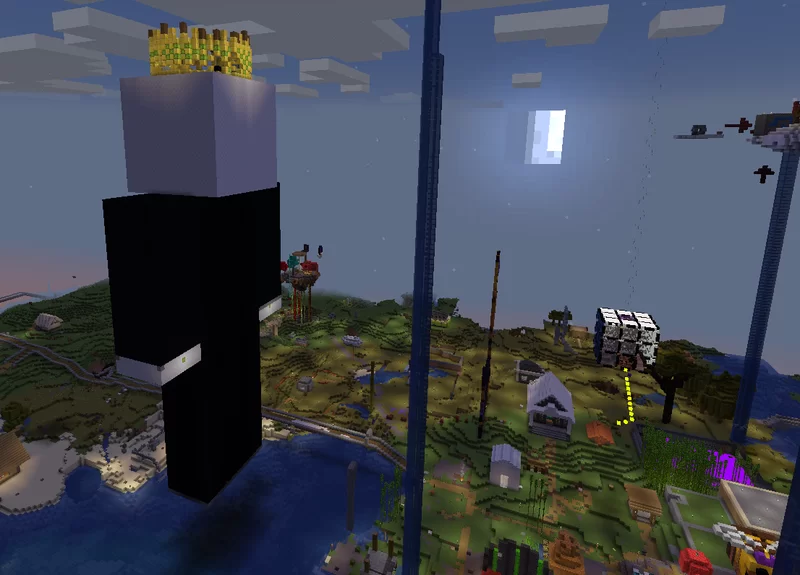
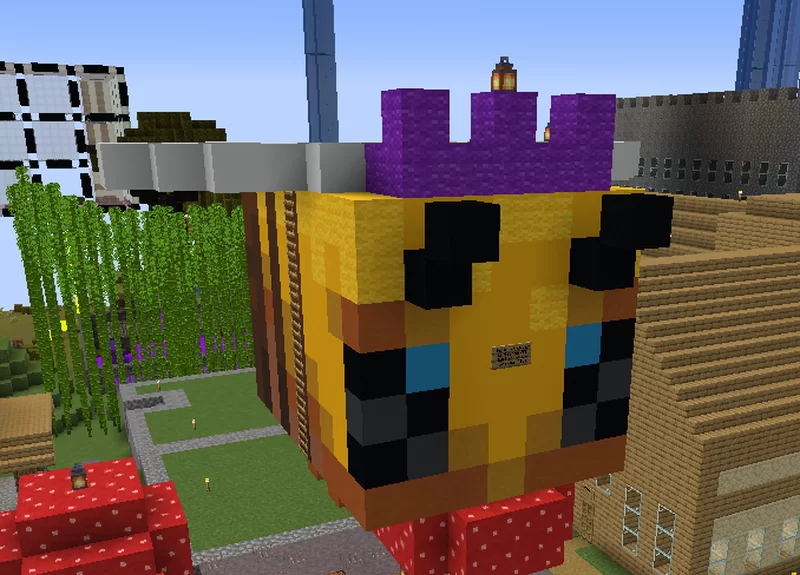
About this Modpack
This is the modpack for the active and public Origins server known as Stinky SMP! See the Planet Minecraft page for more details:

Hello, Modrinth! Check out Stinky SMP! This is a 1.20.1 and updating server, with an emphasis on fair moderation (appeals, and punishment only for true rulebreaks), extreme longevity (absolutely NO resets since May 2022!) and welcoming inclusivity of all people and playstyles. Be you a nomad, builder, PVPer, trader or anything, you'll find a place here. Any reason you can't? Make a suggestion, we'll look at it!
GREAT PERFORMANCE!
Our vanilla+ modpack with many performance optimisers ensures minimal client-side lag. Server-side, we have 16 gigs of ram + a Ryzen 9 7950X CPU, the best CPU for servers that money can buy.
WANT BLOODSHED? WANT PEACE AND LOVE? HAVE BOTH!
The server operates on a Safezone-Borderlands system, where a continuously expanding 4k-radius area centred on spawn has claims, graves and disallows (unless with consent) griefing, killing and stealing. The Borderlands is much more resource-rich but allows griefing, killing and stealing and has no claims or graves.
THE ORIGINS MOD!
We have a very special mod, the Origins mod! Along with the 9 base origins, we have roughly 62 custom origins, all carefully reviewed so that we can make sure each one is balanced, unique and well designed! You can even suggest custom origins, but it'll have to be high quality. Of course, if you don't like this mod, or don't like your current origin, you can always pick Human or use your free two changes/craft an origin change.

This is our Discord server invite! Please join for more information: https://discord.gg/qjzu6sWXjw
More about this modpack...
About the listed versions:
The official version of this modpack is curated by @AphoticGoblin, the owner of Stinky SMP.
This page on Modrinth includes both an officially curated modpack port to Modrinth (the distributed version from the Stinky SMP Discord Server), as well as an unofficially curated version of the modpack by myself, @chez_berger.
This unofficial version is a modified version of the official modpack. I have not added any mods that are blacklisted from the server, nor have I removed any mods that are required to play on the server. If you have any questions about this Modrinth page or the unofficial version, please contact me on Discord. (My username is @chez_berger, DMs open!).
Notable modpack alterations:
(All major alterations will be listed alongside which bullet point of the official whitelist they fall under. The whitelist can be found here.)
- Global Datapacks for built-in singleplayer support for all origin datapacks as of May 28, 2024 (Whitelisted under #7)
- Replaced Inventory Sorting with Inventory Profiles Next due to issues with the former (Whitelisted under #16)
- AntiGhost for issues with ghost blocks in claimed areas (Whitelisted under #16)
- Remove Reloading Screen, Fast IP Ping, Noisium, and FastQuit for more responsive UX for resource pack installation, server pinging, generating singleplayer worlds, and exiting singleplayer worlds respectively. (Whitelisted under #7)
- Controlling for better keybind UX (Whitelisted under #7)
- Not Enough Animations for more expressive player animations (Whitelisted under #1)
- Reese's Sodium Options and Sodium Extra for some smaller performance tweaks (Whitelisted under #2)
- LambDynamicLights (Whitelisted under #16)
- Chat Heads and Chat Animation for a livelier chat UI (Whitelisted under #1)
- MacOS Input Fixes and Ctrl Q for better Mac UX (Whitelisted under #7)
- Dark Loading Screen because it looks sexy, modified to have a green loading bar as well! (Whitelisted under #1)
- Shoulder Surfing (Whitelisted under #16)
- Iris Shaders (Whitelisted under #1)
- Chunks Fade In (Whitelisted under #1)
- Borderless Mining (Whitelisted under #1)
- Shulker Box Tooltips (Whitelisted under #5)
- Emoji Type (Whitelisted under #7)
- BetterF3 (Whitelisted under #8)
- FabriShot (Whitelisted under #1)
- A few minor bugfixing mods: ModernFix, Memory Leak Fix, and Model Gap Fix (Whitelisted under #2)
- Several minor visual mods: Wakes, Eating Animation, Cave Dust, Particle Rain, Visuality, Falling Leaves, Drip Sounds, and Smooth Swapping (Whitelisted under #1)
- And last but not least, Alternate Origin UI (Whitelisted under #16)
Many of these mods do fall under multiple whitelist criteria bullets, but I have only listed one each for the sake of brevity.
Original author
Planet Minecraft article originally written by @AphoticGoblin on PMC.
PMC article adapted for Modrinth by @chez_berger.
Available Versions
How to Set Up a Stinky SMP Server
Order Server
Choose at least 6 GB RAM (8 GB recommended for Stinky SMP). Based on player count: per 5 players.
Install Modpack in Dashboard
Open the modpack browser in the dashboard, search for "Stinky SMP" and click "Install". The fabric loader and Minecraft 1.20.1 are configured automatically.
Start Server & Play
Start the server – all mods are loaded automatically. Share the server IP with friends and play together!
Frequently Asked Questions
Stinky SMP server crashes or won't start – what to do?
Most common causes: insufficient RAM or wrong fabric loader. Check latest.log for "OutOfMemoryError" → increase RAM to at least 8 GB. For "Mixin" or "ClassNotFoundException" errors: modpack version and loader don't match. With Mado Hosting, loader and Minecraft version are auto-configured on modpack install – preventing most startup issues.
How much RAM does a Stinky SMP server really need?
Minimum 6 GB, recommended 8 GB for stable performance. per 5 players. Important: Minecraft modpacks need more RAM than vanilla – plan extra per additional player. With Mado Hosting, you can scale RAM up live at any time without data loss (from €12/month).
Can I add custom mods to Stinky SMP without conflicts?
Yes, but check compatibility: only use mods for the same loader (fabric) and same Minecraft version (1.20.1). Common issues: ID conflicts with recipe mods and incompatible coremod versions. The Mado dashboard mod browser only shows compatible mods and warns about known conflicts.
Stinky SMP server lagging – performance tips
1) Increase RAM to 8 GB+. 2) Reduce server view-distance to 8 (server.properties). 3) Pre-generate chunks with the "Chunky" plugin. 4) Use /spark profiler to check which mods consume the most tick time. With Mado Hosting, all servers run on NVMe SSDs with dedicated CPU cores – eliminating hardware as a bottleneck.
Similar Modpacks
![Cobblemon Official Modpack [Fabric]](https://cdn.modrinth.com/data/5FFgwNNP/e7f9ee2e9d361623847853fe2ddce42f519ee64f.png)
![COBBLEVERSE - Pokemon Adventure [Cobblemon]](https://cdn.modrinth.com/data/Jkb29YJU/581ecf54530972afb18a04660afd820f2f24f6c7.png)
![Better MC [FABRIC] - BMC2](https://cdn.modrinth.com/data/shFhR8Vx/a19c2bcb51d38f32f138d3607e91cb2b7b8e387f_96.webp)


![Better MC [FORGE] - BMC4](https://cdn.modrinth.com/data/4BV47HRn/7f5ef7cc61b2593609aabef3ed07a866a4f11b73_96.webp)
Rent Stinky SMP Server
Start your own server with automatic modpack installation.
Supported Versions
Start your Stinky SMP Server now
From €12.00/month with 8 GB RAM for the best performance.
Configure Server →