
Survivalist - Fabric
A realistic expansion of minecraft's survival aspects.
Screenshots
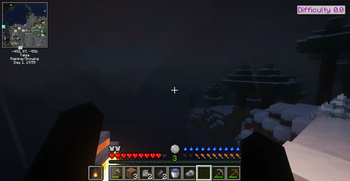
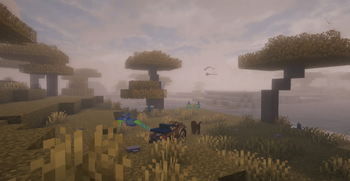

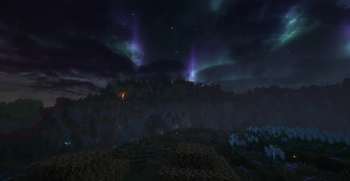
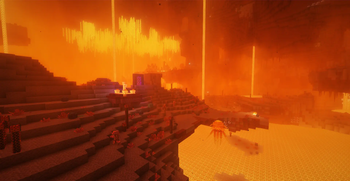
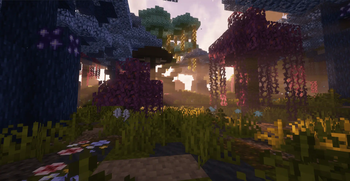
About this Modpack
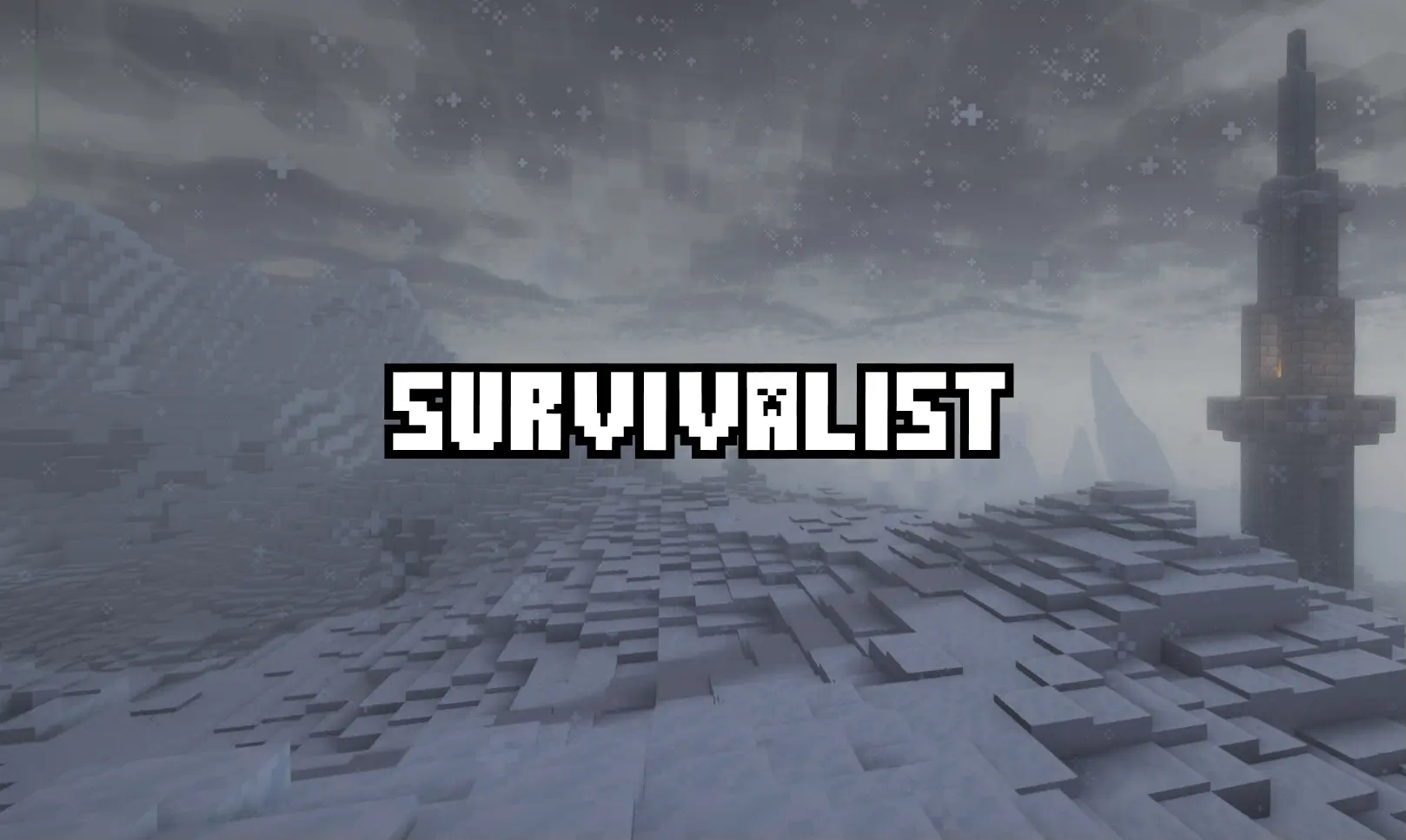
There are NO quests and railroading - you make your adventure!
Survivalist is a fabric modpack focused on mild realism and enhancing the Minecraft survival experience with more difficult but pleasant mechanics. It additionally greatly expands upon the fun of exploration by adding many remarkable structures, biomes, animals, ruins, and weapons.
Highlights
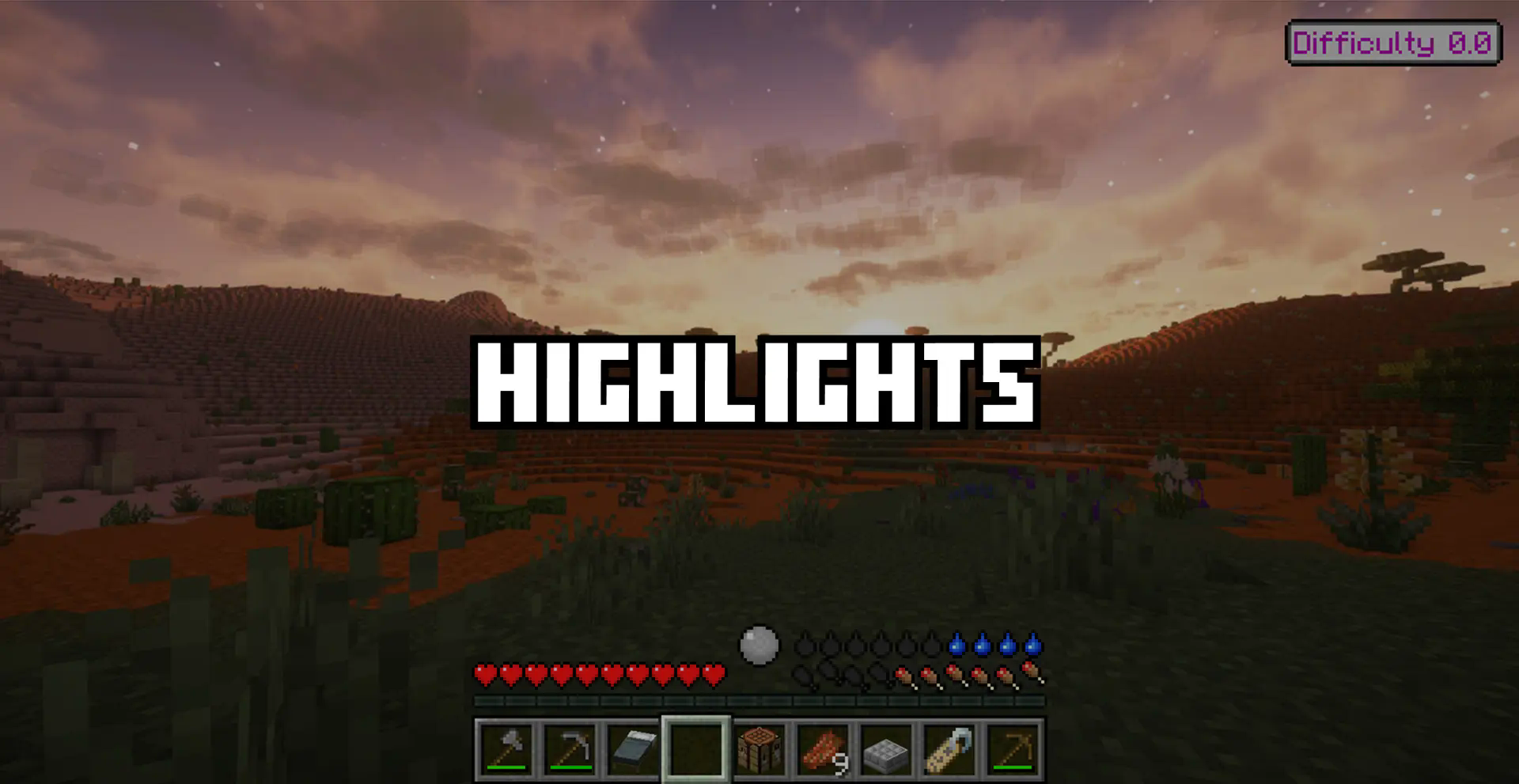
- You can't start punching a tree and expect it to drop logs anymore. The starting stage of the game has been completely reworked.
- You need to look around, analyze, and determine the temperature of the biome you're in. If it's too hot or cold you will start taking damage. Lanterns and wool clothes are a good way to warm up initially.
- You have a hydration system to keep track of
- Food can and will spoil after a certain period of time and you need to make special food storage to slow down the process. Those can be seen below:
- Shulker Box: 0% Spoilage
- Chest: 70% Spoilage
- Barrel: 60% Spoilage
- Fridge: 30% Spoilage
- All Heated Ovens/Smokers/Furnaces: 10% Spoilage
- Keep track of your nutrition or have debuffs based on your deficiencies
- Torches, lanterns, and campfires no longer become pre-lit. You need to find lit torches, lava or craft a flint and steel to keep yourself away from the darkness. Magical or electrical alternatives are also an option if you manage to get your hands on them.
- All mobs have been enhanced with new AI and abilities.
- Zombies can break blocks to get to you
- Skeletons can melee with the other hand while retaining their bow
- There are a lot of new creeper types, blending them with the atmosphere of the world
- All mobs with hands can have axes, pickaxes, swords, lava buckets, flint and steel, and other tools that they can use to fight you (or to burn your house :) )
- All mobs can jump and will try to find a path to you instead of looking at you if you are 2 blocks higher
- The game's difficulty will ramp up over the time and distance passed by the player. To combat this, you should progress quickly and find heart crystals that can increase your maximum health considerably (but have a 10-heart increase limit).
- Many ambient animals like birds, lions, elephants, monkeys, ducks, capybaras, more fish and others have been added. Some vanilla animals have been enhanced to be more realistic (or just look better).
- More crops and foods provided by the Farmers Delight mod, including an alcohol brewing system. The mod greatly integrates with some of the other additions in the pack using addons such as End's delight and Nether's Delight
- The entire first-person perspective has been changed by showing the player's body with new visuals to show blood, heartbeats, and other effects depending on the player's situation. Moreover, the head movements are simulated and a new block placing animation is added.
- The world and its ambiance have been completely reworked. Many new biome's have been added thanks to mod like Biomes O' Plenty, Biomes We've Gone, Terralith and Terrastia. Ambient sounds have been added and many special effects including a soft particle rework. You can find more flowers, rocks and sticks on the ground like you would in the real world, and they're quite useful! Grass now wraps around the entire block and seamlessly connects to dirt.
- A more realistic minimap/worldmap system using minecraft maps and an atlas. If you have a calendar, it will also show you the current season along with your coordinates and the biome you're in.
- Speaking of seasons, the world will cycle through all the seasons, starting at a random point (unless you're in hardcore which will always start you in winter). All seasons affect your temperature and the world around you. Snow physics are reworked too, with the addition of many wintery items. Puddles will appear after rain to immerse you even more.
- Many new transportation options like cars, planes and medival carts.
- Horses have gained new abilities using horseshoes! Enchant them with frostwalker, feather falling, and others! You can also enchant and trim horse armor now.
- All pets will now always teleport even if the chunk unloads. They will also retreat and refuse to attack when on low health
- Many new weapons like maces, daggers, medival weapons and GUNS with their own unique abilities. You can also attack through grass now!
- Many optimization mods like sodium, lithium, let me despawn,
- GUI improvements like item descriptions, in-depth hunger bar, blur, dark loading screen, dynamic crosshair, complete tooltip overhaul, inventory tweaks, talk bubbles and JADE
- EMI Item Finder with effect and loot, breeding information.
- Chat improvements such as chat heads, emoji support and increase histroy limit.
- The trinkets mod is added, incorporating the new realistic zoom system and the minimap system with spyglass and map atlas slots! Additional gear is also available from other misc mods.
- Find artifacts in a variety of different new structures that you can equip to gain different unique abilities.
- Dead pets will now drop their broken nametag as a memorial.
- Reworked nether, end with new biomes and many other vanilla structures.
- More villages, towns, towers and ships that can be found in the ocean!
- If you don't want to settle down, start exploring the biomes, searching for houses, boulders and dungeons.
- And MUCH MORE! Every mod makes up for the (kinda) unique experience in Survivalist.
Miscellaneous Feature/Mod List
- Immersive Backpacks
- Integrated Furniture
- Supplementaries
- Vanilla Block Tweaks
- Enhanced Book Loot
- Easy Anvils
- Bamboo Everything
- Better Animation Collection
- Better F3 Screen
- Better Biome Blend
- Carry Mobs and Entities
- Computers!
- Comforts
- Connected Textures
- Debugify
- Dynamic FPS
- Eating Animations
- Arrows Stick to Mobs
- Reworked Explosions
- More Enchantments
- Moyai
- Healing Campfires
- Hammers
- Item Tiers
- Open Doors Together
- Free Elytra Flight
- Dynamic Lighting
- Moyai
- Pickup Notifier
- Inventory Sorting
- Lavaworks
- Glass Strairs and Slabs
- Graves
- Keybind Enhancements
- Visual Workbench
- Improved Clouds (Based on the season :D)
- Item Physics
- Physical Falling Trees
- Polymorph
- Added missing mob drops
- Realistic Zoom In (Requires a spyglass)
- Warrior Rage
- Waystones
- All other mod links are scattered around the highlights section showing what the different mods do.
Known Issues

Living Things mobs do not spawn in modded biomes
This is partially my fault because i have not made the effort to add all the modded biomes in the mod config. I hope living things adds biome tags support soon"Dear ImGui Assertion Failed" type crashes
Relaunch the game. If it doesn't work, reinstall and modpack (backup your old worlds)/The mod isn't 100% realistic!
I know. But Minecraft isn't too. Things like waystones, the bumblebee zone, and heart crystals are up for debate but they're staying for now.What is the difference between "Survivalist - Fabric" and "Survivalist - Forge" 1.20.1
Forge: - Way harder - More unrealistic - Complete progression overhaul - Needs a more beefy computer - 1.20.1Fabric: - Easier - Fewer mods - Runs on 2GB of ram - Closer to vanilla+ experience - 1.21.1
Why is "Survivalist - Fabric" 1.21.1 but "Survivalist - Forge" 1.20.1
Survivalist - Forge is supposed to be a heavier, more feature-rich version of Survivalist. While I usually prefer using the newest major Minecraft versions, many mods haven't been ported to 1.21.1 yet, so I decided to use 1.20.1 for Survivalist - Forge in order to make a more advanced modpack compared to the Fabric version.In simple terms "Survivalist - Fabric" is lighter and closer to the vanilla+ feel than "Survivalist - Forge", while "Survivalist - Forge" is more advanced and way more difficult. They're completely incompatible with each other.
Also check out Survivalist - Forge for a more hardcore experience!
Available Versions
How to Set Up a Survivalist - Fabric Server
Order Server
Choose at least 4 GB RAM (6 GB recommended for Survivalist - Fabric). Based on player count: per 8 players.
Install Modpack in Dashboard
Open the modpack browser in the dashboard, search for "Survivalist - Fabric" and click "Install". The fabric loader and Minecraft 1.21.1 are configured automatically.
Start Server & Play
Start the server – all mods are loaded automatically. Share the server IP with friends and play together!
Frequently Asked Questions
Survivalist - Fabric server crashes or won't start – what to do?
Most common causes: insufficient RAM or wrong fabric loader. Check latest.log for "OutOfMemoryError" → increase RAM to at least 6 GB. For "Mixin" or "ClassNotFoundException" errors: modpack version and loader don't match. With Mado Hosting, loader and Minecraft version are auto-configured on modpack install – preventing most startup issues.
How much RAM does a Survivalist - Fabric server really need?
Minimum 4 GB, recommended 6 GB for stable performance. per 8 players. Important: Minecraft modpacks need more RAM than vanilla – plan extra per additional player. With Mado Hosting, you can scale RAM up live at any time without data loss (from €8/month).
Can I add custom mods to Survivalist - Fabric without conflicts?
Yes, but check compatibility: only use mods for the same loader (fabric) and same Minecraft version (1.21.1). Common issues: ID conflicts with recipe mods and incompatible coremod versions. The Mado dashboard mod browser only shows compatible mods and warns about known conflicts.
Survivalist - Fabric server lagging – performance tips
1) Increase RAM to 6 GB+. 2) Reduce server view-distance to 8 (server.properties). 3) Pre-generate chunks with the "Chunky" plugin. 4) Use /spark profiler to check which mods consume the most tick time. With Mado Hosting, all servers run on NVMe SSDs with dedicated CPU cores – eliminating hardware as a bottleneck.
Similar Modpacks

![COBBLEVERSE - Pokemon Adventure [Cobblemon]](https://cdn.modrinth.com/data/Jkb29YJU/581ecf54530972afb18a04660afd820f2f24f6c7.png)




Rent Survivalist - Fabric Server
Start your own server with automatic modpack installation.
Supported Versions
Start your Survivalist - Fabric Server now
From €8.00/month with 6 GB RAM for the best performance.
Configure Server →