
SurviveZ
Survive-Z is the ultimate zombie survival modpack with realistic firearms, supply drops and randomized loot!
Screenshots


About this Modpack
Survive-Z is a themed modpack designed for the ultimate single-player zombie survival experience. It's all about staying alive for as long as possible until the next supply drop!
Features
- 50+ different zombies with random modifiers and increased awareness, including mutant mobs and other mini bosses.
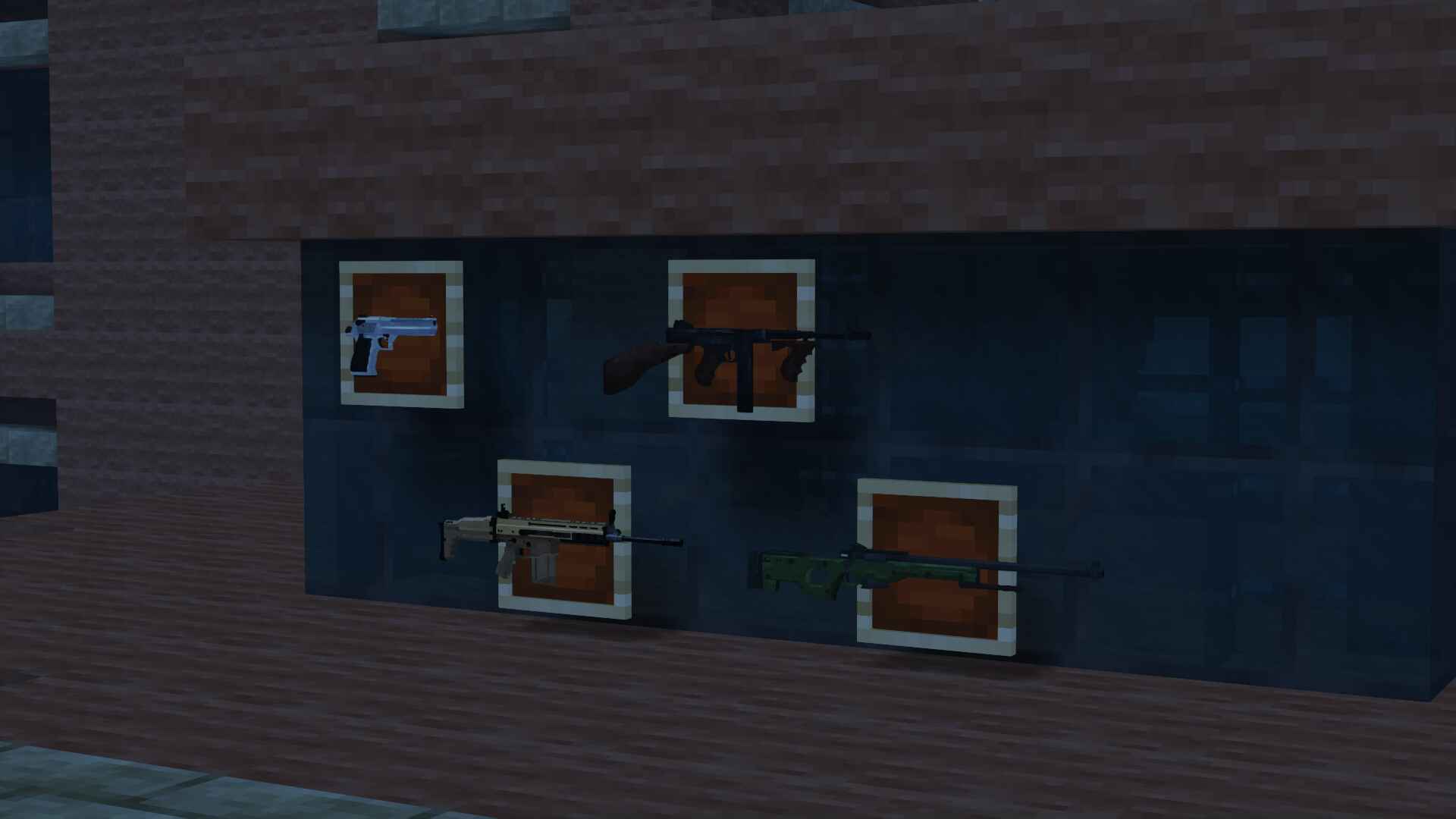
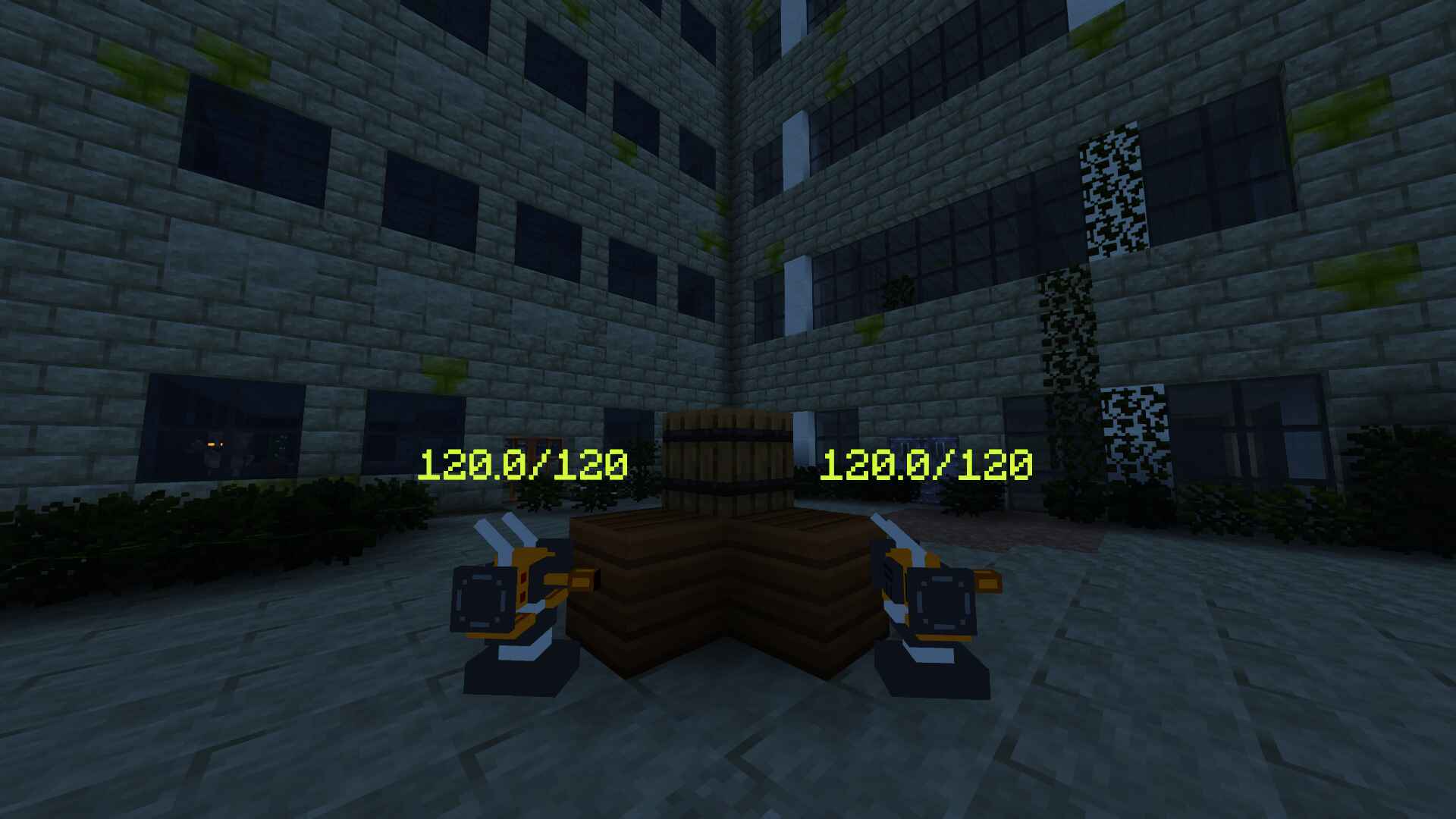
- 25+ realistic firearms and auto-turrets.
- An exclusive datapack, custom made for this modpack, that introduces falling meteors with an iron core that can be repurposed for ammo.
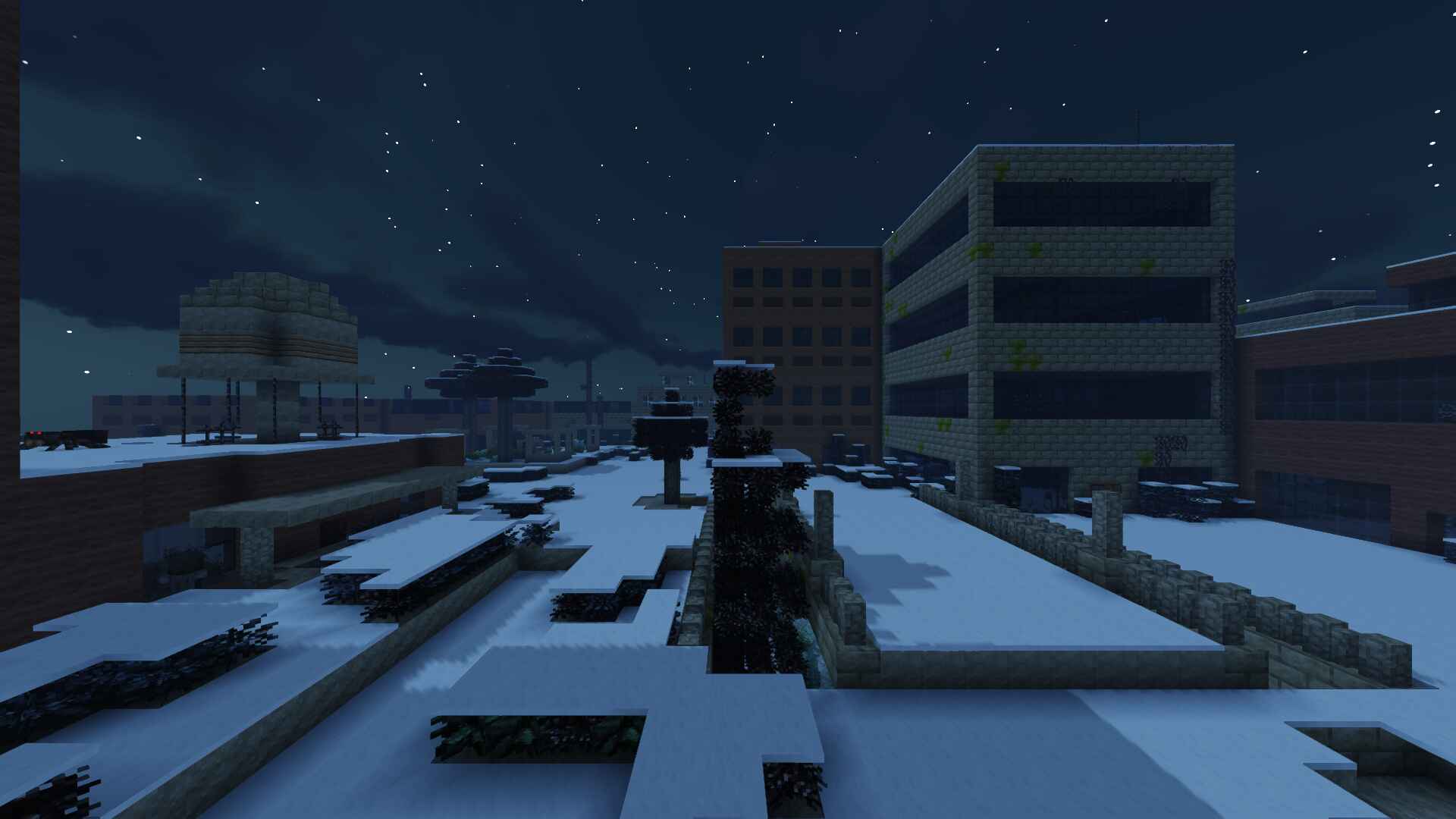
- An endless abandoned city with a perpetual night cycle.
- A carefully crafted game loop, including starting gear, custom mob drops and timed supply crates.
- Immersive visual effects and sound design.
Setting
The Lost Cities are filled with modified zombies and spiders crawling around in the dark. You can already hear their groans reverberating through the darkness.
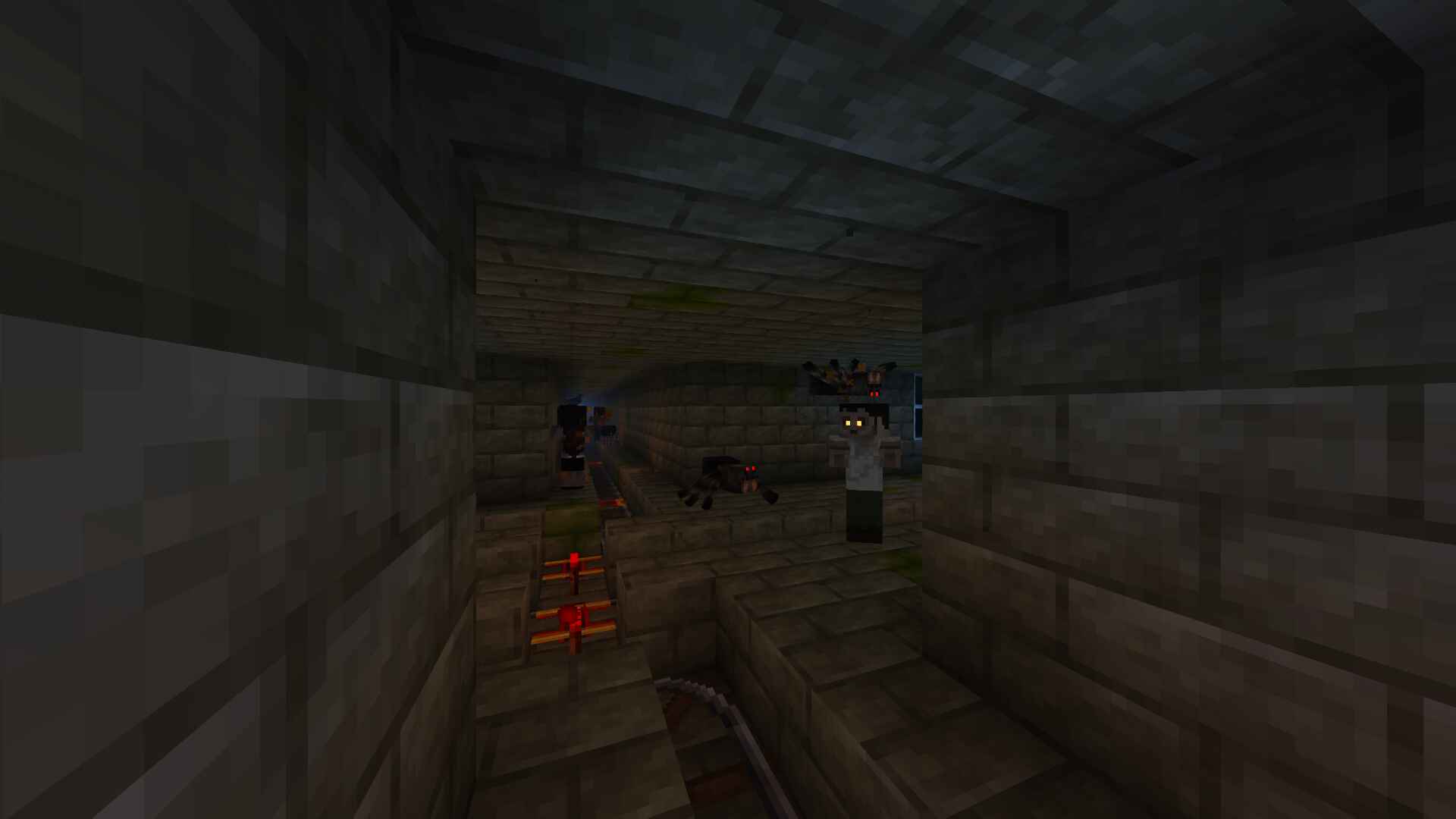
A mysterious catastrophe in the distant past plunged the world into an eternal night, enabling undead mobs to persist for longer and eventually develop heightened senses.
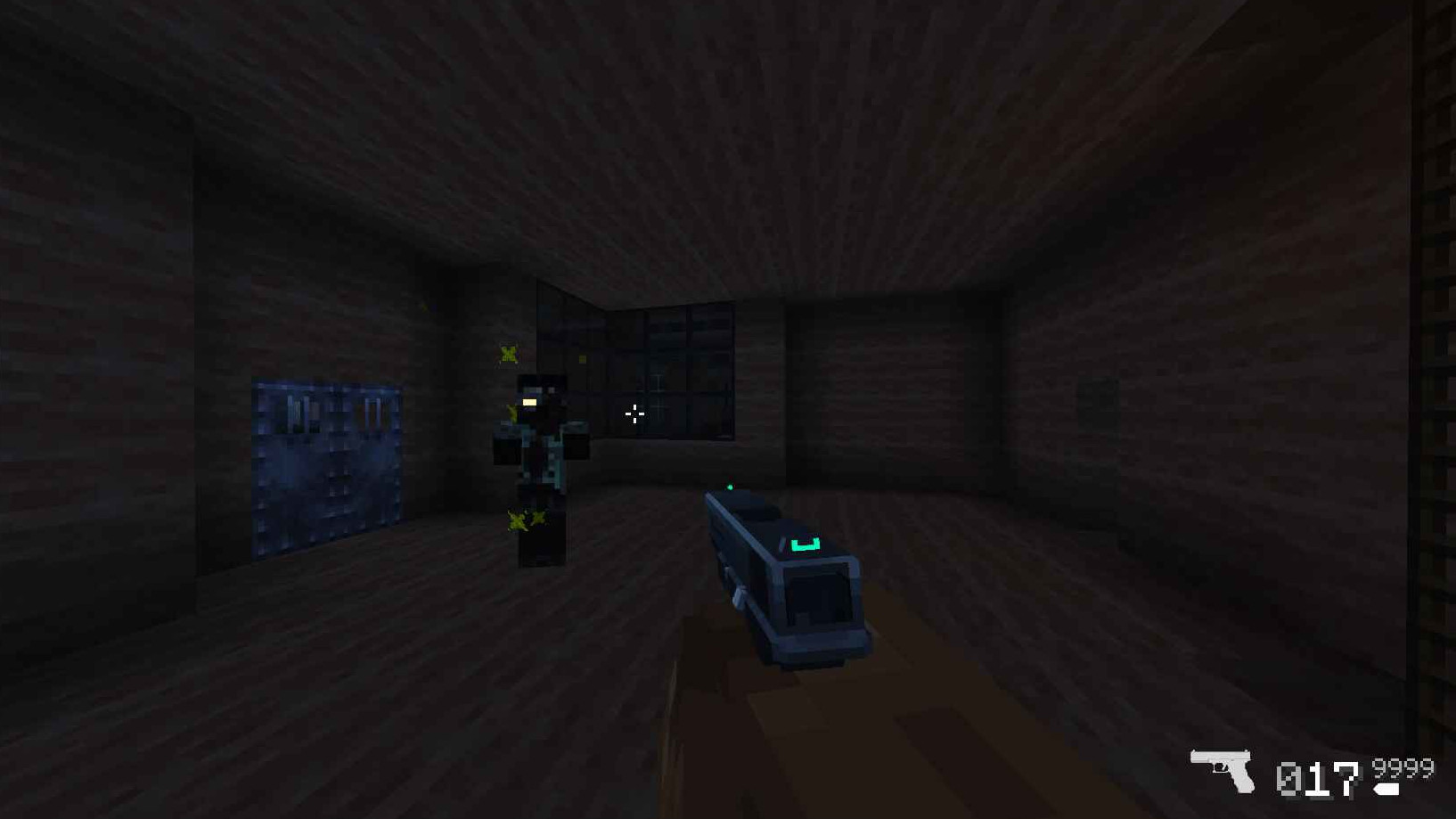
They are the monsters you were sent to fight against as the lone survivor of a secret military operation to take back the city.
Gear
Armed with your trusty pistol and knife, you will be forced to eliminate and loot the zombified monsters that once were the city's inhabitants to obtain new weapons and ammo that may prove essential to stay alive in this hostile world.
After the first ten minutes of intense combat, you hear the sound of a broadcast comm regarding a supply crate about to land in the center of the map. You make your way there, hoping to find anything that can help in your fight against the undead.
Available Versions
How to Set Up a SurviveZ Server
Order Server
Choose at least 6 GB RAM (8 GB recommended for SurviveZ). Based on player count: per 5 players.
Install Modpack in Dashboard
Open the modpack browser in the dashboard, search for "SurviveZ" and click "Install". The forge loader and Minecraft 1.16.5 are configured automatically.
Start Server & Play
Start the server – all mods are loaded automatically. Share the server IP with friends and play together!
Frequently Asked Questions
SurviveZ server crashes or won't start – what to do?
Most common causes: insufficient RAM or wrong forge loader. Check latest.log for "OutOfMemoryError" → increase RAM to at least 8 GB. For "Mixin" or "ClassNotFoundException" errors: modpack version and loader don't match. With Mado Hosting, loader and Minecraft version are auto-configured on modpack install – preventing most startup issues.
How much RAM does a SurviveZ server really need?
Minimum 6 GB, recommended 8 GB for stable performance. per 5 players. Important: Minecraft modpacks need more RAM than vanilla – plan extra per additional player. With Mado Hosting, you can scale RAM up live at any time without data loss (from €12/month).
Can I add custom mods to SurviveZ without conflicts?
Yes, but check compatibility: only use mods for the same loader (forge) and same Minecraft version (1.16.5). Common issues: ID conflicts with recipe mods and incompatible coremod versions. The Mado dashboard mod browser only shows compatible mods and warns about known conflicts.
SurviveZ server lagging – performance tips
1) Increase RAM to 8 GB+. 2) Reduce server view-distance to 8 (server.properties). 3) Pre-generate chunks with the "Chunky" plugin. 4) Use /spark profiler to check which mods consume the most tick time. With Mado Hosting, all servers run on NVMe SSDs with dedicated CPU cores – eliminating hardware as a bottleneck.
Similar Modpacks

![COBBLEVERSE - Pokemon Adventure [Cobblemon]](https://cdn.modrinth.com/data/Jkb29YJU/581ecf54530972afb18a04660afd820f2f24f6c7.png)




Rent SurviveZ Server
Start your own server with automatic modpack installation.
Supported Versions
Start your SurviveZ Server now
From €12.00/month with 8 GB RAM for the best performance.
Configure Server →