
Swilia's Usage ModPack
Modpack with more mods
Screenshots
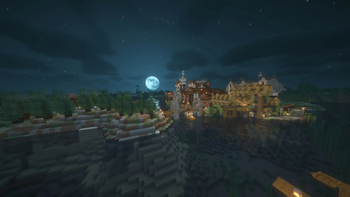

About this Modpack

Swilla's Usage modpack is a v1.21.4 only modpack that isn't for optimizing, but to give an experience, making it a difference from the rest
See the Installation Instructions when installing the modpack, for launchers that can't support downloading from modrinth, you may need to use the installing the modpack Externally
Here's how it compares
| Feature | Fabulously Optimized | Simply Optimized | Remarkably Optimized | Performium | Sodium Plus | Swilla's Usage ModPack |
|---|---|---|---|---|---|---|
| Mojang Screen Removed (Game Boot) | ❌ | ❌ | ❌ | ❌ | ❌ | ✅ |
| Minecraft Options Configured By Default | ❌ | 🟨 | 🟨 | 🟨 | 🟪 | ✅ |
| Loading Terrain Removed | ❌ | ❌ | ❌ | ✅ | ❌ | ✅ |
| Fast Quitting Worlds (Quit Fast Mod) | ✅ | ❌ | ❌ | ❌ | ❌ | ✅ |
| Resource Pack Screen (Changing Packs) Removed | ✅ | ❌ | ❌ | ❌ | ❌ | ✅ |
| Zoom way better (Zoomify) | ✅ | ❌ | ✅ | ❌ | ❌ | ✅ |
| Mod Menu | ✅ | ❌ | ✅ | ✅ | ✅ | ✅ |
| Server Resource Pack Control | ❌ | ❌ | ❌ | ❌ | ❌ | ✅ |
| Pack Downloader and many more in-game | ❌ | ❌ | ✅ | ✅ | ❌ | ✅ |
| Resource Explorer (Resource Pack Folder Viewer) | ❌ | ❌ | ❌ | ❌ | ❌ | ✅ |
Notes
Tested on version 1.21+ only, on modpack versions:
Fabulosly Optimized - Fabulously Optimized 6.5.0-beta.10
Simply Optimized - Simply Optimized 1.21.4-2.0.1
Remarkably Optimized - Remarkably Optimized 1.13.1
Performium - Performium v1.1.0-Release+1
Sodium Plus - Sodium Plus 2.3.1-beta.1
Section 2 for Sodium Plus - Configured but not the music or etc
Section 2 for Remarkably Optimized - GUI Scale is not configured (Defaults to auto), And there's only the built in Frabic Packs with Resource Packs from a Mod Only
Section 2 of Performium - Barely Configured, but not the FOV, neither the Resource Packs that cames with the modpack are enabled
Section 2 of Simply Optimized - GUI Scale set to 3, nothing else
But what does change even?
Worlds
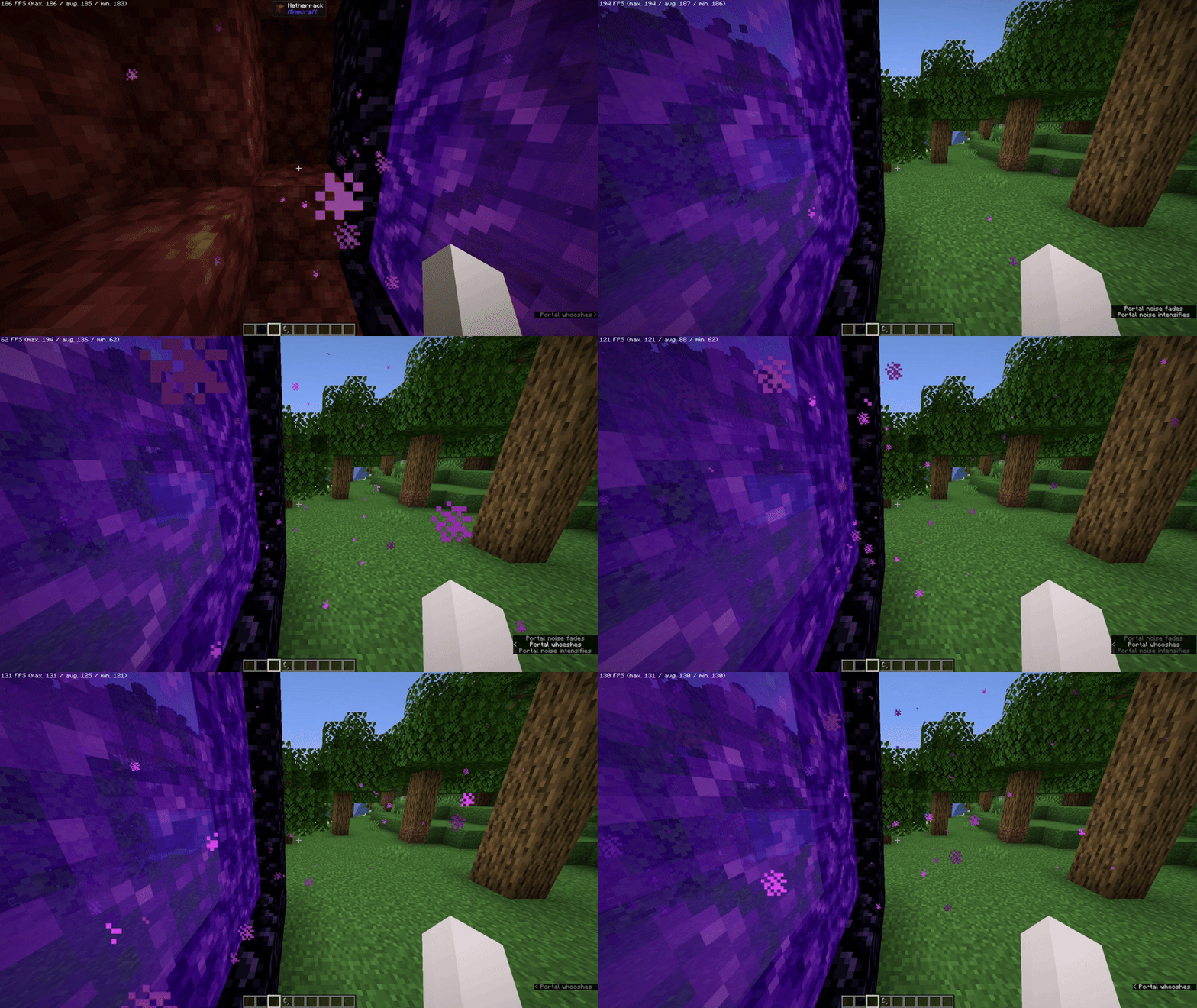
It Removes "Loading Terrain..." forever and ever (And Loads Fast!) when changing worlds/creating worlds, so it doesn't feel like a pain to watch
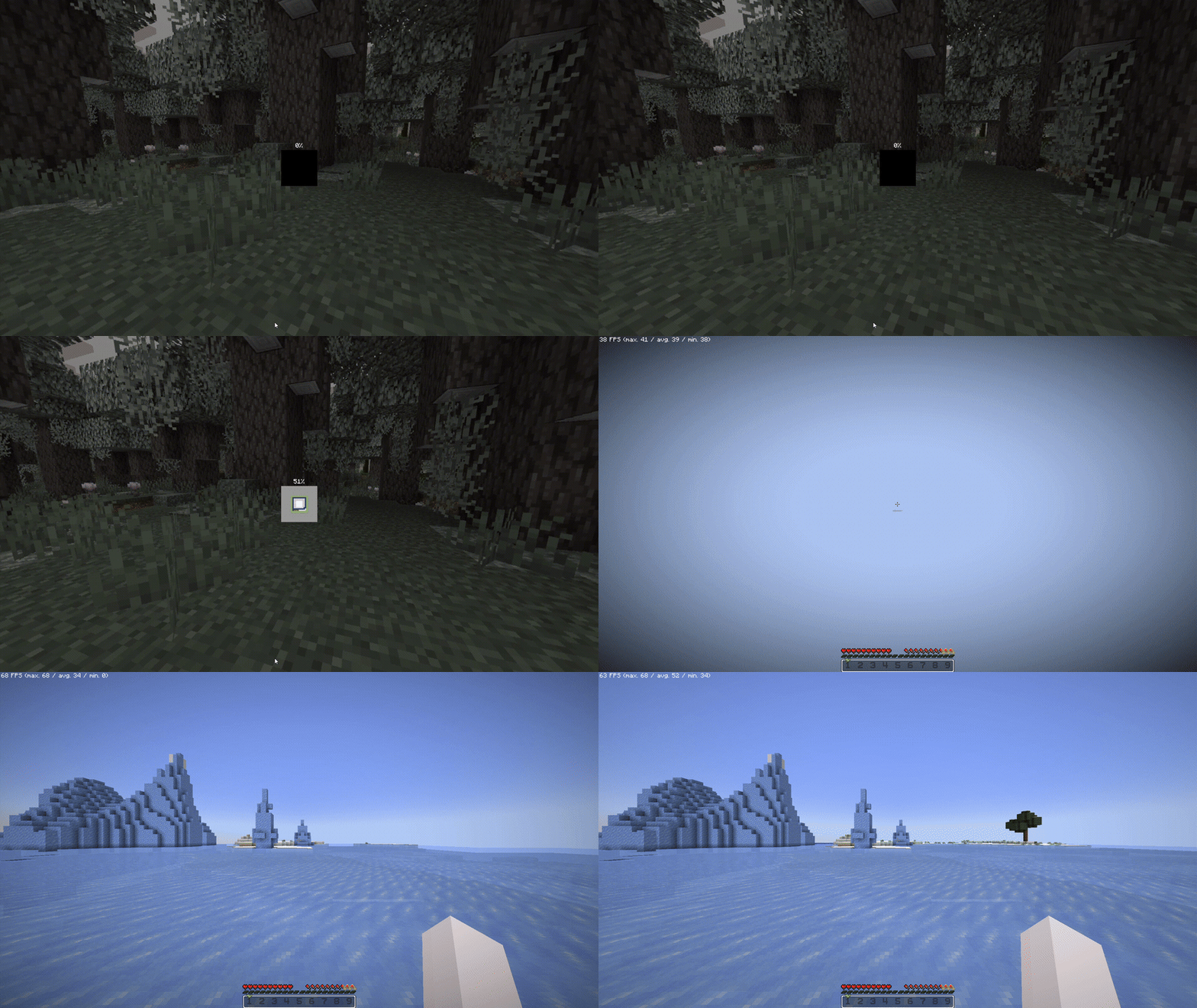
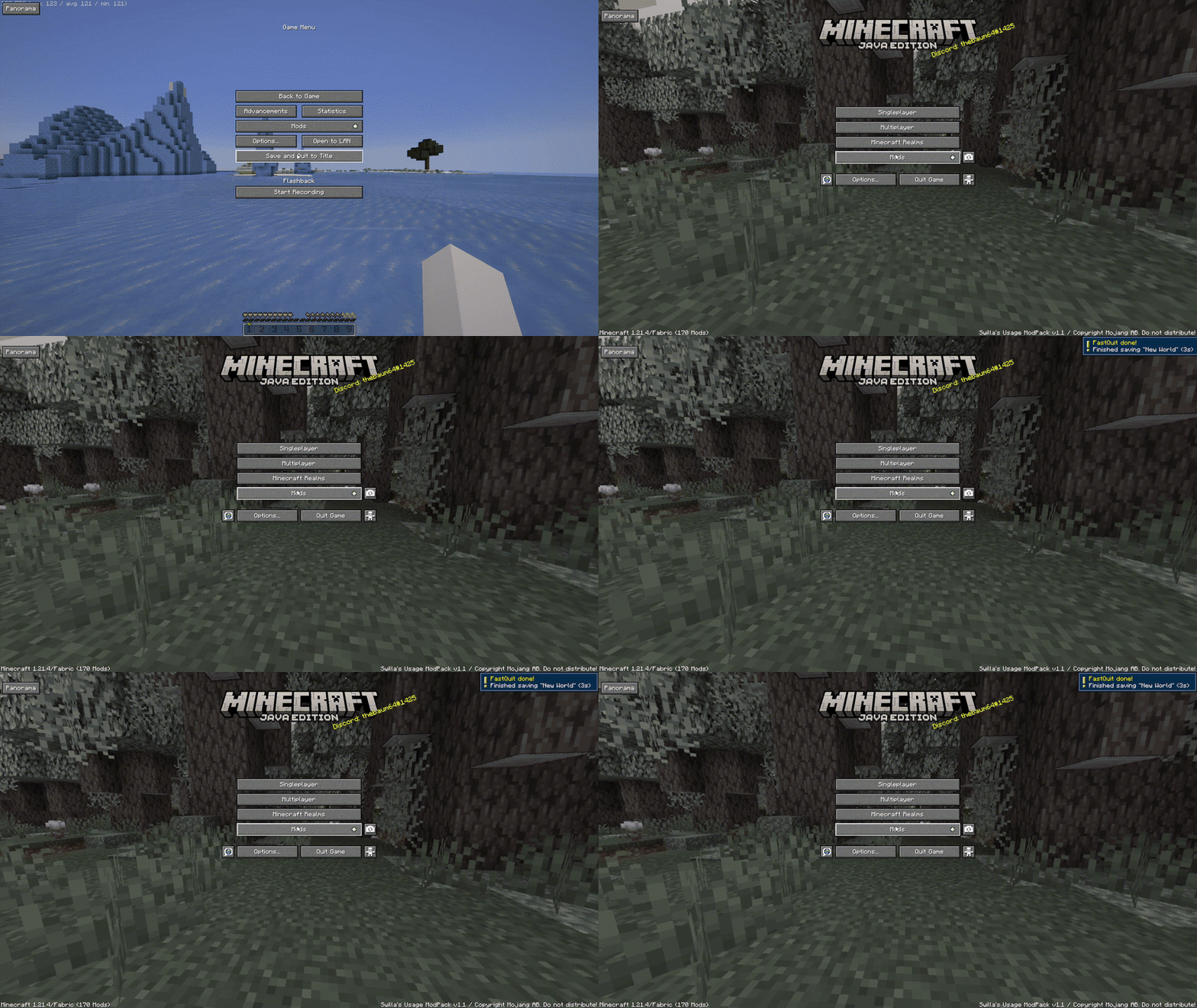
When saving worlds, you will be already at the menu, as the world is saved in the background (Shown at the top right)
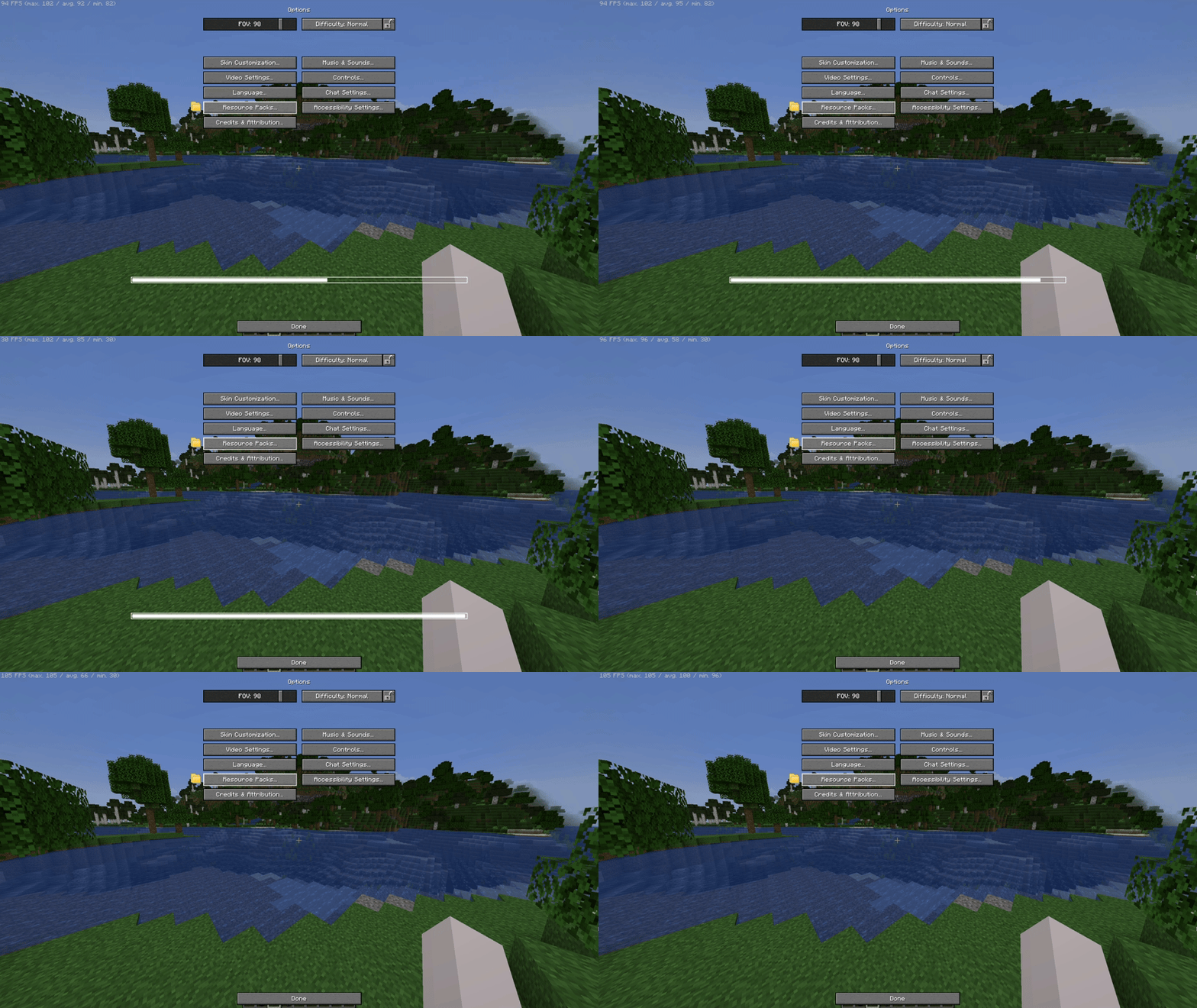
Resource Packs
It removes the Mojang/Loading screen when changing any resource pack, so you can move while it loads on the background
Server Resource Packs
You can control the way Server Resource Packs are, not from the usual "Accept or don't connect", you can either Ignore (Accepts but doesn't apply - Works on servers) Accept it, but with a check if you want the server to override (Change) the existing resources from your enabled Resource Packs on your client!

Game Launching
The game will boot in the menu instantly, as because of the Loading Screen and The Mojang Logo is removed!

Other
HUD and UI
The UI is from Catppuccin UI While if you want, you can apply the Etsan's Better Hotbar or AxeFactor for PvP!*


*On Versions starting 1.2 and above, not v1.2 (Beta 1) and below
Flashback built in
If you want to record your gameplays, Flashback is built in here, you simply need to Start The Recording

Download DataPacks/Resource Packs/Shaders/etc...
You can download worlds*, resource packs, shaders and other stuff in-game, from modrinth or curseforge!
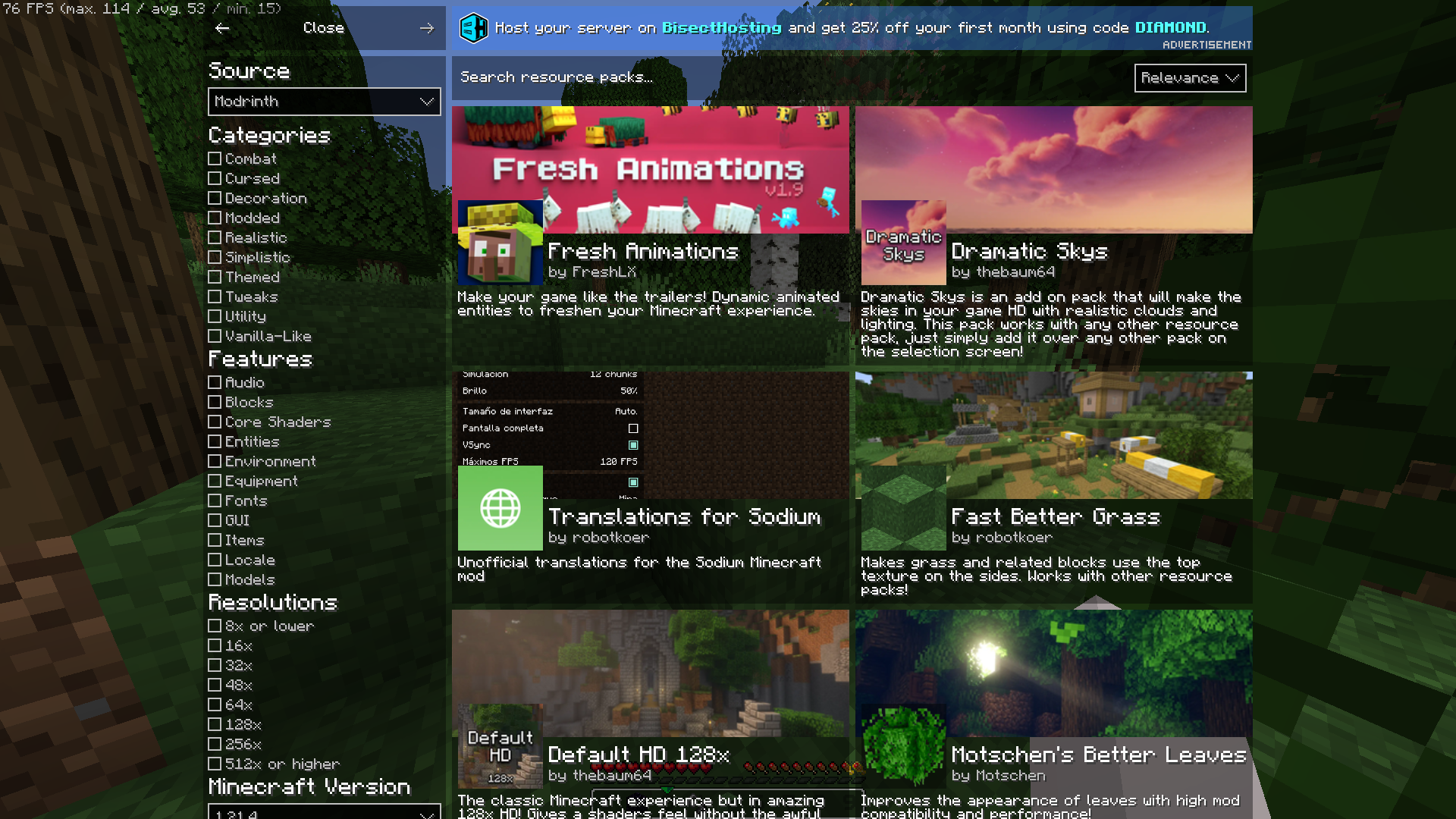
*Worlds are CurseForge Only
Information when looking in a block
I mean, you can see which block is even if its from a resource pack

Player Heads
Player Heads will show on chat when they chat, or with server messages

Pre-Built in Worlds
The ModPack Comes with prebuilt in worlds to test already the modpack**!

*
*The modpack will take a while to extract before downloading mods
*Worlds from CurseForge:
Medieval Port City by ForgiaDeiBuilder & Millenniar
Voidblock by LoweredgamesDev
Xbox Tutorial 31 by noxgame1230
Hello there... did you ready need to scroll down?
Well, this modpack is built from a single person, if you enjoyed using the modpack you can consider donating to my Ko-Fi if you want me to continue working!
Available Versions
How to Set Up a Swilia's Usage ModPack Server
Order Server
Choose at least 4 GB RAM (6 GB recommended for Swilia's Usage ModPack). Based on player count: per 8 players.
Install Modpack in Dashboard
Open the modpack browser in the dashboard, search for "Swilia's Usage ModPack" and click "Install". The fabric loader and Minecraft 1.21.4 are configured automatically.
Start Server & Play
Start the server – all mods are loaded automatically. Share the server IP with friends and play together!
Frequently Asked Questions
Swilia's Usage ModPack server crashes or won't start – what to do?
Most common causes: insufficient RAM or wrong fabric loader. Check latest.log for "OutOfMemoryError" → increase RAM to at least 6 GB. For "Mixin" or "ClassNotFoundException" errors: modpack version and loader don't match. With Mado Hosting, loader and Minecraft version are auto-configured on modpack install – preventing most startup issues.
How much RAM does a Swilia's Usage ModPack server really need?
Minimum 4 GB, recommended 6 GB for stable performance. per 8 players. Important: Minecraft modpacks need more RAM than vanilla – plan extra per additional player. With Mado Hosting, you can scale RAM up live at any time without data loss (from €8/month).
Can I add custom mods to Swilia's Usage ModPack without conflicts?
Yes, but check compatibility: only use mods for the same loader (fabric) and same Minecraft version (1.21.4). Common issues: ID conflicts with recipe mods and incompatible coremod versions. The Mado dashboard mod browser only shows compatible mods and warns about known conflicts.
Swilia's Usage ModPack server lagging – performance tips
1) Increase RAM to 6 GB+. 2) Reduce server view-distance to 8 (server.properties). 3) Pre-generate chunks with the "Chunky" plugin. 4) Use /spark profiler to check which mods consume the most tick time. With Mado Hosting, all servers run on NVMe SSDs with dedicated CPU cores – eliminating hardware as a bottleneck.
Rent Swilia's Usage ModPack Server
Start your own server with automatic modpack installation.
Supported Versions
Start your Swilia's Usage ModPack Server now
From €8.00/month with 6 GB RAM for the best performance.
Configure Server →