
Techno Biodiversity 1
A 1.12.2 modpack blending technology, space exploration, diverse biomes, and more. Discover a world of endless possibilities.
Screenshots
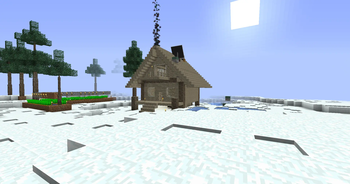
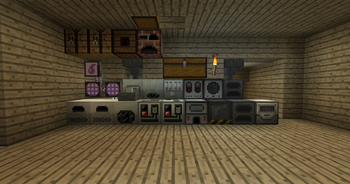
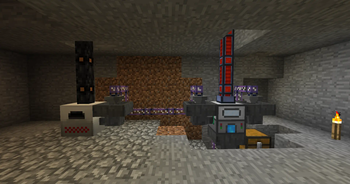
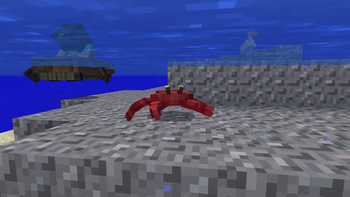
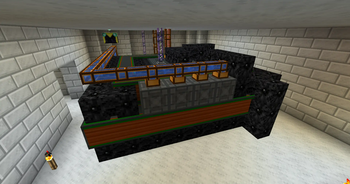
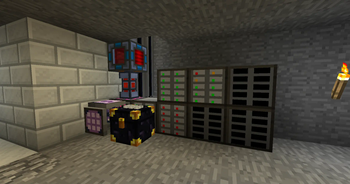
About this Modpack

Techno Biodiversity is an immersive 1.12.2 forge modpack that combines technology (electricity, computers, reactors...), space, nature (biomes, trees, animals, weather), food, furniture, trains, better caves and much more.
The technical side is powered by many mods, such as IC2C, AE2, BuildCraft, Thermal Foundation mods, Industrial Foregoing. But... that's not everything 👀
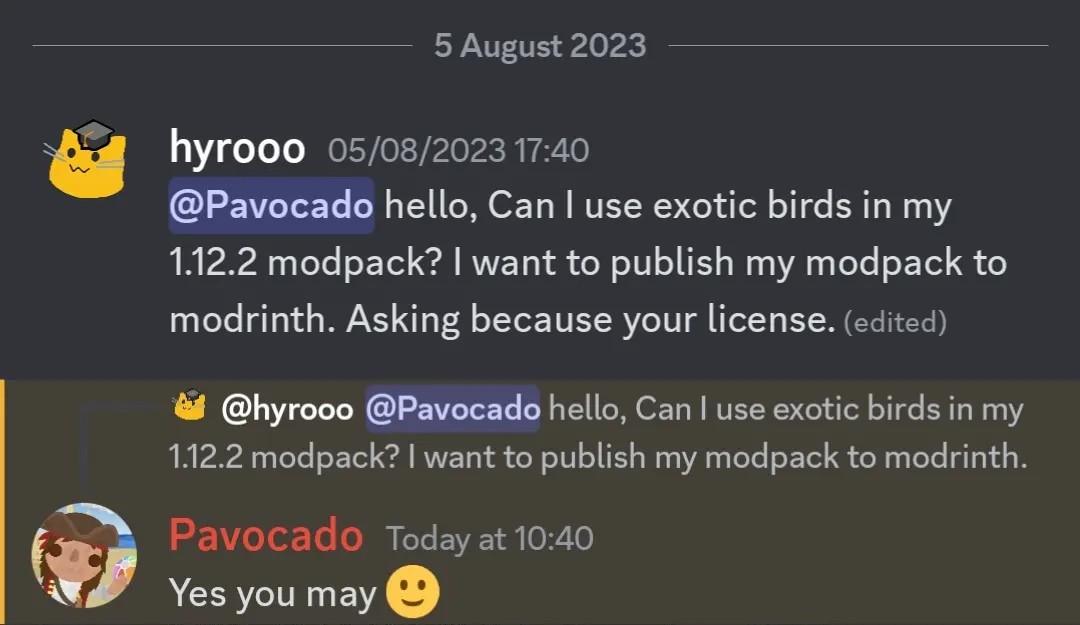
But Techno Biodiversity doesn't stop there. It also presents a stunning variety of biomes and animals through the Biomes O' Plenty mod. It's enhanced by Better Animals Plus, Exotic Birds, Dynamic Trees, Weather2 and custom caves generation by YUNG's Better Caves.
When you've had enough, you can go to space. TCHBD contains GalactiCraft that adds beautiful space system. We also have several add-ons that add additional planets.
This modpack contains a lot more stuff, if you want to check everything, check the mod list or play it 😅
⚠️ Keep in mind that this modpack is only published because we figured that maybe someone would like to play such a technical modpack as well.
- We have GitHub repository, if you have an idea or something to fix, please contact us via discord or create issue on GitHub.
- It is possible that with each version the mods will go up, but they certainly won't go down, so you don't have to worry about compatibility.
- A port to newer versions is not planned and probably never will be
Recommendations
- Optifine is highly recommended, you can install it here
- We launched this modpack using MultiMC-based launchers on 5GB, and it worked great
Permissions
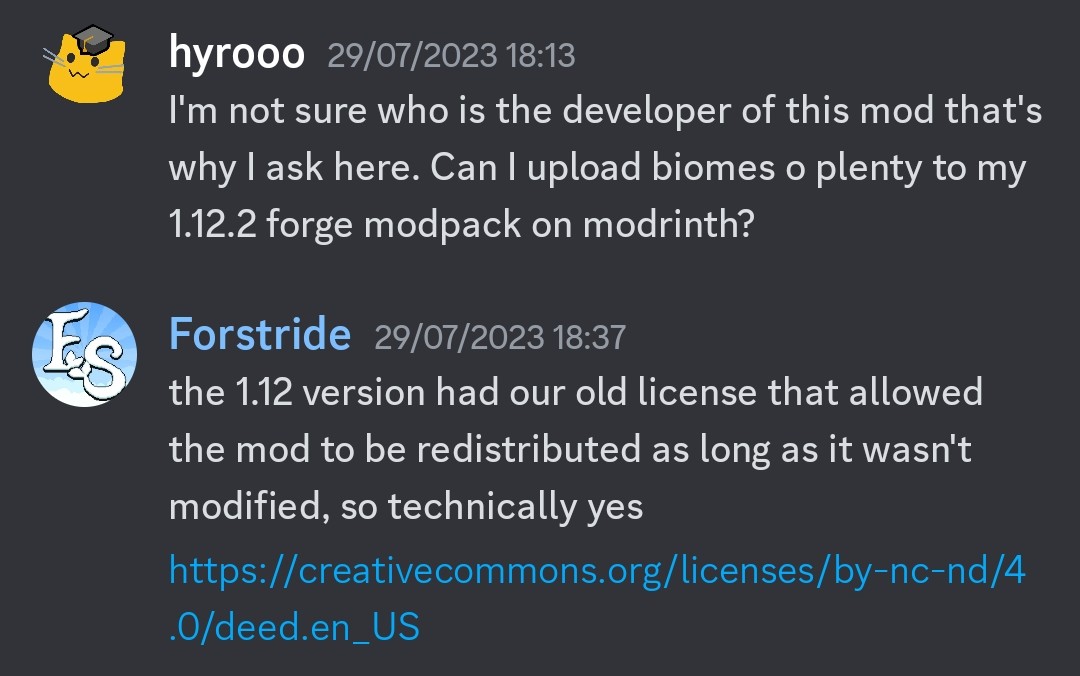
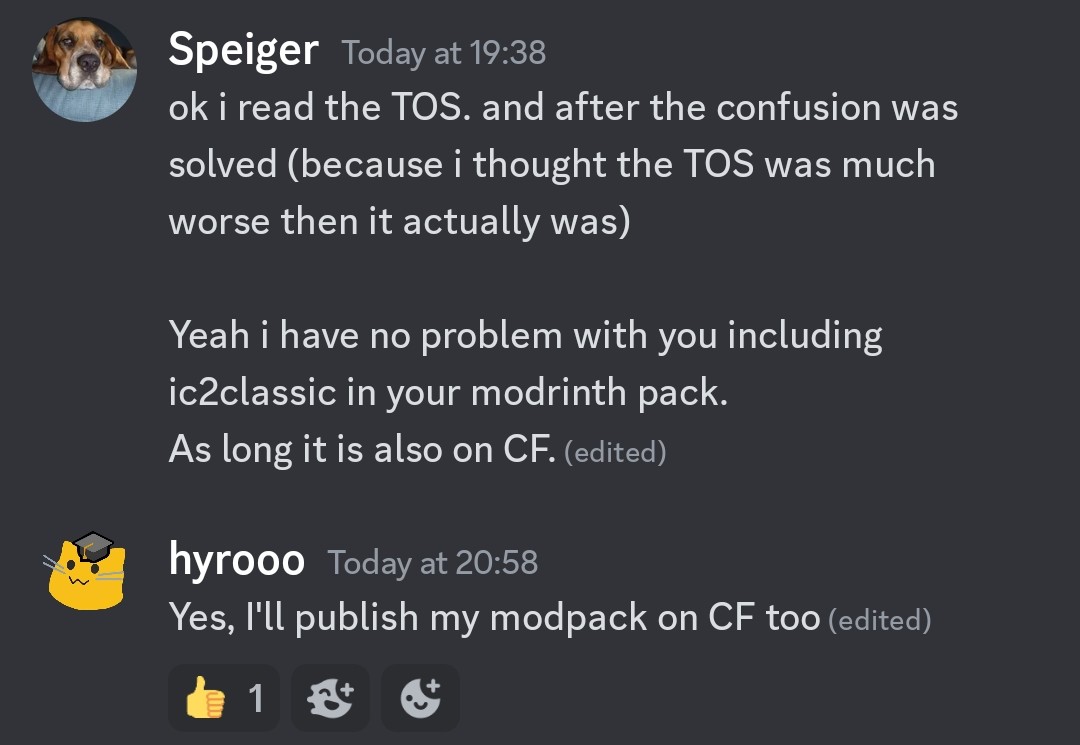
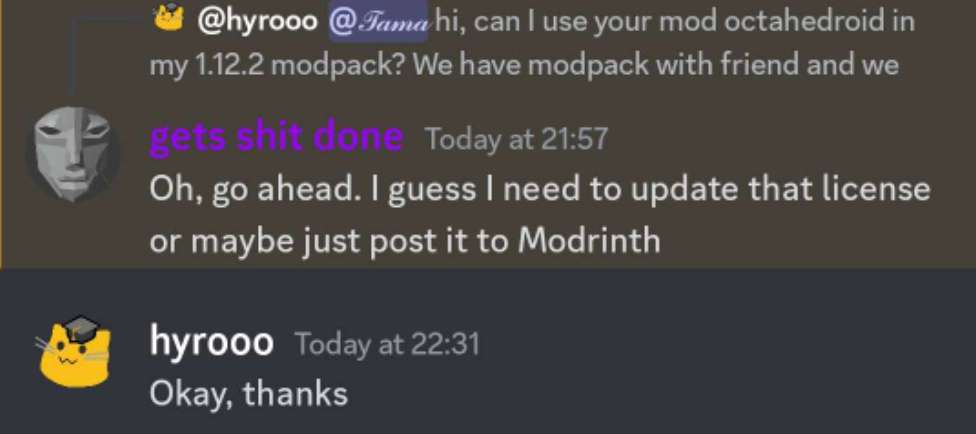
You can ignore this, it's due to licenses. For real modlist look at versions tab
Thermal Logistics
GTC Classic
Railcraft
Buildcraft
xhyrom's fork GTC Expansion, original

Available Versions
How to Set Up a Techno Biodiversity 1 Server
Order Server
Choose at least 6 GB RAM (8 GB recommended for Techno Biodiversity 1). Based on player count: per 5 players.
Install Modpack in Dashboard
Open the modpack browser in the dashboard, search for "Techno Biodiversity 1" and click "Install". The forge loader and Minecraft 1.12.2 are configured automatically.
Start Server & Play
Start the server – all mods are loaded automatically. Share the server IP with friends and play together!
Frequently Asked Questions
Techno Biodiversity 1 server crashes or won't start – what to do?
Most common causes: insufficient RAM or wrong forge loader. Check latest.log for "OutOfMemoryError" → increase RAM to at least 8 GB. For "Mixin" or "ClassNotFoundException" errors: modpack version and loader don't match. With Mado Hosting, loader and Minecraft version are auto-configured on modpack install – preventing most startup issues.
How much RAM does a Techno Biodiversity 1 server really need?
Minimum 6 GB, recommended 8 GB for stable performance. per 5 players. Important: Minecraft modpacks need more RAM than vanilla – plan extra per additional player. With Mado Hosting, you can scale RAM up live at any time without data loss (from €12/month).
Can I add custom mods to Techno Biodiversity 1 without conflicts?
Yes, but check compatibility: only use mods for the same loader (forge) and same Minecraft version (1.12.2). Common issues: ID conflicts with recipe mods and incompatible coremod versions. The Mado dashboard mod browser only shows compatible mods and warns about known conflicts.
Techno Biodiversity 1 server lagging – performance tips
1) Increase RAM to 8 GB+. 2) Reduce server view-distance to 8 (server.properties). 3) Pre-generate chunks with the "Chunky" plugin. 4) Use /spark profiler to check which mods consume the most tick time. With Mado Hosting, all servers run on NVMe SSDs with dedicated CPU cores – eliminating hardware as a bottleneck.
Rent Techno Biodiversity 1 Server
Start your own server with automatic modpack installation.
Details
- License
- LicenseRef-All-Rights-Reserved
- Server-side
- Required
- Client-side
- Required
Supported Versions
Start your Techno Biodiversity 1 Server now
From €12.00/month with 8 GB RAM for the best performance.
Configure Server →