The 128MB Pack
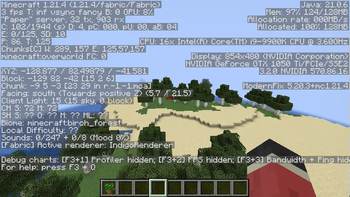
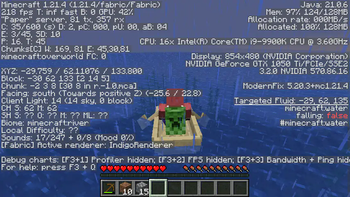
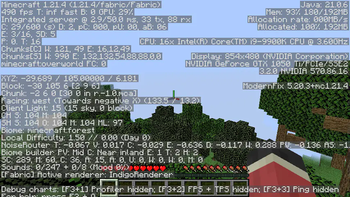
Minecraft on 128MB of allocated memory. It is a bit unstable and can crash quite a bit, but it works nonetheless. For a more playable experience though, you can increase the amount of allocated memory.
Screenshots
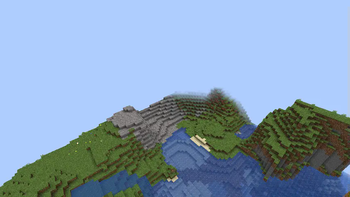
About this Modpack
The 128MB Pack
The 128MB pack is a pack that makes Minecraft run on just 128MB of memory while keeping things simple.
Installation (Prism)
On Modrinth, the installation should be extremely straightforward to figure out, but on MultiMC it should likely be the exact same.
- Open "Add Instance"
- Select "Modrinth"
- Search for "The 128MB Pack" and choose the correct version
- Set the amount of allocated memory to at least 512MB
- Launch the game to the title screen
- Close the game and set memory usage down to 128MB
Features
The 128MB pack keeps it simple but has a few useful features too.
Such features are:
- No Telemetry
- Options Profiles
To reduce possible memory related crashes and to stop Microsoft from collecting data about you.
A simple button in the top left corner of the pause and options screen that lets you choose different profiles. Within this modpack there are three profiles for various use cases.
WARNING: Do not switch option profiles in-game, otherwise the game may crash.
Profiles
WARNING: Profiles at the moment will crash the game without Sodium, so for now copy over the options manually.
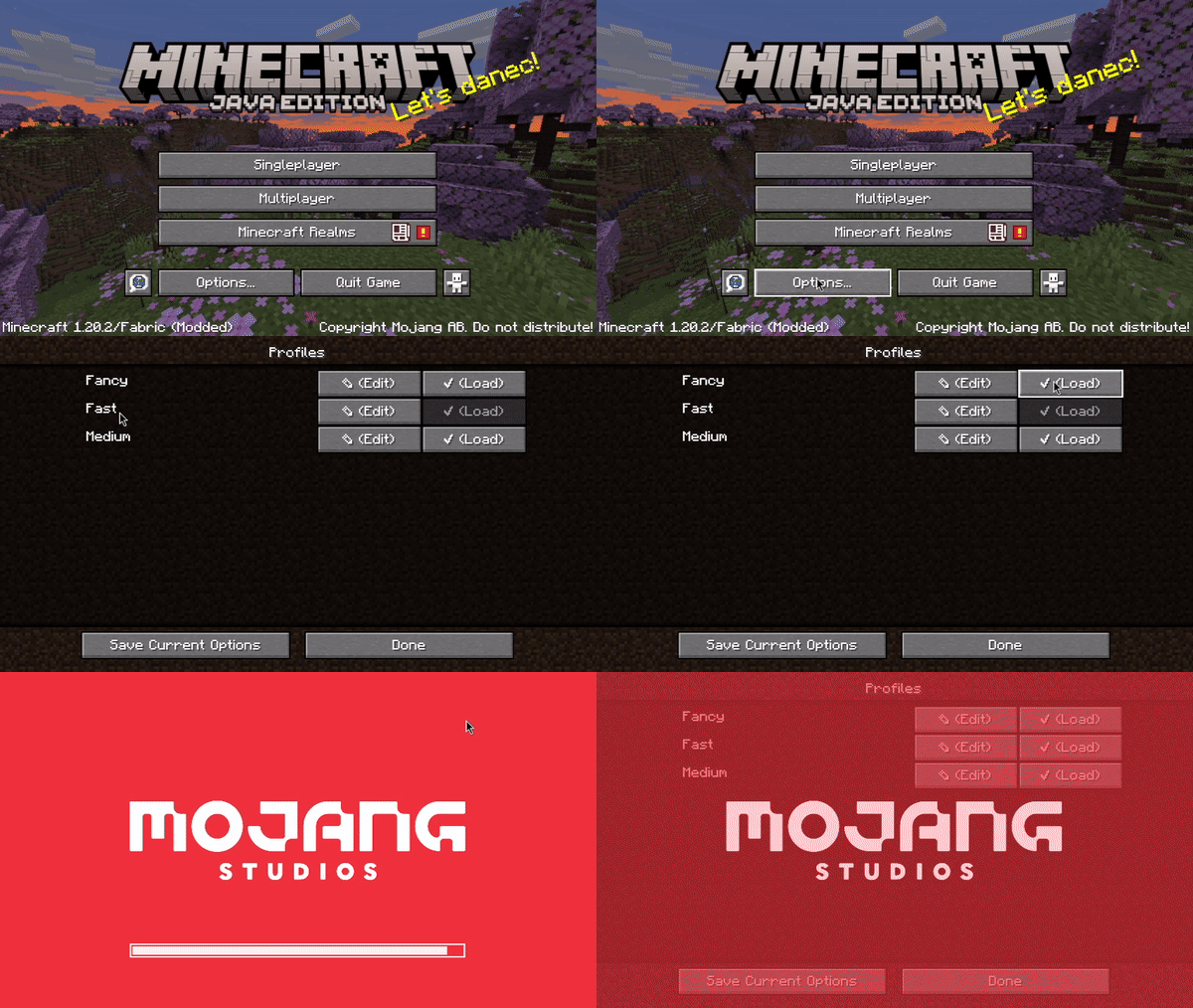
These are the three profiles:
- Fast
- Medium
- Fancy
The least crash prone preset. Use it in scenarios where stability matters most.
A bit of a middle ground between Fast and Fancy. This preset is more crash prone, but is largely usable in multiplayer.
The most intensive out of all of the presets. Has a 6 chunk render distance and all of the vanilla settings. On servers where crashing could occur, use the medium or fast presets. The fancy preset is extremely prone to crashing, so only use it on superflat, or with more allocated memory.
Singleplayer
As of 1.21.4, you will have to increase the amount of allocated memory to create a singleplayer world. From there you can shrink it back down to 128MB, but beware that it will likely be extremely unstable.
1.21.4
This update has put this modpack into near unusable shape.
The modpack will of course continue to exist, but compared to 1.20.2, this modpack is a shell of what it once was.
It's extremely unstable, and now servers like Hypixel simply will not work.
I am going to try to work on it to see how I can improve it, but the future is not promising as of 2/19/2025.
Credits:
- embeddedt - ModernFix
- FabricMC - Fabric API
- kb1000 - No Telemetry
- AxolotlMaid - Options Profiles
- malte0811 - FerriteCore
All mods in this modpack included by default are FOSS.
Sodium
By default, this modpack does not include Sodium as it uses a lot of memory.
If you want to install it though, simply add it to the instance. You will have to increase the amount of memory allocated to the instance as a result of that, otherwise the game will be extremely unstable.
Available Versions
How to Set Up a The 128MB Pack Server
Order Server
Choose at least 4 GB RAM (6 GB recommended for The 128MB Pack). Based on player count: per 8 players.
Install Modpack in Dashboard
Open the modpack browser in the dashboard, search for "The 128MB Pack" and click "Install". The fabric loader and Minecraft 1.21.4 are configured automatically.
Start Server & Play
Start the server – all mods are loaded automatically. Share the server IP with friends and play together!
Frequently Asked Questions
The 128MB Pack server crashes or won't start – what to do?
Most common causes: insufficient RAM or wrong fabric loader. Check latest.log for "OutOfMemoryError" → increase RAM to at least 6 GB. For "Mixin" or "ClassNotFoundException" errors: modpack version and loader don't match. With Mado Hosting, loader and Minecraft version are auto-configured on modpack install – preventing most startup issues.
How much RAM does a The 128MB Pack server really need?
Minimum 4 GB, recommended 6 GB for stable performance. per 8 players. Important: Minecraft modpacks need more RAM than vanilla – plan extra per additional player. With Mado Hosting, you can scale RAM up live at any time without data loss (from €8/month).
Can I add custom mods to The 128MB Pack without conflicts?
Yes, but check compatibility: only use mods for the same loader (fabric) and same Minecraft version (1.21.4). Common issues: ID conflicts with recipe mods and incompatible coremod versions. The Mado dashboard mod browser only shows compatible mods and warns about known conflicts.
The 128MB Pack server lagging – performance tips
1) Increase RAM to 6 GB+. 2) Reduce server view-distance to 8 (server.properties). 3) Pre-generate chunks with the "Chunky" plugin. 4) Use /spark profiler to check which mods consume the most tick time. With Mado Hosting, all servers run on NVMe SSDs with dedicated CPU cores – eliminating hardware as a bottleneck.
Similar Modpacks

![Cobblemon Official Modpack [Fabric]](https://cdn.modrinth.com/data/5FFgwNNP/e7f9ee2e9d361623847853fe2ddce42f519ee64f.png)
![COBBLEVERSE - Pokemon Adventure [Cobblemon]](https://cdn.modrinth.com/data/Jkb29YJU/581ecf54530972afb18a04660afd820f2f24f6c7.png)
![Better MC [FABRIC] - BMC2](https://cdn.modrinth.com/data/shFhR8Vx/a19c2bcb51d38f32f138d3607e91cb2b7b8e387f_96.webp)


Rent The 128MB Pack Server
Start your own server with automatic modpack installation.
Supported Versions
Start your The 128MB Pack Server now
From €8.00/month with 6 GB RAM for the best performance.
Configure Server →