
The Lost Realms
1.21.1 │ Explore a dangerous yet magical world!
Screenshots
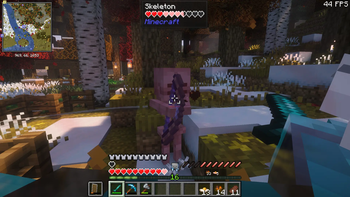
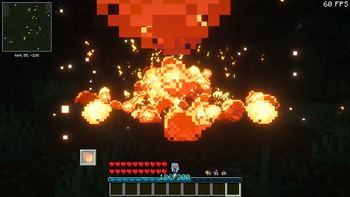
About this Modpack

Experience a New World
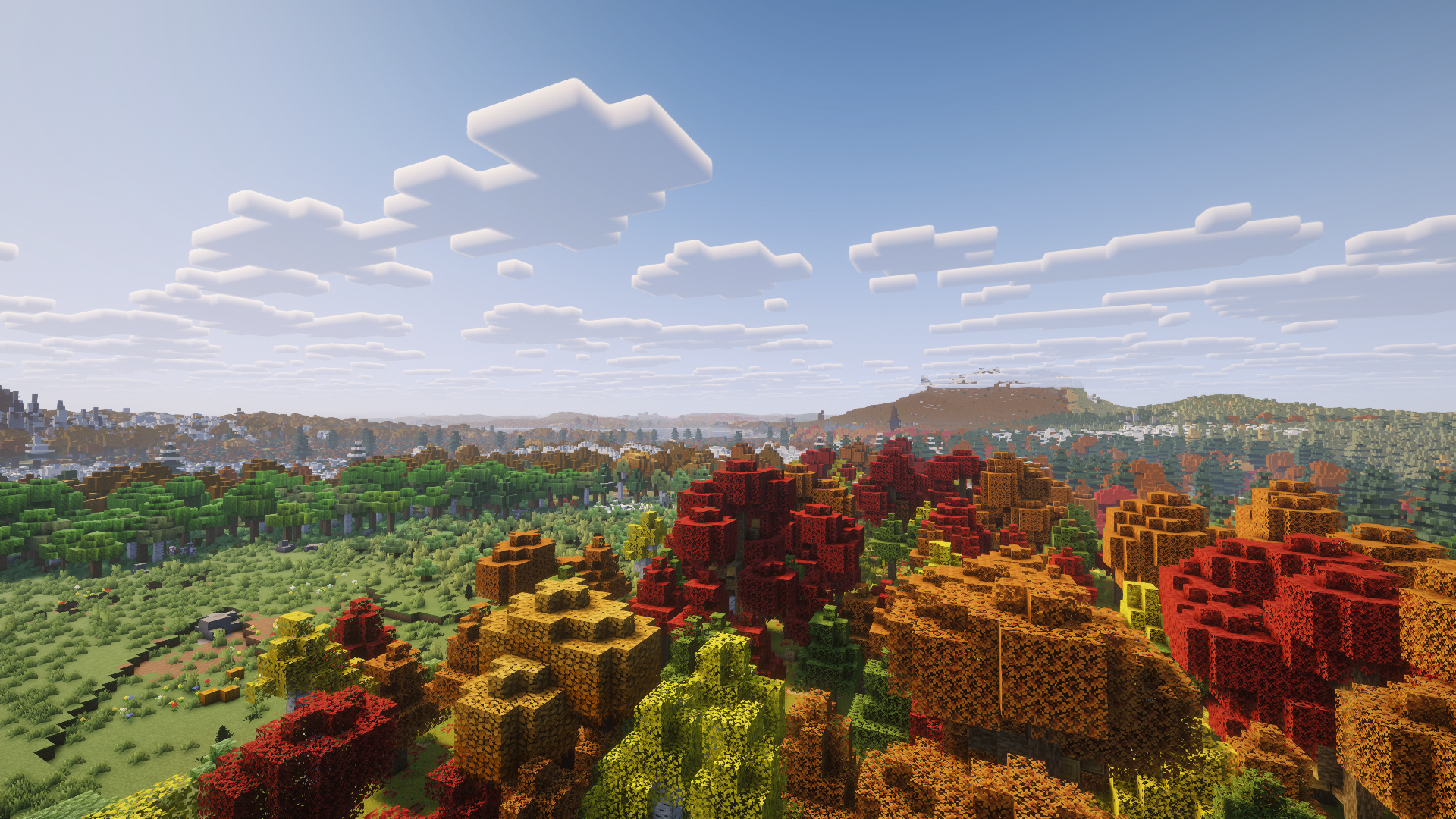
An Overhauled Overworld
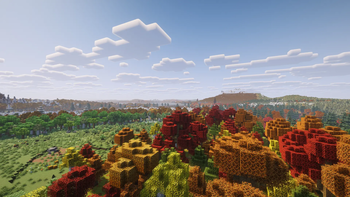
Explore a new and vibrant overworld thanks to mods such as Regions Unexplored and Luki's Grand Capitals, alongside an assortment of structure mods to provide plenty of opportunity for adventure.
New and Overhauled Dimensions
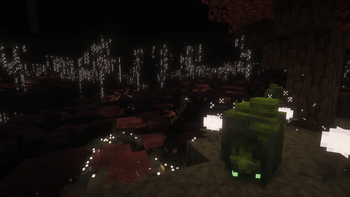
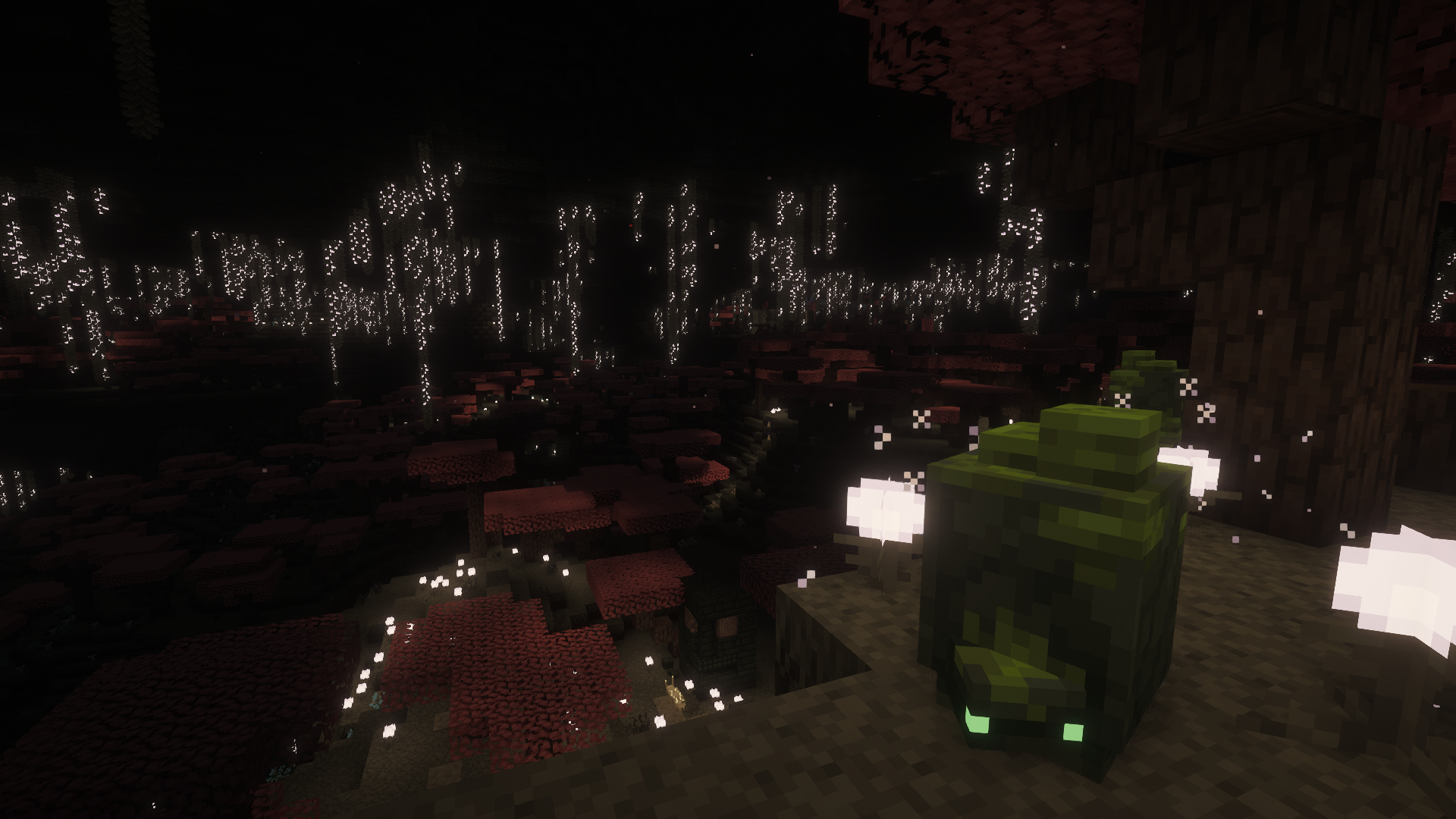
Delve into dark new realms such as the Undergarden and the Otherside, and an all new End with Stellarity.
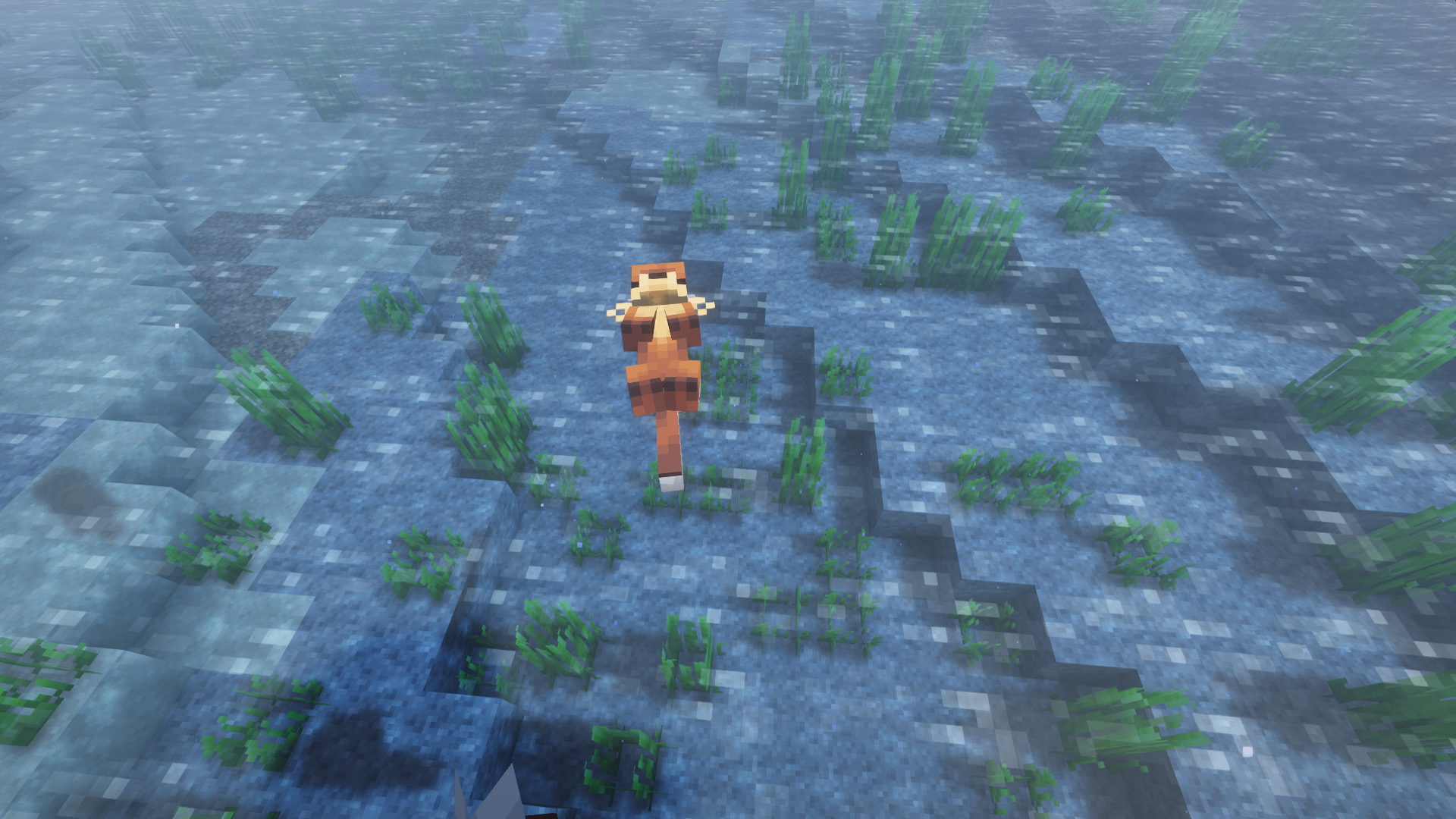
Make New Friends
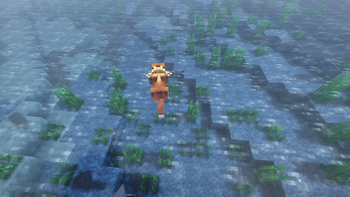
With Re:Animal and Critters and Companions there's a wide variety of new animals to meet and tame, and with Dragon Mounts Remastered you can hatch and ride your very own dragons.
Fight and Survive
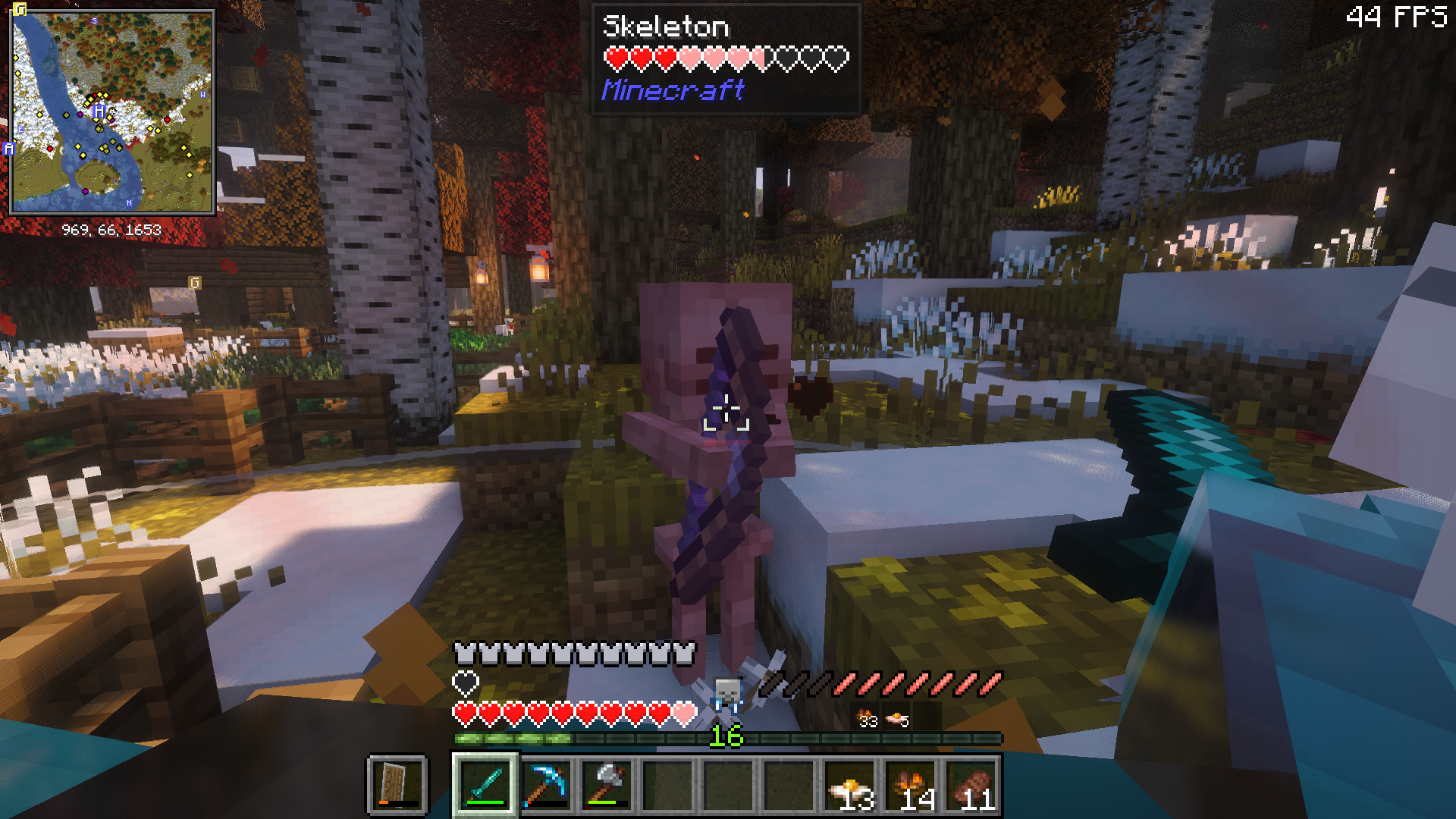
New Combat
Wield powerful new weapons in an all new way thanks to Simply Swords and Better Combat, or unleash powerful magic with Iron's Spells 'n Spellbooks.
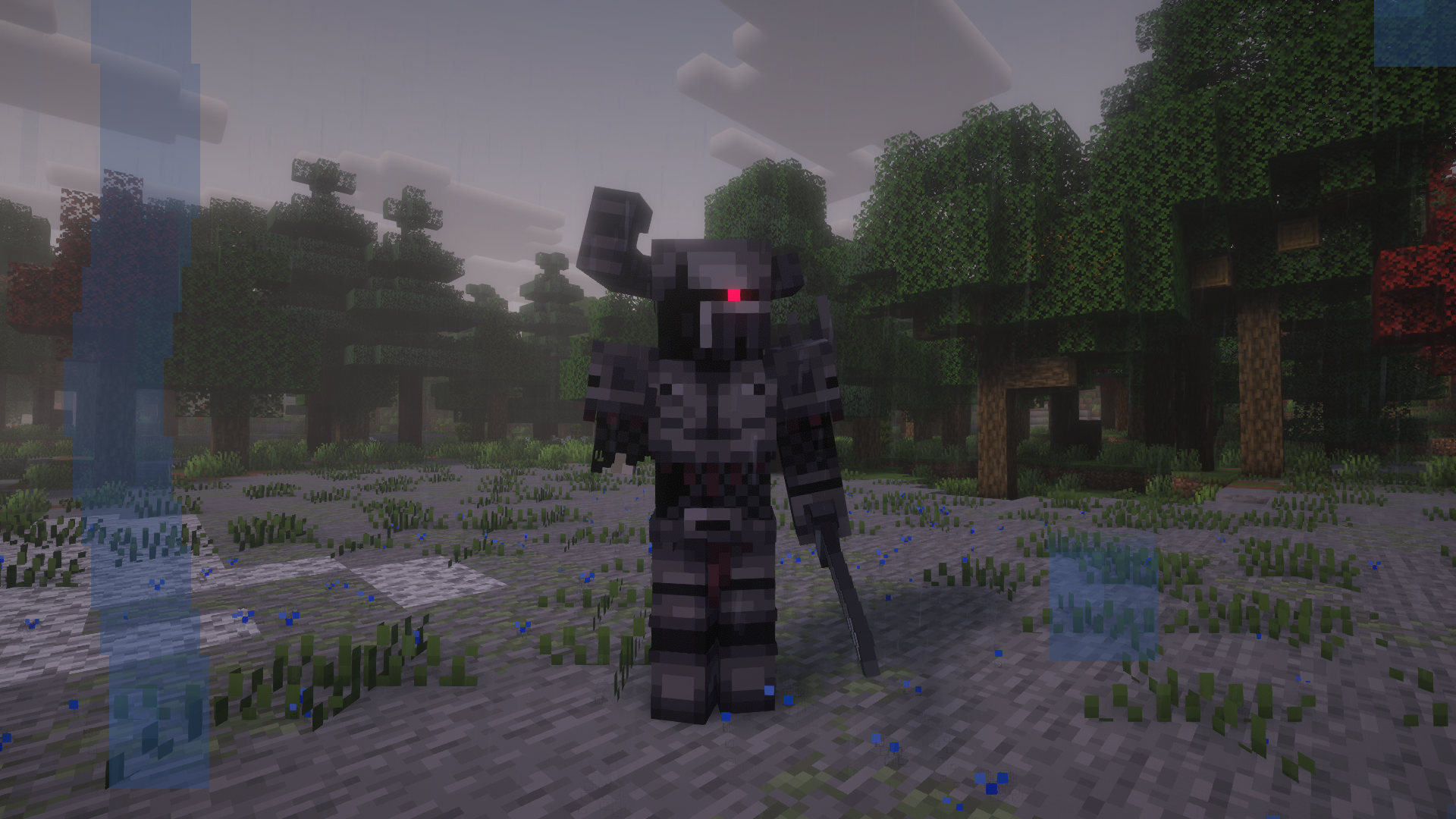
New Enemies of All Kinds
Not only are there a multitude of new and terrifying monsters to fight from Born in Chaos, but with Cold Sweat the temperature may be your greatest threat as seasons change.
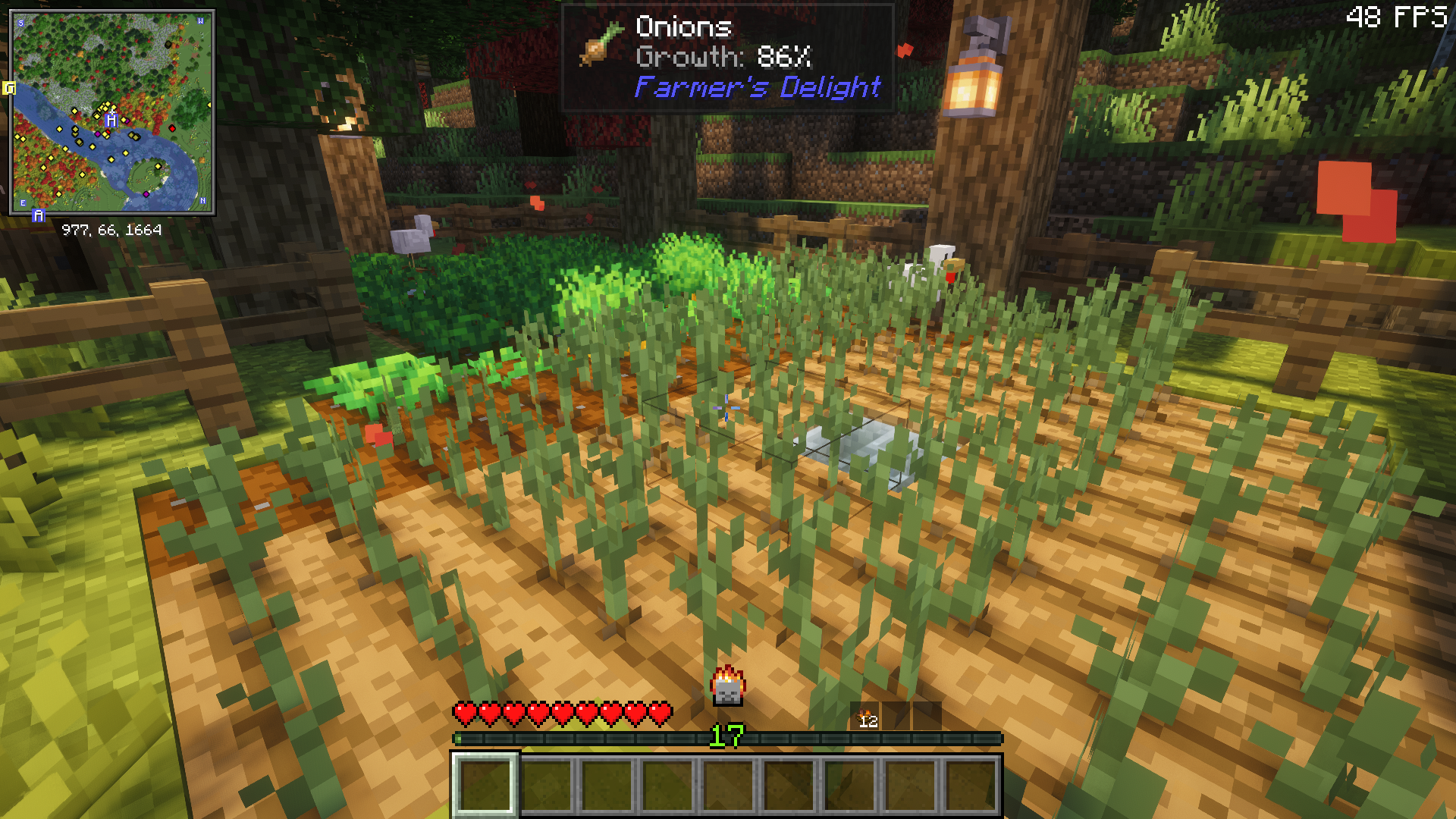
Food and Hunger
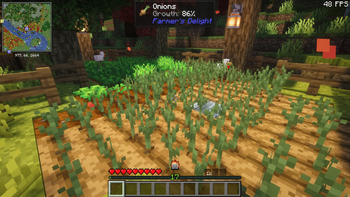
With Spice of Life: Valheim Reforged food is now more important than ever, but thanks to Farmer's Delight and various addons you've never had more culinary options.
Build and Create
Magic and Machinery
Utilize dark magic and pratice wichcreaft with Malum, or make mechanical contraptions and even automate your spellmaking with Create and Create Wizardry.
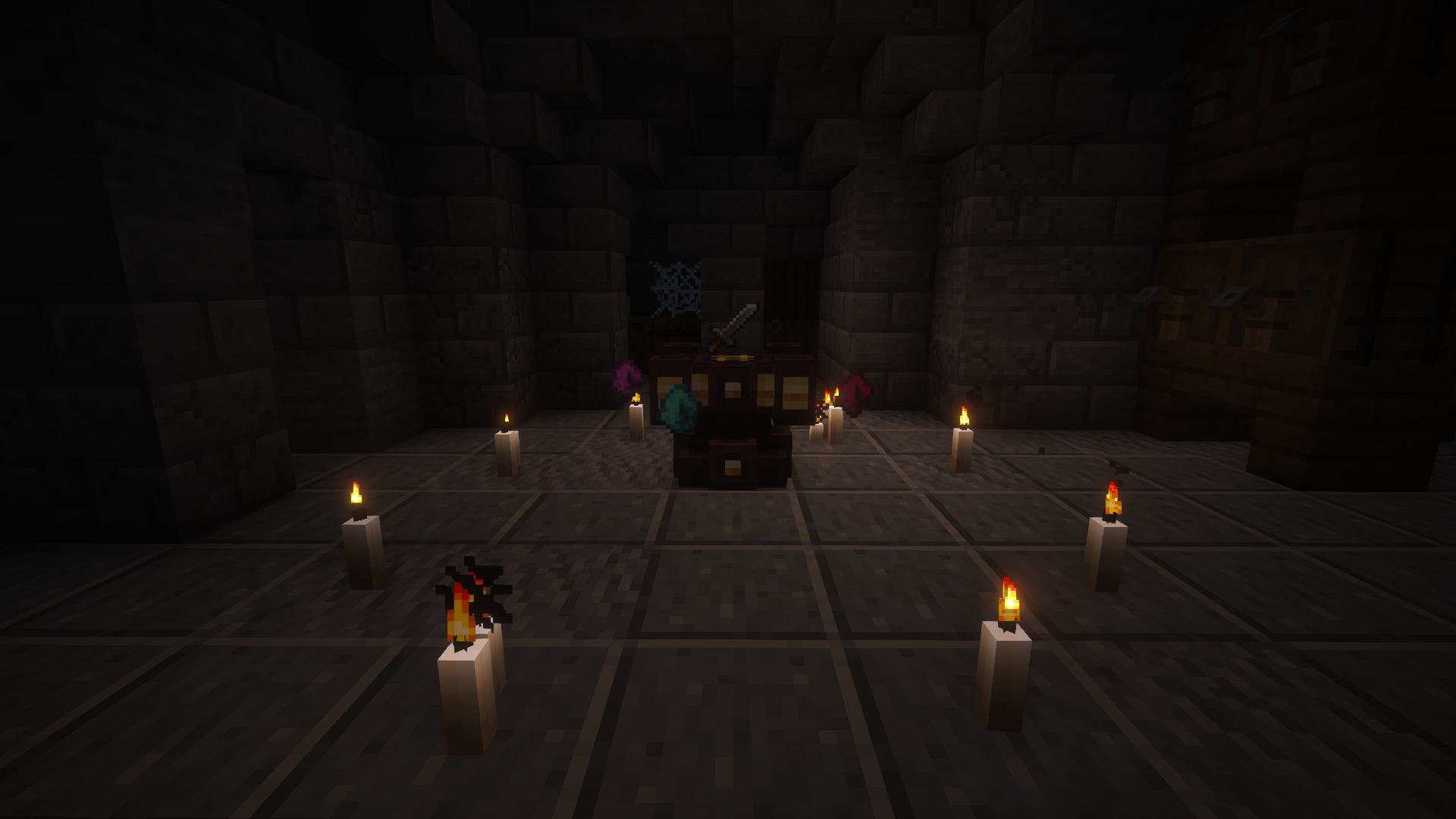
Decorate
With a variety of decor mods such as Unusual Furniture, Supplementaries, and Beautify among others—you can decorate your builds to your hearts content.
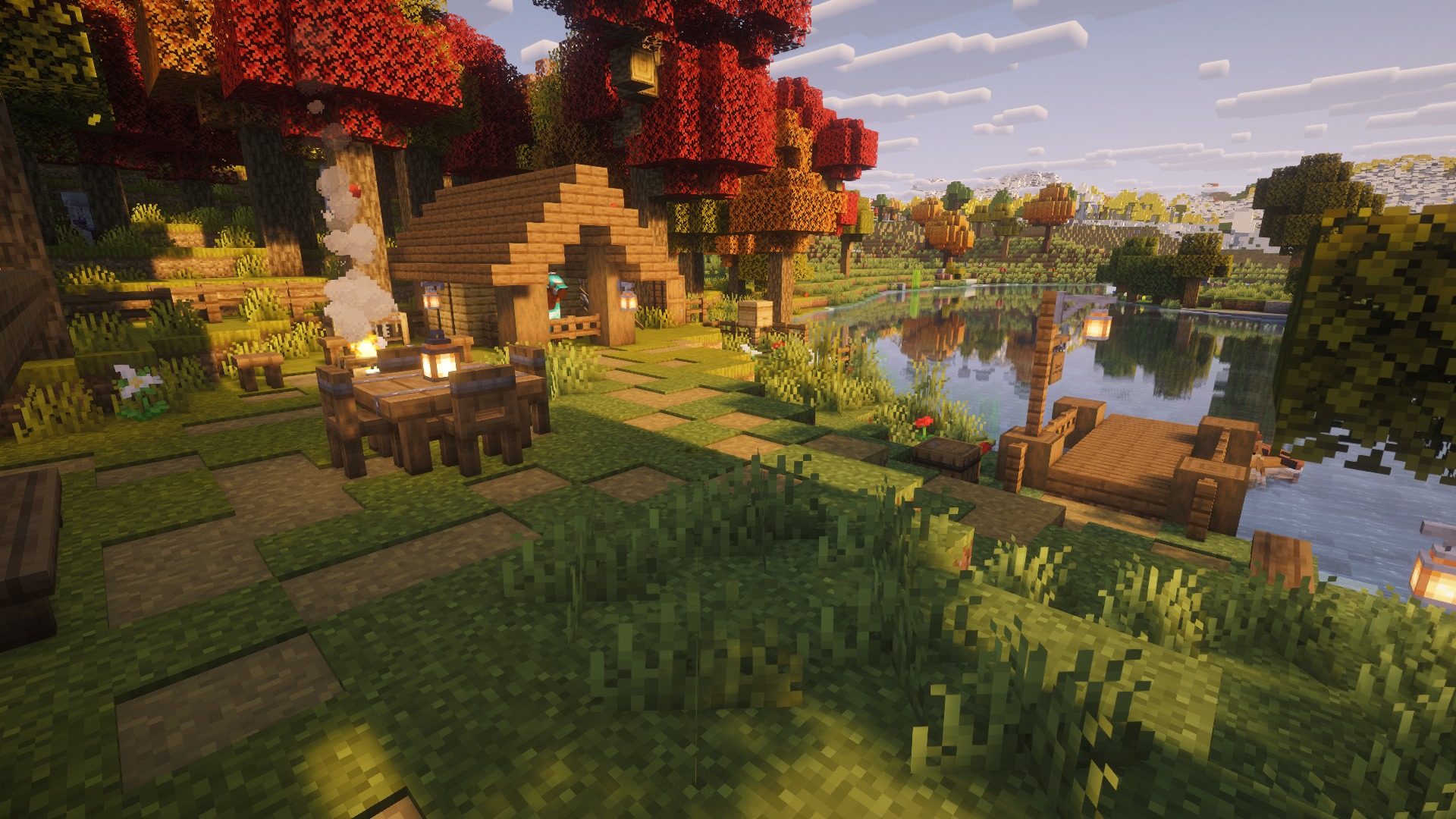
Misc
Performance
Thanks to a variety of performance optimization and fine-tuning, the pack performs well even with a more modest setup. The game runs between 50-60 fps on a laptop with a Nvidia RTX 3050 GPU, an Intel i7 CPU, and 16 gbs of RAM—with Distant Horizons set to medium and Complementary Reimagined Shaders set to high.
It is recommended that you add the follwoing to the custom java arguements of your installation, and give Minecraft at least 8 gbs of RAM.
-XX:+UseZGC -XX:+ZGenerational
Planned
- Better intergration of Simply Swords
- Guide/Progression book
Issues
You can report any issues you find with the modpack and get help on The Lost Realms Discord.
Available Versions
How to Set Up a The Lost Realms Server
Order Server
Choose at least 6 GB RAM (8 GB recommended for The Lost Realms). Based on player count: per 5 players.
Install Modpack in Dashboard
Open the modpack browser in the dashboard, search for "The Lost Realms" and click "Install". The neoforge loader and Minecraft 1.21.1 are configured automatically.
Start Server & Play
Start the server – all mods are loaded automatically. Share the server IP with friends and play together!
Frequently Asked Questions
The Lost Realms server crashes or won't start – what to do?
Most common causes: insufficient RAM or wrong neoforge loader. Check latest.log for "OutOfMemoryError" → increase RAM to at least 8 GB. For "Mixin" or "ClassNotFoundException" errors: modpack version and loader don't match. With Mado Hosting, loader and Minecraft version are auto-configured on modpack install – preventing most startup issues.
How much RAM does a The Lost Realms server really need?
Minimum 6 GB, recommended 8 GB for stable performance. per 5 players. Important: Minecraft modpacks need more RAM than vanilla – plan extra per additional player. With Mado Hosting, you can scale RAM up live at any time without data loss (from €12/month).
Can I add custom mods to The Lost Realms without conflicts?
Yes, but check compatibility: only use mods for the same loader (neoforge) and same Minecraft version (1.21.1). Common issues: ID conflicts with recipe mods and incompatible coremod versions. The Mado dashboard mod browser only shows compatible mods and warns about known conflicts.
The Lost Realms server lagging – performance tips
1) Increase RAM to 8 GB+. 2) Reduce server view-distance to 8 (server.properties). 3) Pre-generate chunks with the "Chunky" plugin. 4) Use /spark profiler to check which mods consume the most tick time. With Mado Hosting, all servers run on NVMe SSDs with dedicated CPU cores – eliminating hardware as a bottleneck.
Similar Modpacks
![Cobblemon Official Modpack [Fabric]](https://cdn.modrinth.com/data/5FFgwNNP/e7f9ee2e9d361623847853fe2ddce42f519ee64f.png)
![COBBLEVERSE - Pokemon Adventure [Cobblemon]](https://cdn.modrinth.com/data/Jkb29YJU/581ecf54530972afb18a04660afd820f2f24f6c7.png)
![Better MC [FABRIC] - BMC2](https://cdn.modrinth.com/data/shFhR8Vx/a19c2bcb51d38f32f138d3607e91cb2b7b8e387f_96.webp)


![Better MC [FORGE] - BMC4](https://cdn.modrinth.com/data/4BV47HRn/7f5ef7cc61b2593609aabef3ed07a866a4f11b73_96.webp)
Rent The Lost Realms Server
Start your own server with automatic modpack installation.
Supported Versions
Start your The Lost Realms Server now
From €12.00/month with 8 GB RAM for the best performance.
Configure Server →