
Ultra Hardcore
The most difficult modpack in all of Minecraft. And also the funniest!
Screenshots
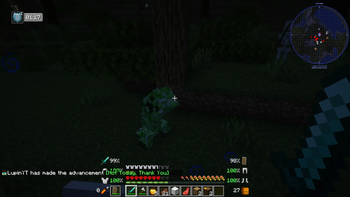
About this Modpack
Due to many requests, we have published most of our modpacks on Modrinth. But keep the following in mind:
- There are many content and optimization mods that can't be added to Modrinth (they don't allow it).
- We are also unable to upload serverpacks here.
If you want to play with the full experience, we strongly recommend that you download the CurseForge version.
This modpack is the hardest you will ever play.
It is not a modpack designed to play a 1,000 hour game, it is to play 15, 20, 30 hours, whatever you can last... but keep in mind that at any moment you can die and lose all your progress.
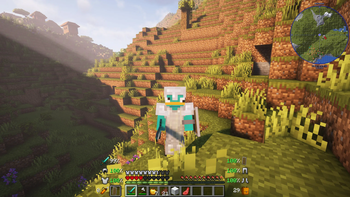
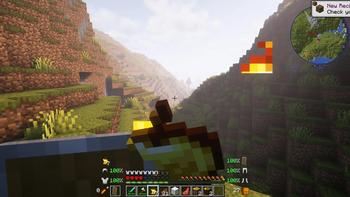
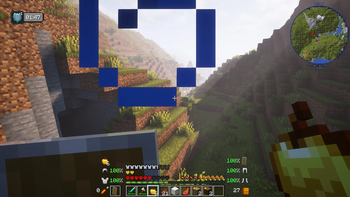
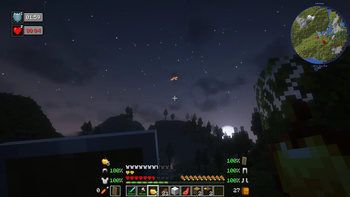
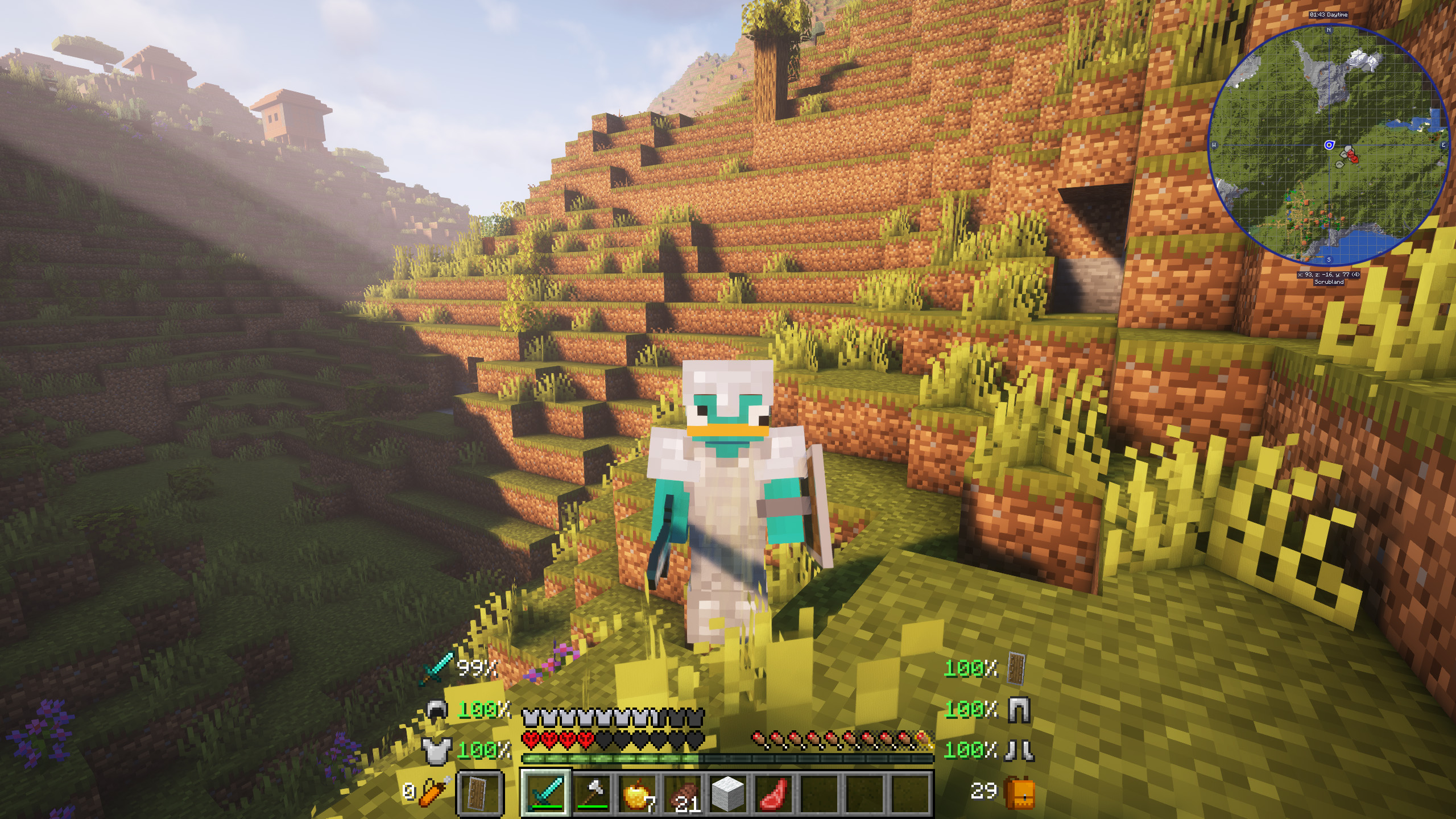
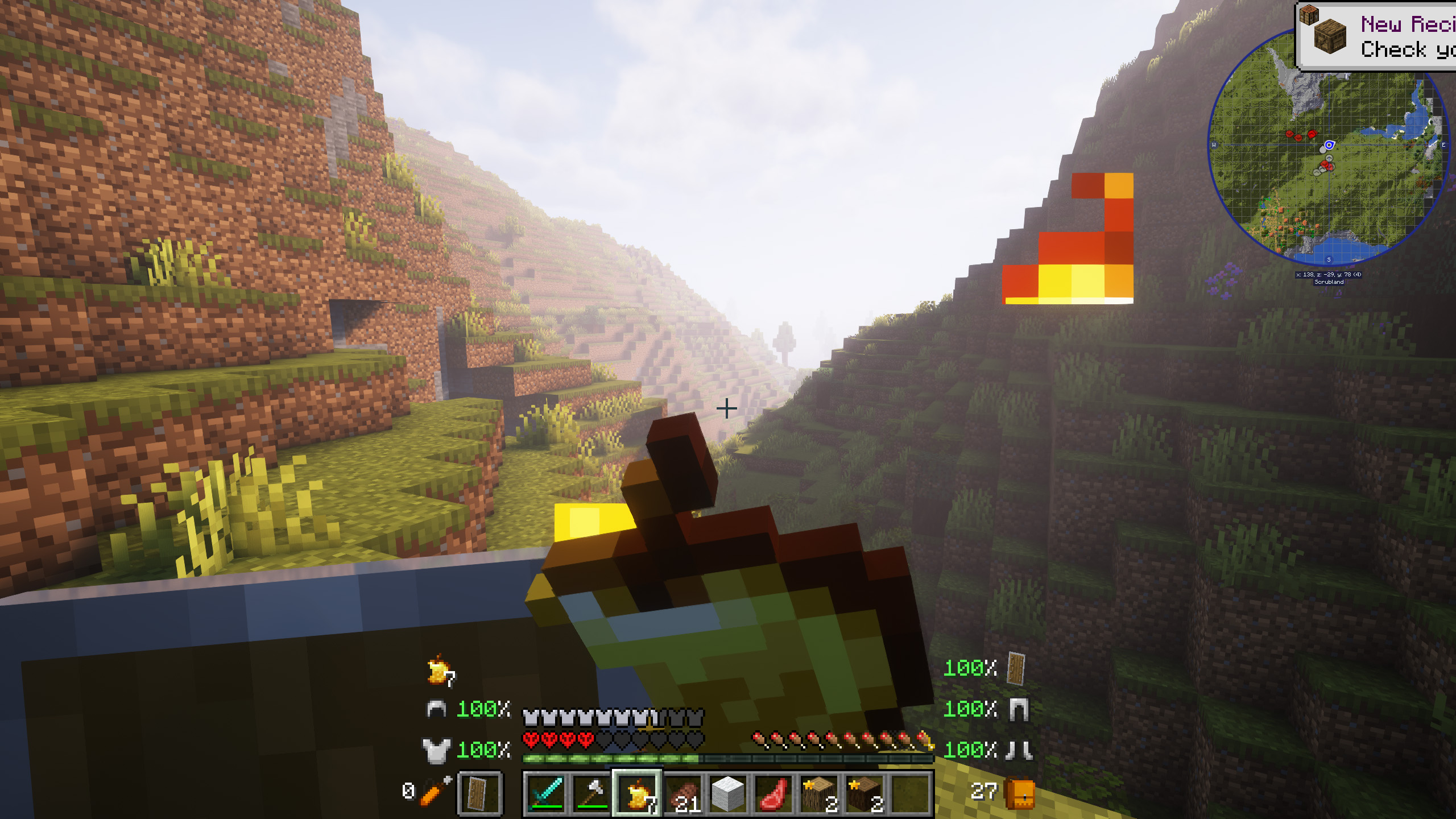
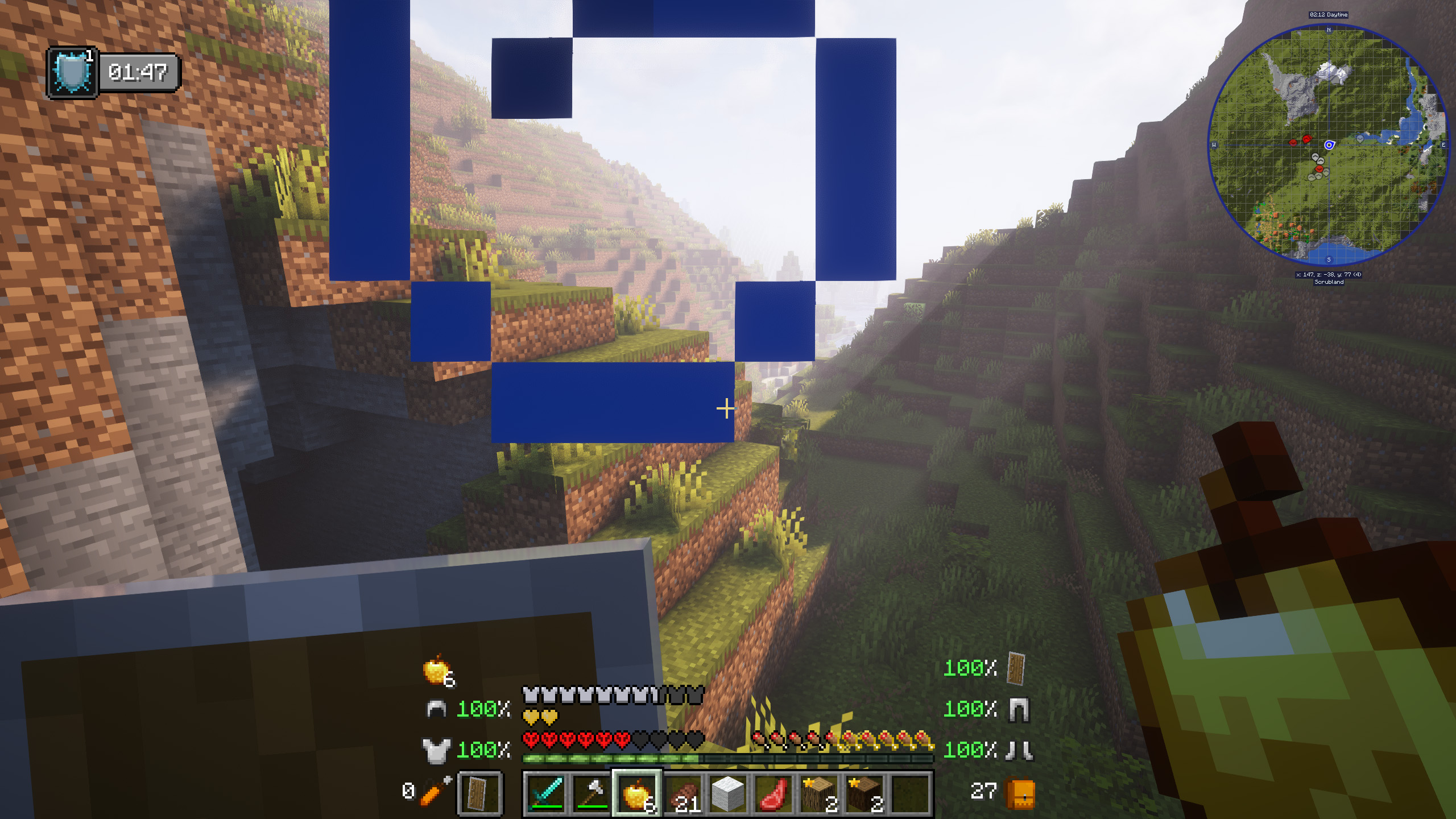
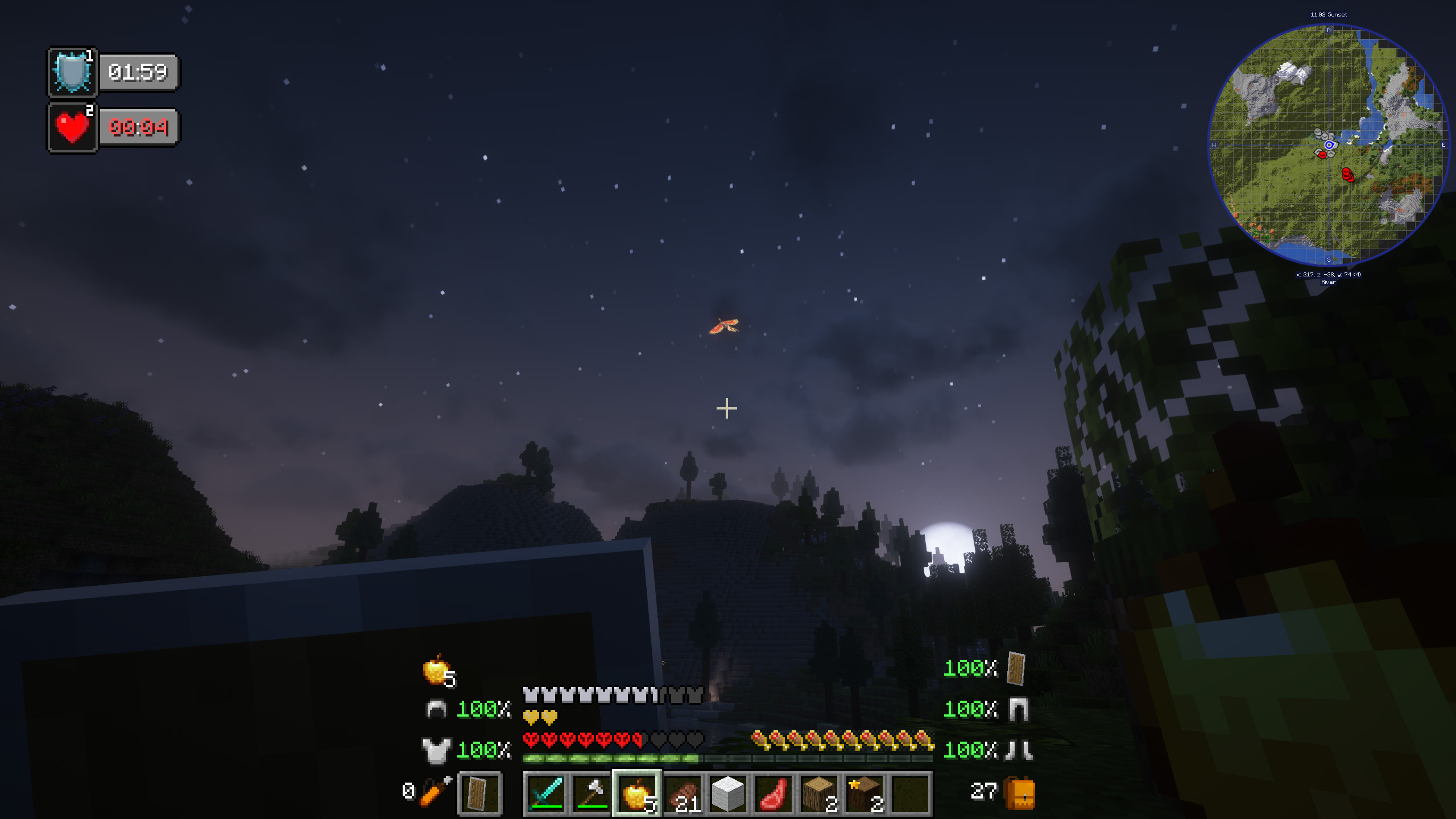
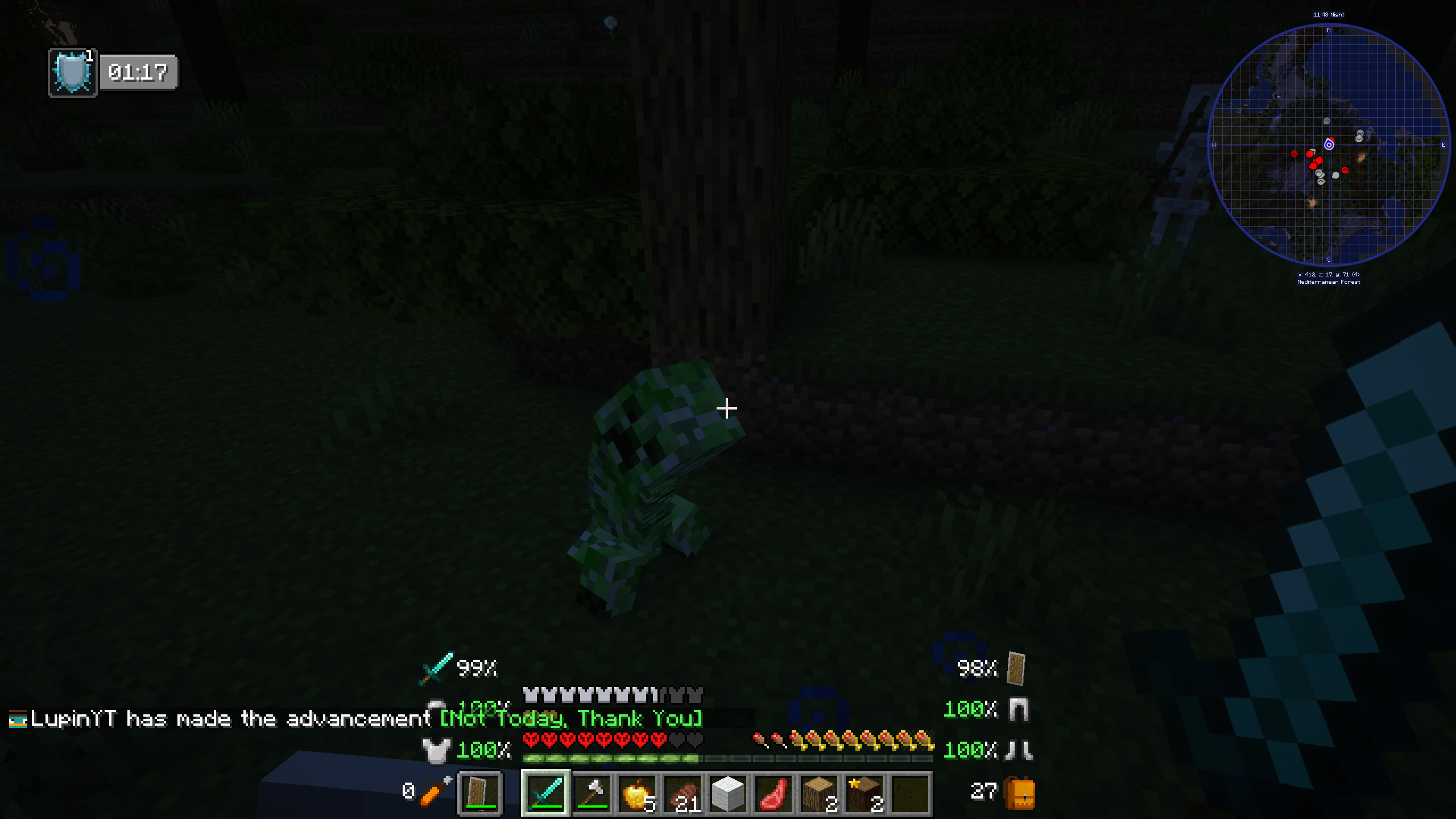
There are two main features, the most important, you will only have one life, when you die the game will be over. But the most challenging is not that, the one that will really complicate the game is that you will not be able to regenerate hearts naturally, only by consuming golden apples, potions or similar.
Do you dare to defeat the dragon under these conditions? You won't be able to, or maybe you can?
Do you need a server to play with your friends?
!
The explanation for this modpack is simple, and can be summed up in one word, challenge. The goal is to make you have fun playing Minecraft again, living a completely renewed adventure, and suffering for not losing half a heart.
This is because the player will only have one life, and also, to complicate the situation even more, he will not be able to recover hearts.
Other complementary mods have been added, with the aim of improving the game experience, such as some animals, animations mods or small mods of biomes and structures, but yes, there will not be any mod that radically changes the game, for that there is the theme of the modpack itself.
Do you dare?
!
Minecraft keeps loading? You enter the world but your FPS is low?
Please make sure to increase the RAM in case you need it, most problems are due to this. If you use the curseforge app, it's as easy as clicking on profile options, uncheck the option to use default memory system and move the bar to the right (at least we recommend 4GB or 4096 MB).
Is there an error with your server?
Unfortunately, when setting up a server on your own, or hiring a hosting that I have not recommended, the modpack may not work.
Please note that for this modpack, we recommend a minimum of 5GB of RAM. If you are a large number of players, you should consider increasing the amount of RAM even more.
!
](https://discord.gg/X8VY5WMbe4)
.
Available Versions
How to Set Up a Ultra Hardcore Server
Order Server
Choose at least 6 GB RAM (8 GB recommended for Ultra Hardcore). Based on player count: per 5 players.
Install Modpack in Dashboard
Open the modpack browser in the dashboard, search for "Ultra Hardcore" and click "Install". The neoforge loader and Minecraft 1.21.1 are configured automatically.
Start Server & Play
Start the server – all mods are loaded automatically. Share the server IP with friends and play together!
Frequently Asked Questions
Ultra Hardcore server crashes or won't start – what to do?
Most common causes: insufficient RAM or wrong neoforge loader. Check latest.log for "OutOfMemoryError" → increase RAM to at least 8 GB. For "Mixin" or "ClassNotFoundException" errors: modpack version and loader don't match. With Mado Hosting, loader and Minecraft version are auto-configured on modpack install – preventing most startup issues.
How much RAM does a Ultra Hardcore server really need?
Minimum 6 GB, recommended 8 GB for stable performance. per 5 players. Important: Minecraft modpacks need more RAM than vanilla – plan extra per additional player. With Mado Hosting, you can scale RAM up live at any time without data loss (from €12/month).
Can I add custom mods to Ultra Hardcore without conflicts?
Yes, but check compatibility: only use mods for the same loader (neoforge) and same Minecraft version (1.21.1). Common issues: ID conflicts with recipe mods and incompatible coremod versions. The Mado dashboard mod browser only shows compatible mods and warns about known conflicts.
Ultra Hardcore server lagging – performance tips
1) Increase RAM to 8 GB+. 2) Reduce server view-distance to 8 (server.properties). 3) Pre-generate chunks with the "Chunky" plugin. 4) Use /spark profiler to check which mods consume the most tick time. With Mado Hosting, all servers run on NVMe SSDs with dedicated CPU cores – eliminating hardware as a bottleneck.
Similar Modpacks
![Cobblemon Official Modpack [Fabric]](https://cdn.modrinth.com/data/5FFgwNNP/e7f9ee2e9d361623847853fe2ddce42f519ee64f.png)
![COBBLEVERSE - Pokemon Adventure [Cobblemon]](https://cdn.modrinth.com/data/Jkb29YJU/581ecf54530972afb18a04660afd820f2f24f6c7.png)
![Better MC [FABRIC] - BMC2](https://cdn.modrinth.com/data/shFhR8Vx/a19c2bcb51d38f32f138d3607e91cb2b7b8e387f_96.webp)


![Better MC [FORGE] - BMC4](https://cdn.modrinth.com/data/4BV47HRn/7f5ef7cc61b2593609aabef3ed07a866a4f11b73_96.webp)
Rent Ultra Hardcore Server
Start your own server with automatic modpack installation.
Supported Versions
Start your Ultra Hardcore Server now
From €12.00/month with 8 GB RAM for the best performance.
Configure Server →