
Unofficial MC Steam Deck Edition
a modpack that is an aproximation of what a Steam Deck exclusive version of the game may be. Includes new content and a lot of minor changes in visuals and controls for a console like experience. I've been itterating on this to make my ideal experience
Screenshots
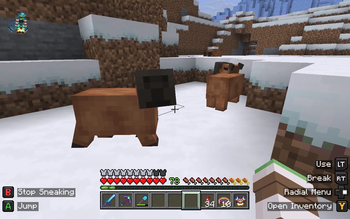
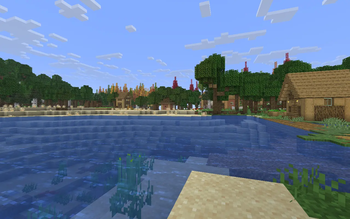
About this Modpack
Welcome to MC: Steam Deck Edition, a modpack designed as an alternate take on if Mojang partnered with Valve to make a portable edition of Minecraft that Valve controlled, like 4J Studios and their Minecraft editions.
I have been itterating on this modpack for months, but have put so much effort into the little details that I thought I'd package my assets with the mods I use to make a modpack that feels close enough to what I would consider a faithful approximation of a "what if scenario" where Valve and Mojang colaborated on a port to the Steam Deck.
If you have any issues or feature requests, go to the issues and feedback form and leave your bugs or requests there :)

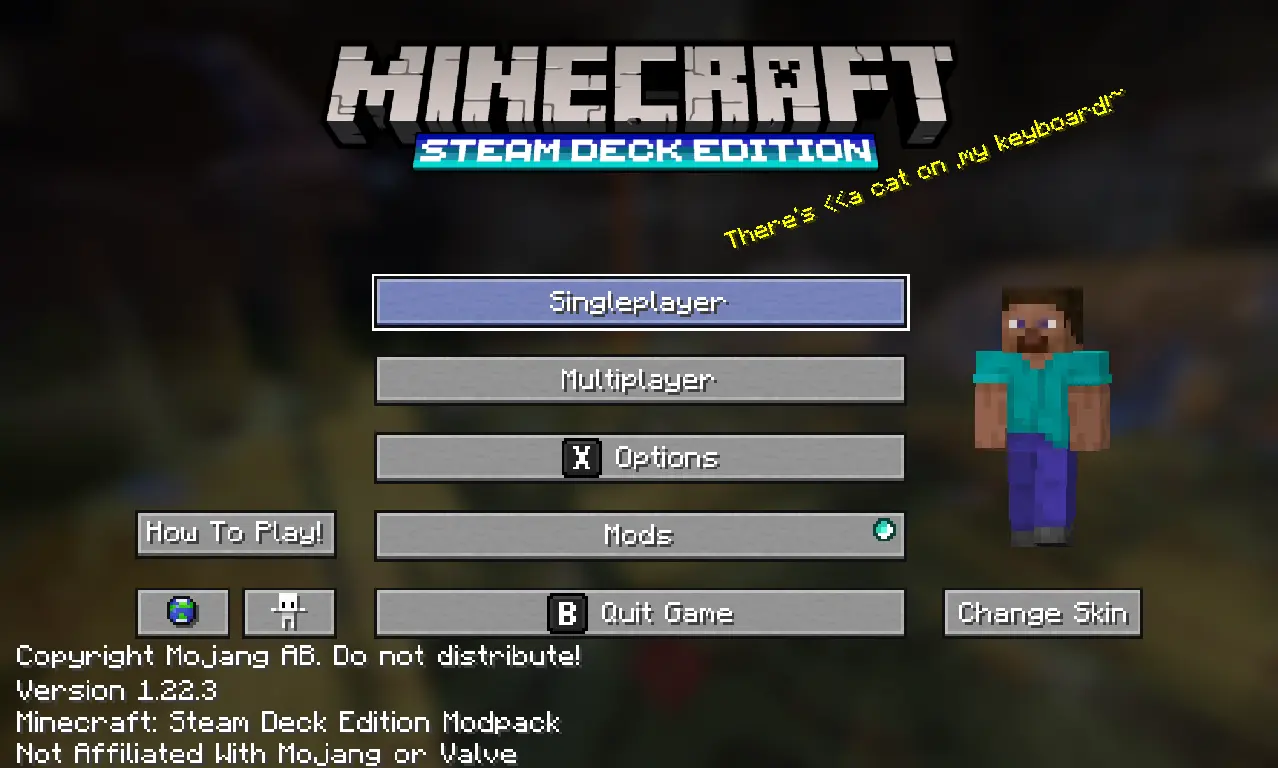

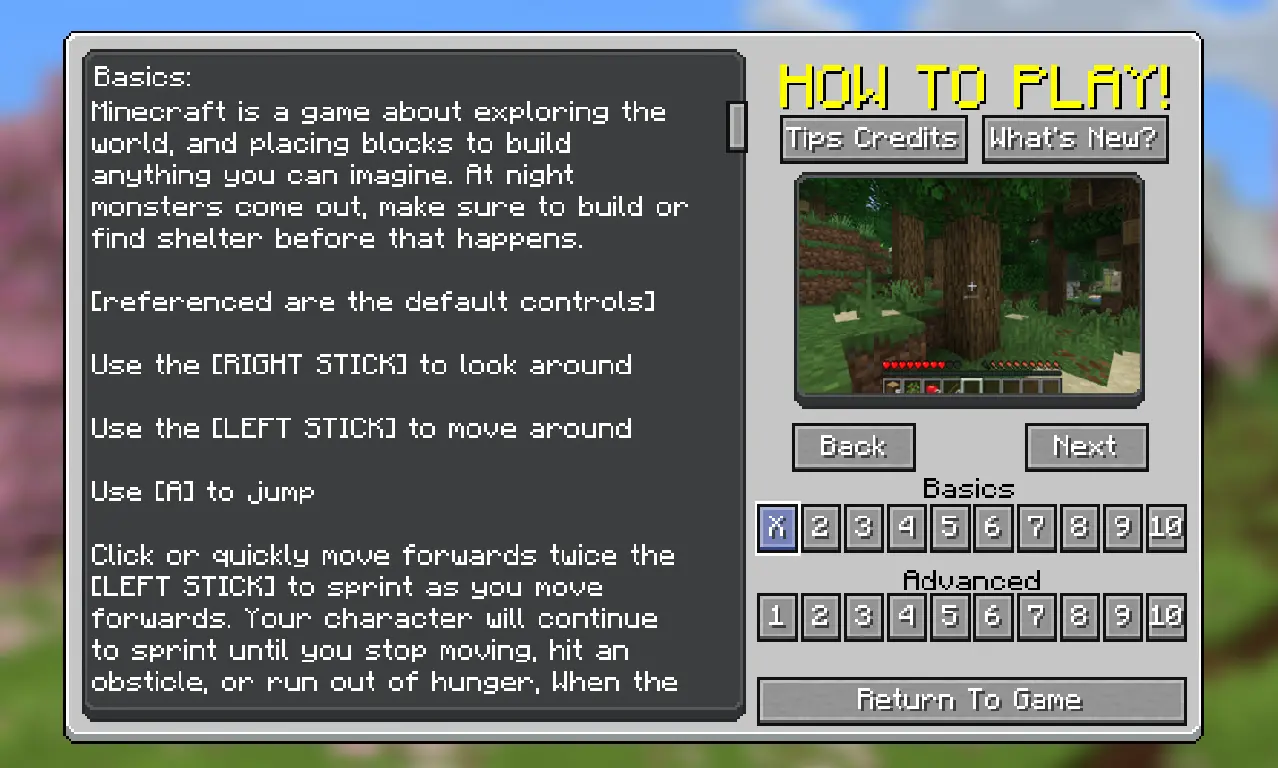
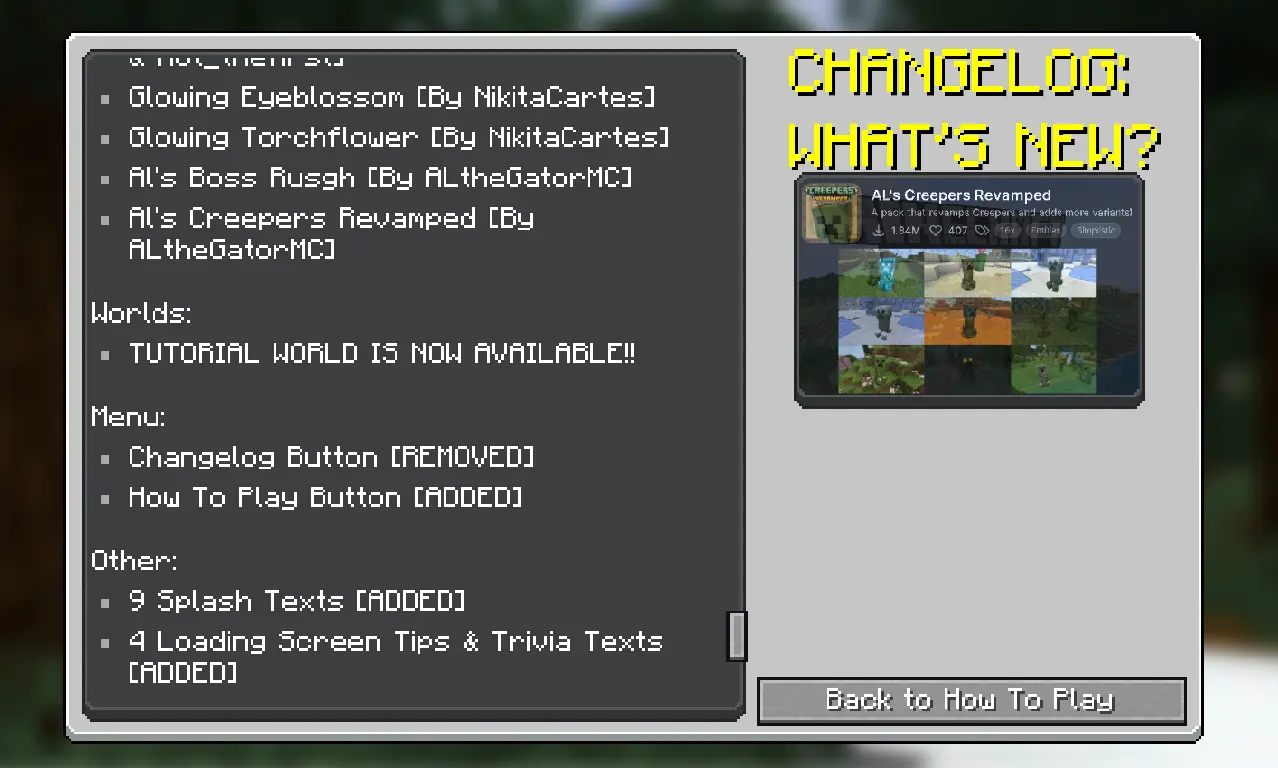
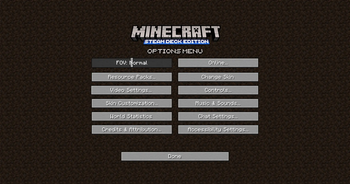
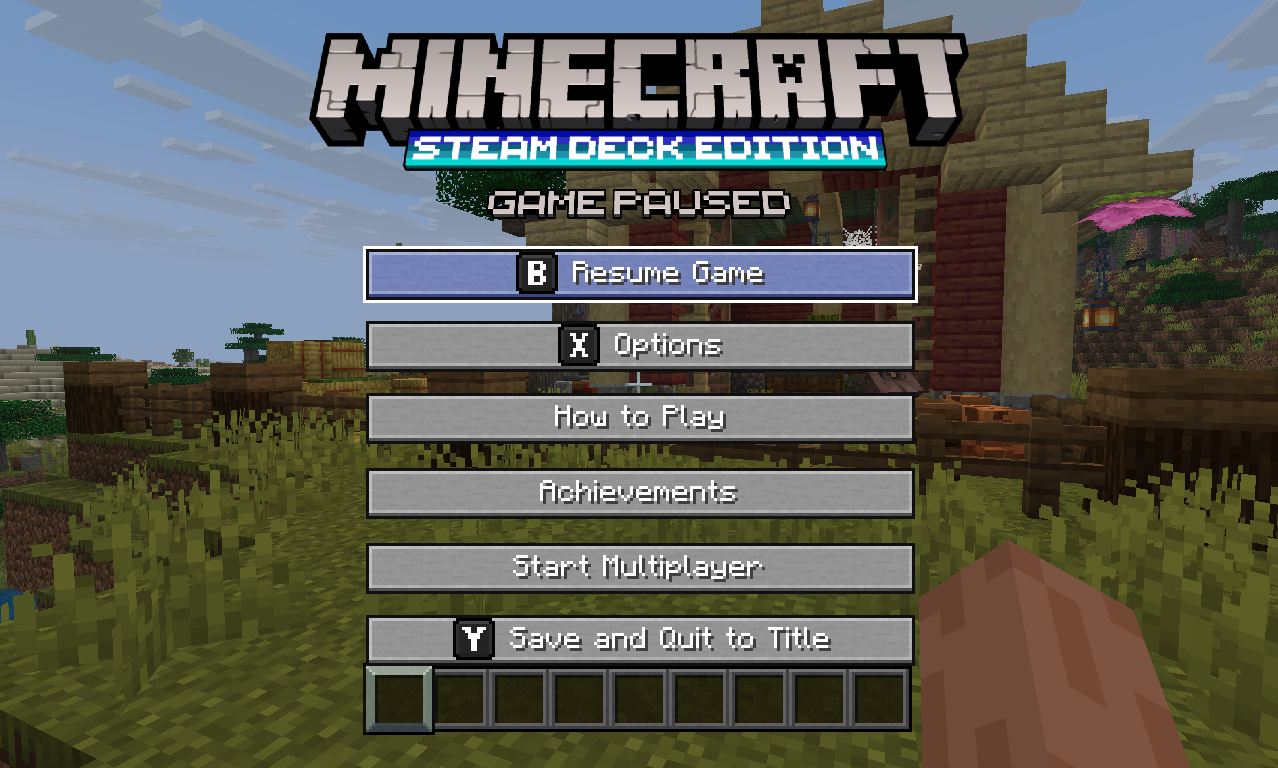
The menu has a fresh new logo, a slightly expanded set of splashtexts, a skin changer (courtesy of SkinShuffle) and a button that adds a small window displaying some of the new features added through mods as if they're additions to the base game. This I will add to if I make further updates.
Most of the assets (logo, changelog panel, screen titles etc.) are custom made in Blockbench and Medibang Paint Pro, others belong to resource packs I have bundled with the modpack, primarily 'AmongstReality's OreUI' for a very well stylised console-esque look and feel.
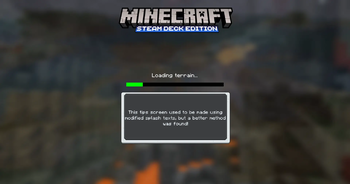
The menu and loading screens use images in a slide show instead of a panorama, because I wanted this version to not only have a slightly more unique look, but also easily demonstrate more of the game than a single panorama would.

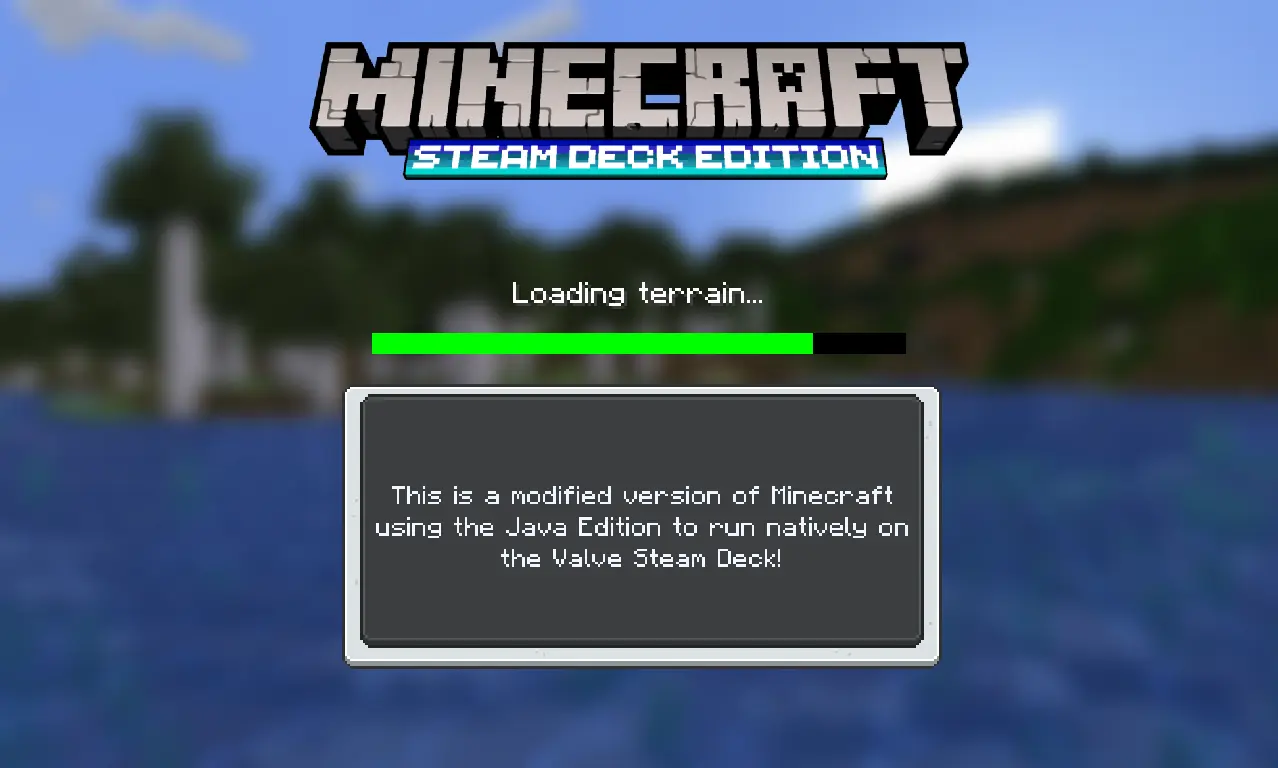
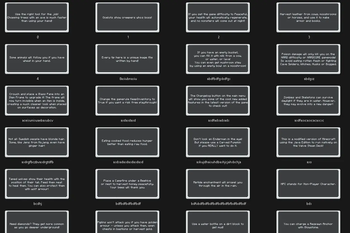
All loading screens have tips, trivia and random flavour text, 91 to be exact. These range from vanilla tips from past updates, tweaked ones to add parity with new features, all the way to completely custom tips for the mods in the pack like "Emerald Gearset" and "Promenade".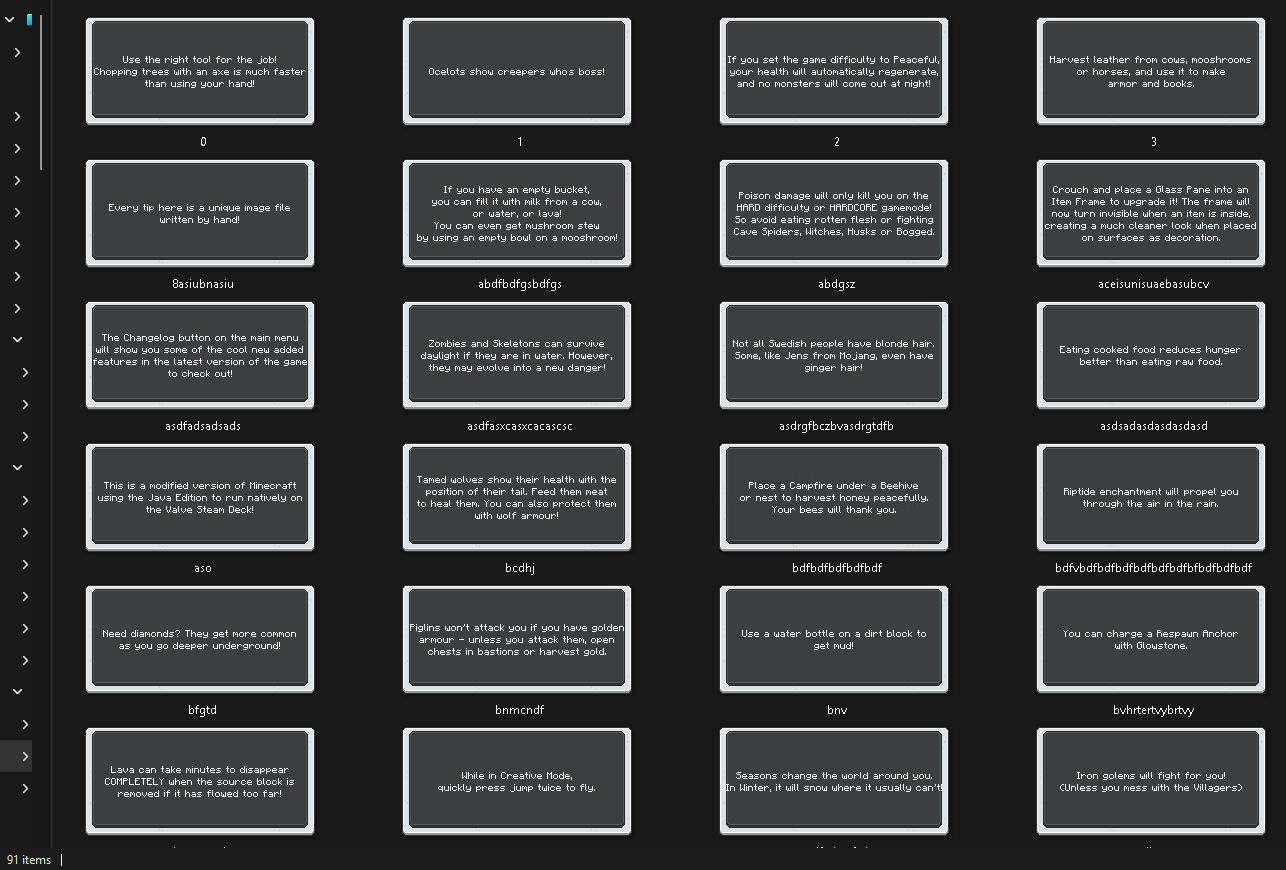
Here are a select few of the tips, trivia and random nonsense you might see when loading into a world.


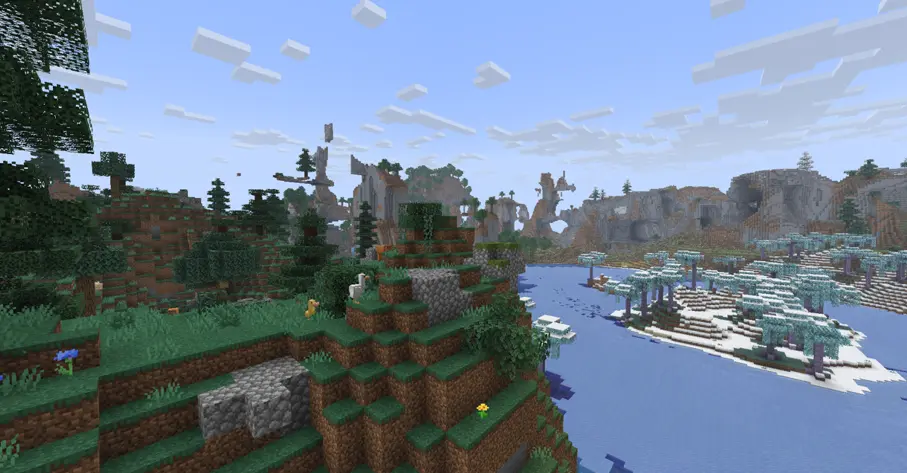
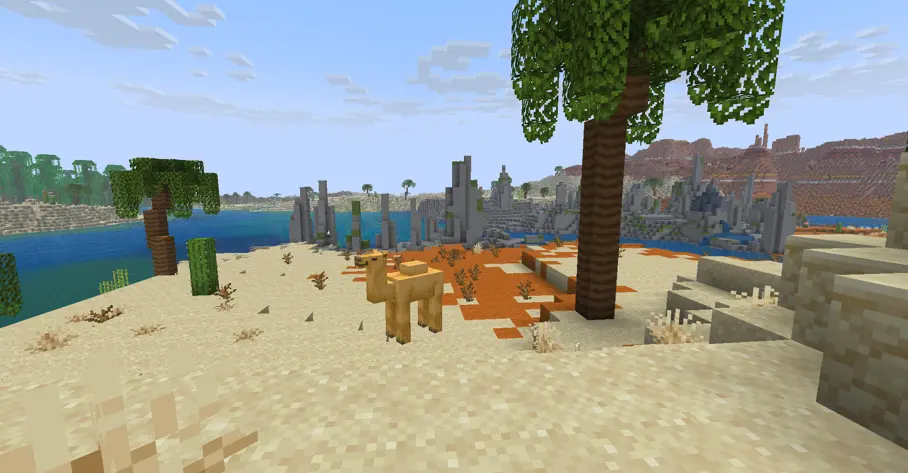

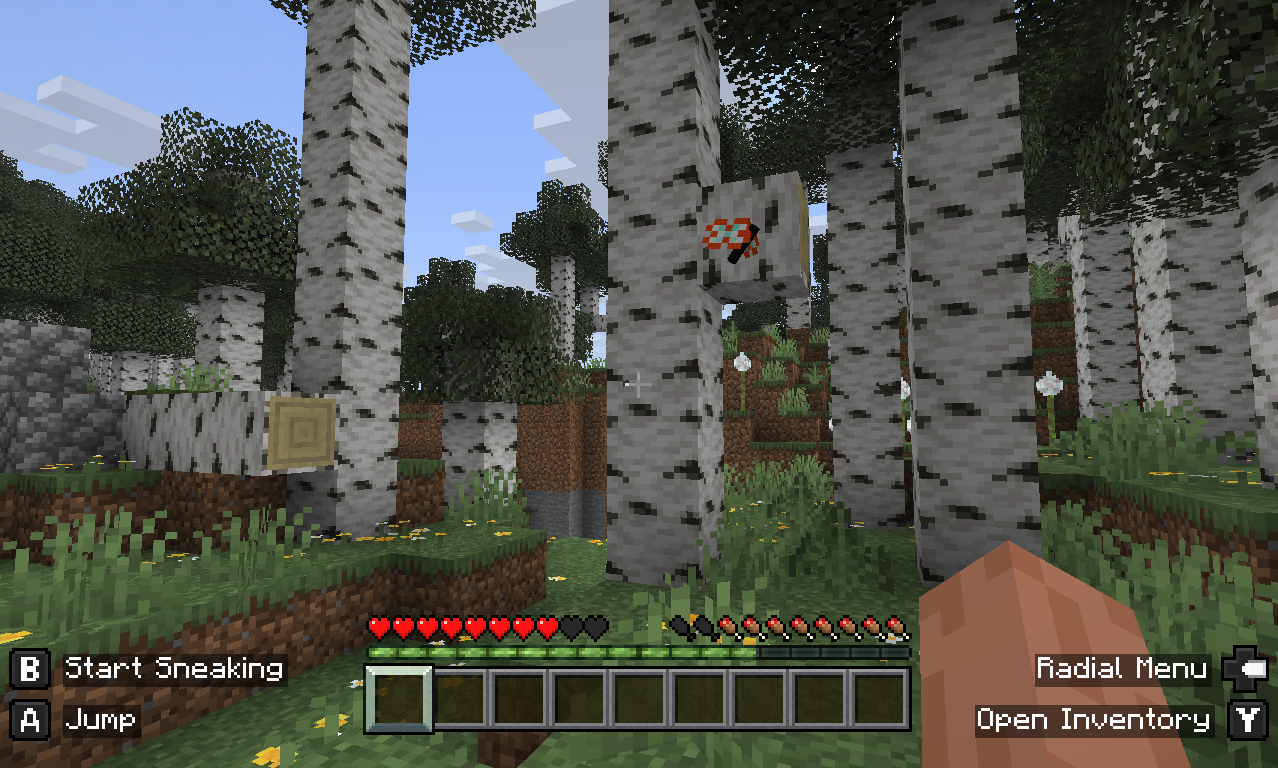
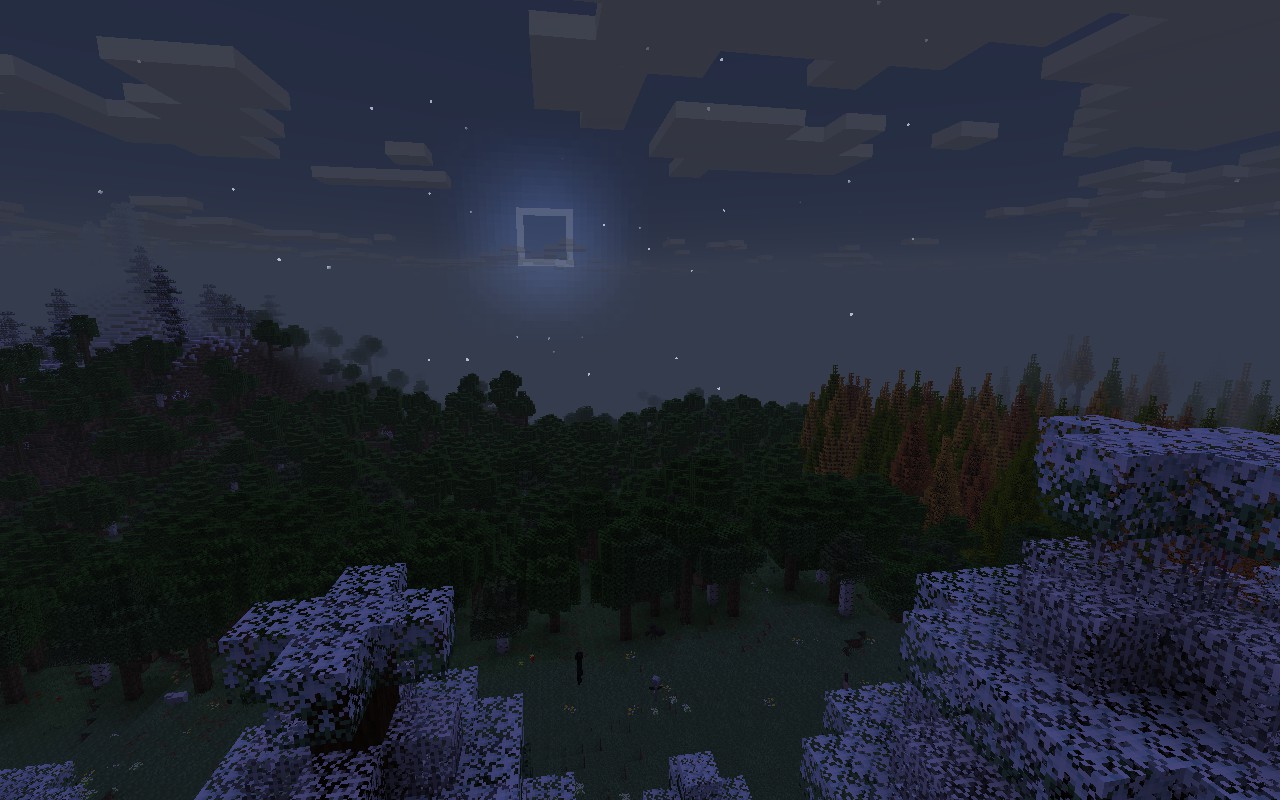
Geophilic has been added for terrain generation. This provides a slightly more "Legacy" feel to the world generation, while still allowing for all vanilla biomes, including huge mountains and crazy caves, as well as new features of the landscape like rocks in forests, downed trees, and cool cliff faces. New Minecraft has such intense verticality that even most "flat" biomes tend to generate with massive hills all over the place, making an average adventure feel more like a parcour map or an endurance test. Geophilic strikes that balance of maintaining verticality and interesting terrain, with calmer areas ripe for a large build without too much terraforming required for a flat foundation.
Using "Brainier Bees", Bee A.I. will bee more consistent (sorry.) I've also included "Nice Mob Variants" to spice up the wildlife of Minecraft, adding even more mob variants than were added in recent updates.
Overall, the terrain and mob variety are far more interesting thanks to these mods and data packs, exploration is exciting again, and more stomachable than the near constant extreme hills of modern Minecraft world generation.
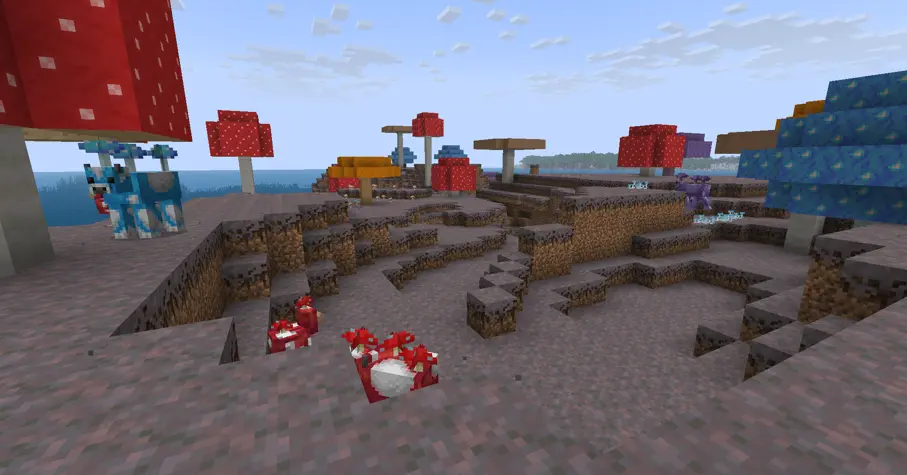
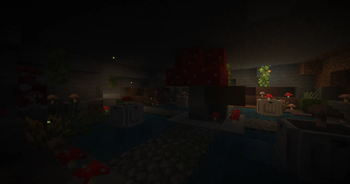
ShroomCraft expands the mushroom fields while still maintaining the vanilla feel of the biome, with new mushroom wood types, new mooshrooms and mushrooms, to spore bombs with unique effects for intense engagements.

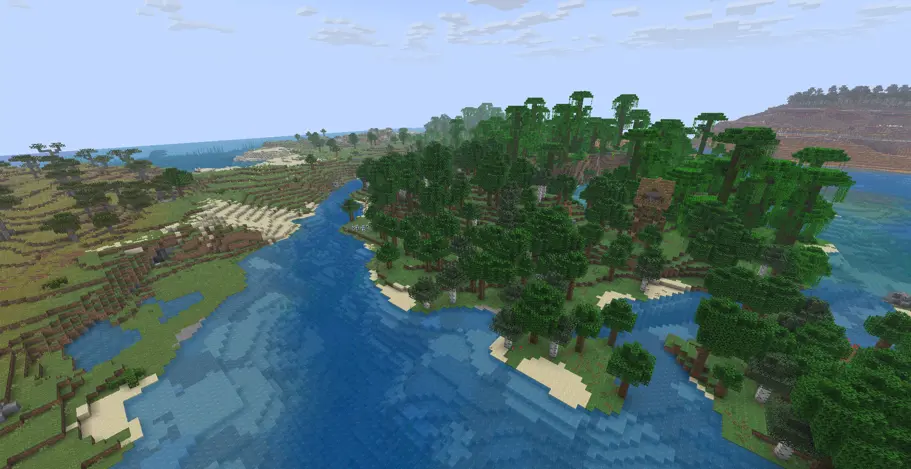

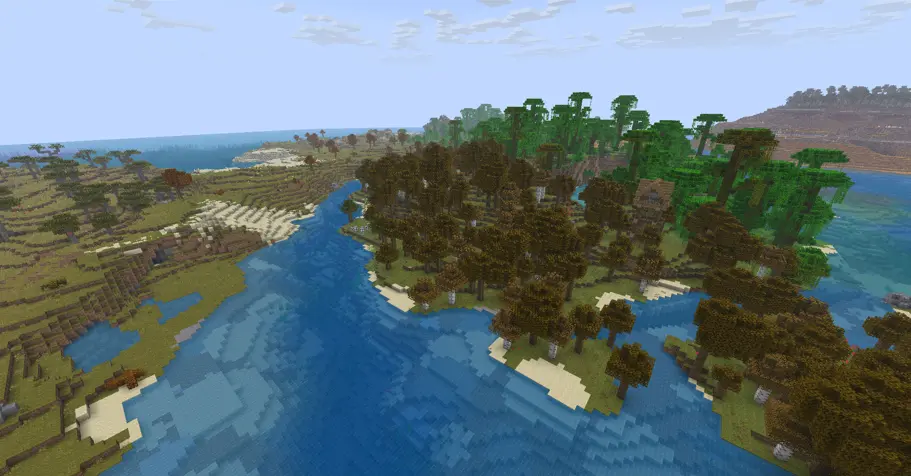

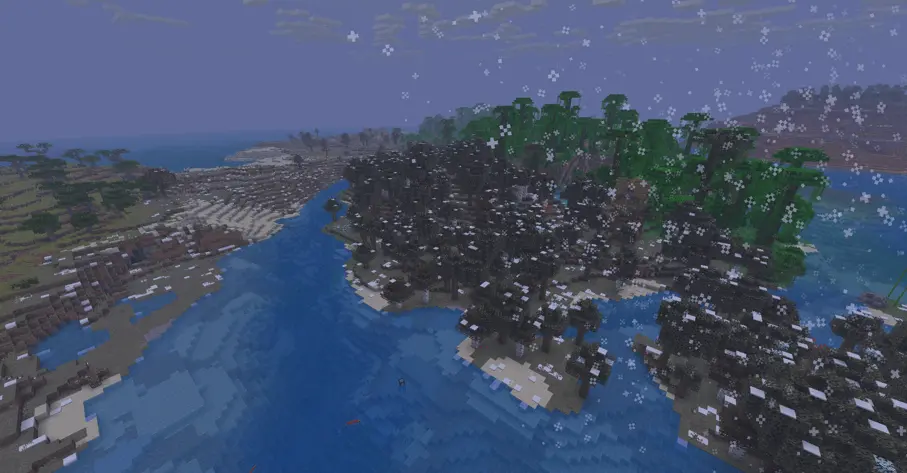
With Serene Seasons, the world will change day by day. Every 8 days the season will cycle through early/mid/late seasons, then to the next one. This allows weather conditions to change across the world, and adds a unique mechanic to crops, where each have specific seasons they grow quickest in.

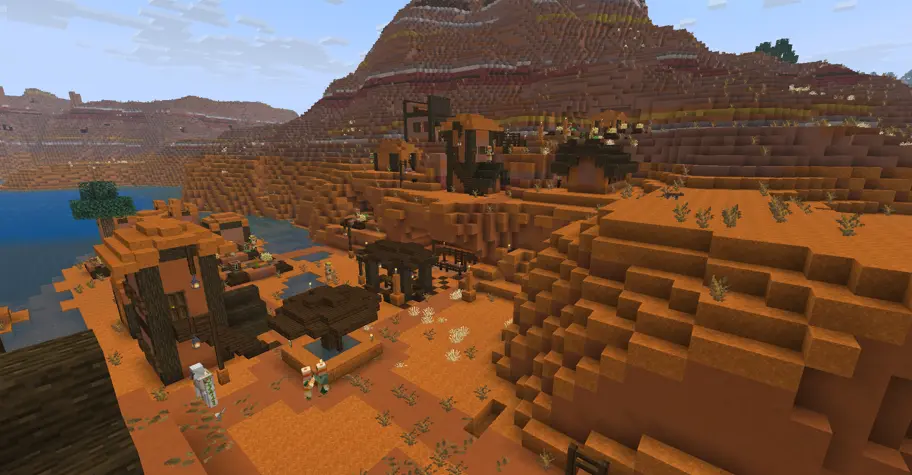
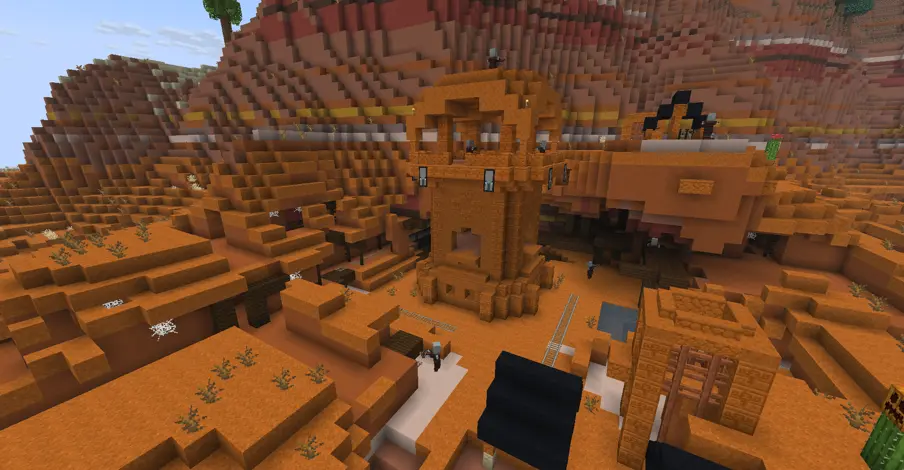
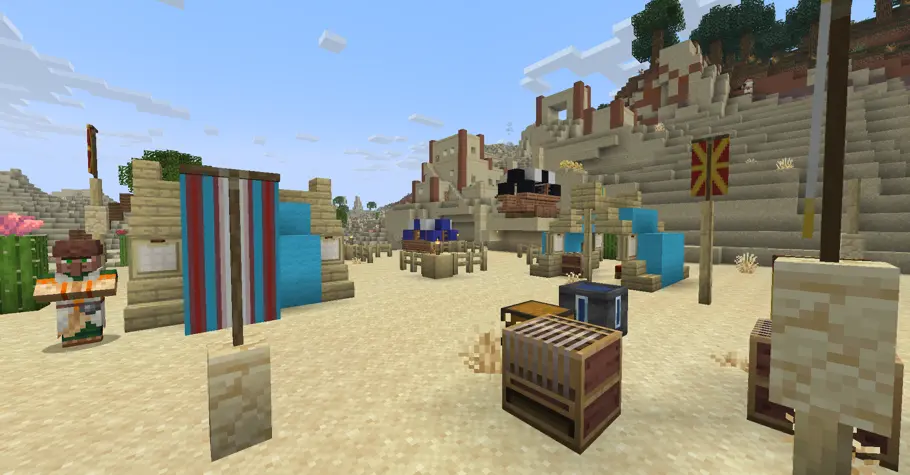

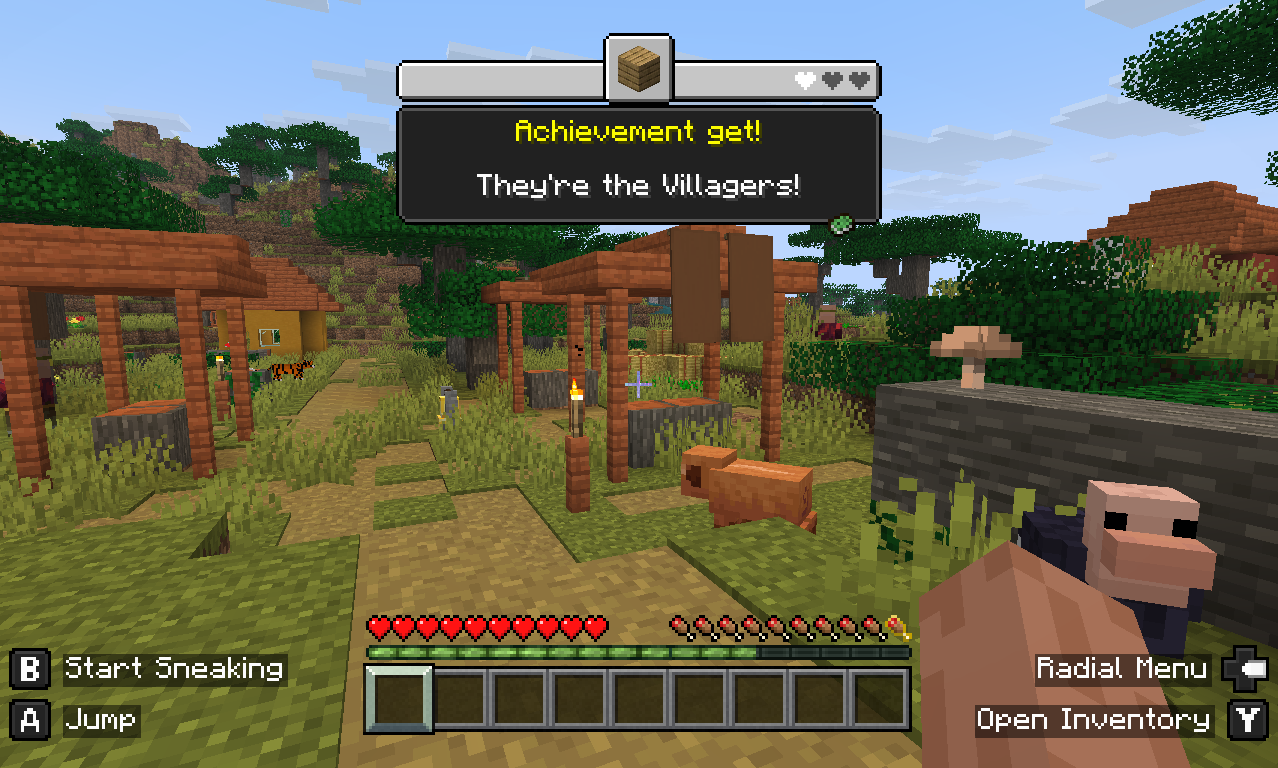
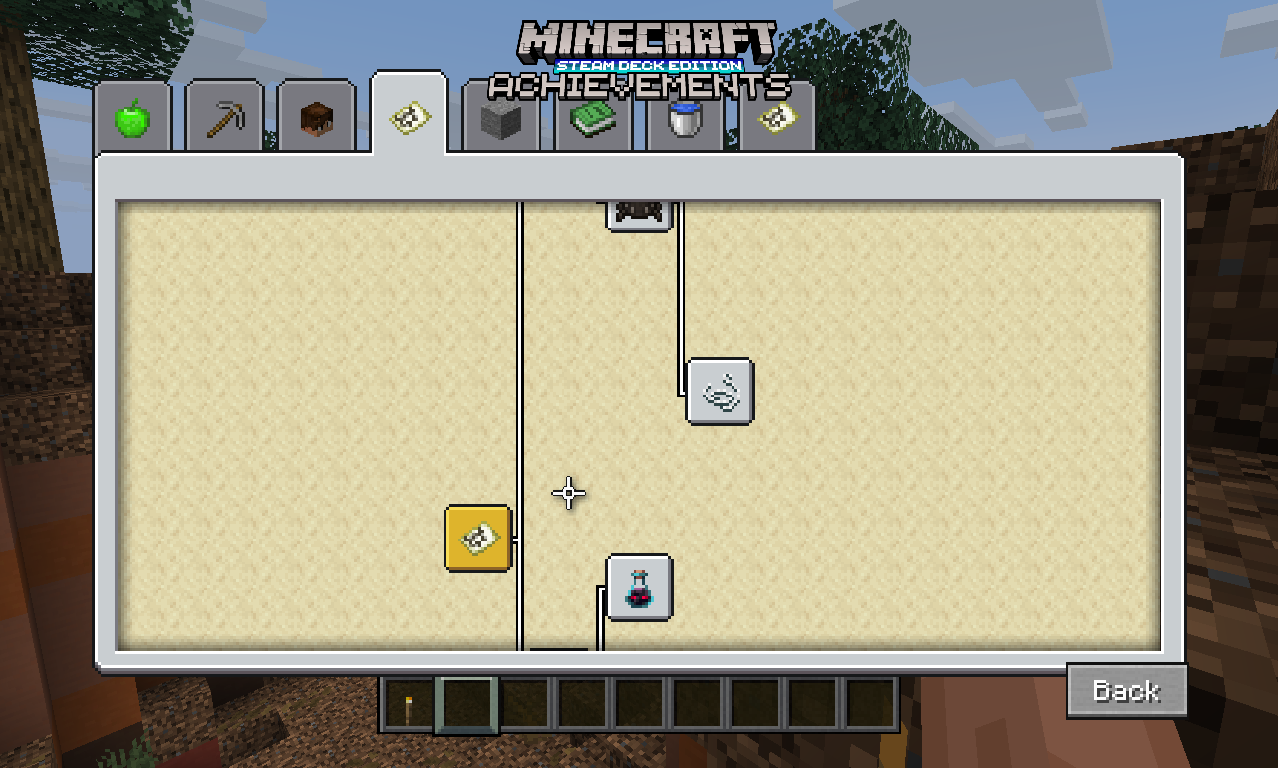


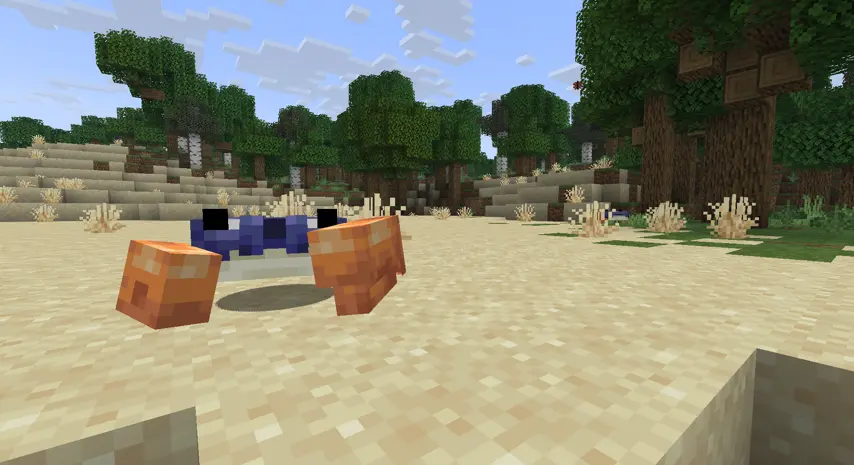
Friends & Foes brings back the Minecraft Live: Mob Vote losers back into the game. A terrifying Nether boss, a creature that hungers for dropped items, a mineshaft dweller who trades items, and even a magical ice sorcerer, there are many new mobs present that breathe new life to the world.
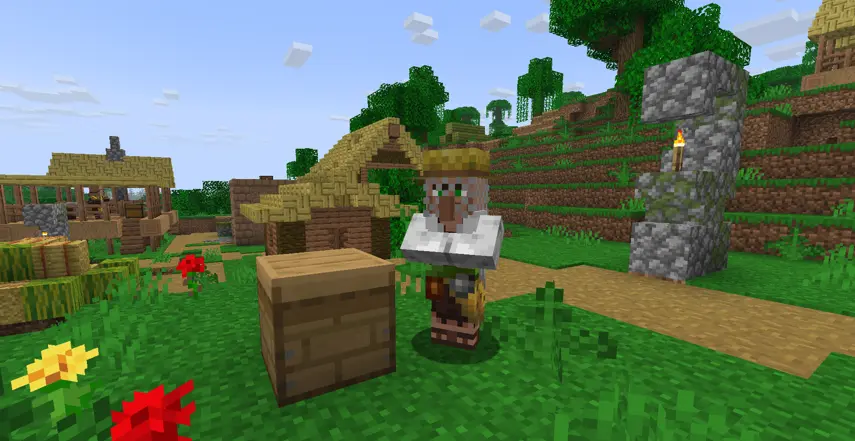
Beekeepers are added as a new Villager profession, increasing trading variation and adding even more renewable resources through buying and selling goods.

USED AND INCLUDED RESOURCE PACKS:
Vanilla Tweaks for a few custom packs, involving random small texture and data tweaks: https://vanillatweaks.net/picker/resource-packs/
also made with VTDownloader: https://modrinth.com/mod/vtdownloader, used to make some personal tweaks such as chfyfyfututytufututf.zip & lil tweek.zip
All Fresh Animations packs from FreshLX: https://modrinth.com/user/FreshLX
1.21.11 GUI Slate Brown from Emploice: https://modrinth.com/resourcepack/gui-slate-brown
Animated Furnaces from daggsy: https://modrinth.com/resourcepack/animated-furnaces
Applied Interfaces from Diamond_DP: https://modrinth.com/resourcepack/applied-interfaces
AR's Ore UI from amongstreality: https://modrinth.com/resourcepack/ars-oreui
Bare Bones from RobotPants: https://modrinth.com/resourcepack/bare-bones
Chests Reimagined from Reijvi: https://modrinth.com/resourcepack/chests-reimagined
Classic Music Pack from Luadewi and a modified fork: https://modrinth.com/resourcepack/classic-music-pack
A modified fork of Controlify_Dungeons from nicky_sus: https://modrinth.com/resourcepack/controlify-dungeons
Fancy Crops from bebebea_loste: https://modrinth.com/resourcepack/fancy-crops
Legacy Crunch from zanderest: https://modrinth.com/resourcepack/legacy-crunch
A modified fork of Original_Splashes from Lukk1.2: https://modrinth.com/resourcepack/original-splashes
Vocal Villagers from Owehttamy: https://modrinth.com/resourcepack/vvi
COMING SOON IN
- Tutorial world
(primarily just normal world generation with structures built and placed for you to learn what the mods add) - 30 new menu background images
- Fuzs: Vehicle Upgrade
- Onako2: Mounts of Mayhem IWIE
- Onako2: Metalized
- PanCaKe_0_0_0: Extra Enchantments
- jbritain: Visual Vibrance - shader pack
Available Versions
How to Set Up a Unofficial MC Steam Deck Edition Server
Order Server
Choose at least 6 GB RAM (8 GB recommended for Unofficial MC Steam Deck Edition). Based on player count: per 5 players.
Install Modpack in Dashboard
Open the modpack browser in the dashboard, search for "Unofficial MC Steam Deck Edition" and click "Install". The fabric loader and Minecraft 1.21.10 are configured automatically.
Start Server & Play
Start the server – all mods are loaded automatically. Share the server IP with friends and play together!
Frequently Asked Questions
Unofficial MC Steam Deck Edition server crashes or won't start – what to do?
Most common causes: insufficient RAM or wrong fabric loader. Check latest.log for "OutOfMemoryError" → increase RAM to at least 8 GB. For "Mixin" or "ClassNotFoundException" errors: modpack version and loader don't match. With Mado Hosting, loader and Minecraft version are auto-configured on modpack install – preventing most startup issues.
How much RAM does a Unofficial MC Steam Deck Edition server really need?
Minimum 6 GB, recommended 8 GB for stable performance. per 5 players. Important: Minecraft modpacks need more RAM than vanilla – plan extra per additional player. With Mado Hosting, you can scale RAM up live at any time without data loss (from €12/month).
Can I add custom mods to Unofficial MC Steam Deck Edition without conflicts?
Yes, but check compatibility: only use mods for the same loader (fabric) and same Minecraft version (1.21.10). Common issues: ID conflicts with recipe mods and incompatible coremod versions. The Mado dashboard mod browser only shows compatible mods and warns about known conflicts.
Unofficial MC Steam Deck Edition server lagging – performance tips
1) Increase RAM to 8 GB+. 2) Reduce server view-distance to 8 (server.properties). 3) Pre-generate chunks with the "Chunky" plugin. 4) Use /spark profiler to check which mods consume the most tick time. With Mado Hosting, all servers run on NVMe SSDs with dedicated CPU cores – eliminating hardware as a bottleneck.
Similar Modpacks
![Cobblemon Official Modpack [Fabric]](https://cdn.modrinth.com/data/5FFgwNNP/e7f9ee2e9d361623847853fe2ddce42f519ee64f.png)
![COBBLEVERSE - Pokemon Adventure [Cobblemon]](https://cdn.modrinth.com/data/Jkb29YJU/581ecf54530972afb18a04660afd820f2f24f6c7.png)
![Better MC [FABRIC] - BMC2](https://cdn.modrinth.com/data/shFhR8Vx/a19c2bcb51d38f32f138d3607e91cb2b7b8e387f_96.webp)


![Better MC [FORGE] - BMC4](https://cdn.modrinth.com/data/4BV47HRn/7f5ef7cc61b2593609aabef3ed07a866a4f11b73_96.webp)
Rent Unofficial MC Steam Deck Edition Server
Start your own server with automatic modpack installation.
Supported Versions
Start your Unofficial MC Steam Deck Edition Server now
From €12.00/month with 8 GB RAM for the best performance.
Configure Server →