
Unreal Vanilla: Recrafted
Unreal immersive elements + QOL improvements while retaining the feel of vanilla. Rebuilt from the ground up for the latest version of MC!
Screenshots

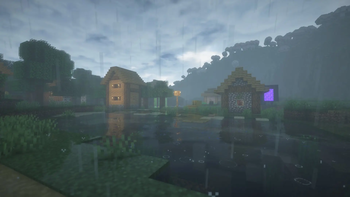
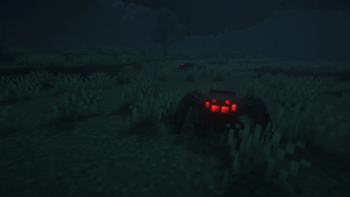
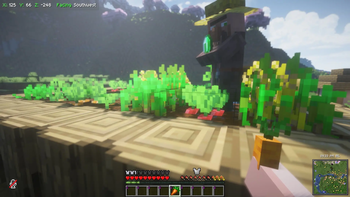
About this Modpack
Revitalize your Minecraft expereince
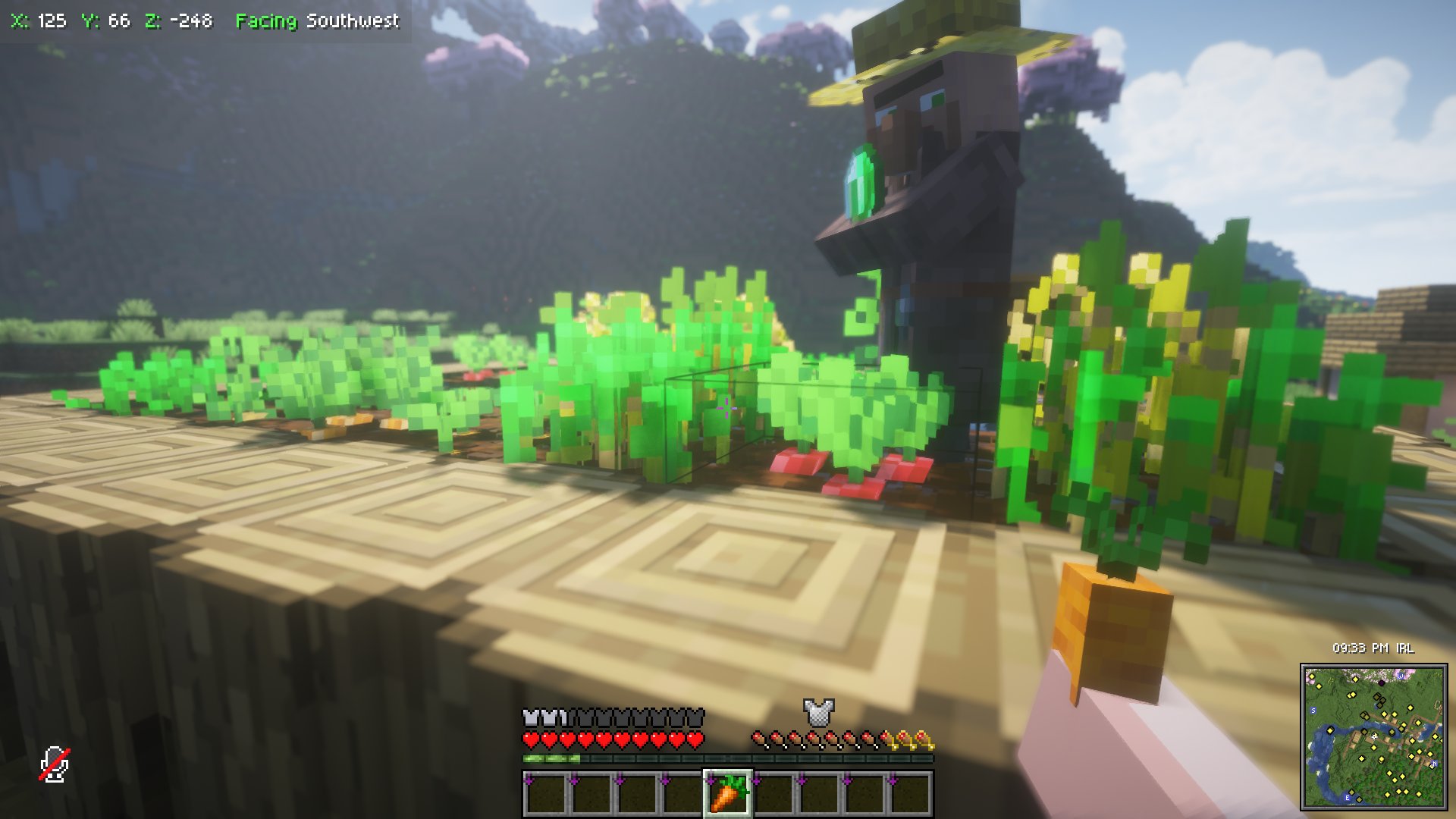
Take immersion and gameplay to the next level withthout turning your game into a "Minecraft in Real Life" demo. Every feature (apart from one listed in the notes below) is client-side. This modpack features several additions to the visual and auditory atmosphere of the game. Many features, such as sound physics, are popular and well known. Others, like footprint particles, are little bumps of quality Mitsy found while scraping Modrinth for suitable additions to her modpack. There's also several quality of life upgrades such as inventory management or autoswitching gear. Misty hopes you enjoy this project as much as she does!
Notes on this modpack
There are some key things to keep in mind when downloading and using this pack.
- It may take a while to download due to the size of certian resources.
- The modpack, more often than not, stops responding while on the loading screen. Give it a few seconds to catch its breath before force closing it.
- At least 6 GB of allocated RAM is reccomended
- Your options are preconfigured thanks to the Default Options mod. This ranges from built in, to graphical, to shader, to mod settings.
- Many mods were tweaked to look bettter!
- You don't have to worry about applying resource packs!
- Mitsy prefers to listen to her own music so that's at 0% by defualt.
- Mitsy's laptop is a workstation laptop from 2013 so it should run just fine and look great on your gaming PC.
- You may want to turn things down furthur before jumping into your game if you're on a Chromebook tier laptop, particularly Distant Horizon's CPU load and your render distance.
- BSL Shaders are the only included shaders because they are the only shaders that take full advantage of the modpack's features, especially LabPBR textures and Distant Horizons.
- There is one server-side mod for your singleplayer worlds that makes it so your pets stop disappearing. You're welcome. Otherwise this modpack is meant to be enjoyed on servers and singleplayer alike.
- The game is somewhat restored to look how it did back in Mitsy's hayday, removing "Java Edition" from the title, restoring the old menu panorama, and removing the Realms button. These things can easily be changed back to your liking.
- There's a quick connect button to the SoftSlayer server. (This can easily be reconfigured) Give it a try and tell em Mitsy sent you!
Available Versions
How to Set Up a Unreal Vanilla: Recrafted Server
Order Server
Choose at least 4 GB RAM (6 GB recommended for Unreal Vanilla: Recrafted). Based on player count: per 8 players.
Install Modpack in Dashboard
Open the modpack browser in the dashboard, search for "Unreal Vanilla: Recrafted" and click "Install". The fabric loader and Minecraft 1.21.11 are configured automatically.
Start Server & Play
Start the server – all mods are loaded automatically. Share the server IP with friends and play together!
Frequently Asked Questions
Unreal Vanilla: Recrafted server crashes or won't start – what to do?
Most common causes: insufficient RAM or wrong fabric loader. Check latest.log for "OutOfMemoryError" → increase RAM to at least 6 GB. For "Mixin" or "ClassNotFoundException" errors: modpack version and loader don't match. With Mado Hosting, loader and Minecraft version are auto-configured on modpack install – preventing most startup issues.
How much RAM does a Unreal Vanilla: Recrafted server really need?
Minimum 4 GB, recommended 6 GB for stable performance. per 8 players. Important: Minecraft modpacks need more RAM than vanilla – plan extra per additional player. With Mado Hosting, you can scale RAM up live at any time without data loss (from €8/month).
Can I add custom mods to Unreal Vanilla: Recrafted without conflicts?
Yes, but check compatibility: only use mods for the same loader (fabric) and same Minecraft version (1.21.11). Common issues: ID conflicts with recipe mods and incompatible coremod versions. The Mado dashboard mod browser only shows compatible mods and warns about known conflicts.
Unreal Vanilla: Recrafted server lagging – performance tips
1) Increase RAM to 6 GB+. 2) Reduce server view-distance to 8 (server.properties). 3) Pre-generate chunks with the "Chunky" plugin. 4) Use /spark profiler to check which mods consume the most tick time. With Mado Hosting, all servers run on NVMe SSDs with dedicated CPU cores – eliminating hardware as a bottleneck.
Similar Modpacks
![Better MC [FABRIC] - BMC2](https://cdn.modrinth.com/data/shFhR8Vx/a19c2bcb51d38f32f138d3607e91cb2b7b8e387f_96.webp)
![Better MC [FORGE] - BMC4](https://cdn.modrinth.com/data/4BV47HRn/7f5ef7cc61b2593609aabef3ed07a866a4f11b73_96.webp)


![Better MC [FABRIC] - BMC3](https://cdn.modrinth.com/data/NHUidpfR/327e0749bb6d160c41799fd77bf6d3d631569dc8_96.webp)

Rent Unreal Vanilla: Recrafted Server
Start your own server with automatic modpack installation.
Details
- License
- Creative Commons Attribution Share Alike 4.0 International
- Server-side
- Optional
- Client-side
- Required
Supported Versions
Start your Unreal Vanilla: Recrafted Server now
From €8.00/month with 6 GB RAM for the best performance.
Configure Server →